Brief Overview
- Most AI image generators process images on cloud servers rather than on your device.
- Depending on the app, your uploaded images could be stored or retained for different periods, raising privacy concerns.
- Learning how AI image generators handle your data can help you choose safe AI photo apps.
Think about the last AI filter you used. Maybe you turned your selfie into a sketch or tried that trending Ghibli art style everyone was posting. It only takes a few seconds and looks amazing. But there is something that nobody tells you before you tap enter. That photo you uploaded does not just disappear after the app is done with it. AI photo apps often save, study, and sometimes reuse your photos in ways you never agreed to.
So, are AI photo apps safe to use? Let’s find out.
What Happens When You Upload a Photo
Most AI image generator apps don’t process your image entirely on your device. The photo usually travels to a cloud server, where the AI model runs its transformation, and then the result gets sent back to you. That round trip is where most of the safety questions come from.
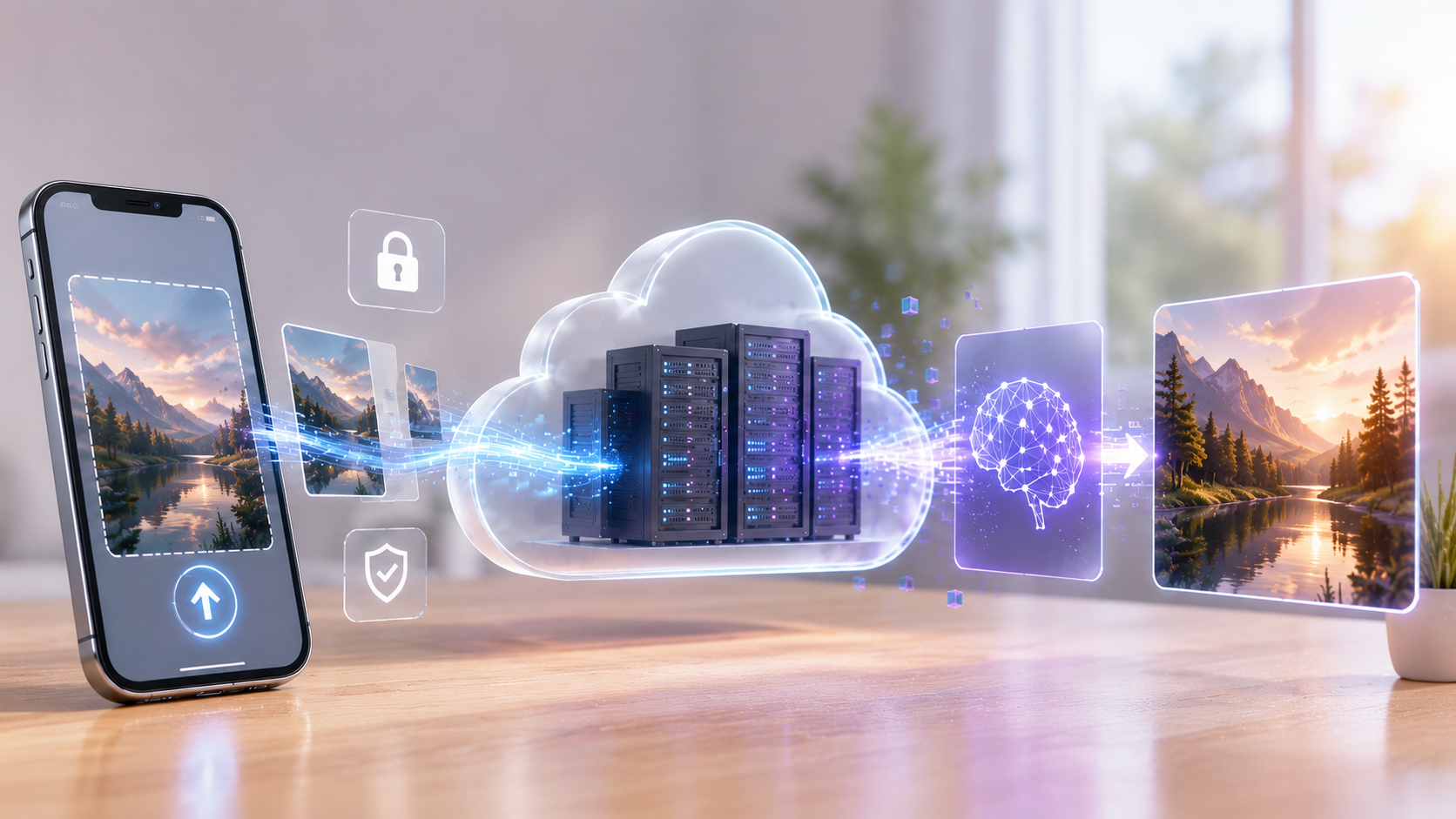
Your photo gets stored, at least temporarily, on the company’s servers. This means your facial data may get analysed for things like age, expression, or biometric markers. And depending on the app’s terms of service, your image could be used to train future AI models, shared with third-party vendors, or kept far longer than you’d expect.
And it’s not just one shady AI app we are talking about. It is the core of most AI photo app privacy risk concerns. The issue is that most of us never read the terms and conditions properly to know which of these applies to us.
“Deleted” Doesn’t Always Mean Gone
Even if an app says it deletes your photo, copies can stick around in backups. Moreover, small AI apps often get bought out or shut down, and when that happens, your data is usually part of the deal. This means that the app you trusted might hand your photos to a completely different company with different rules.
Deepfake Risks You Should Know About
Deepfakes and AI-made photos/videos are the flavor of the season, especially after the AI boom. What makes them dangerous is how convincing they’ve become. A deepfake image of a real person can now be created with just one clear photo of their face. This means practically anyone who has ever uploaded a selfie online is a possible target.
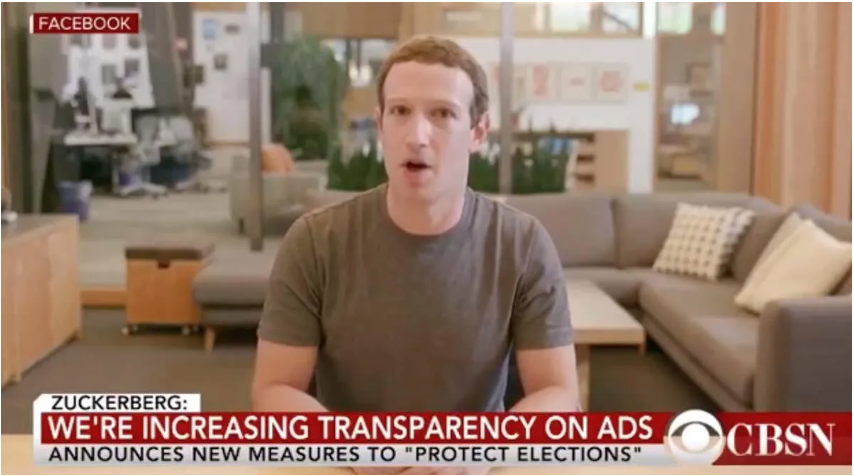
Deepfakes are increasingly used to impersonate ordinary people, spread false information, or, in the worst cases, create fake explicit content without a person’s consent.
Once an image like that spreads, taking it down completely is nearly impossible, since copies can be reposted faster than platforms can remove them.
The More Serious Side
Sure, most filters are harmless. But some apps use the same tech to make fake nude photos of real people, and this is a major red flag.
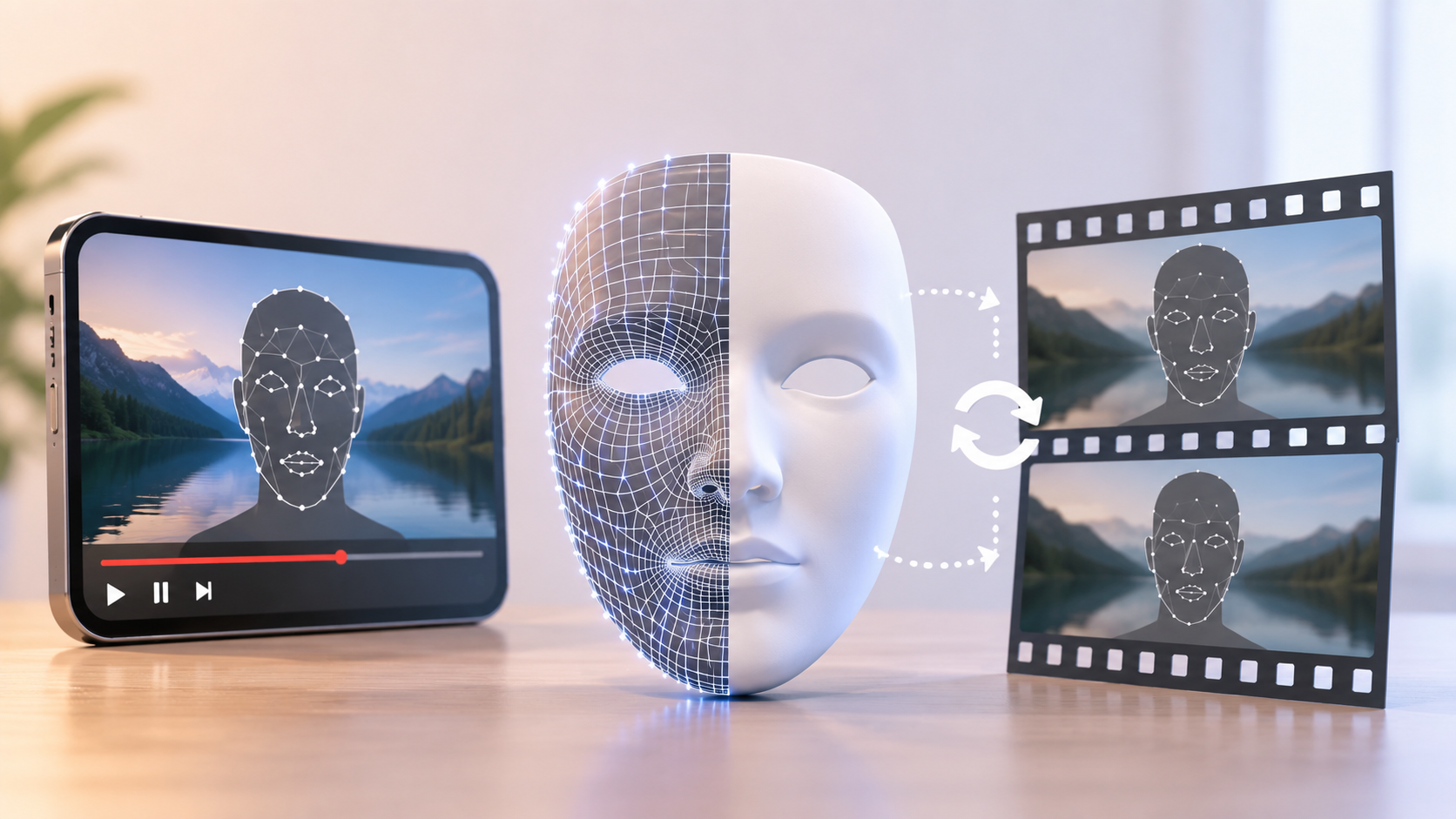
This became a significant enough issue that, in February 2026, privacy regulators from 61 countries issued a joint statement on AI-generated photos and videos. They’re especially worried about kids being targeted.
Furthermore, they’re also pushing companies to build in real protections for kids, make it easy to report harmful content, and be upfront about how their tools work.
So…What About Free and Popular AI Photo Apps?
A lot of the demand right now is for AI photo apps, which are free to use for basic edits. And truth be told, that’s part of the appeal (and risk too). Free tools often make up the cost through data instead of your wallet.
If you’re browsing app stores for the best AI photo apps, the safety fundamentals don’t change. A polished interface or high download count says nothing about how the app handles your data.
The same goes for a simple AI photo enhancer promising to sharpen old pictures. It still needs to process your face somewhere, and where that “somewhere” is matters more than how good the output looks.
So my personal advice for you is to carefully check the developer’s name, the permissions requested, and whether there’s a clear privacy policy, not just the star rating.
How to Use AI Photo Apps More Safely
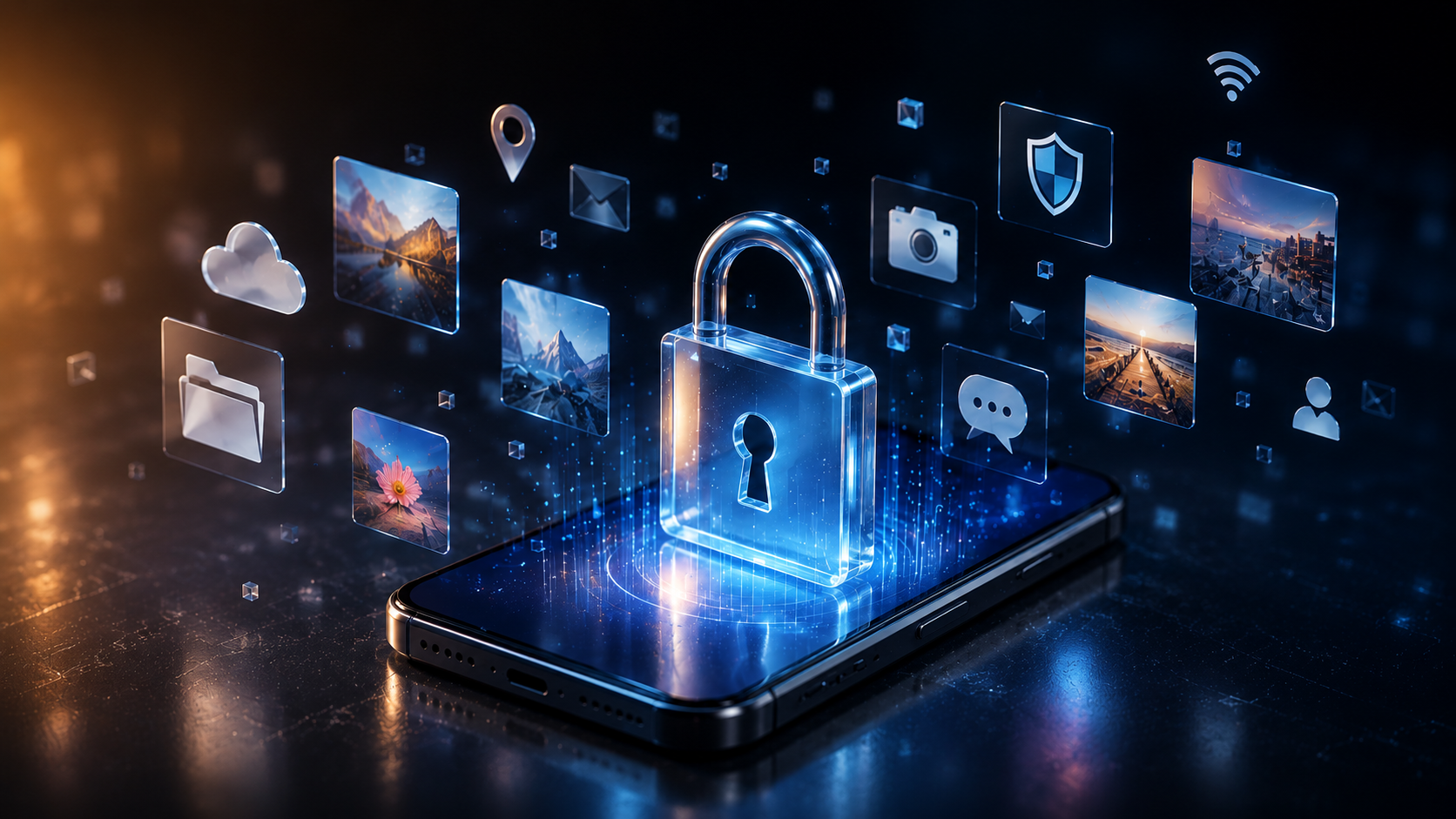
Here are some simple things you can do to avoid AI photo app privacy risk:
- Check what the app does with your photos. Look for words like “training” or “improve our service” in the privacy policy.
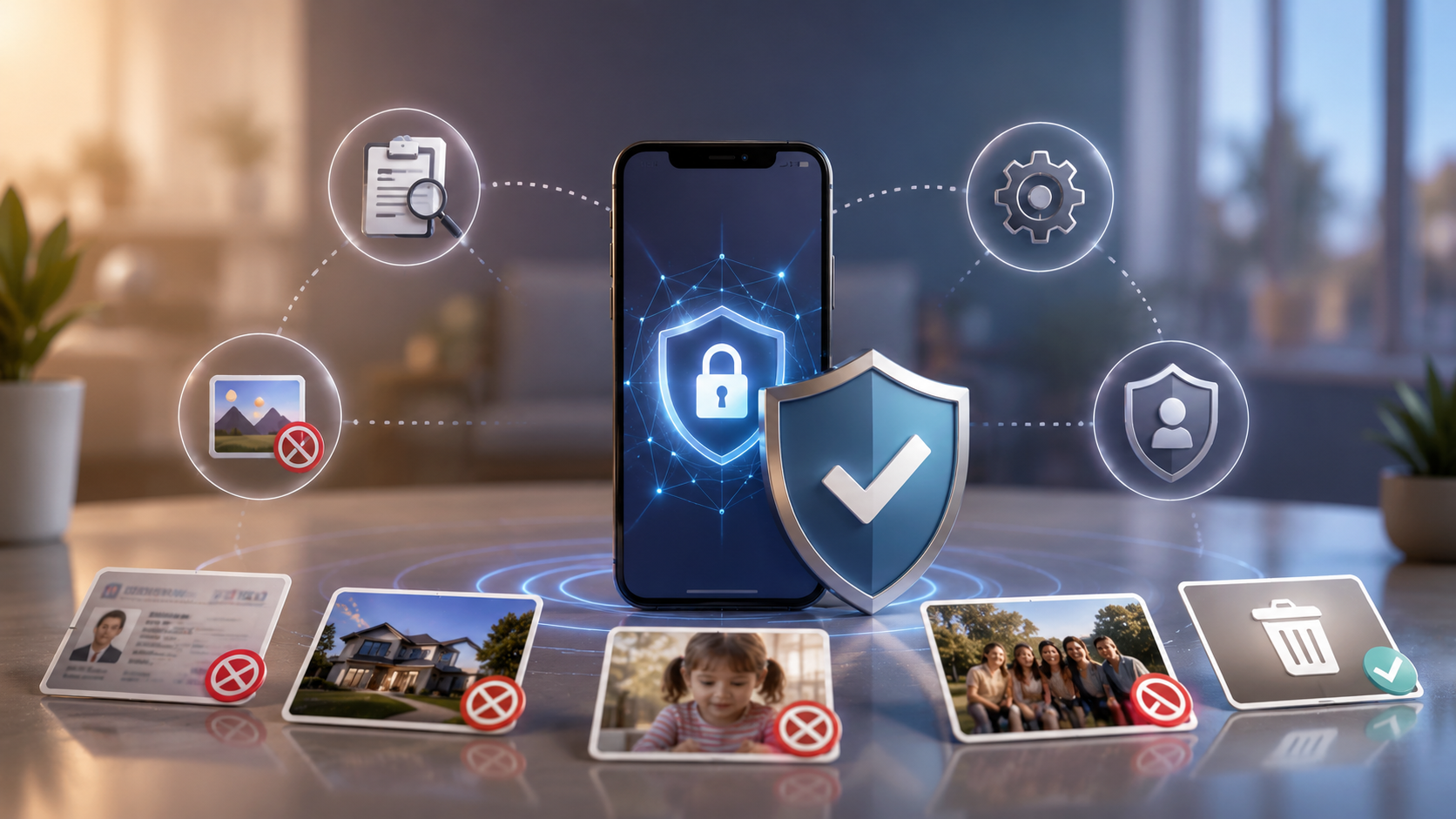
- Don’t upload photos that show your ID, your home, your kids, or anything private.
- Be more careful with random new apps than ones from companies you already trust.
- Remember, a group photo includes your friends’ faces too. They didn’t agree to upload anything.
- Check for a deletion or opt-out option or the option to remove your data. No clear way to remove your data is a red flag.
One Habit, A Lot Less Worry
There is nothing wrong with enjoying AI photo apps. I believe they are genuinely fun and are not going away anytime soon. But before you agree to the long terms and conditions, a quick look at what an app does with your photo is all it takes to enjoy the trend while being safe.
FAQs
Do AI photo apps store or share your photos?
Often, yes, either to train their AI or as outlined in vague terms, most people skip.
How can I protect my privacy while using AI photo apps?
To protect your privacy, avoid sensitive photos, turn off data training if you see an option, and carefully check the privacy policy before uploading.
Which AI photo editing apps offer the best privacy and security?
Apps from famous and trusted companies with opt-out options and public privacy commitments tend to be safer.
Is it safe to give AI a picture of me?
It’s low-risk for casual, trusted apps, but never fully risk-free since you lose control once you hit upload.