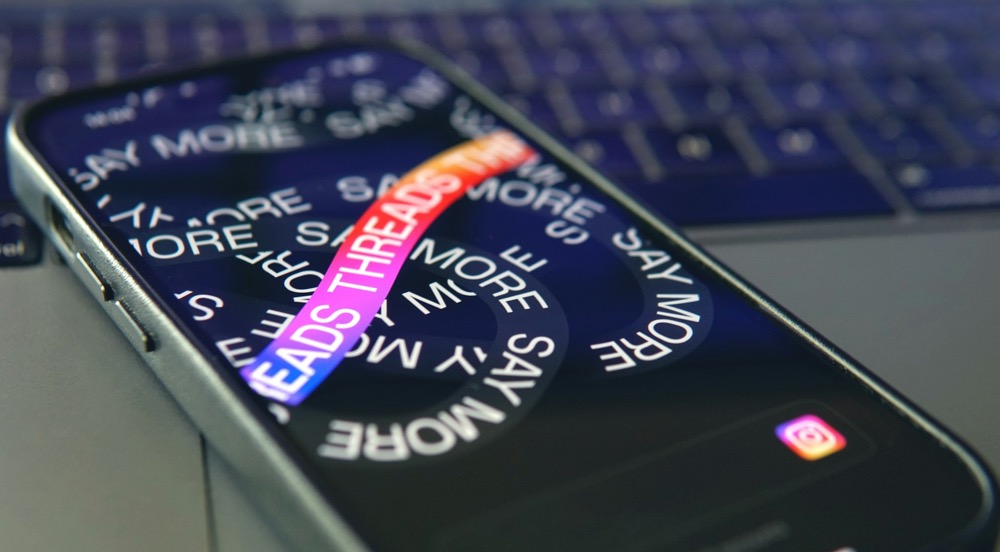
If you’ve been spending time on Instagram lately, you’ve probably come across Threads content popping up on your feed, even if you’re not using the Threads app. From suggested posts to sudden alerts, it can feel like Instagram is nudging you a little too hard. And it can feel annoying at times. After all, Instagram is for pictures and not well, threads.
But here’s the good news: You can easily hide Threads content from your feed and stop receiving those push notifications, all within the Instagram app. Let’s walk you through the steps.
Also See: Can You See Who Viewed Your Instagram Profile?
Step 1: Hide Threads Posts from Your Instagram Feed
To remove Threads from Instagram, open Instagram on your phone and scroll through your Home feed until you spot a Threads post.


Now, tap the three dots (•••) in the top-right corner of the post, and choose Hide from the menu.
Once done, Instagram will stop showing you similar content in your feed for some time. It’s a small change that makes a big difference. Trust me.
That being said, Meta is smart and finds new and innovative ways to inform you about the latest and most talked-about Threads. For example, if you are scrolling through the Reels section, Instagram has now started showing some of the popular Threads there. Bummer, I know.
Step 2: Disable Threads Notifications on Instagram
At the same time, you can disable Threads-related alerts and announcements.
Open Instagram, and click on your Profile in the bottom-right corner, tap the menu icon (≡) in the top-right corner.


Now, scroll down to Notifications > From Instagram > Product Announcements and Feedback and set it to Off.


This disables Threads-related alerts, helping you keep your notification bar clean and focused on what matters to you.
Why Disable Threads on Instagram?
At times, keeping your digital space simple and familiar is the most comfortable choice. Turning off the features you do not need allows you to stay focused and enjoy Instagram the way it works best for you. Your online experience is yours to shape, and it should feel calm, intentional, and not overwhelming.
Plus, Instagram gives you the freedom to customize your notifications. So why not use it?
Final Thoughts
Whether you are simplifying your social media or just avoiding apps you’re not interested in, Instagram makes it easy to take control. By hiding Threads posts and disabling alerts, you create a space that works for you, and not the algorithm.
Frequently Asked Questions (FAQs)
1. Can I completely remove Threads from Instagram?
You can’t remove Threads entirely, but you can hide Threads posts and disable related notifications, making it less visible in your feed and less intrusive overall.
2. Will hiding a Threads post stop all future Threads content?
Not completely, but it does signal Instagram that you are not interested. Over time, the algorithm learns your preferences and reduces the number of Threads posts you see.
3. Are Threads notifications turned on by default?
Yes, Instagram may enable Threads-related announcements by default. You will need to manually turn them off via the notification settings.
4. Do I need to uninstall the Threads app to stop notifications?
No. You can stop Instagram from sending Threads alerts without uninstalling anything. Just follow the notification steps shared above.