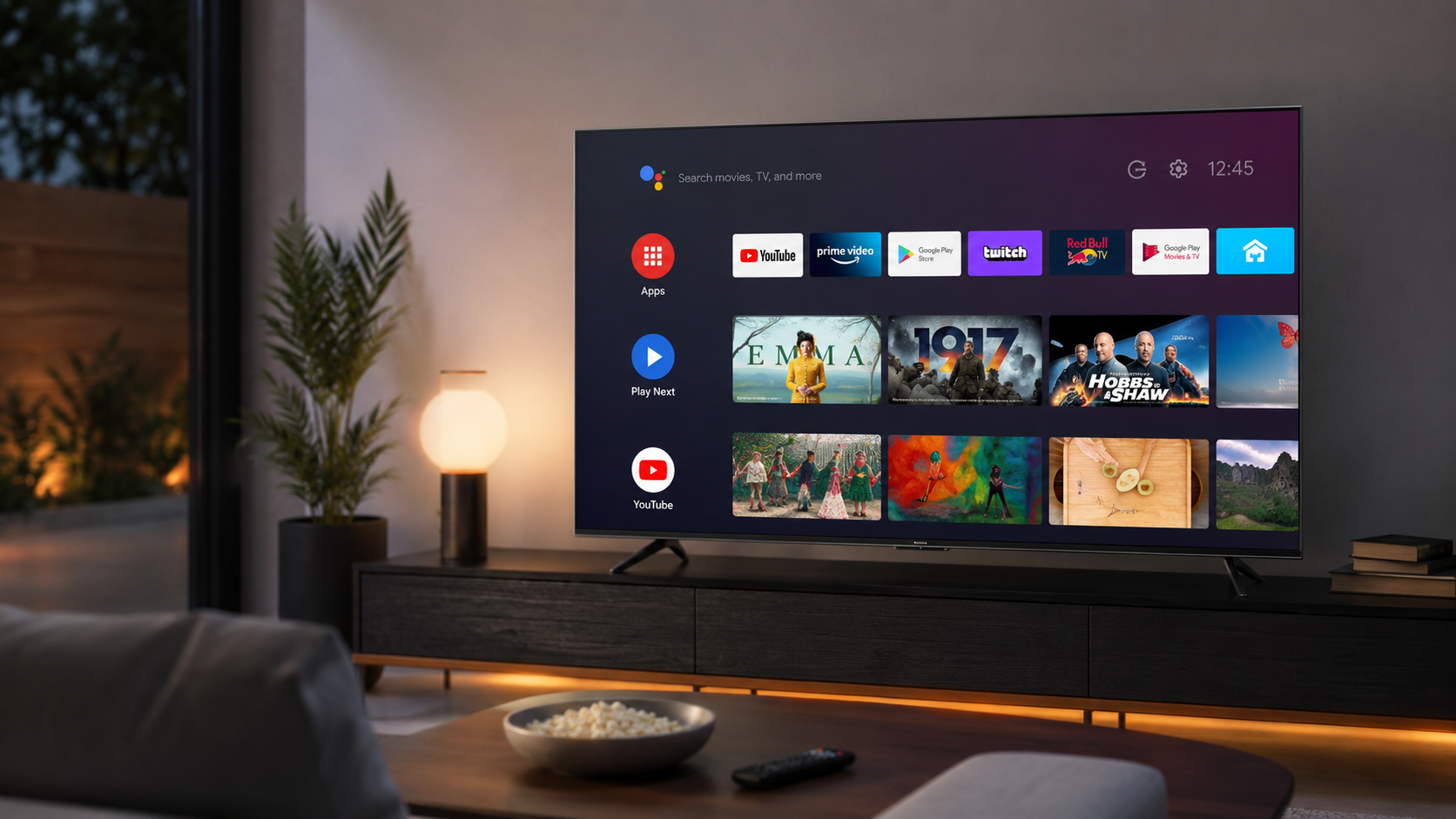
Nowadays, whenever you shop for a smart TV or a streaming device, you ight have seen the term Android TV. It sounds quite familiar because it comes from Google, which is the same company behind Android phones.
But Android TV is not just a phone system in a television. It is a full operating system that is built for the big-screen interface. Let us take a brief look at the features offered with Android TVs.
What Is Android TV
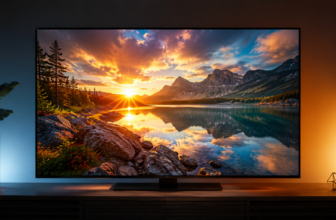
Android TV is an operating system by Google made specifically for televisions and streaming boxes. It lets your TV connect to the internet, install apps, stream shows and movies, search using your voice, and cast content from your phone.
Many popular TV brands use it. It also powers standalone streaming devices like the older Chromecast with Google TV models and various Android TV boxes sold separately.
Instead of just plugging in cables and watching channels, an Android TV turns your television into a smart entertainment hub.
Basically, it works much like a smartphone, but designed for a remote control and a screen you view from across the room.
Read more: https://sparknherd.com/how-to/how-to-schedule-instagram-posts-for-free/
How Android TV Works
Android TV runs on the same Android foundation used in phones and tablets, just adapted for a television interface.
Once you turn on the TV, you sign in with a Google account. This connects you to the Google Play Store, where you can download apps made for the platform.
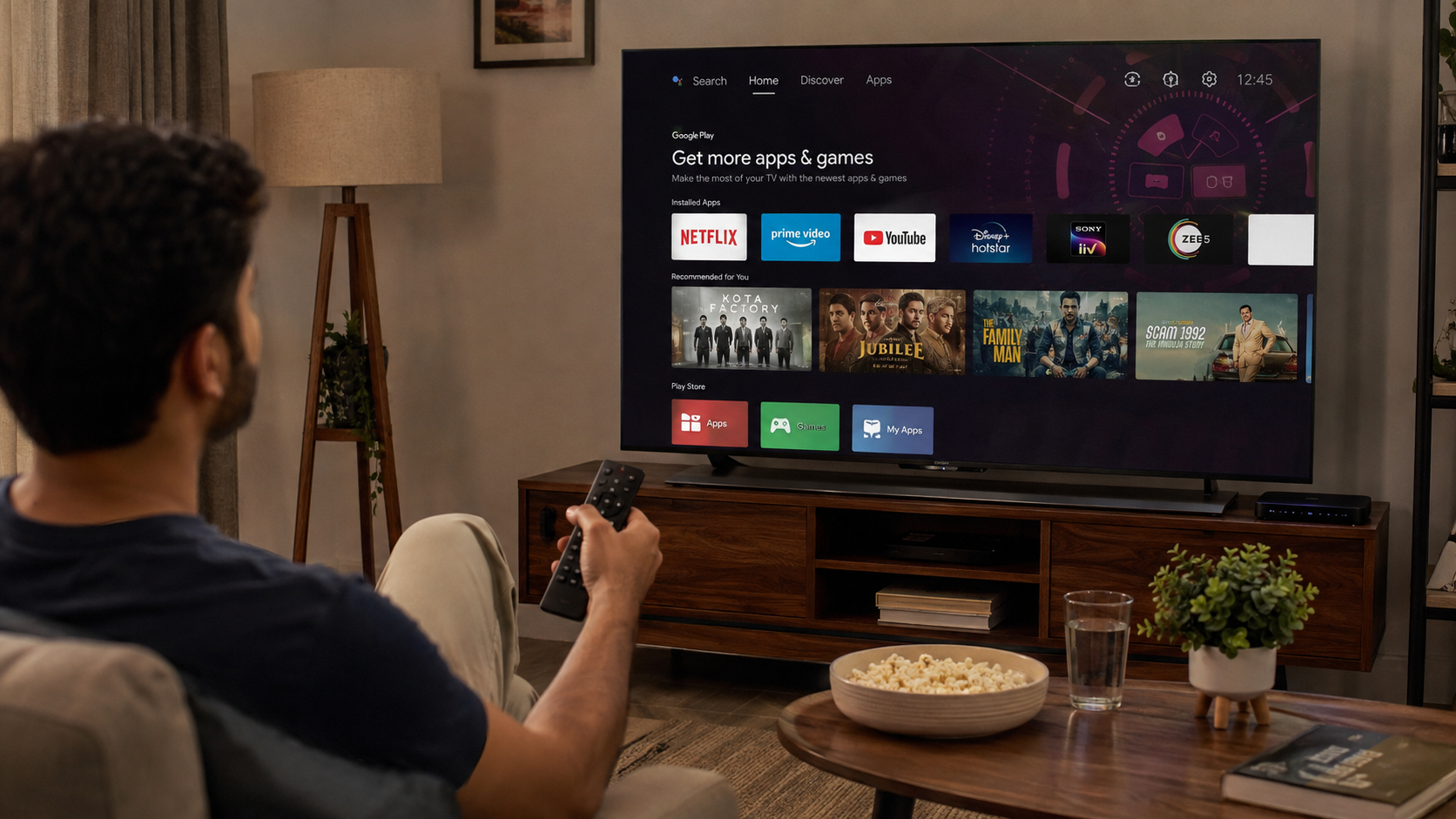
The home screen usually shows a row of your installed apps, along with some suggested content. You move through it using a remote control, a connected keyboard, or voice commands through Google Assistant.
Key Features of Android TV
Android TV comes packed with useful features that make it a solid choice for everyday viewing.
Google Assistant built-in: You can search for a movie, check the weather, or control smart home devices just by speaking into the remote.
Chromecast built in: You can cast videos, photos, or your phone’s screen directly to the TV without extra hardware.
Wide app support: Since it runs on the Google Play Store, thousands of apps are available, from streaming services to games.
Multiple user accounts: Different family members can sign in with their own Google accounts, though switching profiles is less polished compared to newer interfaces.
Live TV apps: You can install apps like YouTube TV or Sling to watch live channels, though Android TV treats these as separate apps rather than blending them into the home screen.
Regular updates: Google pushes security and feature updates, though how often a specific TV receives them depends on the manufacturer.
Popular Apps on Android TV
The Google Play Store on Android TV offers a large library of apps. Some of the most commonly used ones include:
- Popular streaming platforms like Netflix, Prime Video, Disney+, and many others.
- YouTube
- Popular music apps like Spotify
Because Android TV shares its app ecosystem with Google TV, almost every popular app installs and runs the same way on both platforms.
Read More: https://sparknherd.com/explainer/mediatek-8550-elite-super-turbo-differences/
Android TV vs Google TV
This is where many buyers get confused. Google TV is not a separate operating system. It is a new interface, or launcher, built on top of Android TV.
In simple terms, Android TV is the engine, and Google TV is a redesigned dashboard placed on top of it.
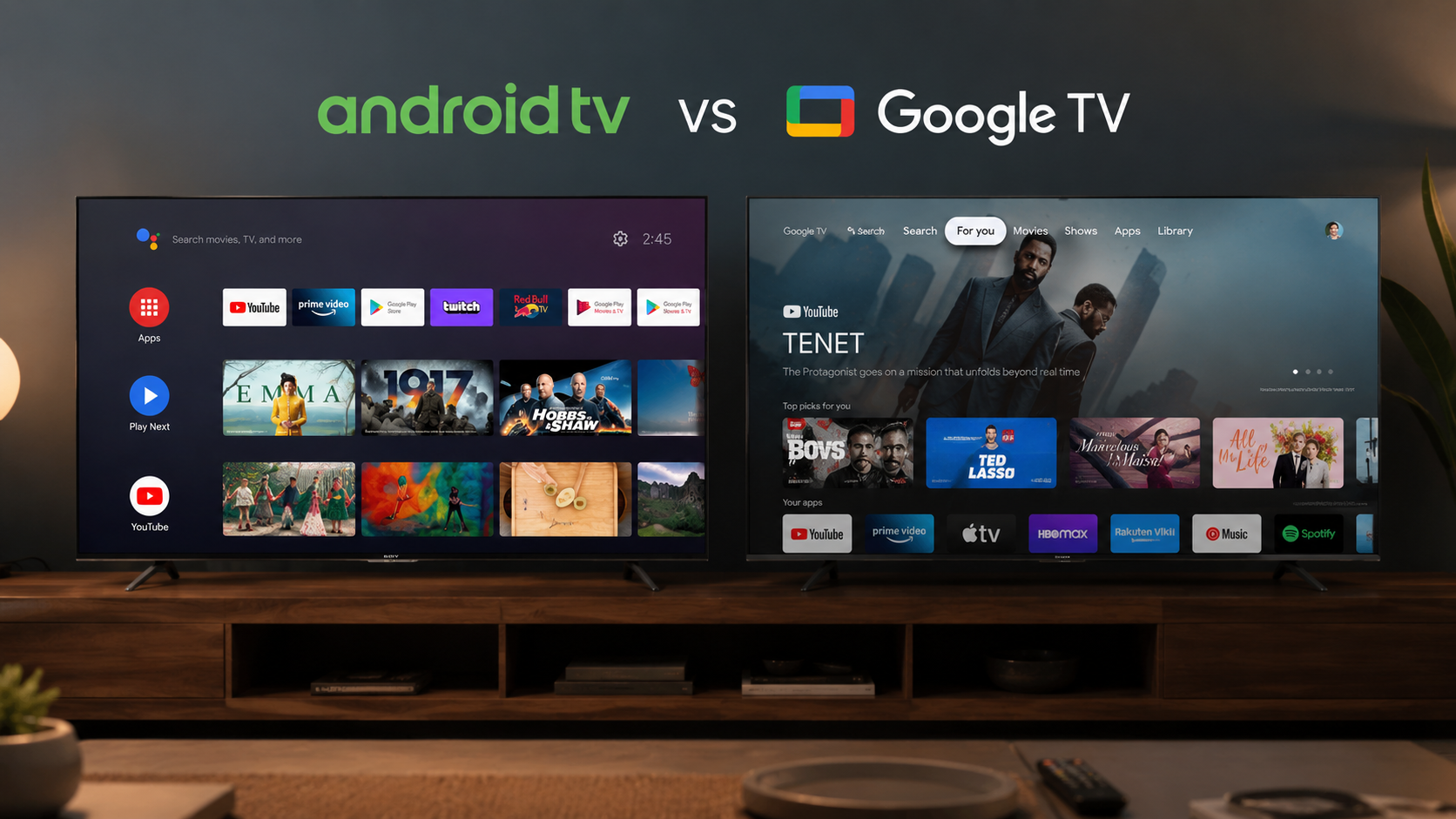
Android TV shows you a simple grid of apps. You already have to know which app you want to open.
Google TV, on the other hand, focuses more on content discovery. It suggests shows and movies from across your subscriptions on one home screen, and organizes profiles, watchlists, and live TV in a more unified way.
Android TVs Are the Future
Android TV remains a solid, no-frills way to bring smart features to your television. It gives you access to a huge app library, built-in casting, and voice control, all backed by Google.
If you prefer a straightforward, app-focused layout over flashy content recommendations, Android TV still does the job well in 2026.
FAQs
How does Android TV work?
It runs like an Android phone, giving you a home screen full of apps that you open to stream, play games, or search using your voice.
What apps are available on Android TV?
Most major apps are there, like Netflix, YouTube, Prime Video, Disney+, Spotify, and Google Play Games, plus more added regularly through the Play Store.
Is Android TV better than a regular Smart TV?
Android TV is usually better because it gives you more apps, voice control, and smart home features that many basic smart TVs don’t offer.