You are shopping for a new TV, and the spec sheet says 4K HDR with Dolby Vision and HDR10. Sounds impressive, but what does HDR in a TV really mean?
If you have ever stared at those terms and kept scrolling, this one is for you. Let’s break it down simply.
What Is HDR in a TV?
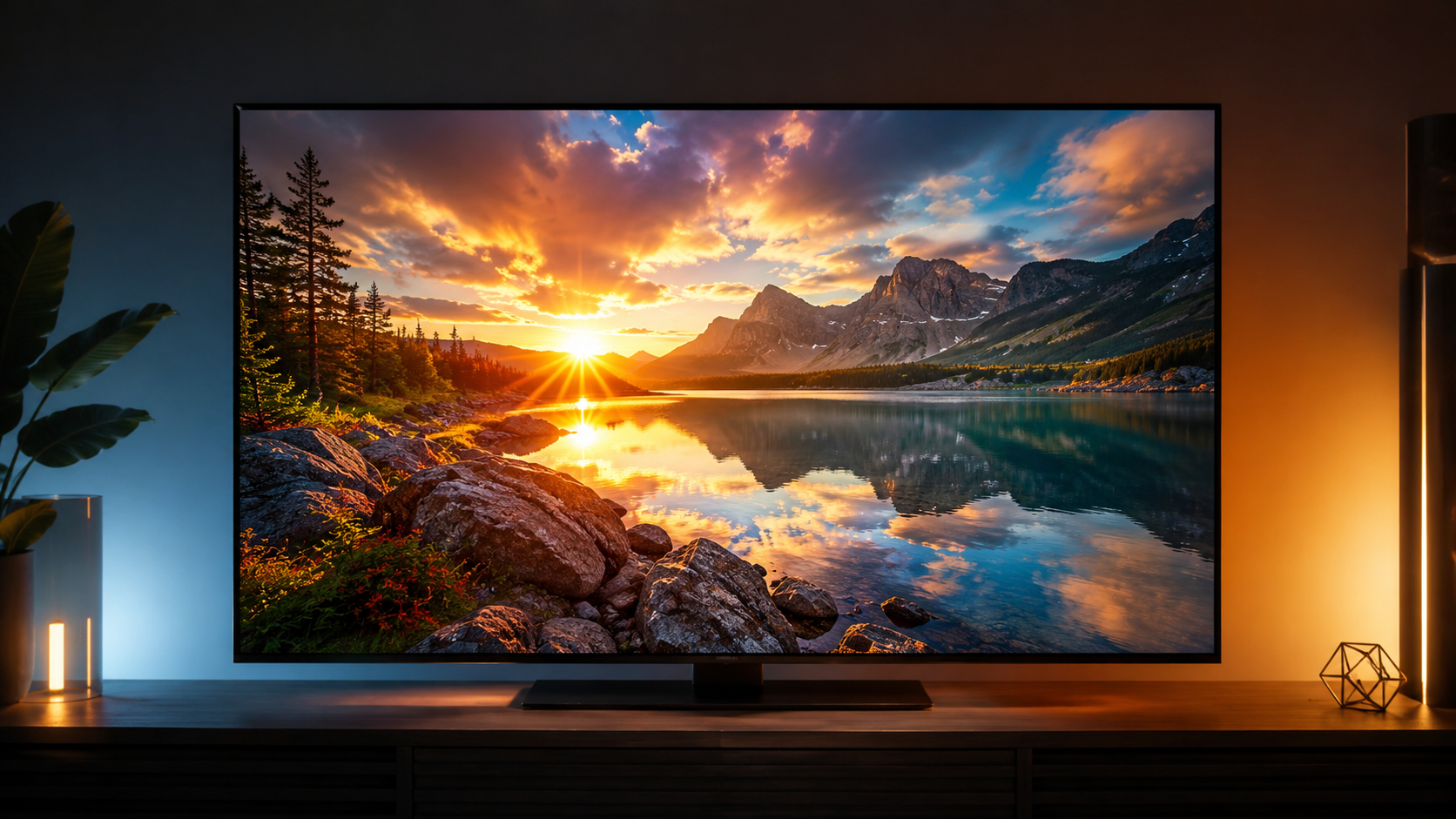
HDR stands for High Dynamic Range. It concerns the range of brightness, colour, and contrast a TV can display between its darkest shadows and brightest highlights.
A standard SDR screen tops out at roughly 100 nits of brightness. HDR content is mastered for displays capable of hitting 1,000 nits or more. Sunlight looks genuinely bright, shadows hold detail instead of going solid black, and colours like deep reds and vivid greens carry a richness that SDR cannot match.
What Is the Difference Between 4K and HDR?
This is one of the most common points of confusion. 4K refers to resolution; specifically, 3840 x 2160 pixels on your screen. HDR refers to the quality of light and colour within those pixels. They are two entirely separate things.
A TV can be 4K without HDR, and the two work independently. Most modern TVs bundle both, but a bright, well-calibrated HDR panel often makes a more noticeable difference than the jump in resolution alone.
How Does HDR Work on a TV?
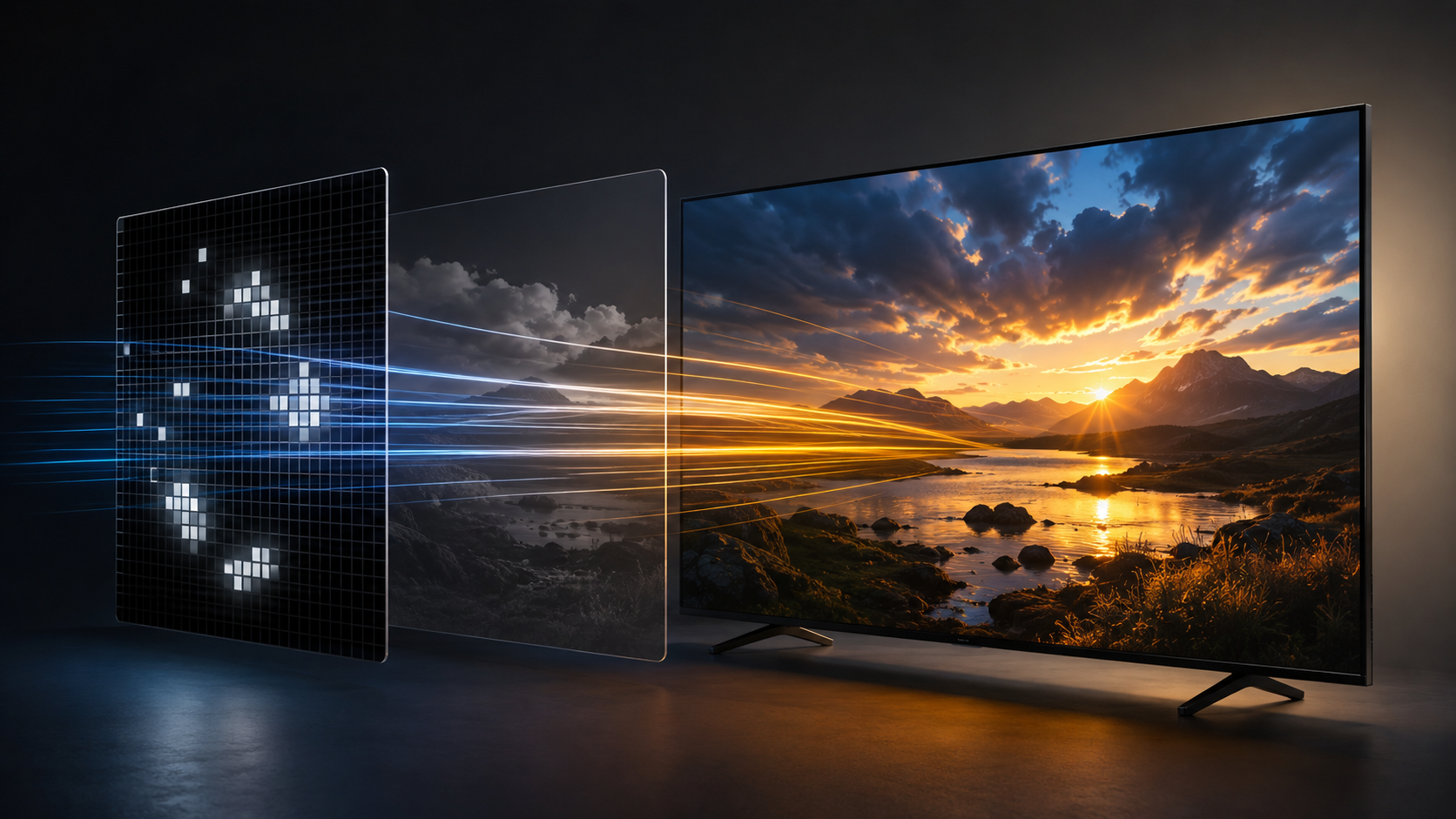
When HDR content plays, the TV receives metadata alongside the video signal that tells it how bright or dark each part should look. The format of that metadata is what separates the different HDR standards.
The Four HDR Formats, Simply Explained
HDR10 is the baseline. HDR10 is the de facto baseline for most HDR TVs and content, but not every device implements it fully. It uses static metadata. That is one set of brightness and colour instructions applied to the entire film from start to finish. This works well for consistently bright content, but a movie that moves between dark interiors and bright outdoor scenes can end up compromised in one direction or the other.
Dolby Vision uses dynamic metadata that adjusts brightness and contrast scene by scene. It supports 12-bit colour depth and a theoretical peak of 10,000 nits. On a quality panel, that gives noticeably better highlights and shadow detail in high-contrast content. It’s a licensed format, so it’s common on LG, Sony, TCL, Hisense, Vizio, and others, but typically absent on Samsung TVs. Apple devices widely support Dolby Vision.
HDR10+ delivers scene-by-scene dynamic metadata like Dolby Vision, but without the licensing fee. Samsung built its TV lineup around HDR10+ for this reason, which means Samsung TVs typically skip Dolby Vision entirely. The catch is content: HDR10+ is most common on Amazon Prime Video and Samsung’s ecosystem, with some UHD Blu‑rays and other partners. On the other hand, Dolby Vision is supported across virtually every major streaming service.
HLG (Hybrid Log-Gamma) was developed by the BBC and NHK for live broadcast. It uses no metadata and works on both HDR and SDR displays from the same signal, so it’s used for YouTube HDR and live sports such as the 2026 FIFA World Cup, where the BBC used an end-to-end HLG HDR workflow. It’s not a key buying factor since practically every HDR TV supports it.
Read More: https://sparknherd.com/explainer/should-you-buy-the-ps5-now-or-wait-for-the-ps6/
Is HDR Better Than 4K? What Should You Look For?
The HDR badge on a TV box is only half the story. A TV that supports HDR at 300 nits is barely distinguishable from SDR on most content. Proper HDR becomes worthwhile around 600 nits and genuinely impressive above 1,000 nits.
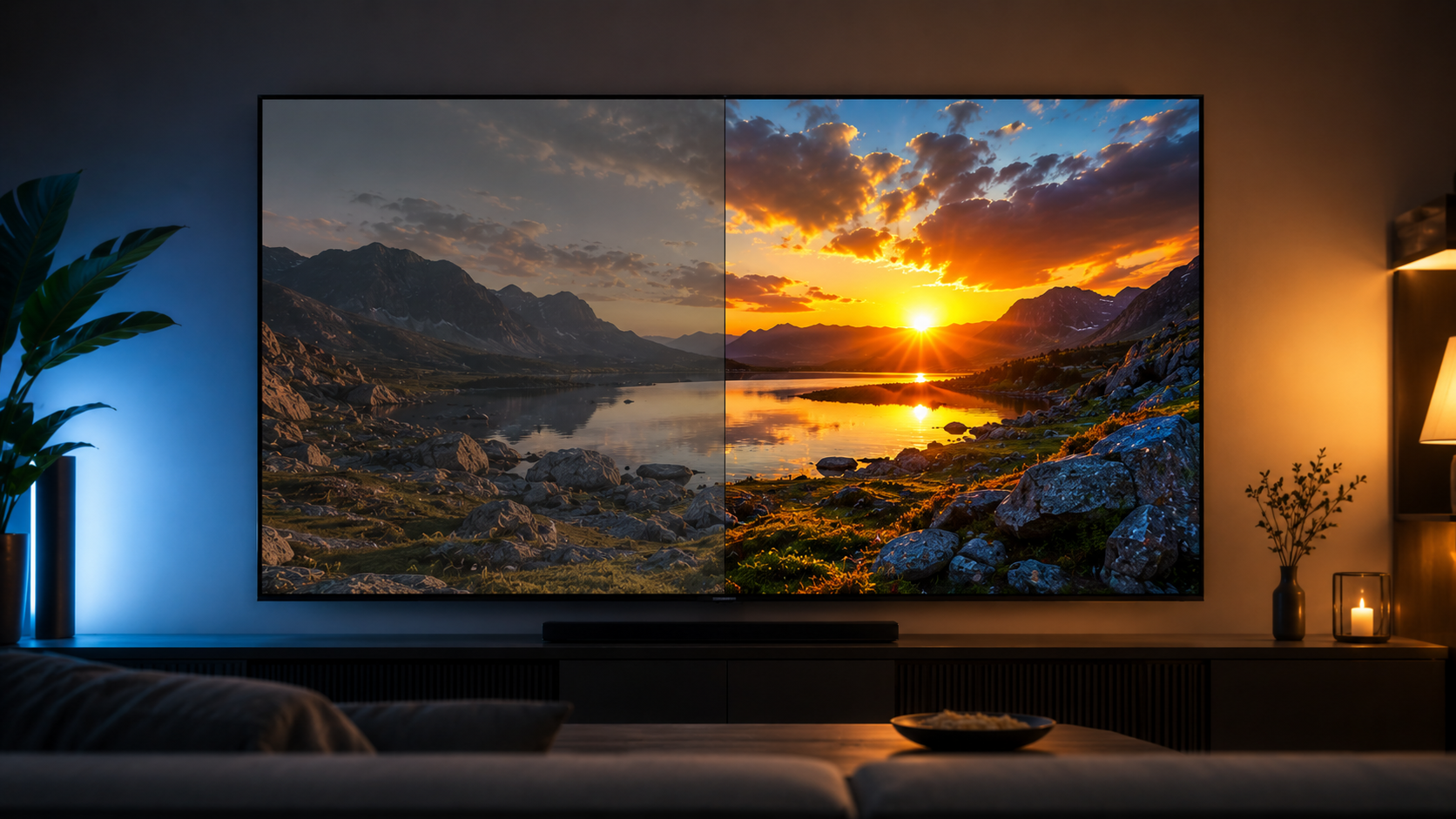
Prioritise peak brightness and local dimming first, then pick a TV that supports both Dolby Vision and HDR10+ so you are never locked out of content.
In A Few Words
HDR10 is the universal baseline, Dolby Vision and HDR10+ add scene-by-scene smarts on top, and HLG handles live broadcast. 4K is about pixels; HDR is about what those pixels can do with light and colour. Pick a bright panel with good local dimming first, and the format badges will take care of themselves.
FAQs
What does 4K HDR mean in a TV?
4K refers to the screen’s resolution (3840 x 2160 pixels), while HDR refers to the range of brightness and colour the TV can display.
Is 4K HDR better than regular 4K?
Yes. HDR adds visible depth to highlights, shadows, and colours that a standard 4K image without HDR cannot produce.
What is the difference between HDR10 and Dolby Vision?
HDR10 vs Dolby Vision is interesting. HDR10 applies one set of brightness instructions to an entire film. While what is Dolby Vision on a TV adjusts those instructions scene by scene using dynamic metadata on a panel.