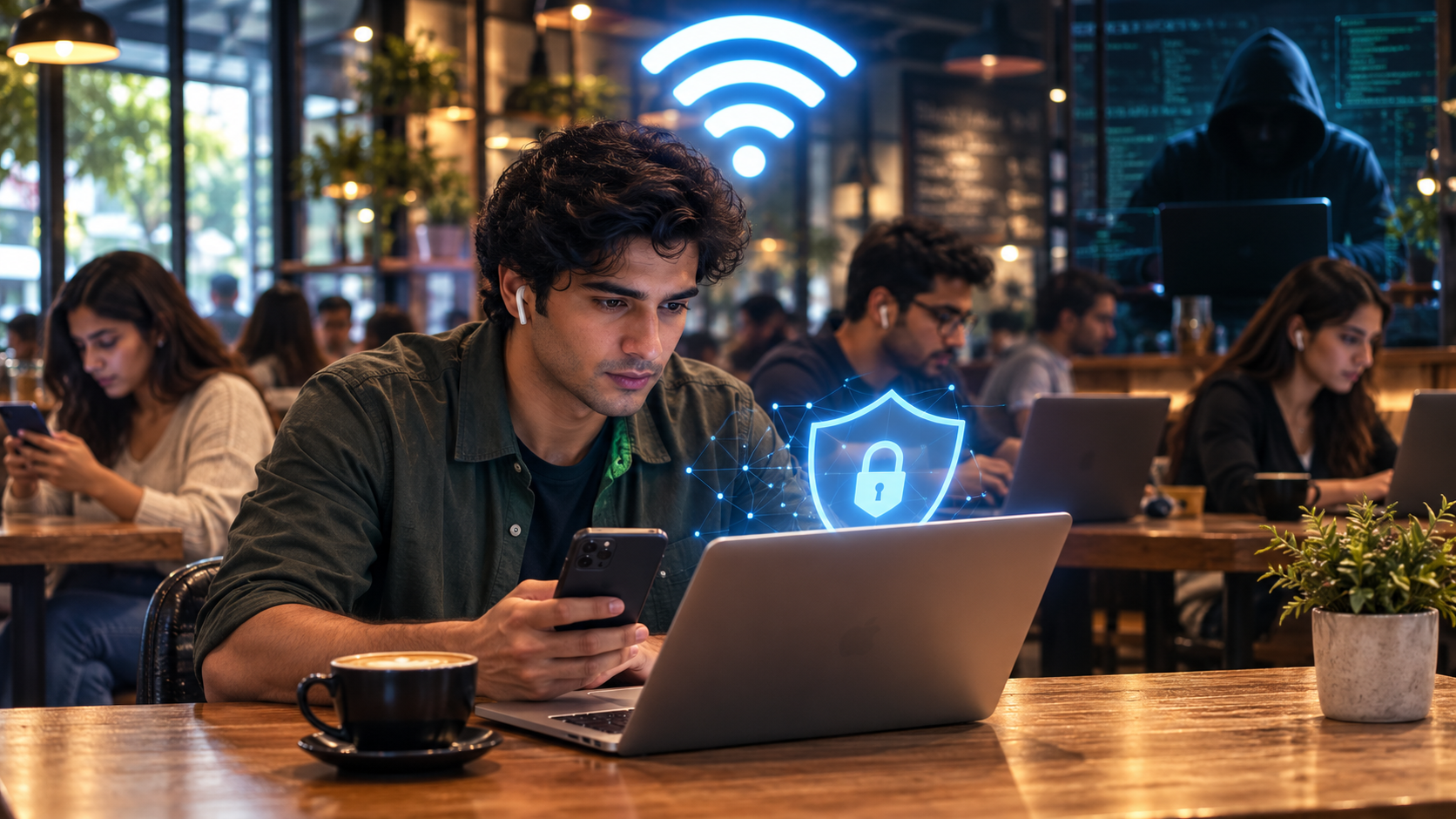
To be very honest, in today’s world, whenever we spot free Wi-Fi at airports, cafes, hotels, and shopping malls, it feels like a free gift. Not only can you save on mobile data, but you also get faster speeds and stay connected at no extra cost.
That said, that same convenience has made public Wi-Fi a favorite target for hackers. So is it actually safe to use? The honest answer is — it depends on what you do while connected, and how careful you are.
Why Public Wi-Fi is Risky
Public networks are open to anyone nearby. Unlike your home Wi-Fi, which is protected by a password only you and your family know, a public hotspot is shared with a lot of strangers.

Fake Hotspots: A hacker can set up a network with a fake name that looks exactly like the real one, sometimes with a stronger signal. Once you connect, the attacker may be able to monitor certain network activity, redirect you to malicious websites, or intercept any unencrypted traffic.
Data interception: On networks with weak or no encryption, someone with basic tools can capture network traffic on poorly secured networks. While modern encryption protects most websites and apps, any unencrypted data remains vulnerable.
Malicious portals: Many public networks show a login page before you get online. Fake versions of these pages are sometimes used to steal usernames, passwords, or card details.
Device exposure: Additionally, features like file sharing or printer sharing, which are useful at home, can turn your laptop into an open door on a public network. This can allow strangers to view your files or scan your device for weaknesses.
Is Public Wi-Fi Safe To Use?
There is a sigh of relief, with improving technology, public Wi-Fi in 2026 is much safer than it was a few years ago.
This is due to the widespread HTTPS adoption and modern encryption standards, which mean that someone sitting next to you at a coffee shop generally cannot read your email or see your bank balance just by sharing the same network.
Today, most major websites and apps use HTTPS encryption, meaning much of your internet traffic is protected in transit.
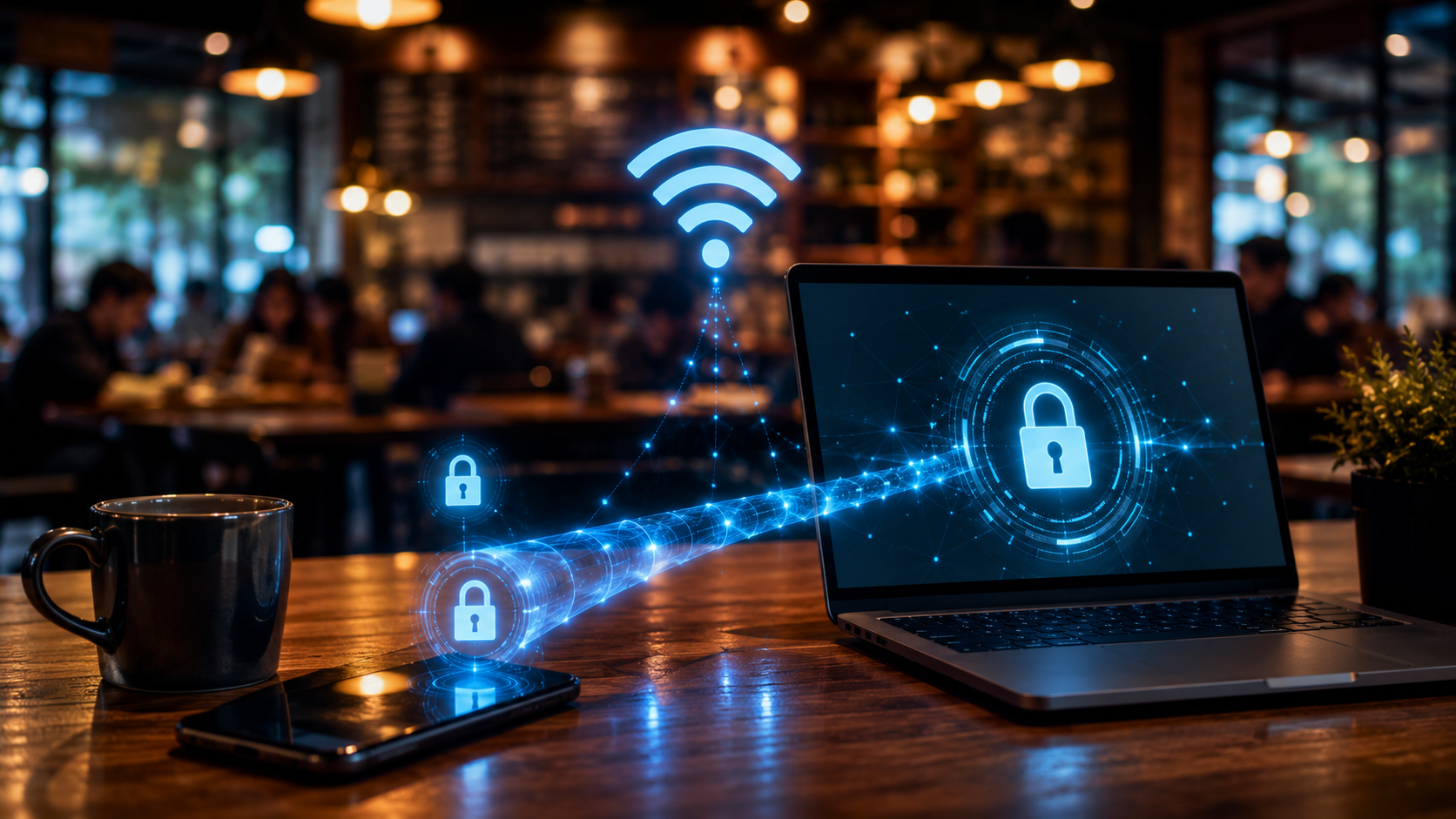
In fact, regulators have updated their guidance to reflect this shift, acknowledging that public Wi-Fi safety has genuinely improved. The old fear that anyone nearby can easily read the contents of your browsing session is largely outdated because most websites now use HTTPS encryption.
However, this does not mean public Wi-Fi is risk-free. Security experts still point to fake hotspot attacks, phishing login pages, and data leaks that happen before encryption even starts as real and ongoing threats.
When You Should Avoid It
These are some things that you should genuinely avoid in public Wi-Fi network.
- Never access online banking or move money between accounts while connected to a public Wi-Fi
- Avoid logging into government portals or health service accounts
- Do not enter credit card details on unknown websites
- Never access sensitive work systems or company email without a VPN
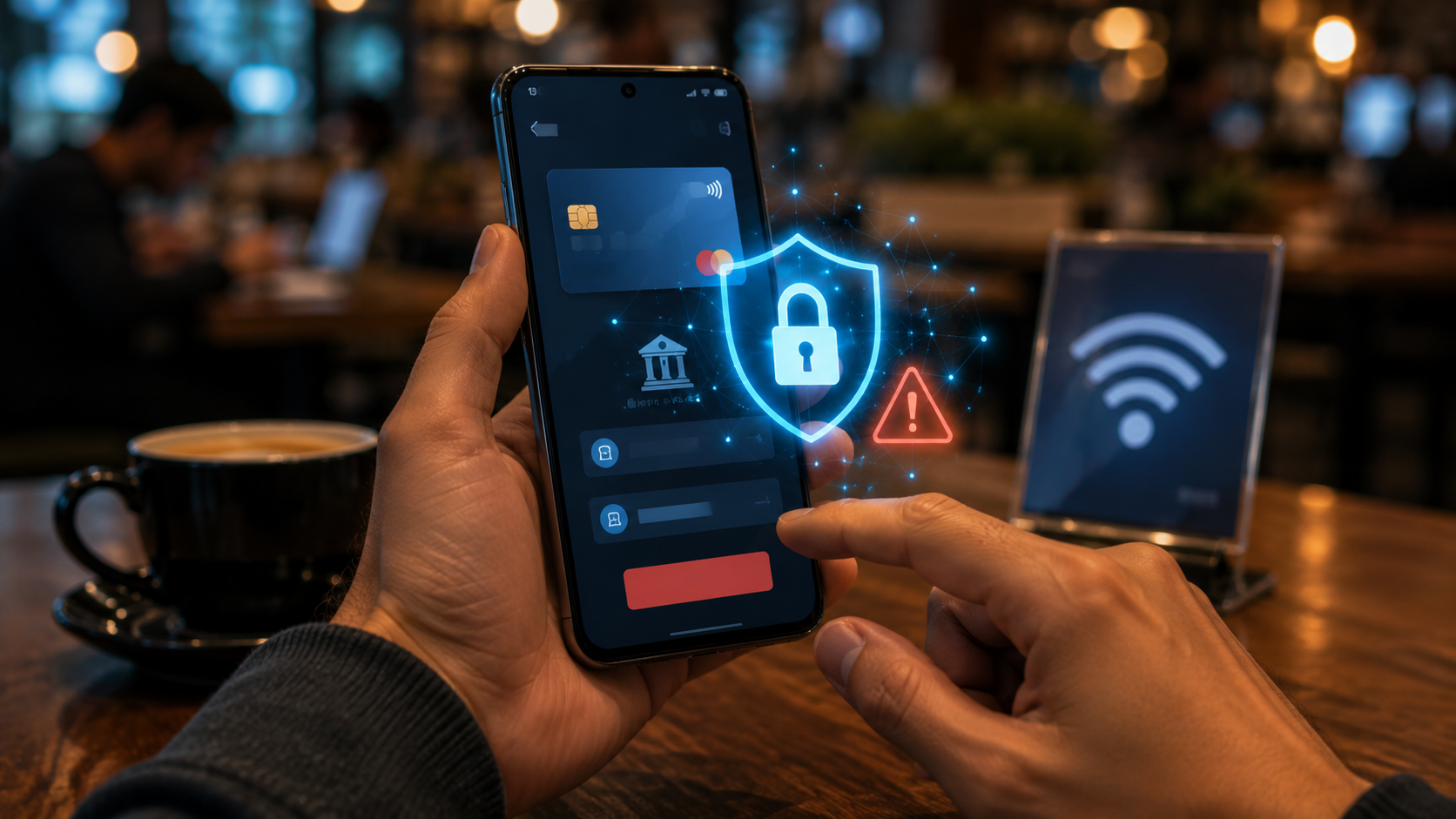
If possible, avoid accessing banking or financial accounts over public Wi-Fi unless you’re using a trusted VPN or your mobile network.
Public Wi-Fi Security Tips
On the other hand, if you do need to connect, these few simple habits can make a big difference and save you from hackers.
Use a VPN: A VPN encrypts your traffic before it leaves your device, adding a strong layer of protection to any public connection you use.
Turn off auto-connect: Many devices automatically reconnect to networks they have used before, and this convenience can quietly become a weak point in your security.
Check the network name carefully: The best way is to ask staff for the exact official network name before connecting, rather than picking the first similar-looking option.
Turn off file and printer sharing: These features are useful on a trusted home network but can broadcast your device to strangers and expose it to scanning on public Wi-Fi.
Stick to HTTPS websites: Look for the padlock icon in your browser before entering any information.
Use two-factor authentication: This adds a second layer of protection so a stolen password alone is not enough to access your accounts.
One pro tip will be to log out and forget the network once you are done with your work; this will ensure that your device does not reconnect automatically later.
Stay Safe From the Hackers
With improving technology, public Wi-Fi is no longer a danger zone as compared to the scenario a few years ago; all this is due to widespread encryption.
Which means browsing, reading news, or checking social media on public Wi-Fi is generally fine today.
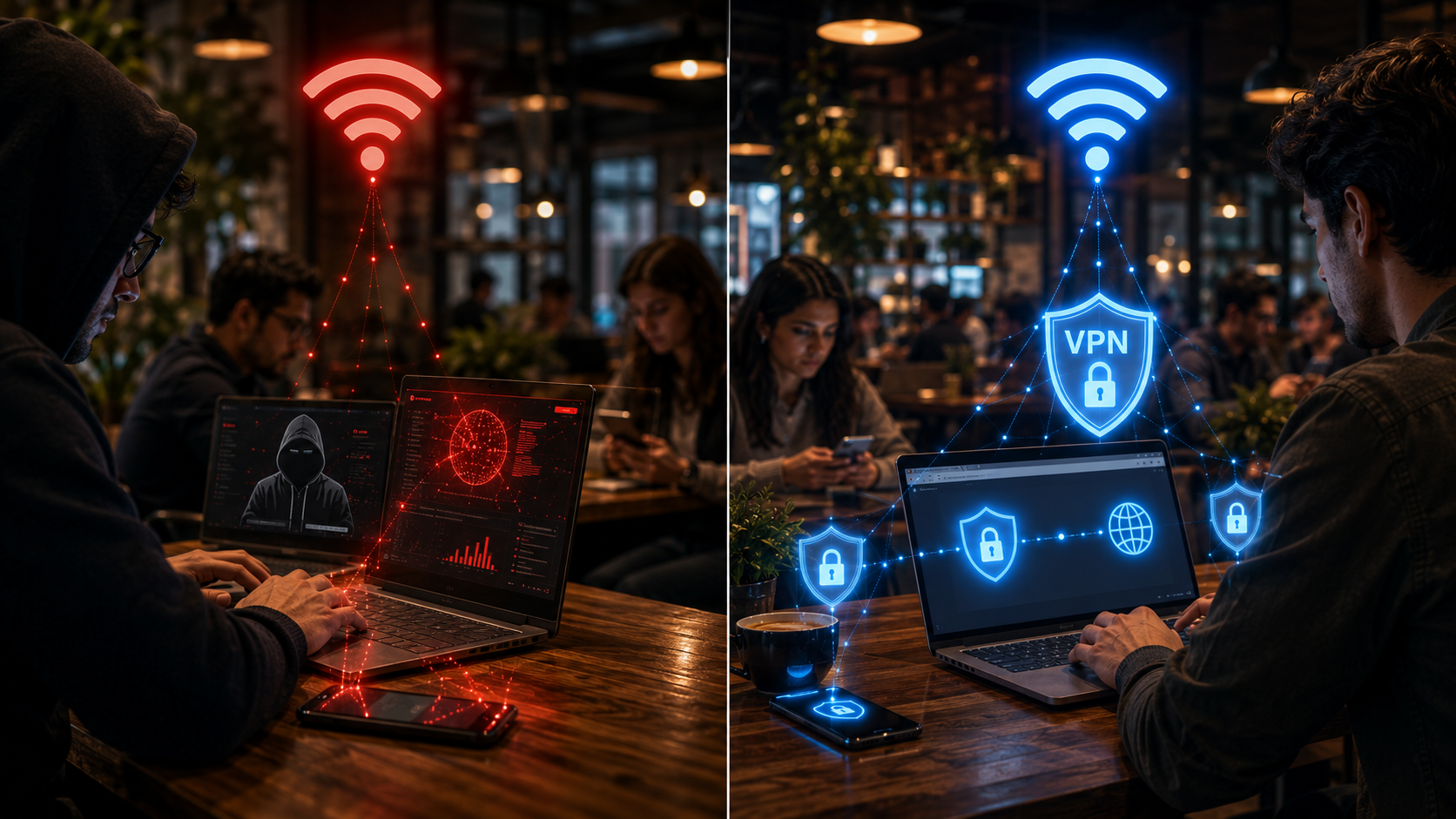
But for anything involving money, passwords, or personal documents, it is wiser to wait until you are on a trusted network, use mobile data instead, or protect yourself with a good VPN.
A little caution goes a long way toward keeping your information safe while you enjoy the convenience of free internet on the go.
FAQs
Should you use a VPN on public Wi-Fi?
Yes, a VPN encrypts your traffic and is the single best way to stay safe on public Wi-Fi.
What are the biggest risks of using public Wi-Fi?
The biggest risks are fake hotspots, data interception, phishing login pages, and unprotected devices being exposed to strangers.
How can I protect my data on public Wi-Fi?
Use a VPN, avoid banking or sensitive logins, turn off auto-connect and file sharing, and stick to HTTPS websites.