A Brief Overview
- YouTube now supports Android Auto, allowing users to control audio playback directly from the car screen.
- The feature is audio-only for safety, meaning no videos, browsing, or thumbnails while driving.
- It is a server-side rollout for Premium users, useful for commuters but not a major upgrade.
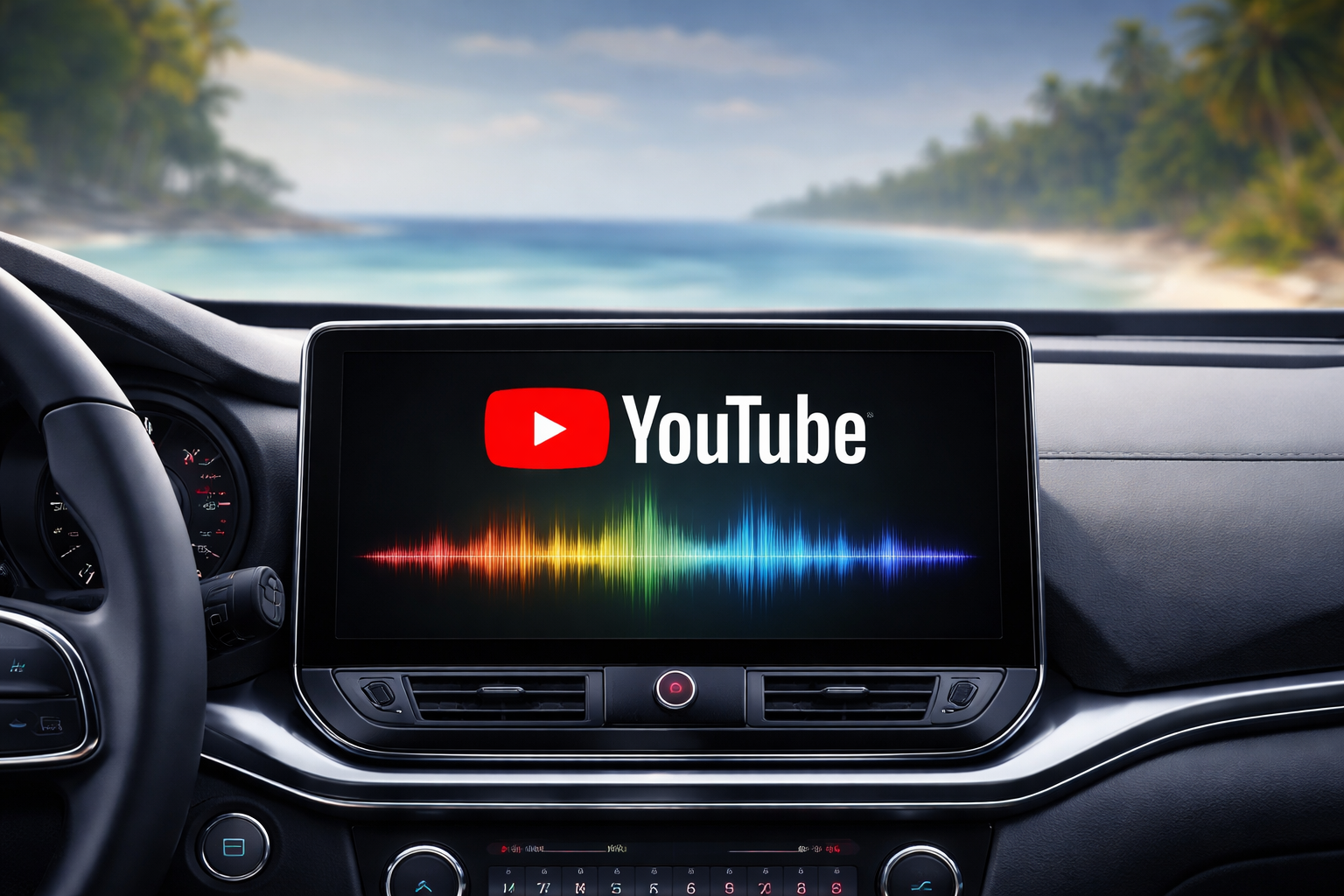
On a classic move, YouTube (and not YouTube Music) added support for Android Auto, making it easier to control audio playback from the app while driving. This Android Auto YouTube update brings basic controls to car screens. As you may have expected, it skips the video viewing feature for safety reasons.
YouTube for Android Auto: Key Features
The new Android Auto YouTube update adds the app to Android Auto’s media controls panel, similar to Spotify. With this update, drivers will be now able to play, pause, or skip YouTube videos directly from the car’s display or steering wheel without even touching the phone.
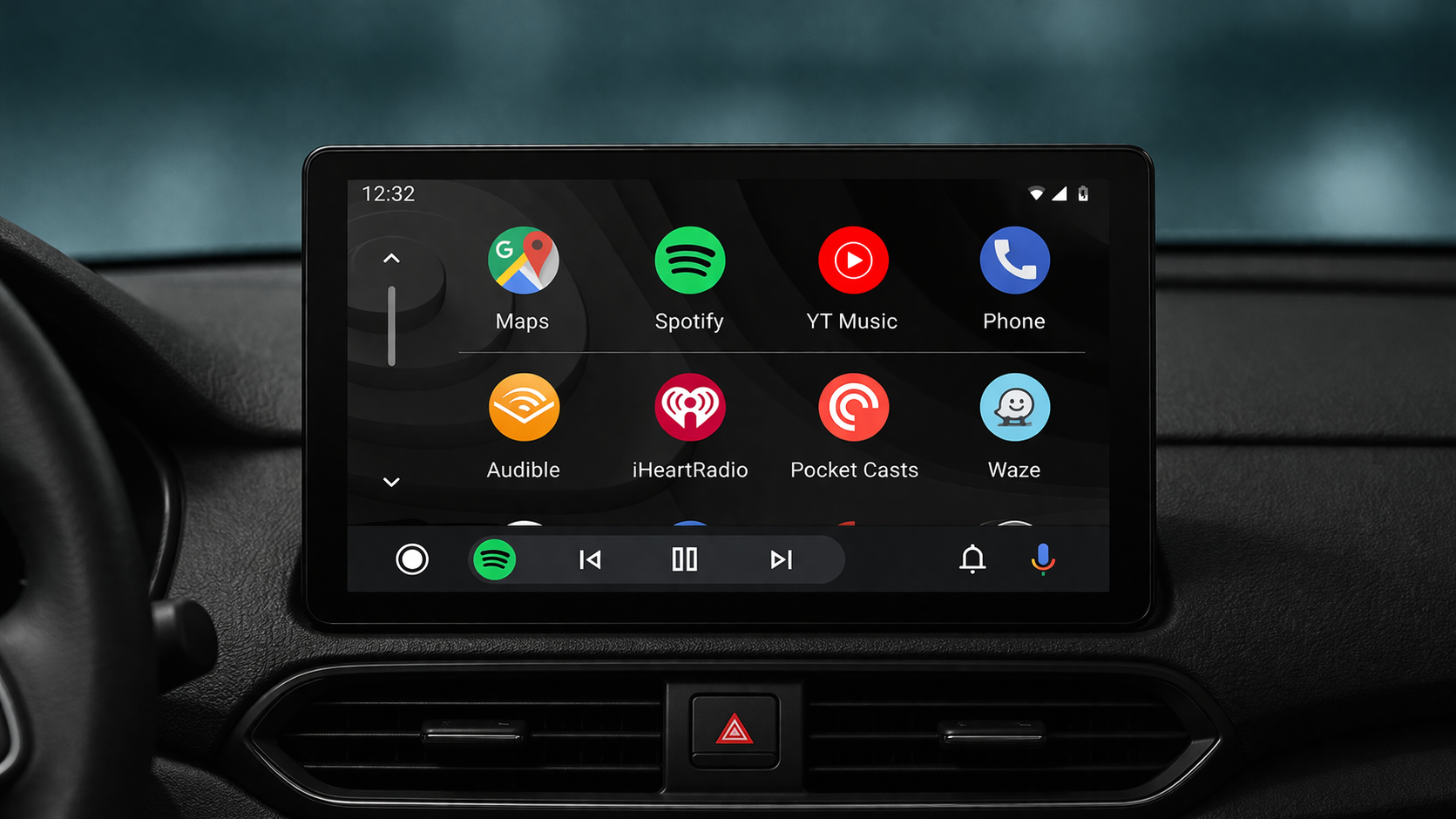
But there’s a huge catch (and rightfully so). YouTube on car Play is limited to audio only, which means audio from YouTube videos like podcasts, music clips, or talks will play through the car’s speakers while the infotainment screen stays off.
This new Android Auto is a server-side rollout, which means it might have appeared for some users mid-drive without needing an app update.
YouTube for Android Auto: Requirements
For background playback, you need a YouTube Premium or Premium Lite subscription. Unfortunately, this feature is not available for free users, since ads and screen requirements block audio-only mode.
All you need is an Android phone to connect to a compatible car head unit via Android Auto — wired or wireless.
Why No Videos?
The feature was rolled out with built-in safety safeguards, which is why video playback is disabled in moving cars to minimize distractions. That means no browsing, thumbnails, or full video players, just audio-only access.
YouTube for Android Auto: Who Benefits Most
The main users who benefit from this update are commuters who prefer listening to podcasts during long trips, similar to what Spotify already offers. Casual video watchers or non-Premium users see little value, as alternatives like Bluetooth already handle basic audio.
For some users, this new Android Auto feature can be helpful and make driving experience safer, as you can play music and podcasts without touching your phone. Add proper voice commands to the mix, and you have got the perfect recipe in your hands.
But the main catch is that all these similar features can also be accessed with Bluetooth support, so this is not something extraordinary, just a minor upgrade that can help the YouTube Premium users.
YouTube for Android Auto FAQs
How do you enable YouTube on Android Auto?
The new feature adds YouTube to Android Auto’s media controls panel.
Is YouTube on Android Auto safe to use while driving?
Yes, it is safe to use as it doesn’t support videos, for minimal distractions.