There is nothing worse than sleeping through your alarm because your iPhone decided to whisper instead of ring. If you have bought a new iPhone or your old one has been updated recently, I am sure you must have faced this issue. The good news is that this is not a permanent issue, and you can easily fix the iPhone alarm being too quiet.
Also See: iPhone 17e vs iPhone Air: Which One Should You Buy?
How to Make iPhone Alarm Louder
1. Check the Ringtones and Alert Volume
The first basic fix is obviously to check ringtones and alert volume. To do this, follow these steps:
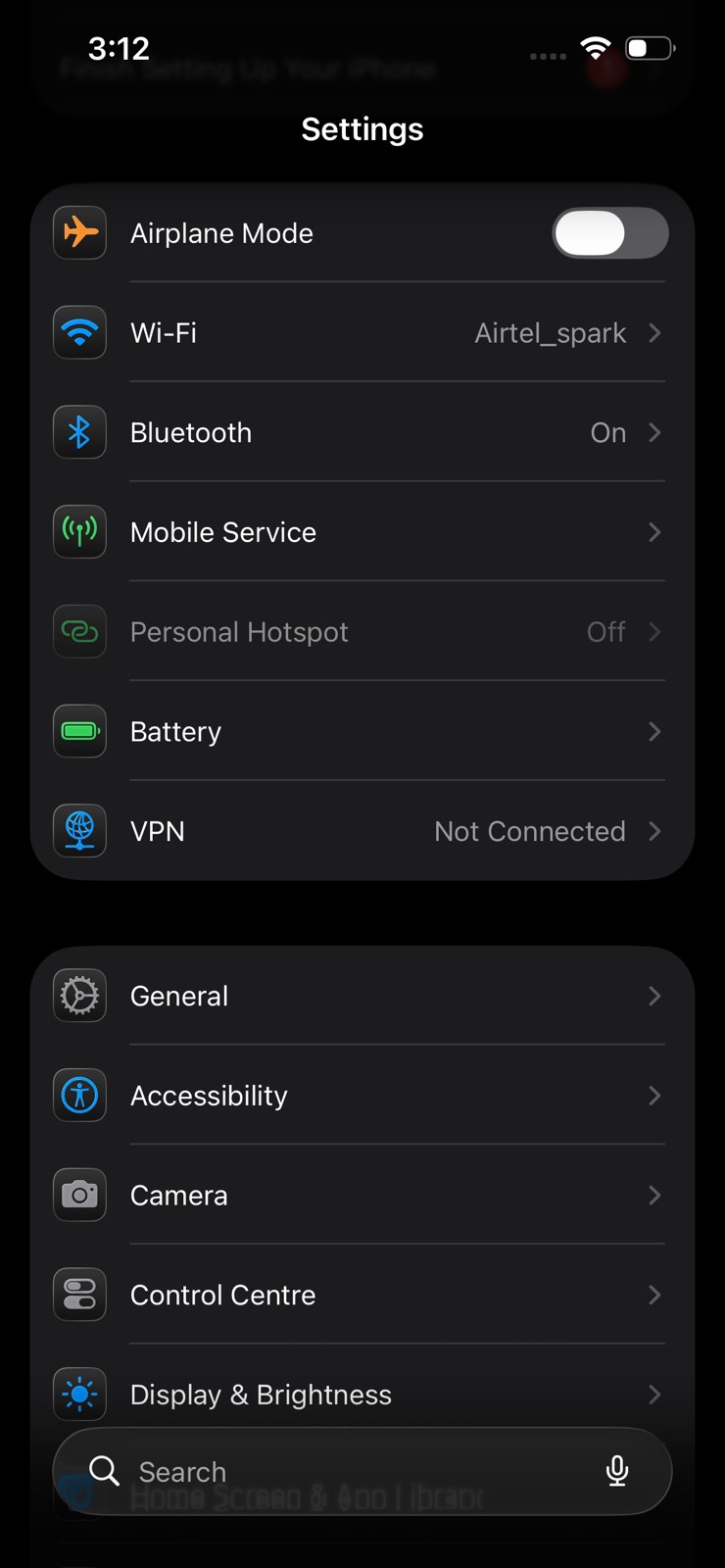
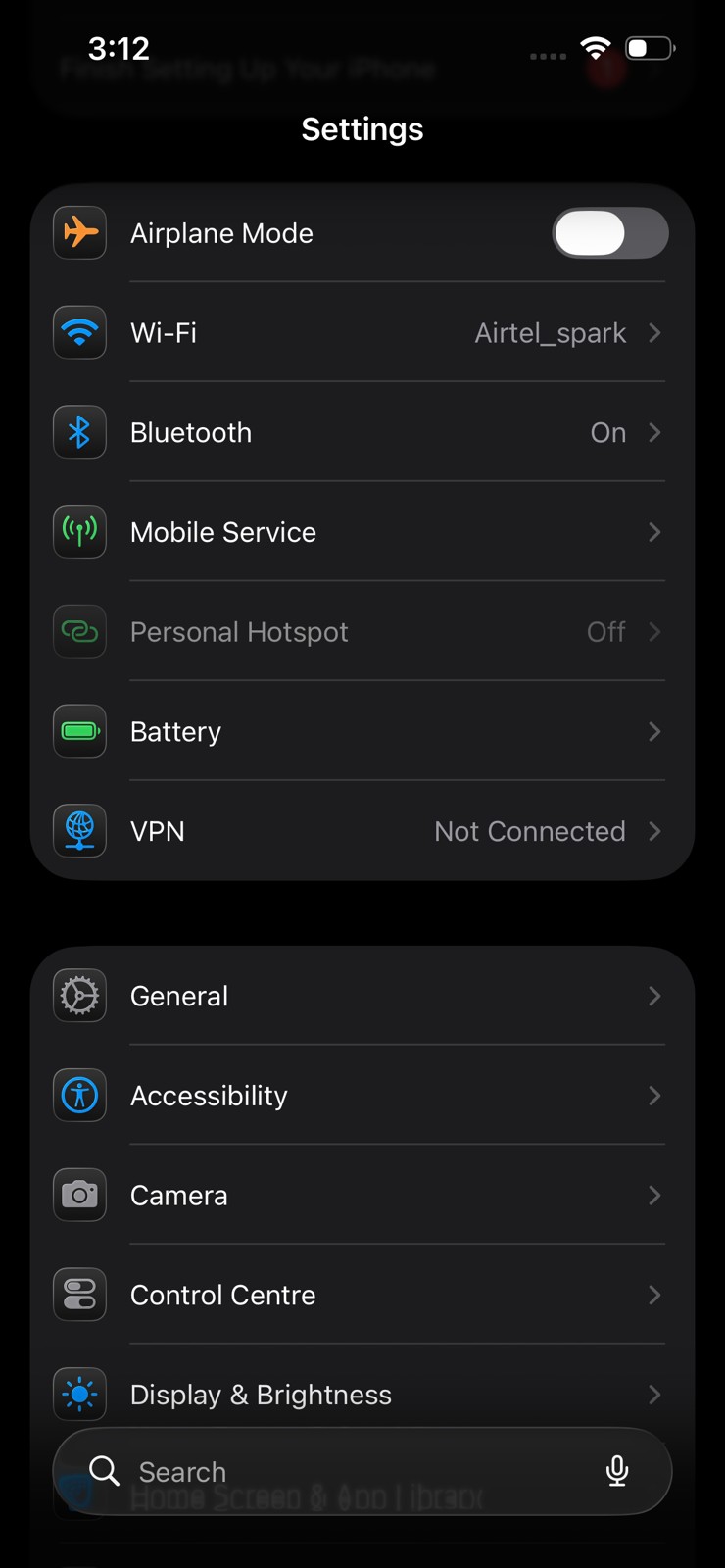
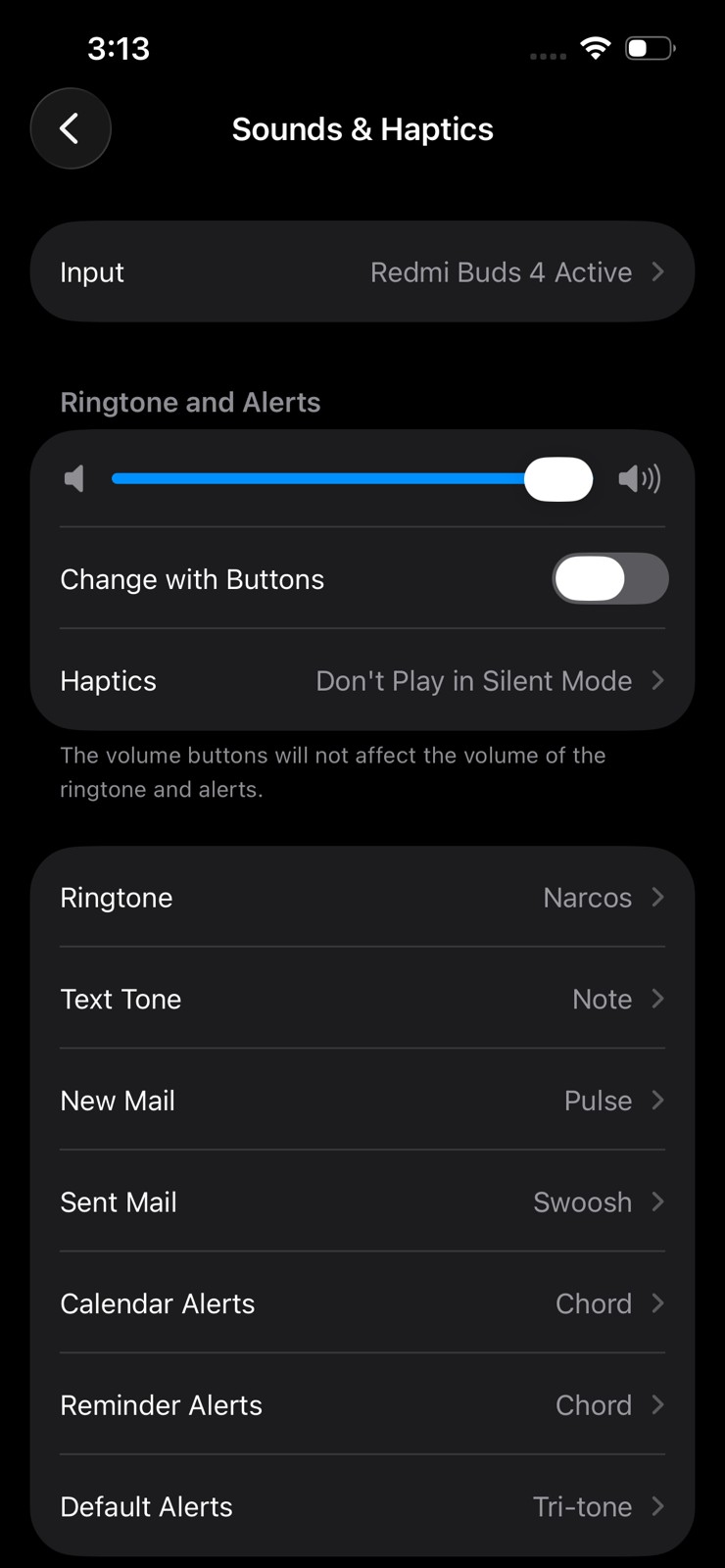
Step 1: Open Settings, and navigate to Sounds & Haptics.
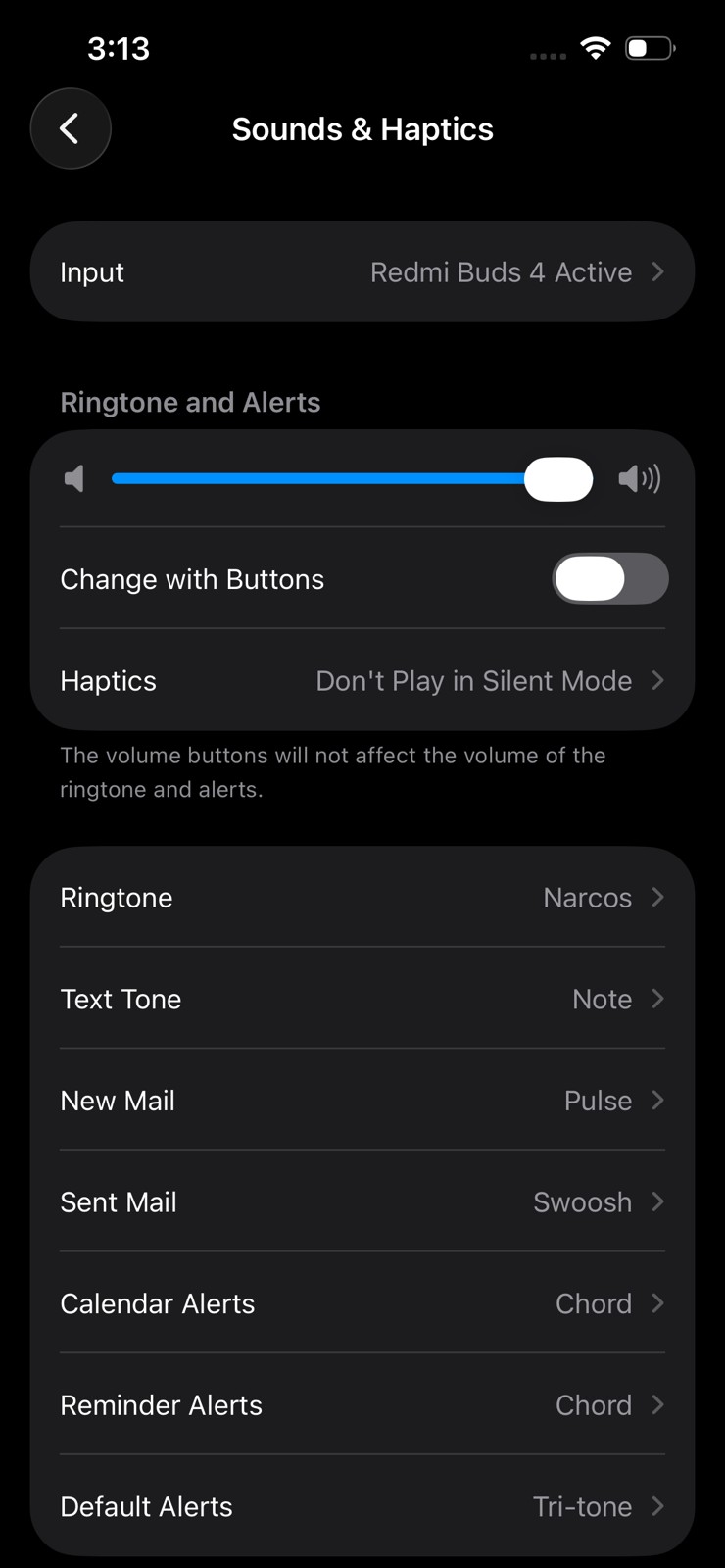
Step 2: Look for the Ringtone and Alerts section and drag the slider all the way to the right.
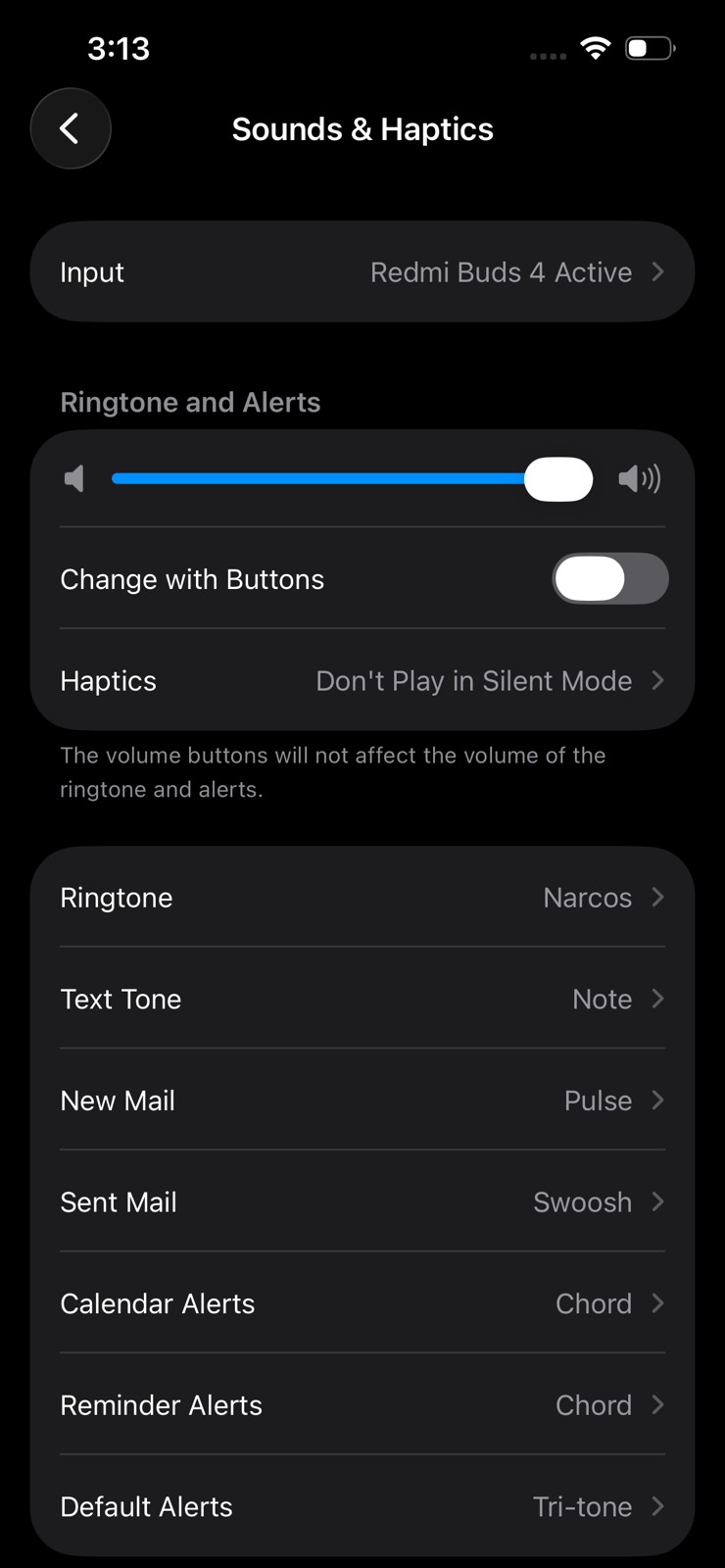
If the slider is set too low, your alarm may sound very quiet, even if you have set a loud alarm tone. Increasing this slider is often the quickest way to fix the problem.
2. Disable the Reduce Loud Sounds Feature
The next thing you should check is the Reduce Loud Sounds feature. This feature is designed to protect your hearing by limiting the maximum sound output of your device. However, it can unintentionally limit alarm loudness on iPhones.
Turning this off can often fix this annoying problem.
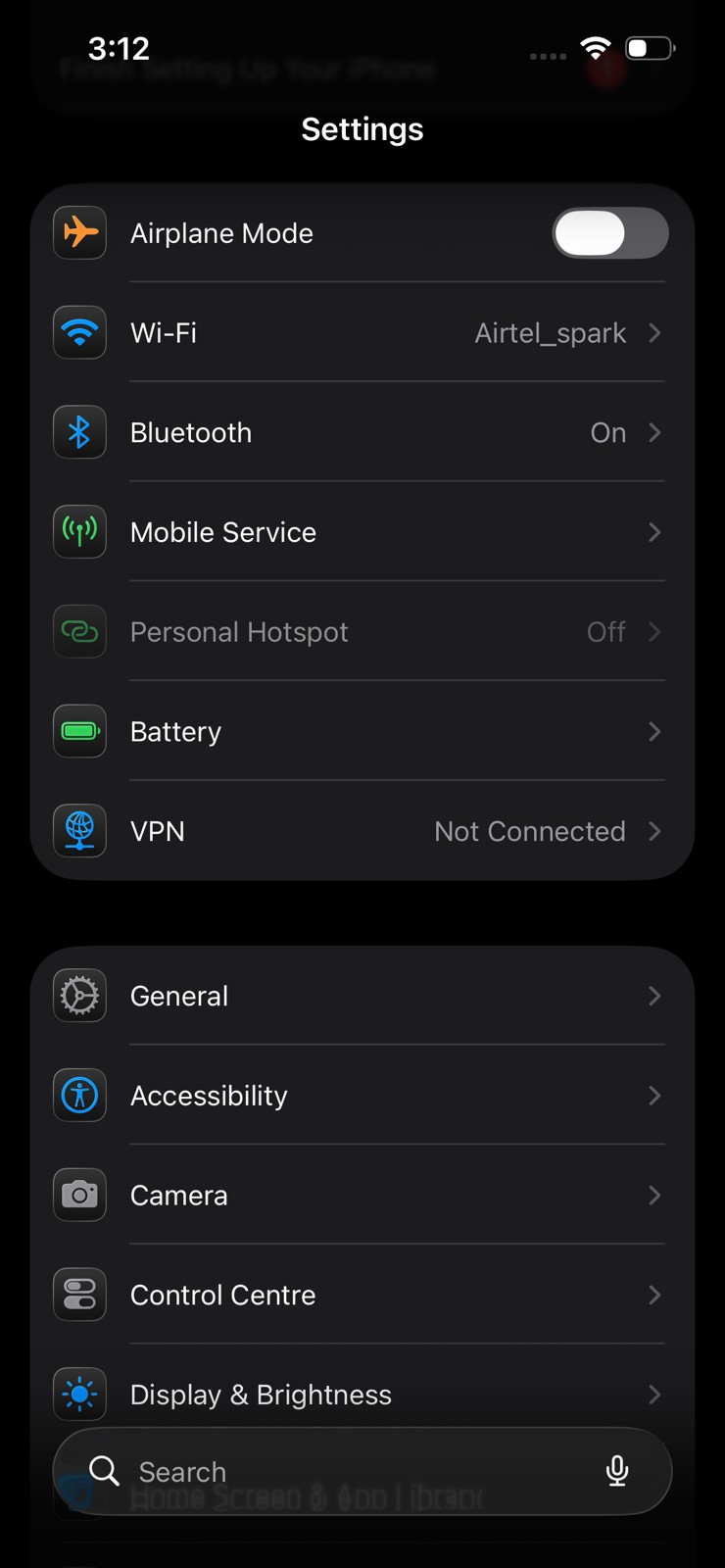
Step 1: Open Settings and go to Sounds & Haptics.
Step 3: Look for Reduce Loud Sounds and tap on it, and simply turn it off.
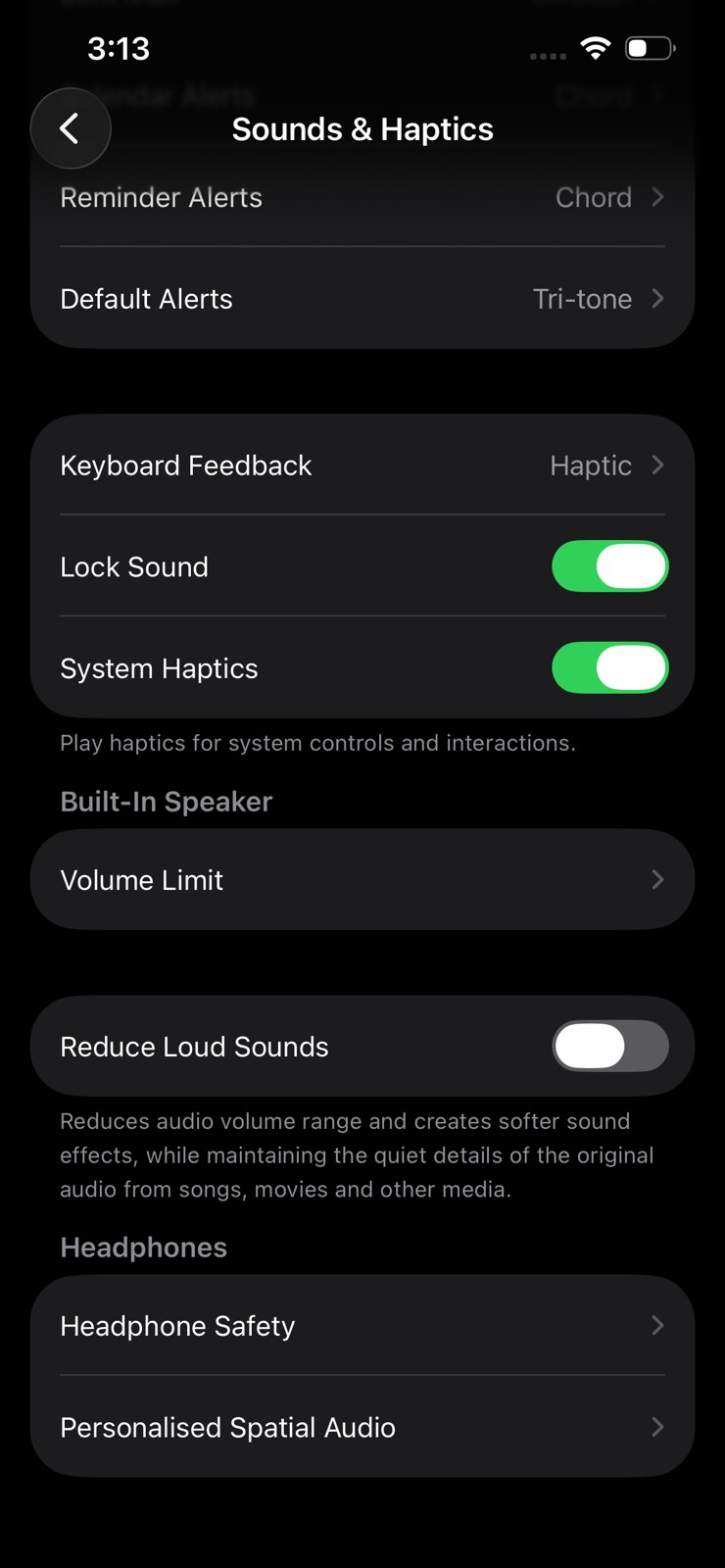
Many users find that once this feature is disabled, their alarm becomes noticeably louder.
3. Disable Attention-Aware Features (Fix for Most Users)
If the issue persists, the next best fix is to disable Attention-Aware Features on your iPhone. This setting is available on iPhones that support Face ID. It uses sensors to detect when you are looking at your phone and automatically lowers the volume of alerts and notifications.
While the feature is useful in some situations, it can also cause alarms to sound quieter than expected. To turn it off, follow these steps:
Step 1: Open Settings and tap Face ID & Passcode.
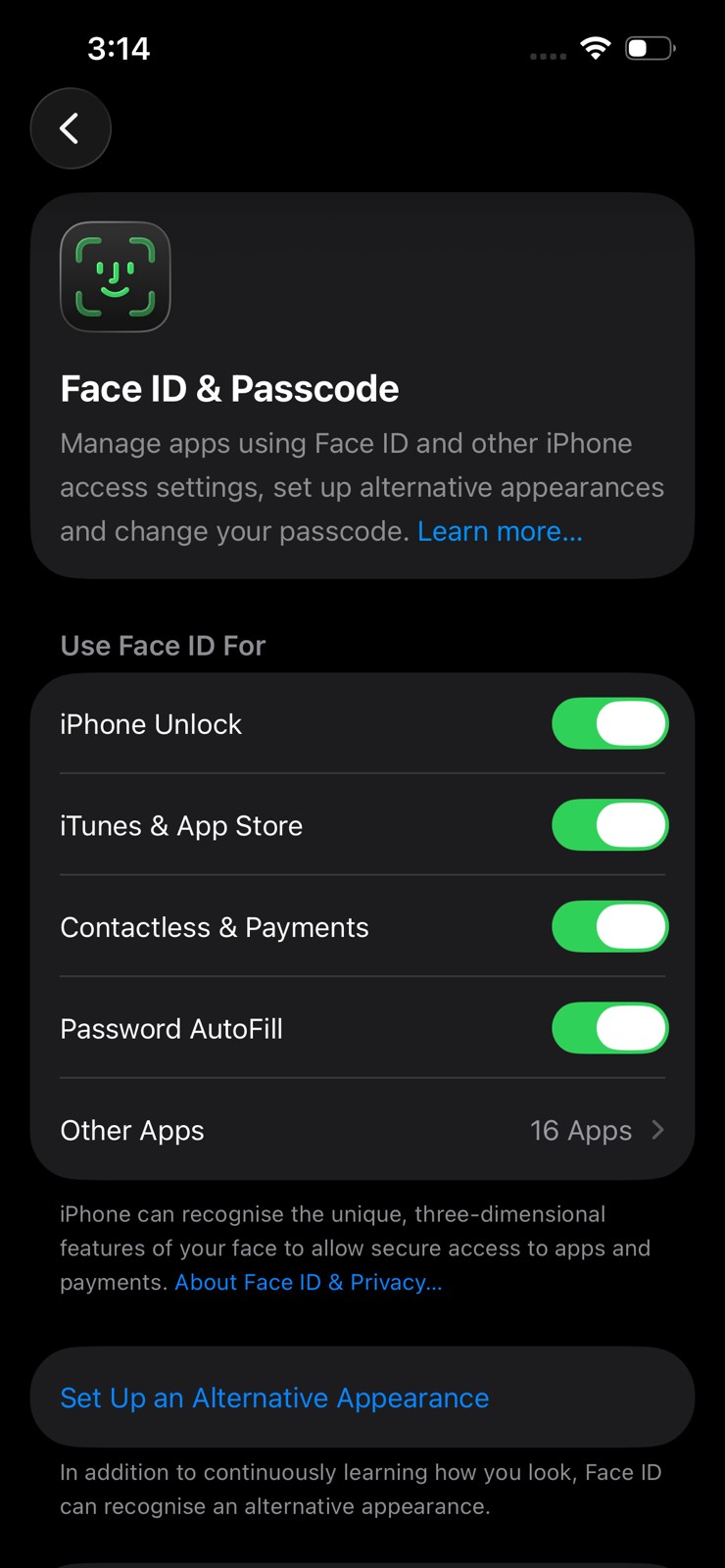
Step 2: Find Attention Aware Features and turn it off.
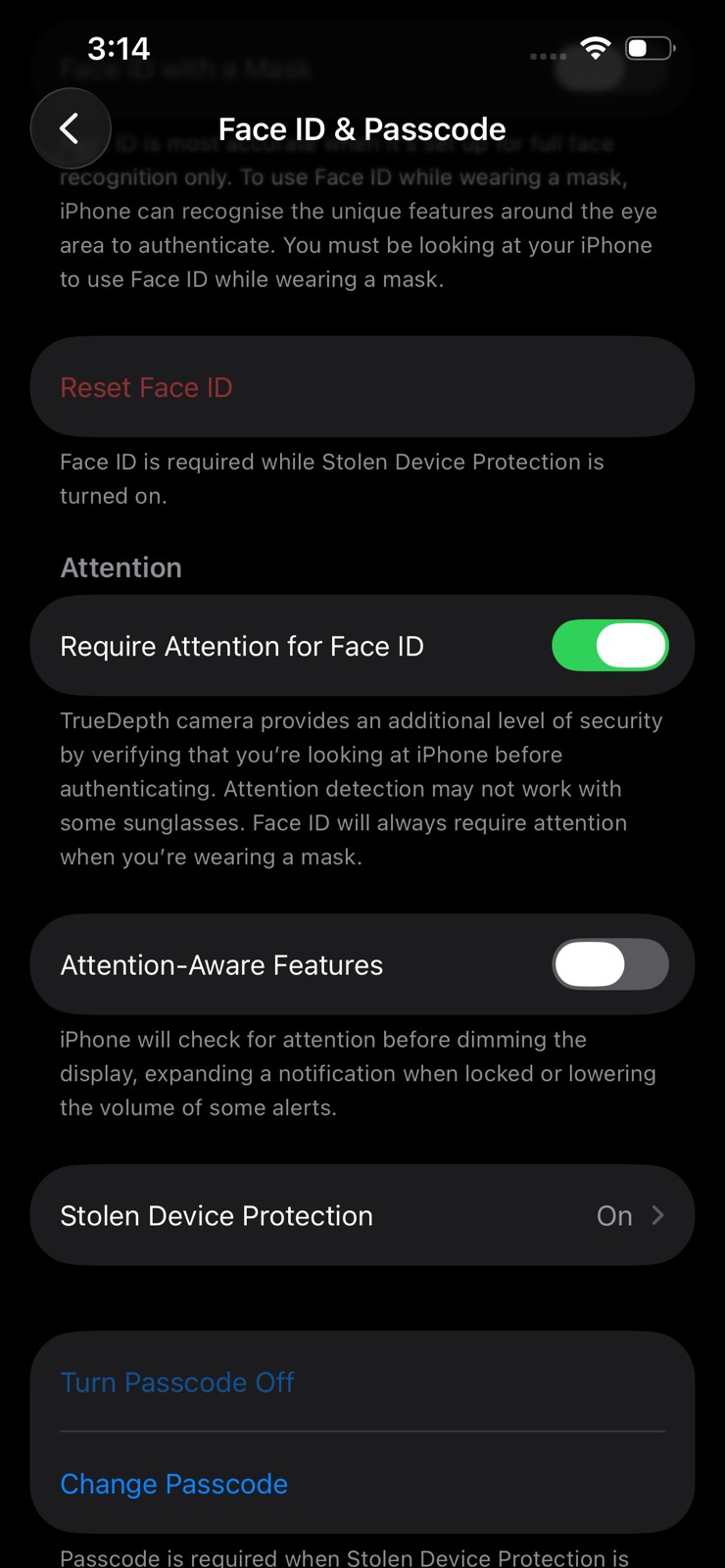
This feature lowers the volume of alerts if it detects that you are looking at the phone. Disabling it makes the iPhone alarm louder.
Also See: Can Your iPhone Really Catch a Virus
Make the Alarm Ring
So, this was how to fix the iPhone alarm so quiet issue. Low alarm volume on iPhones is usually not a hardware problem. In most cases, it is caused by simple settings that affect how loud alerts and alarms play.
Try these steps one by one, and your iPhone alarm should work perfectly again.