So, have you ever thought about starting a YouTube channel but weren’t sure where to begin?
You will be happy to hear that you are not alone. Most people feel that way before they upload their first video.
The good news is, it’s way easier than it seems once you actually get going. Let’s break it down piece by piece.
First, You Need a Google Account
YouTube is owned by Google, so that’s where everything starts. If you already have Gmail, you’re already halfway there. Nothing to set up.
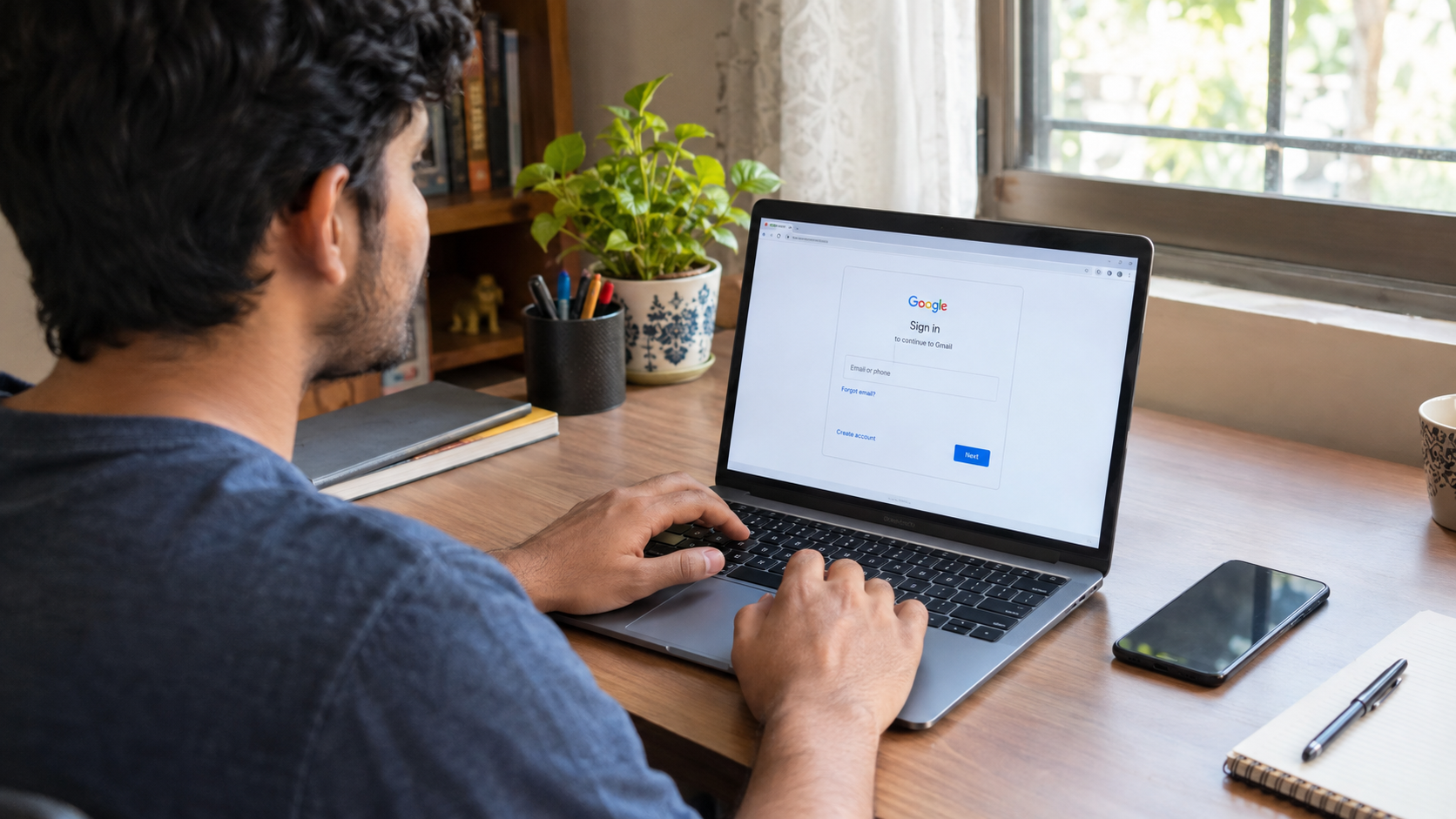
If not, just head over to Google’s website and create one. Takes maybe two minutes, tops.
Now, Build Your Channel
Once you’re logged in, go to YouTube.com. Tap your profile icon in the corner. You’ll see the option to create a channel right there.
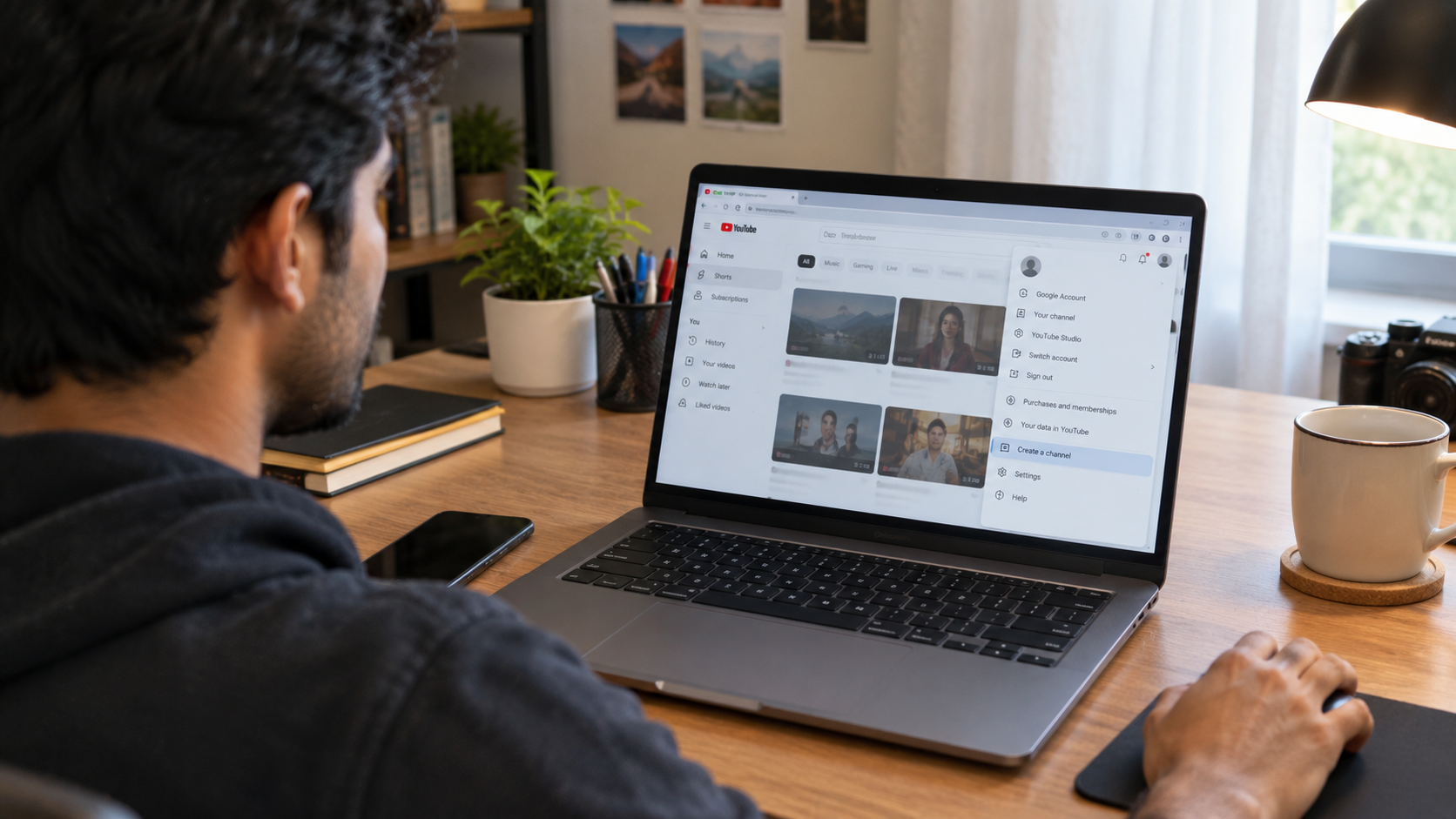
Here’s where you pick a name. Some people use their real name; others invent something catchy. Either way, try to keep it short. Something people won’t struggle to spell or remember later.
Figure Out What You Actually Want to Talk About
This is bigger than it sounds. What’s your channel going to be about? Cooking? Gaming? Traveling? Fitness tips? Silly skits with your friends?
Pick something that genuinely interests you, not just something that seems trendy.
You’re going to be filming a lot of content around this one thing, so if you’re bored by it after week two, that’s a problem. Passion tends to show up on screen, whether you mean it to or not.
Give Your Channel a Face
Before anyone watches a single video, they’ll glance at your channel page. So it needs a couple of basics:
- A profile picture, could be your face or a logo you like
- A banner across the top
- A quick line explaining what you post about
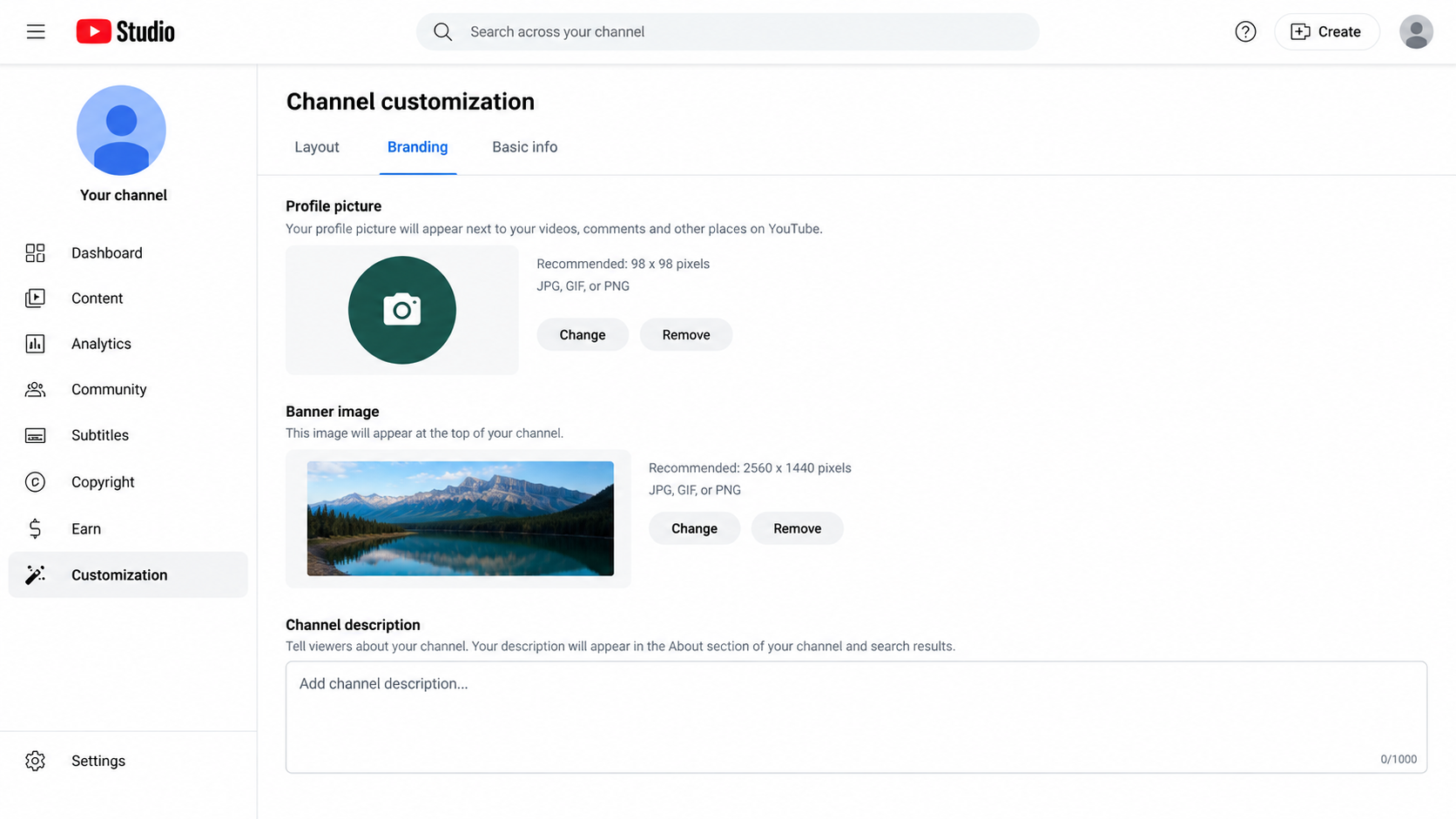
None of this requires hiring anyone. Something like Canva lets you throw together a decent-looking banner in ten minutes, free of charge.
Jot Down a Handful of Video Ideas
Don’t just wing it on camera with no plan. Sit down and write out five or six things you could film. Doesn’t need to be fancy, just enough to get started without freezing up in front of the camera.
And hey, your first few videos probably won’t be your best work. That’s completely normal. Everyone’s early videos are a little rough around the edges.
Grab Your Phone and Start Filming
You do not need an expensive camera setup. Your phone’s camera is already good enough for now.
What actually makes a difference is lighting and sound. Stand near a window during daytime hours, and you’ll notice your footage looks noticeably better, for free.
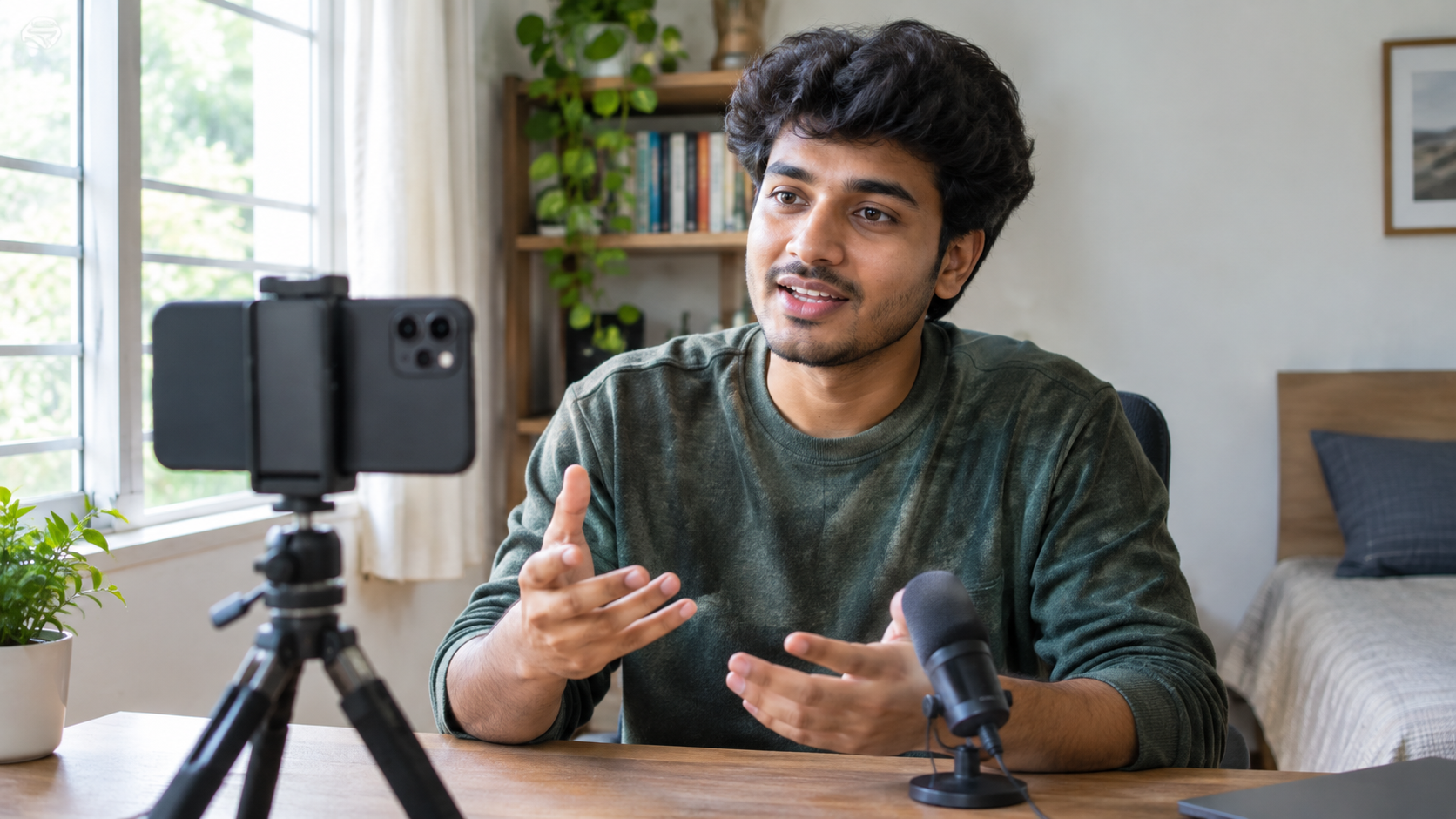
Also, take a second to glance behind you. A cluttered background is distracting even if you don’t realize it while filming.
Trim It Up
Editing sounds intimidating, but really it just means cutting out the boring bits, maybe tossing in a bit of text or background music, and tidying things up so it flows.
Apps like CapCut or iMovie are free and pretty simple to figure out. You won’t need to sit through hours of tutorials to make something watchable.
Hit Upload
Back on YouTube, look for the upload button; it’s the little camera-shaped icon near the top of the screen.
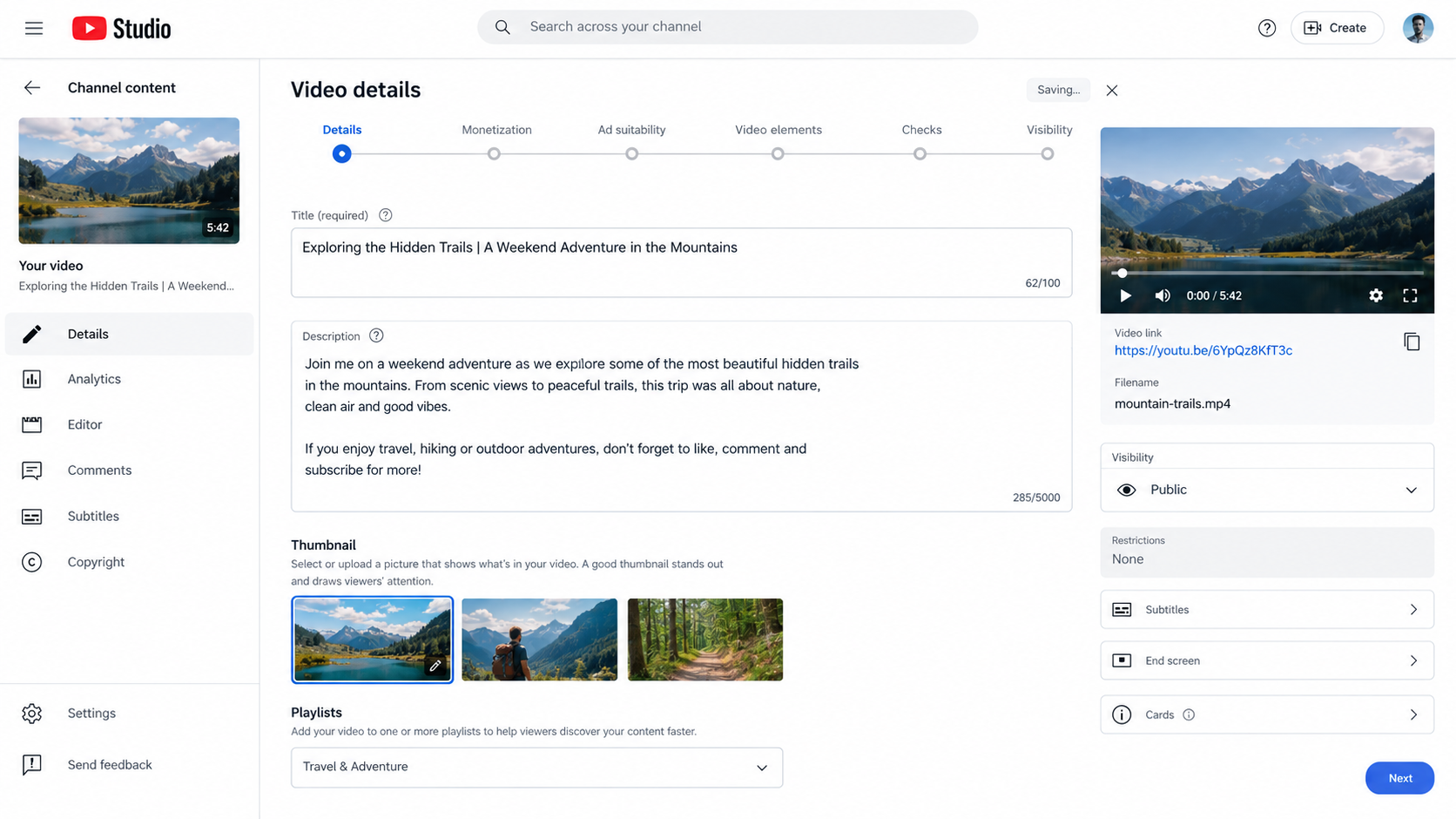
Write a title that actually tells people what they’re about to watch. Add a short description, throw in a few relevant tags. This helps YouTube know who might actually want to see your video.
Keep Going, Even When It’s Slow
Nobody wants to hear this part, but it’s true: growing a channel takes real time. Those overnight success stories you hear about? Rare, and usually not the whole story.
What actually moves the needle is showing up again and again. Pick a pace you can stick with, maybe one video a week, and try not to break that rhythm. Viewers appreciate knowing when to expect something new from you.
Read More: https://sparknherd.com/best-in-ai/best-ai-tools-for-ppt-creation/
Actually Talk to the People Watching
When someone comments, reply. Ask your audience what they think, what they want to see next. Treat them like real people, because that’s exactly what they are.
This is honestly how small channels turn into little communities. And once people feel like they’re part of something, they tend to stick around and keep coming back.
Ready For YouTube?
You don’t need everything figured out to start. You just need to hit record once.
The rest- your voice, your editing style, your confidence on camera- all of that comes with practice. Start messy if you have to. Just start, stay consistent, and give it time to grow.
FAQs
Do I need money to start a YouTube channel?
No, starting a YouTube channel is completely free.
What camera do I need to start YouTube?
Your smartphone camera is good enough to begin with.
Do I need a Google account to make a YouTube channel?
Yes, you need a Google account since YouTube is owned by Google.