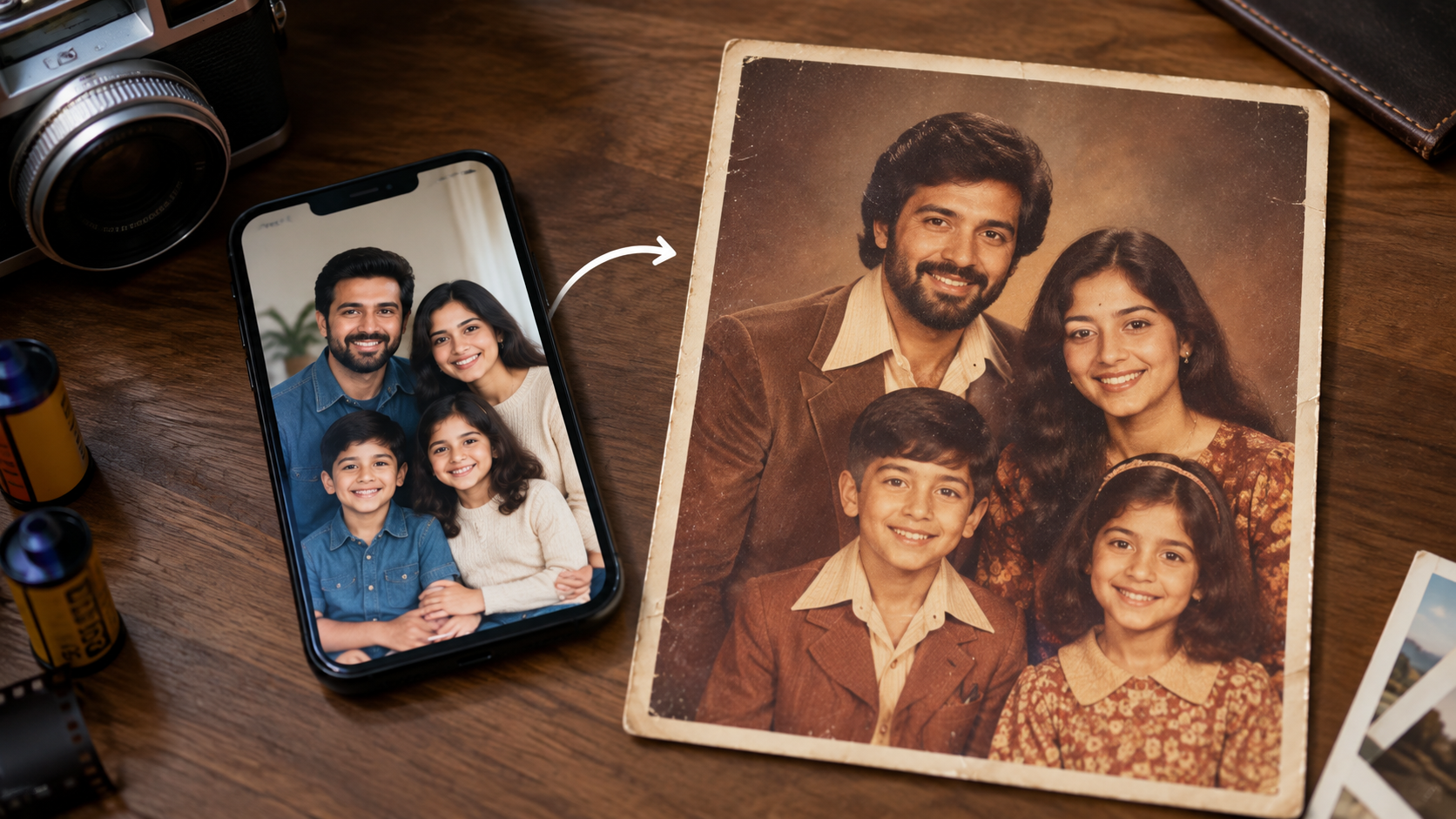
Recently, you might have come across a new trend on social media, in which people are generating retro family photos. That soft, grainy, mall studio look from the 80s.
So, the good news is you do not need a photographer for this. A decent photo and a simple prompt can do the job. All you need is ChatGPT’s image generator.
Let us take a look at the process that will take you back to the 1980s vibe.
1980s AI Photo Trend
There is something warm about old studio portraits. The soft lighting. The pastel backgrounds. The big hair. It feels cozy, even if you were not around in the 80s.
Firstly, pick a photo where everyone’s face is clear. Group shots work best when people are close together and facing the camera, just like old studio pics.
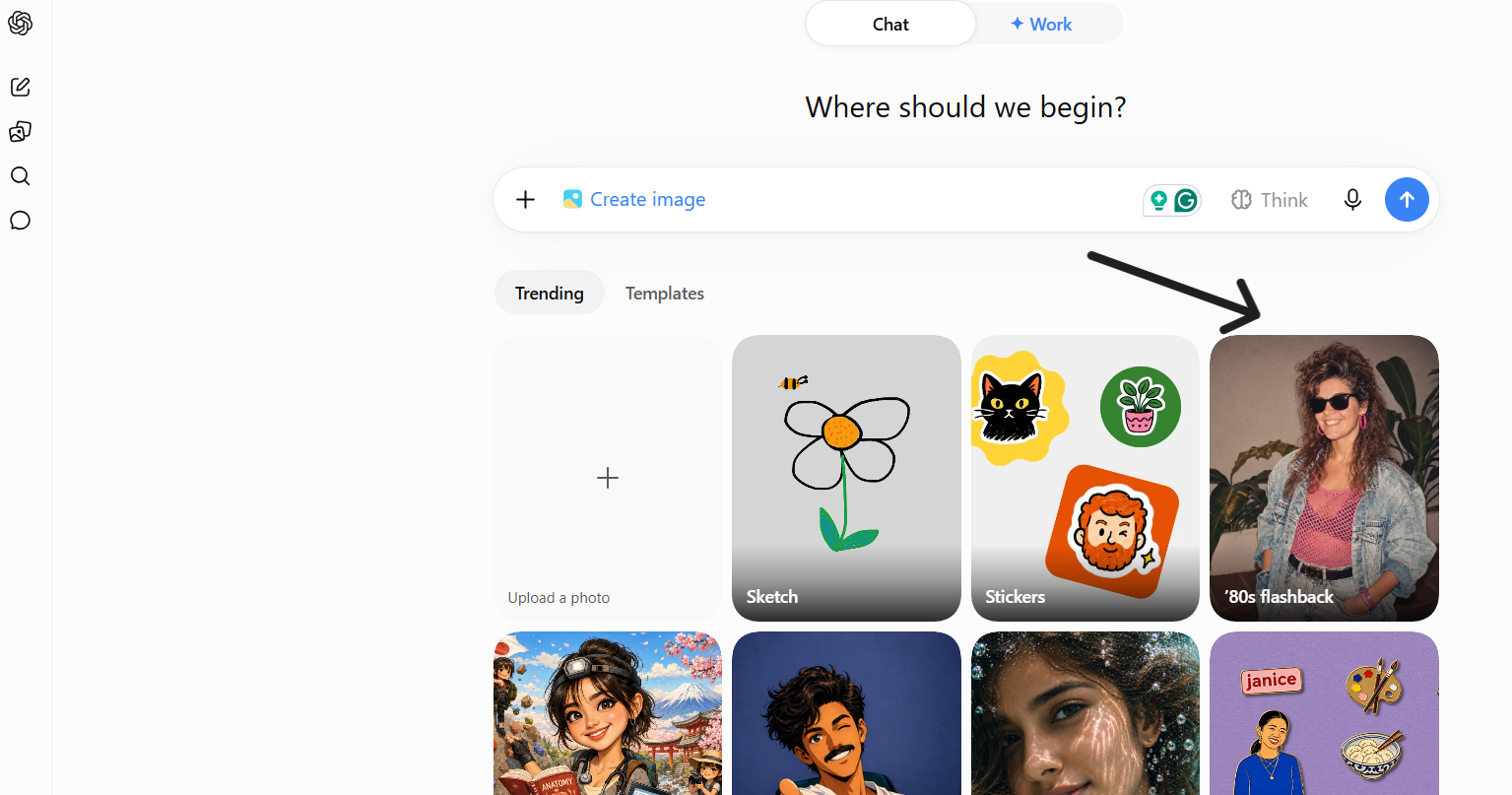
You should skip photos with busy backgrounds or harsh shadows. The clearer the faces, the better the result.
What the AI Is Actually Doing
AI is not just slapping a filter on your photo. It looks at the lighting, colors, and textures from that era and repaints your photo to match. It tries to keep the same faces and poses. This is why your prompt matters a lot here.
What to Include in Your Prompt
Keep it simple. A good prompt usually mentions:
- The decade and style, like “1980s mall studio portrait”
- The lighting, something soft and warm
- The background, think smoky gray or pastel colors
- A bit of grain and faded color, like old film
- Clothing style: sweaters or collared shirts
- Hair style from the era, like feathered or permed hair
Mistakes to Avoid
One major mistake to avoid is confusing AI with too many details in one prompt. Keep the prompt clear and with fewer details.
Just stick to lighting, background, and texture. Never ask the AI to change faces. That defeats the whole point of a family photo, and you may end up ruining your photo by confusing the AI image generator.
Read More: https://sparknherd.com/how-to/how-to-organize-your-work-using-ai/
1980s Photo Prompt ChatGPT
Here is a simple prompt that can help you generate an image with the 80s vibe. Paste your photo into an AI image tool and use this prompt:
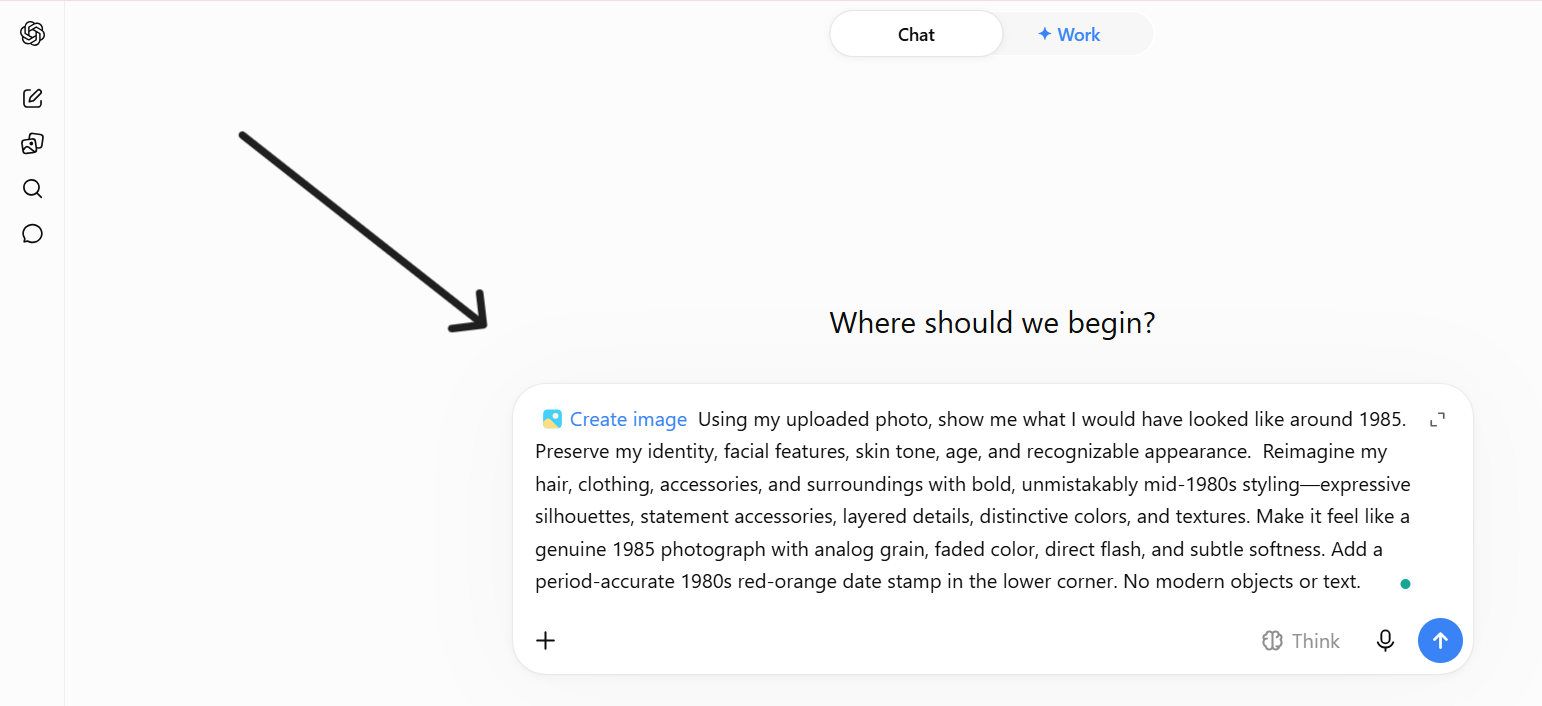
“Using my uploaded photo, show me what I would have looked like around 1985. Preserve my identity, facial features, skin tone, age, and recognizable appearance. Reimagine my hair, clothing, accessories, and surroundings with bold, unmistakably mid-1980s styling—expressive silhouettes, statement accessories, layered details, distinctive colors, and textures. Make it feel like a genuine 1985 photograph with analog grain, faded color, direct flash, and subtle softness. Add a period-accurate 1980s red-orange date stamp in the lower corner. No modern objects or text.“
Doing This With Google Gemini
You can also do this whole thing inside Google Gemini. Just open Gemini, upload your family photo, and paste in the same prompt.
Gemini can edit real photos directly, so it will apply the retro lighting, background, and film grain while keeping your family’s actual faces intact.
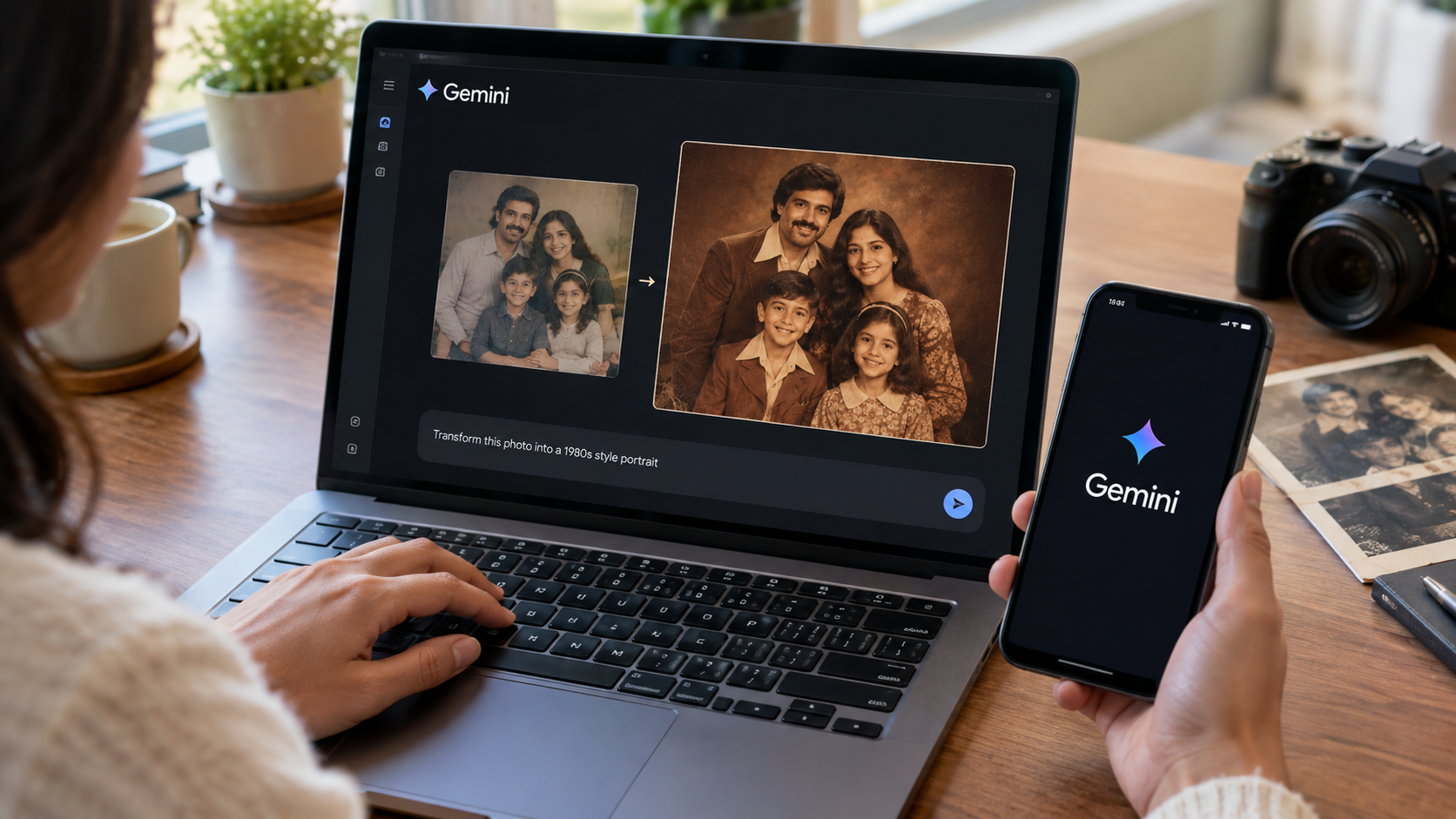
If the first result feels off, just reply in the same chat and ask for changes. Say things like make the background more pink or add more grain. Gemini will remember the photo and adjust it based on what you already have, so you do not need to start over each time.
One Last Tip
Run it once and see what you get. Then tweak it. More grain, a different background, softer light, whatever feels off. A few small changes usually get you that real retro family photo feel.
You can try this prompt for fun and can relive the memories from the 1980s; this is the type of magic AI is capable of doing in today’s world.
FAQs
How can I create a 1980s photo of myself?
Upload a clear photo of yourself to an AI tool like Gemini and use the 1980s portrait prompt from this guide.
How to make a family photo look like it was taken in the 1980s?
Use a well-lit group photo and ask the AI to add retro lighting, a pastel background, and light film grain while keeping everyone’s faces the same.
How to add vintage film grain and retro colors?
Just mention “grainy film texture” and “warm, faded colors” in your prompt, and the AI will apply that look automatically.