Nobody likes building a presentation at the last minute. It’s 11 PM, the deck is due tomorrow, and you’re still fixing font sizes. AI tools for PPT creation have fixed most of that. It writes the outline, picks a layout, and adds images, so you spend less time formatting and more time saying what you actually want to say.
So which AI presentation maker should you use? It depends on how often you make decks and how much you want to spend. Here are some of the best free and paid AI tools for PPT creation, so you can skip the research and finish your deck.
Free AI Tools for PPT Creation
If you only create presentations occasionally, you can get by with a free AI PowerPoint generator.
Gamma
Gamma is the tool most people try first. Give it a prompt, paste in notes, or upload a document, and it builds a full PPT with layouts, images, and charts already in place. Each slide works like a card you can reorder or resize without breaking the rest of the presentation.
You get 400 credits when you sign up, which I believe is usually enough for four or five decks.
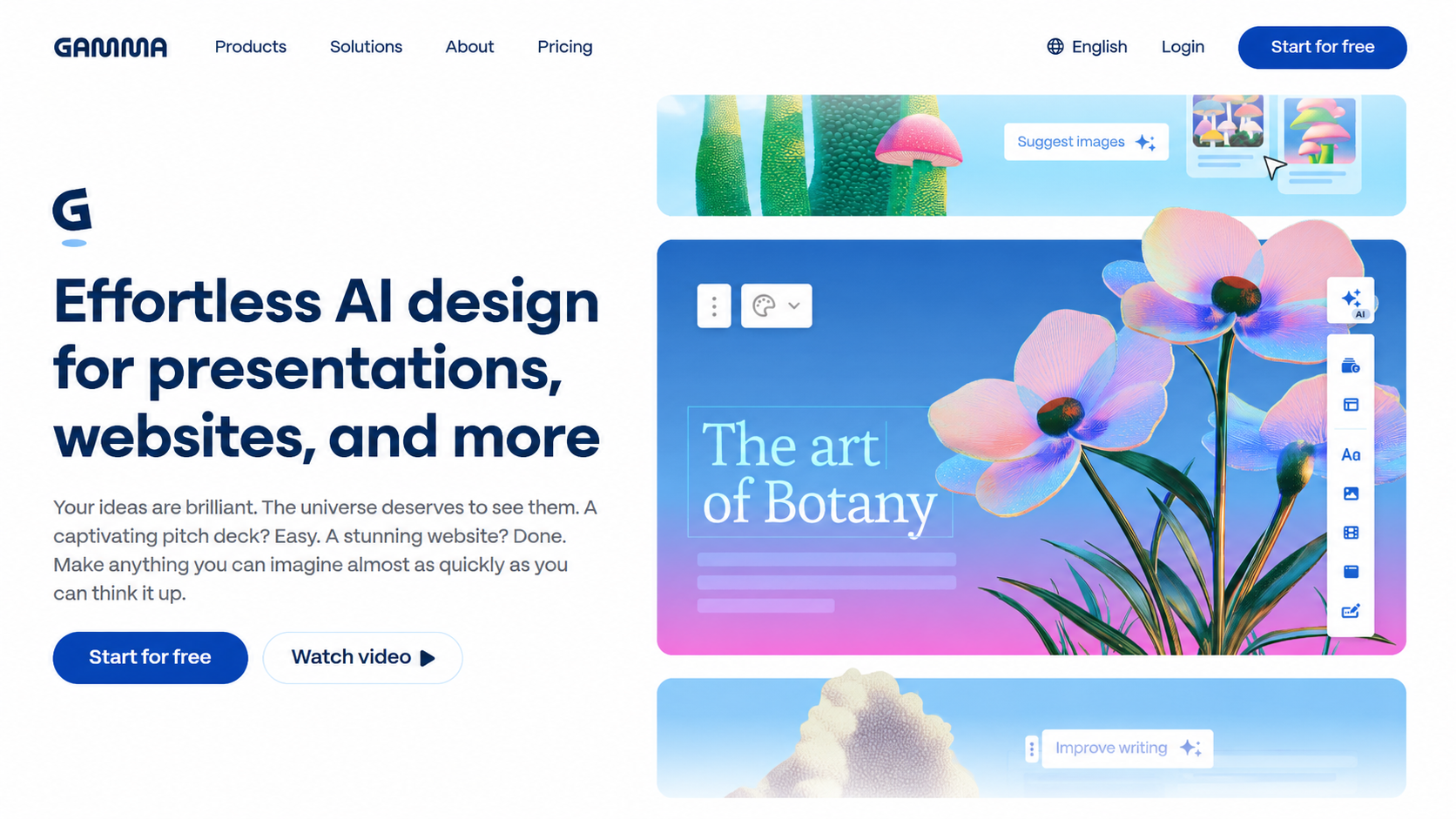
Two things to know – the credits are a one-time batch, not a monthly refill, and free exports carry a small “Made with Gamma” watermark. The paid plan, which removes the watermark and adds more credits, starts around INR 770 a month, billed yearly.
Canva
Canva takes a different approach. Instead of building a presentation from scratch, it mixes AI with a huge library of ready-made templates. Type a short description into Magic Design, and it turns that into a styled deck in under a minute.
Most people already know Canva from making resumes or social posts, so there’s almost nothing new to learn.
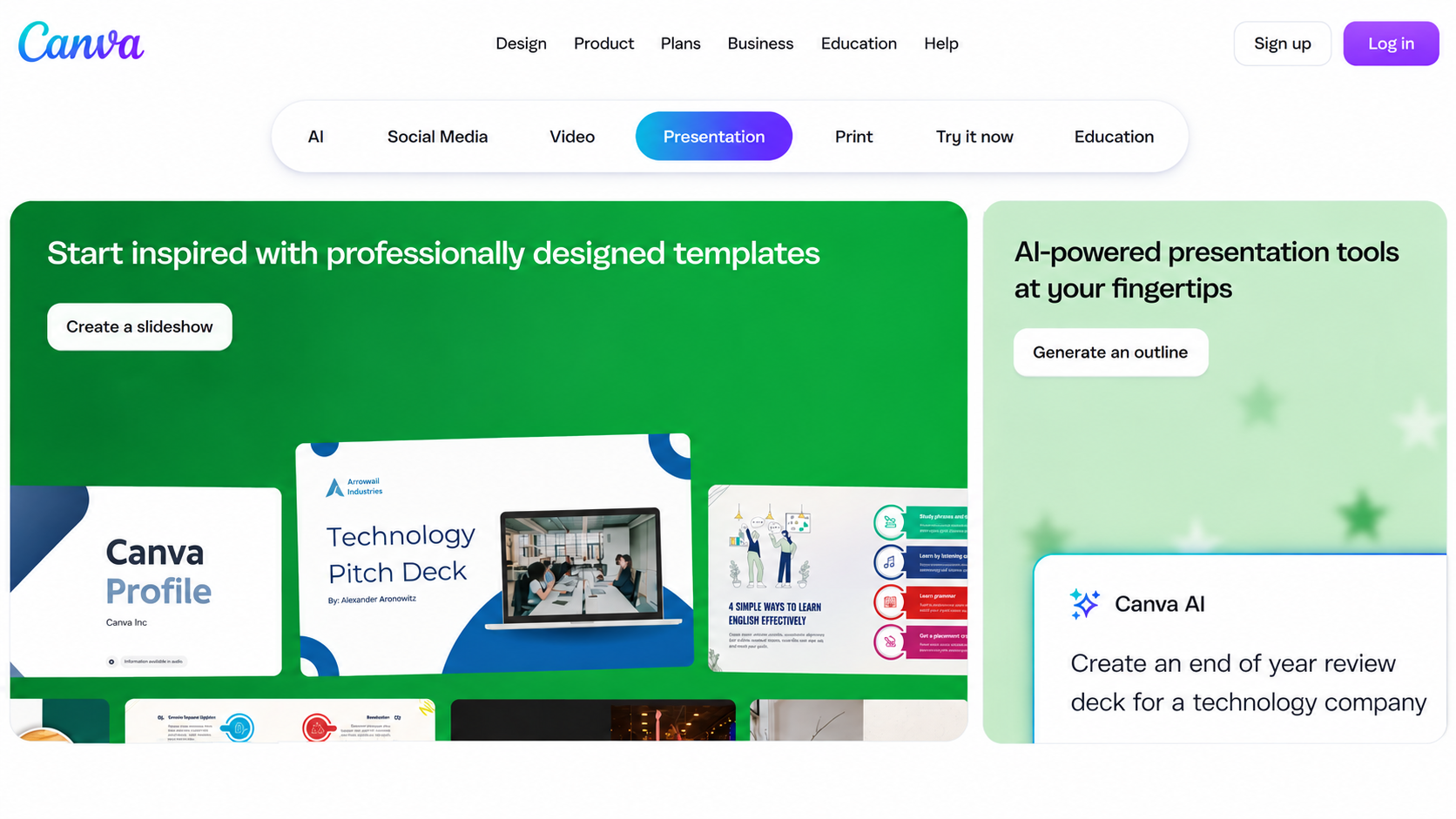
The free plan works well on its own. No card needed, no strict limit on decks, over a million templates, and real-time collaboration. A few extras, like background removal and premium stock photos, need Canva Pro, which costs INR 499 a month billed monthly, or roughly INR 333 a month if billed annually (INR 3,999/year).
Read More – How to Organize Your Work Using AI
Google Slides with Gemini
Plain Google Slides has always been free. What’s changed is the Gemini feature that builds a full presentation from a prompt. As of now, that AI feature only works with a paid Google AI Pro or Ultra plan, or a Business or Enterprise Workspace account.
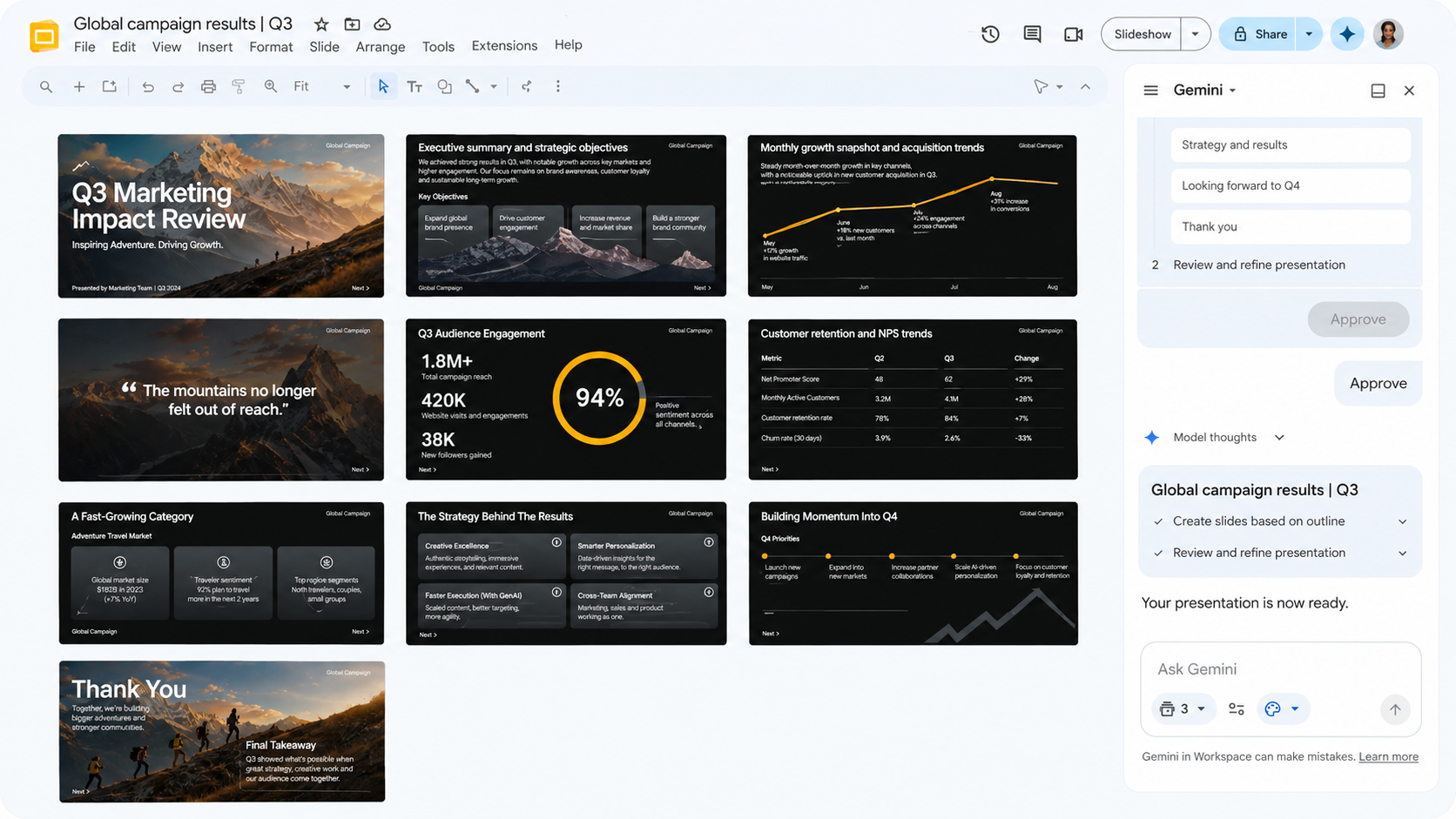
On a free Google account, you still get the full editor and collaboration tools, just not the AI generation. Still worth knowing if your workplace already pays for Workspace, since everything stays inside Docs, Sheets, and Drive.
Paid AI Tools for PPT Creation
Once you’re making PPTs every week, or need them to look consistent across a team, paying for a tool starts to make sense.
Beautiful.ai
Beautiful.ai is built around one idea. Your slides should look neat without you fixing them by hand. As you add content, each slide automatically adjusts spacing and layout to stay balanced, using a library of over 300 pre-built “Smart Slide” designs. This helps a lot if design isn’t your strong point, or if several people are contributing to one deck.
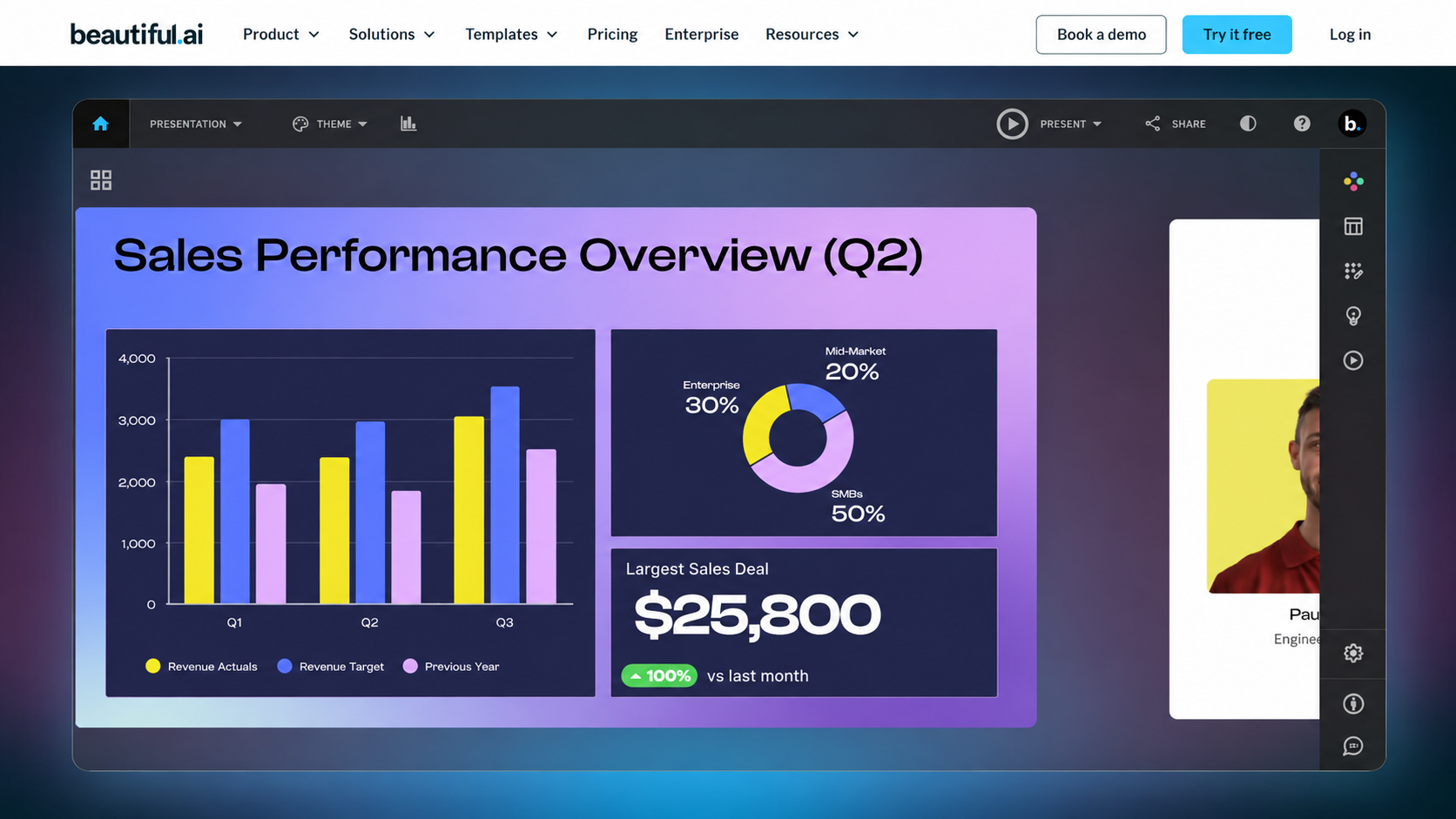
There’s no permanent free plan, only a 14-day trial that needs a card upfront. Moreover, the Pro plan costs around INR 1,150 a month billed yearly. Team plans, with shared branding and viewer analytics, go up to roughly INR 3,840 a month per person.
Plus AI
Plus AI isn’t a separate app to learn. It’s a plug-in that installs directly into Google Slides and PowerPoint, so you stay in software you already know. Beyond generating slides from a prompt, it can turn an uploaded PDF or Word file into a structured deck that matches your brand colours and fonts.
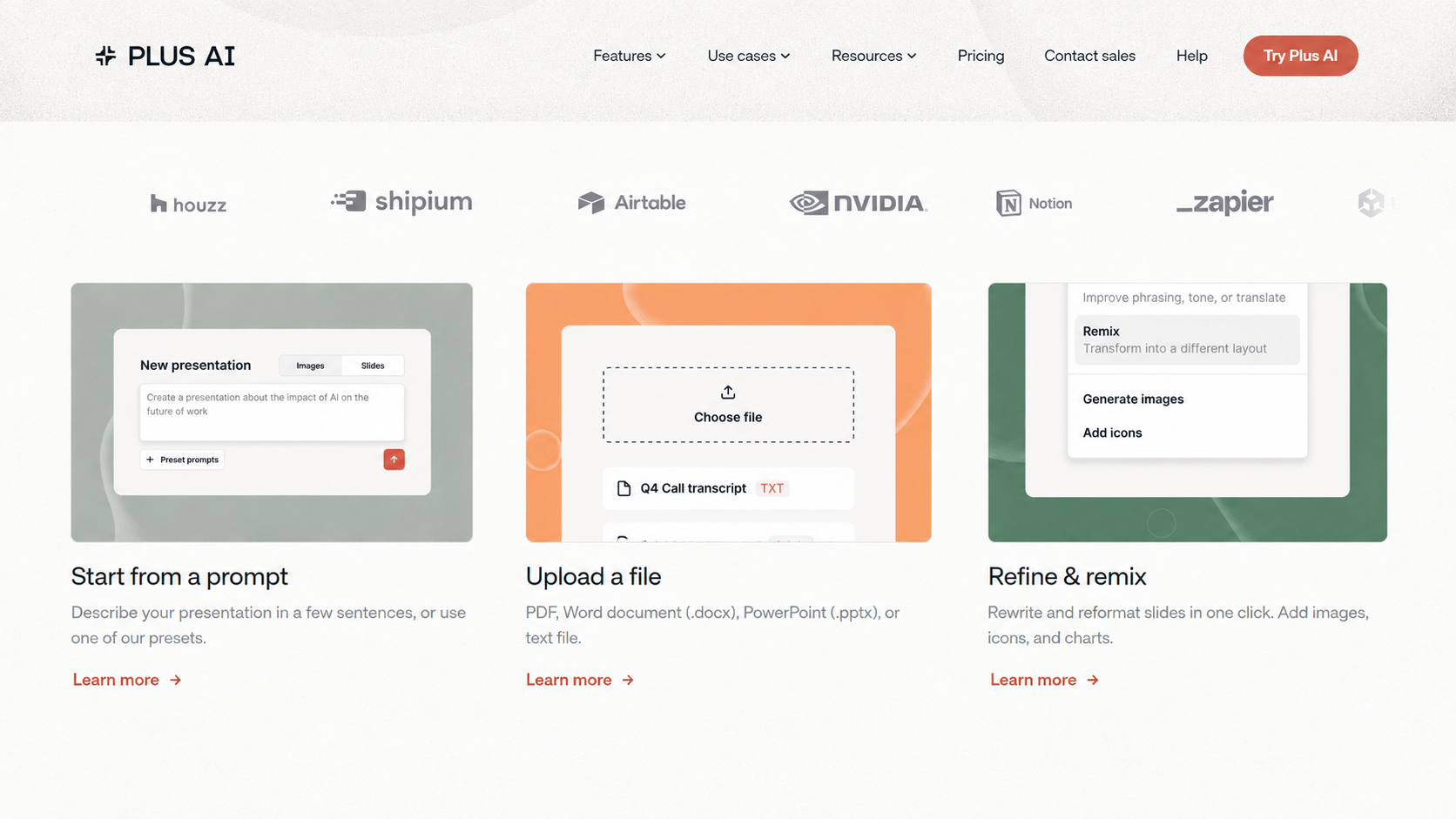
Paid plans start around INR 960 to 1,440 a month, with a short free trial to test first. Document uploads and custom branding usually need the higher Pro or Team tier.
SlideSpeak
SlideSpeak stands out because it researches before writing. Instead of guessing bullet points from a short prompt, it pulls in real reference material and builds slides around that content. It runs on a mix of AI models, including versions of ChatGPT, Gemini, and Claude, and supports over 150 languages. On top of that, it can also turn a presentation into a narrated video or translate it while keeping the formatting intact.
The free plan gives 10 credits a month (refreshed monthly, not one-time), with a SlideSpeak watermark on exports. The Premium plan costs around INR 2,780 a month for 50 credits a month, PDF and PowerPoint export, and no file size cap.
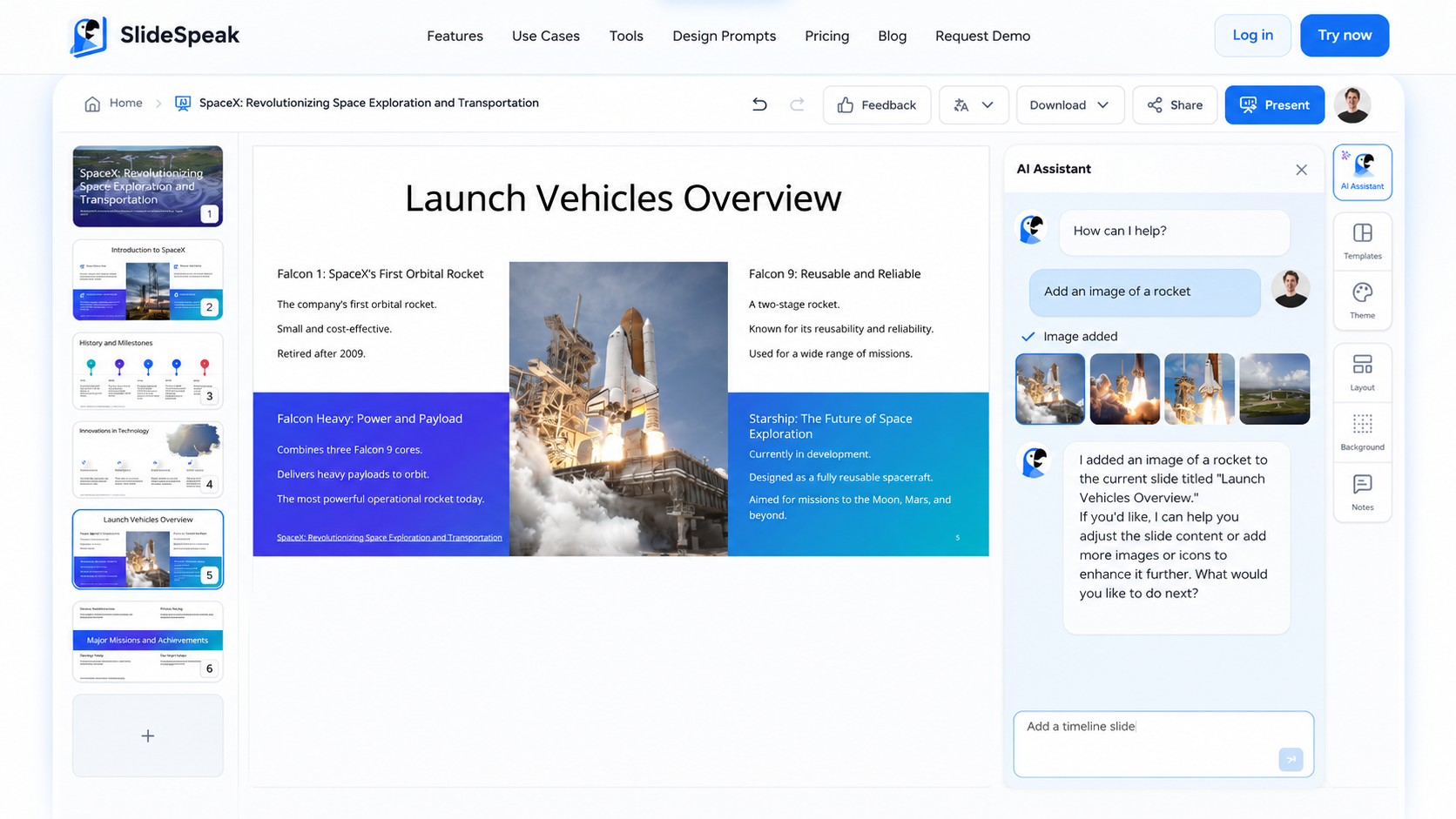
Premium Plus, priced a bit higher, adds unlimited credits and custom branding. A higher tier exists for teams needing heavier use.
Read More – Gemini for Windows: Instant AI Help Without Leaving Your Screen
Free vs Paid: What Should You Pick?
If you only make a presentation now and then, whether you’re a student or prepping for one interview, free tools are enough. Gamma and Canva alone cover most everyday needs without costing a rupee.
If you’re making decks every week, working with a team, or need your branding to stay identical across every file, a paid tool usually pays for itself in saved time.
It’s less about which tool is better and more about how much time you’re currently losing to manual formatting.
Ready for Seamless PPT Creation?
The best AI tools for PPT creation aren’t the ones with the most features. It’s the one that gets your specific deck done without a fight. Free or paid, fast draft or brand-perfect final, the right pick depends on what you’re presenting and who’s going to see it.
So don’t overthink it, pick one, try it on something real you actually need to present, and you’ll know pretty quickly if it’s the right fit.
FAQs
What is the best free AI tool for making PPTs?
Gamma, since its free output looks complete without much extra editing.
Can AI create a PPT from my text or notes?
Yes. Gamma, Plus AI, and SlideSpeak can all turn your notes, a prompt, or an uploaded document into a structured slide deck.
Can I edit the slides after AI generates them?
Yes. Every tool here lets you edit text, images, and layouts after generation, and all support exporting to PDF or PowerPoint.