A Brief Overview
We share powerful Android apps that played a significant role in advancing my career, from improving productivity and building better habits to expanding my skillset and staying organized
We all know that the apps on our phones can make a huge difference in how fast and productive we can be. The truth is, we are almost practically glued to our phones these days. Hence, how we use them really counts. If they are packed with entertainment and social media apps, it’s easy to lose hours scrolling aimlessly. And that’s valuable time that we can use to learn, acquire new skills, network, or simply prepare for job interviews.
So in this article, we will be sharing the best Android apps specifically chosen for students and professionals who want to upskill, streamline their lives, and boost their productivity. Without further delay, let’s jump straight in.
Also See: 5 Best Laptops for Students Under INR 35,000
1. ChatGPT: AI Assistant at your Fingertips
ChatGPT is one of the most used apps today, so much so that people have stopped using generic Google Search and instead use ChatGPT to perform even basic searches. And rightfully so. This AI app is not only smart but also reliable and endlessly helpful.
It wouldn’t be wrong to say that ChatGPT can be your assistant, tutor, planner, writing assistant, career coach, and therapist all rolled into one. It answers your questions in a way that makes sense to you, breaks down hard topics, and even creates custom plans to help you meet your goals. Whether you’re prepping for a job interview, learning a new language, writing a professional email, or correcting your grammar, ChatGPT can do it, and it does so super fast.
One of the most valuable things it has done for me is to act as my research assistant. It helped me understand intense and complicated topics by breaking them down into simple, easy-to-understand language.
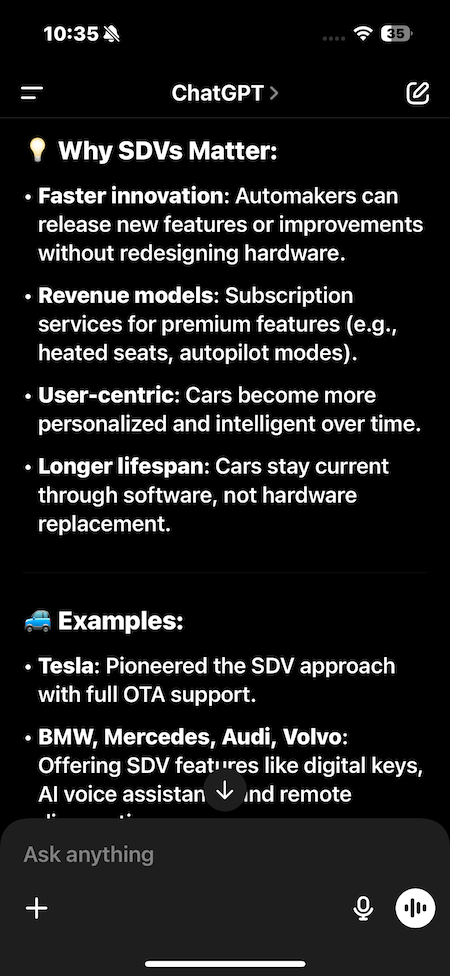
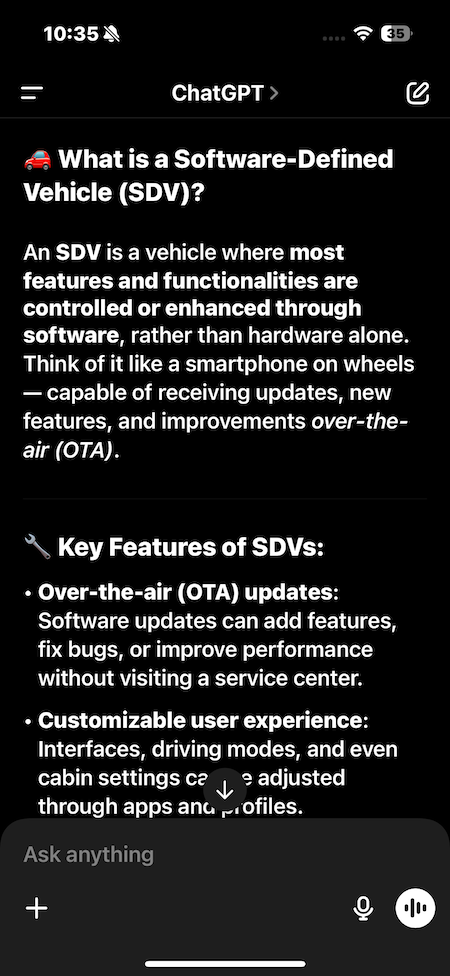
Another cool feature is the new memory option. ChatGPT now remembers past conversations. That means the more you use it, the better it gets at understanding your habits, preferences, and what you’re working on. It can even help generate your to-do list for tomorrow based on what you discussed today.
Apart from all this, you can use ChatGPT for a ton of things — studying, planning, writing, brainstorming, acting as a personal health coach, motivator, or even helping you create a career roadmap. Right now, I’m following a 30-day challenge to learn basic Malay.
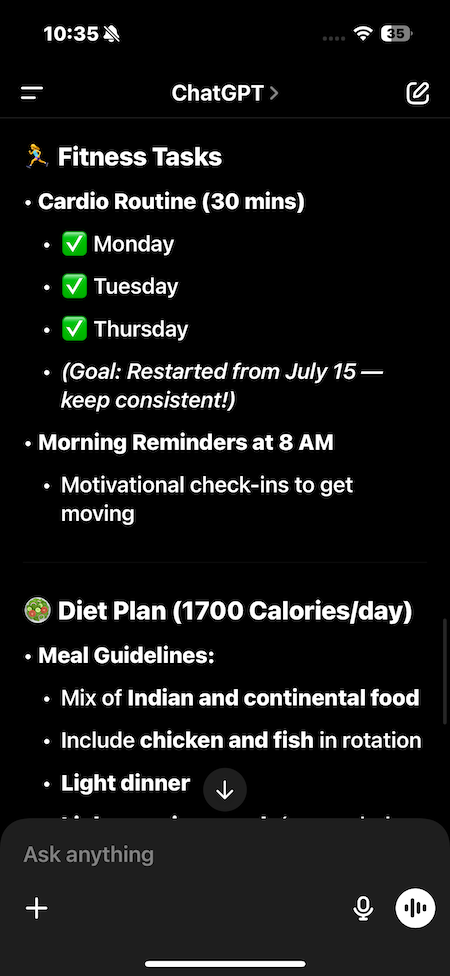
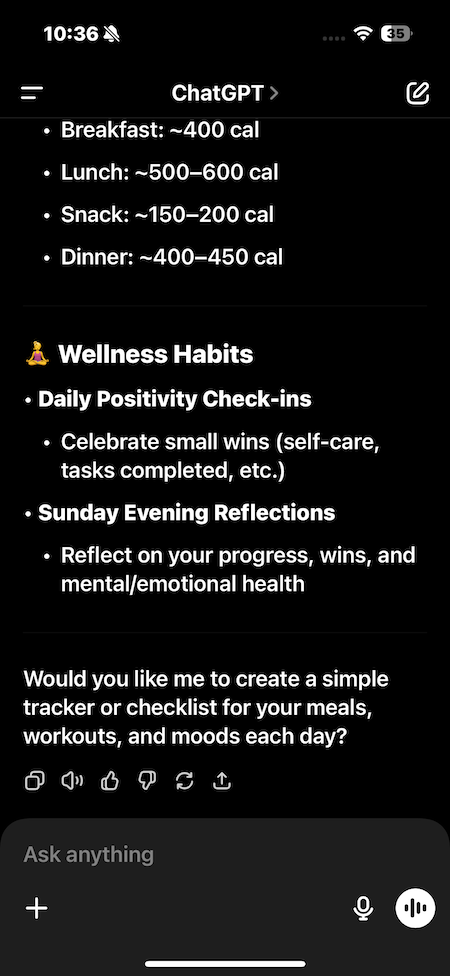
Beyond that, it’s a powerhouse for professional tasks. From polishing your LinkedIn profile and drafting a cover letter to fixing grammar and typos, or helping you brainstorm ideas, ChatGPT has your back. It can also tailor your resume based on a job description. Just upload your current resume along with a job ad, and it will optimize everything to match.
2. Udemy
I first turned to Udemy because of the wide variety of courses it offers. From tech and business to design, it has pretty much everything. The best part is that every course is completely self-paced, so I could complete the lessons at my convenience.
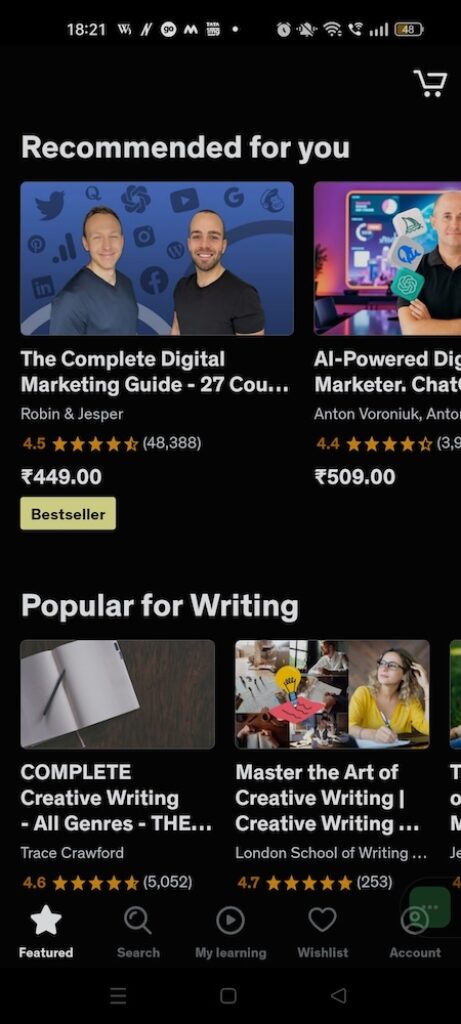
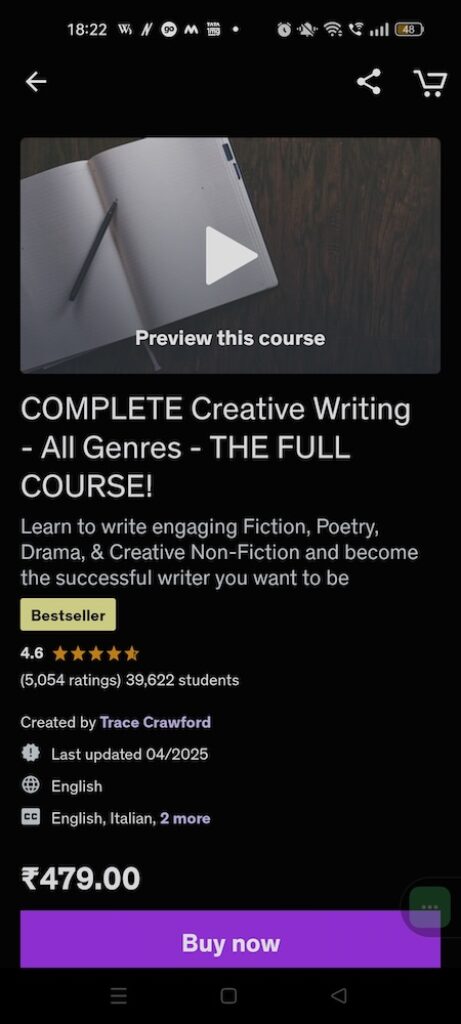
Another game-changer was the offline learning option. Being able to download lectures directly onto my phone made it easy to keep learning during commutes or when I did not have steady internet. Interestingly, Udemy also lets you revisit course content months after purchase, giving lifetime value.
That said, not every resource is available offline. Still, having video lessons in my pocket gave me the freedom to turn downtime into productive time. For me, Udemy became more than just another app. It became a tool I could shape around my career goals.
3. Google NotebookLM: One-Stop Destination for Research
Google’s NotebookLM (Notebook Language Model), is an AI-powered note-taking and research tool. It’s designed to help you manage large amounts of information and turn it into clear, useful insights, making it perfect for students, researchers, or anyone who needs to stay organized.
This app lets you import your documents, articles, YouTube links, and more. It then summarizes, analyzes, and transforms them into digestible insights. One of its most interesting features is Audio Overviews, which converts your research into an audio summary, like a podcast you can listen to while walking or commuting. Cool, right?

Another standout feature is the interactive mind map. It automatically creates a visual layout of the information you feed into it, helping you see connections, ideas, and key points at a glance. The input can include PDFs, websites, video transcripts, and even your own handwritten notes.
NotebookLM is more than just a note-taker; it’s a smart assistant. It identifies key themes in your writing, suggests follow-up questions, and helps organize scattered research into cohesive summaries. If you’re working on a thesis, portfolio project, or business plan, NotebookLM can save you hours of sorting and organizing. And since it’s a Google app, the interface is clean, polished, and user-friendly.
If you’re looking for a single tool that can do it all, Google NotebookLM is easily one of the most powerful options in the productivity and learning space.
Download: Android | iOS | Website
4. Todoist: Manage Your Tasks Like a Pro
If you are trying to get ahead in your career, staying organized is half the battle. One of the easiest ways to do that is with a task management app, and Todoist is one of the best out there. I have used it for years.
Todoist is more than just a checklist. It helps you structure your day, prioritize your tasks, set deadlines, and track your progress over time. If you often feel overwhelmed by everything you need to do, this app can bring order to the chaos.

You don’t need to be a productivity expert to use it. The interface is clean, simple, and easy to set up. You can break tasks down into categories like Work, Study, or Job Search, and even set reminders or recurring tasks.
Personally, I combine Todoist with Notion, where I have built a more detailed personal dashboard. But for fast, on-the-go task management, Todoist is what I reach for every time.
It’s especially useful when you’re juggling multiple priorities like studying, job hunting, or managing side projects. Keeping everything in one place helps you stay focused and meet your deadlines without burning out.
5. Reddit: Real People, Not Just Algorithms
Reddit is one of the best platforms for getting real, practical advice from professionals, students, and job seekers alike. It’s home to thousands of communities (aka subreddits) that cover nearly every topic imaginable. Need feedback on your resume? There’s a subreddit for that. Looking for interview tips?
Chances are, someone has already asked the same question and received helpful responses. You can also share your own experiences and get feedback to better understand what works and what doesn’t.
What makes Reddit stand out is the honesty of its advice. While AI tools are becoming more empathetic with memory and personalization features, nothing quite replaces real human feedback. Sometimes, you can learn a lot just by reading through the right subreddit — no need to even post.
So whether you’re searching for a college career guide, trying to switch industries, or just looking for unfiltered insights about your field, Reddit’s communities offer a wealth of knowledge, support, and genuine human connection.
Also See: Can You Change Your Reddit Username? Here’s What to Know
6. CVwizard: Build & Track Resume
Resumes are one of the most important tools in your career toolkit. Managing and customizing them for different roles can be a hassle. CVwizard makes this process smoother by combining a resume builder and a job tracking platform.

You can create resumes from scratch using clean, professional templates. If you already have one, you can easily tweak it as needed. One standout feature is how effortlessly you can duplicate resumes. This means you can tailor one for a specific job posting without starting from scratch.
CVwizard also lets you track all changes, keep multiple versions, and even build matching cover letters. Handy, right? And it doesn’t stop there — you can also track job applications and bookmark listings.
It pulls job openings from multiple sources, so you don’t have to jump between platforms. This is especially helpful if you’re applying to several roles and want everything in one place.
There is a catch, though — the Android app can be glitchy at times, and downloading resumes requires a premium subscription. Still, for creating and managing multiple resume versions, CVwizard remains one of the best tools available.
Final Thoughts: Turn Your Smartphone Into a Career Super Tool
Let us be honest, building a career today can feel a little overwhelming. There is so much to learn, so many decisions to make, and an endless stream of content competing for your attention. That is why finding tools that truly help, without adding to the chaos, is so important. These tools are simple to use, fit naturally into your routine, and over time, they can make a real difference.
Because at the end of the day, it is not about having everything figured out. It is about showing up, staying consistent, and using the right tools to support you along the way.