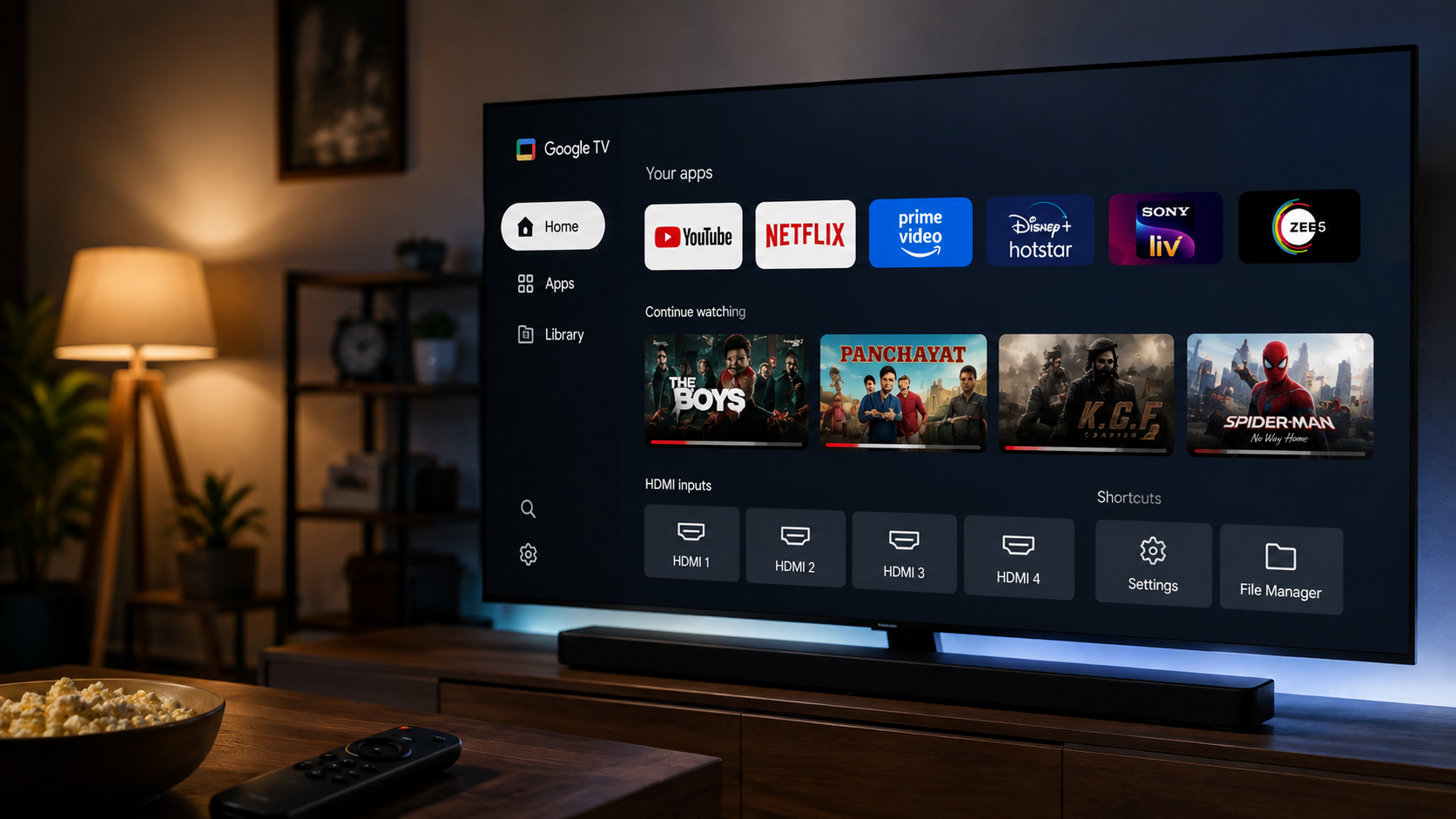
If you own a Google TV, you already know the drill. Your clean home screen slowly fills up with stuff you never asked for, random recommendations, sponsored content, and rows you never even scroll through.
That is the exact problem a Google TV launcher solves. Instead of a screen built to push content at you, you get one built around what you actually watch. So I tried out the 4 best launchers for Google TV to see which ones are worth it.
But before you pick one, it is worth looking at the cost, whether it needs a sign-in, what permissions it asks for, and how smooth it actually feels to use.
So let’s dive in and see which one comes out on top. Trust me, one of these four might just become your new favourite.
1. Projectivy Launcher
If you only try one launcher here, make it this one. Projectivy has become the best Google TV launcher in 2026 for most people. It has been around for years, gets updated often, and has a large user base.
Price: Free, with an optional one-time Premium purchase. Premium adds custom wallpapers, extra display profiles, and unlimited parental control locks, but it works fine without paying too.
Sign in: No separate account needed. It installs using the same Google account already on your TV.
Permissions: Basic access like network status and TV listings for the Watch Next row, plus an optional permission for remote shortcuts.
Interface: Familiar and clean, with app rows, quick HDMI shortcuts, and a clock in the corner.
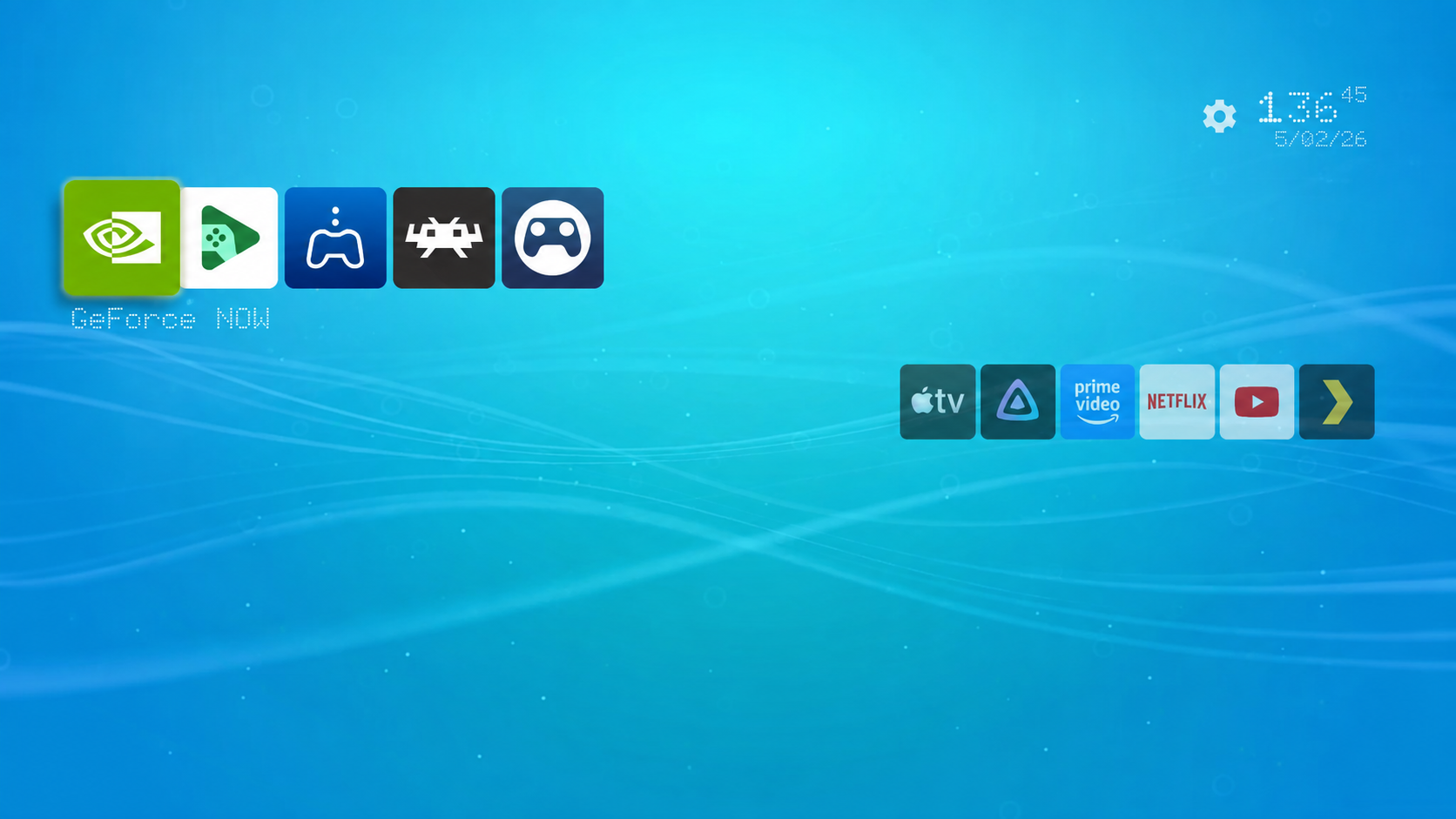
You can install it directly from the Play Store, no computer needed, and resize icons or sort apps into your own categories as you get comfortable.
2. AT4K Launcher
AT4K brings an Apple TV style layout to Google TV, with content cards on top and a clean app grid below. It has somehow inspired other launchers, so it is worth trying the original.
Price: Free to use, with a one-time premium unlock around INR 425 for custom icons, widgets, and extra themes.
Sign in: No separate account needed. Just install via the Play Store using your default account and start customising.
Permissions: Needs an accessibility shortcut enabled in TV settings so it can stay as your home screen, with no tracking or ads.
Interface: Fast and smooth, with nice animations and a Watch Next row showing cards from whichever app you browse. On some TVs, you cannot set it as the true default, so you may need to remap your remote’s Home button.
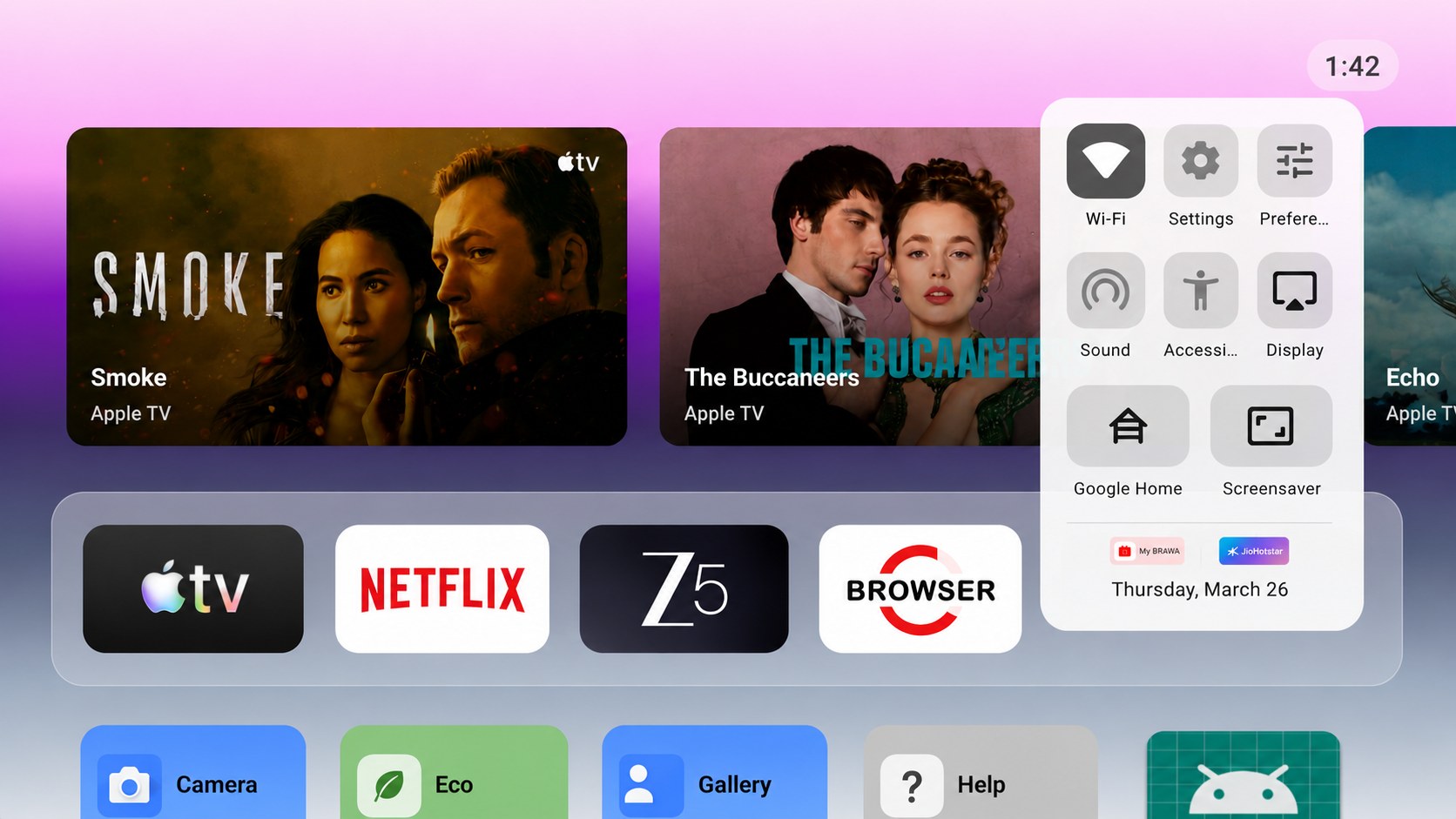
If you like content previews without losing a clean layout underneath, AT4K is the best Google TV launcher to try.
Related Reading: What is a Google IPTV Player?
3. Monet Launcher
Next in the list of 4 best launchers for Google TV is Monet. It is the newest launcher here, standing out for its colourful design. It uses Material You, the same style from Pixel phones, picking colours from your wallpaper and applying them across the screen.
Price: Core features are free, with a one-time premium unlock for deeper customisation.
Sign in: No account needed, just install and set it as your home screen.
Permissions: Uses an optional permission to stay as your home screen after the Home button or standby. It cannot see your screen and does not collect or share data.
Interface: This is where Monet shines, with live wallpapers that change based on real weather and time of day, or calmer ambient scenes if you prefer. You can also adjust apps per row, create folders, and pin favourites to a dock.
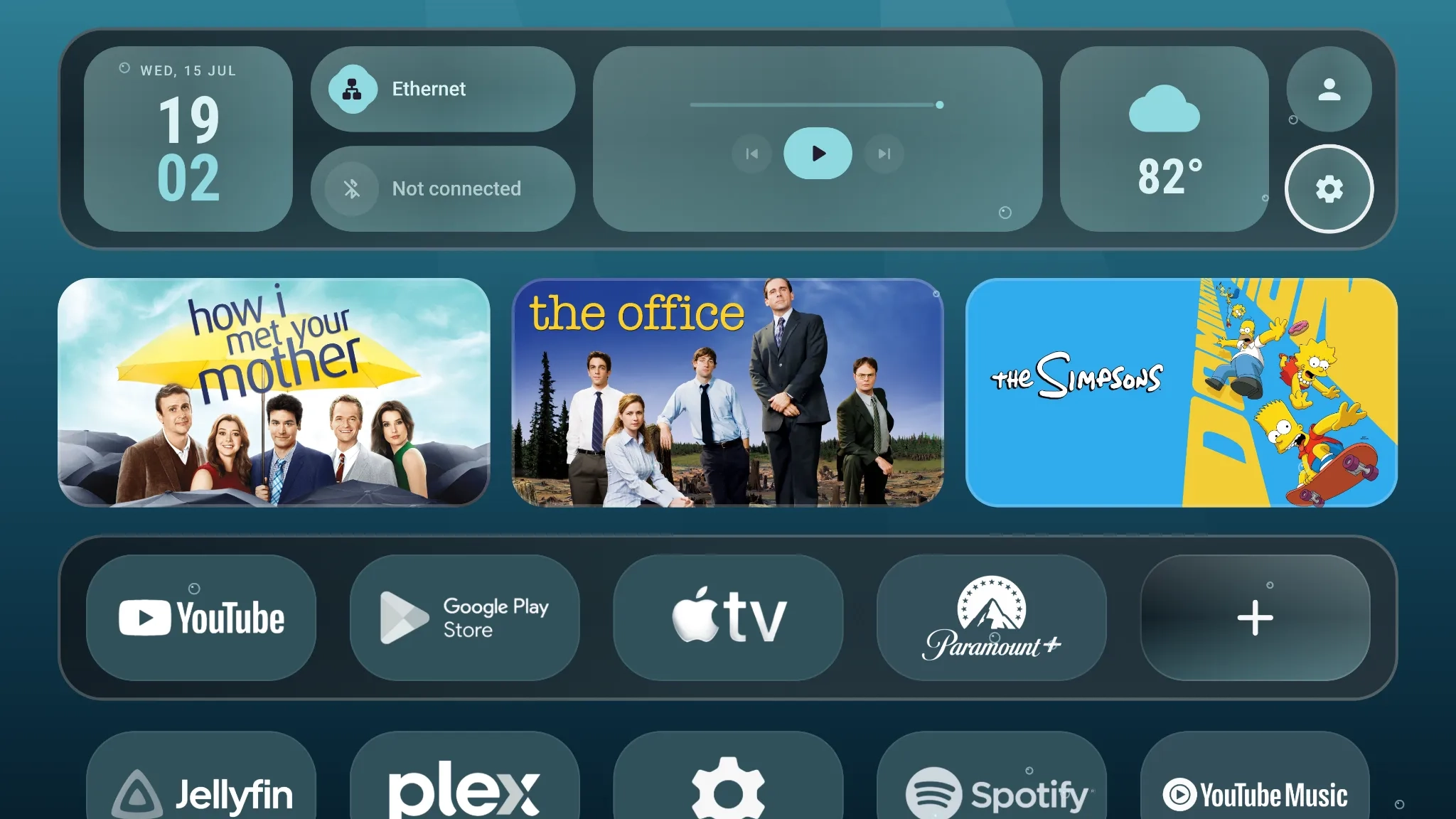
If you want a Google TV custom launcher that feels personal and alive rather than a plain grid, Monet is worth trying.
4. FLauncher
For users who care most about privacy, this one is built exactly for that. It is perfect if you want the fastest launcher for Google TV with zero frills. It is open source, completely free, and keeps things down to just your apps.
Price: This launcher is free and open source, with no premium version at all.
Sign in: You do not need an account for this one and can simply sideload and use it without logging into anything.
Permissions: Since it is open source, anyone can review the code. It only needs basic access to show and manage your apps.
Interface: Extremely simple, just app names in a row or grid with a clock. I like it on a secondary TV where I just want to open an app and go.
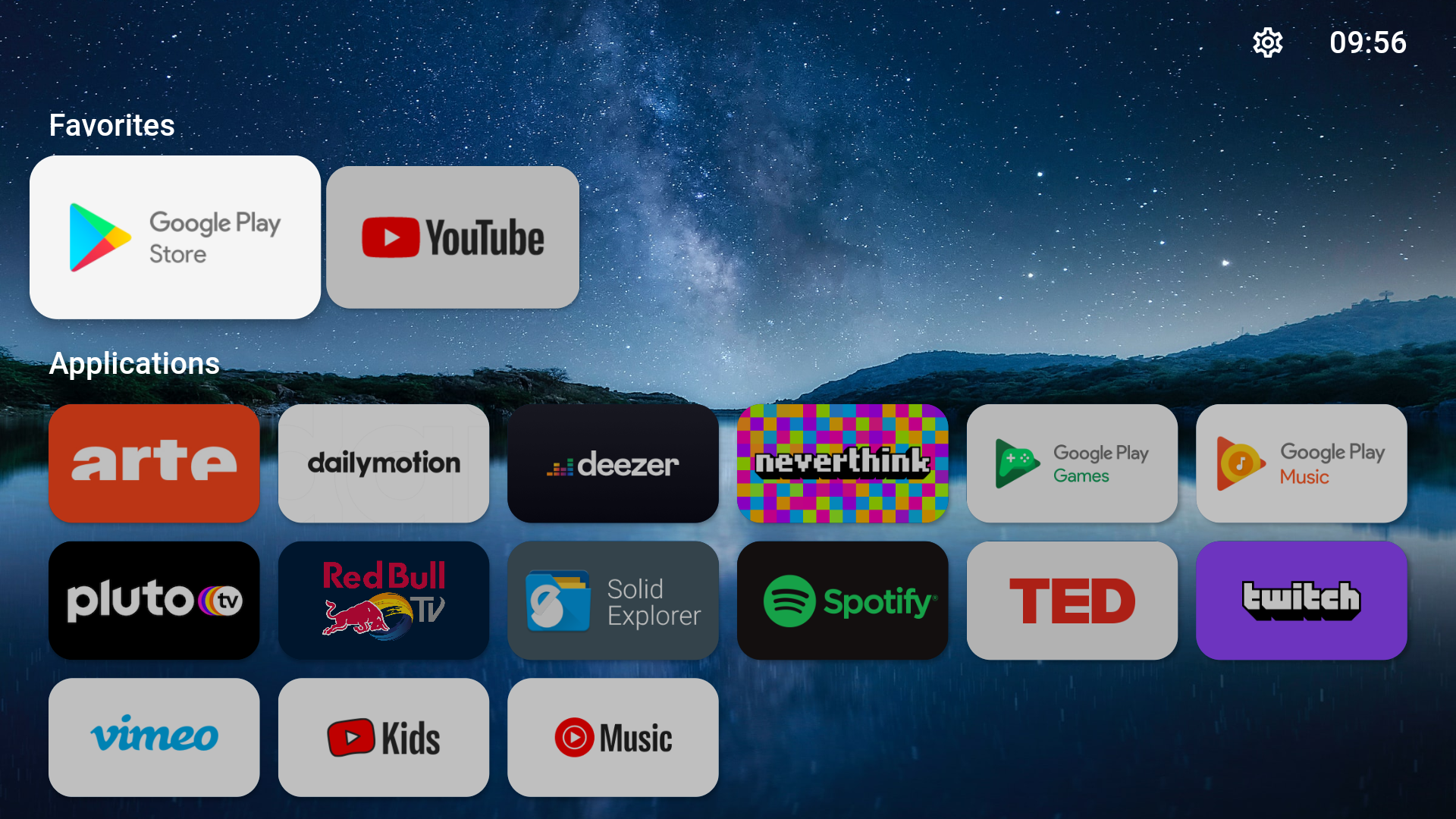
The catch is that it usually isn’t on the Play Store, so you will need to sideload the APK, which takes a bit more effort than a regular install.
Your TV, Your Rules
At the end of the day, your TV should feel like yours, not a billboard for shows you never watch. Whichever one you pick from these 4 best launchers for Google TV, you are already a step ahead of most Google TV owners.
Give one a shot this weekend, and you might never miss the stock launcher again.
FAQs
Which is the best free launcher for Google TV?
Projectivy is one of the 4 best launchers for Google TV, since it is completely free and ad-free.
How do I install a launcher on Google TV?
Download it from the Play Store, then set it as your default home app in Settings.
Is there a custom launcher for Google TV?
Yes, Projectivy, AT4K, Monet Launcher, and FLauncher are all custom launchers you can install on Google TV.