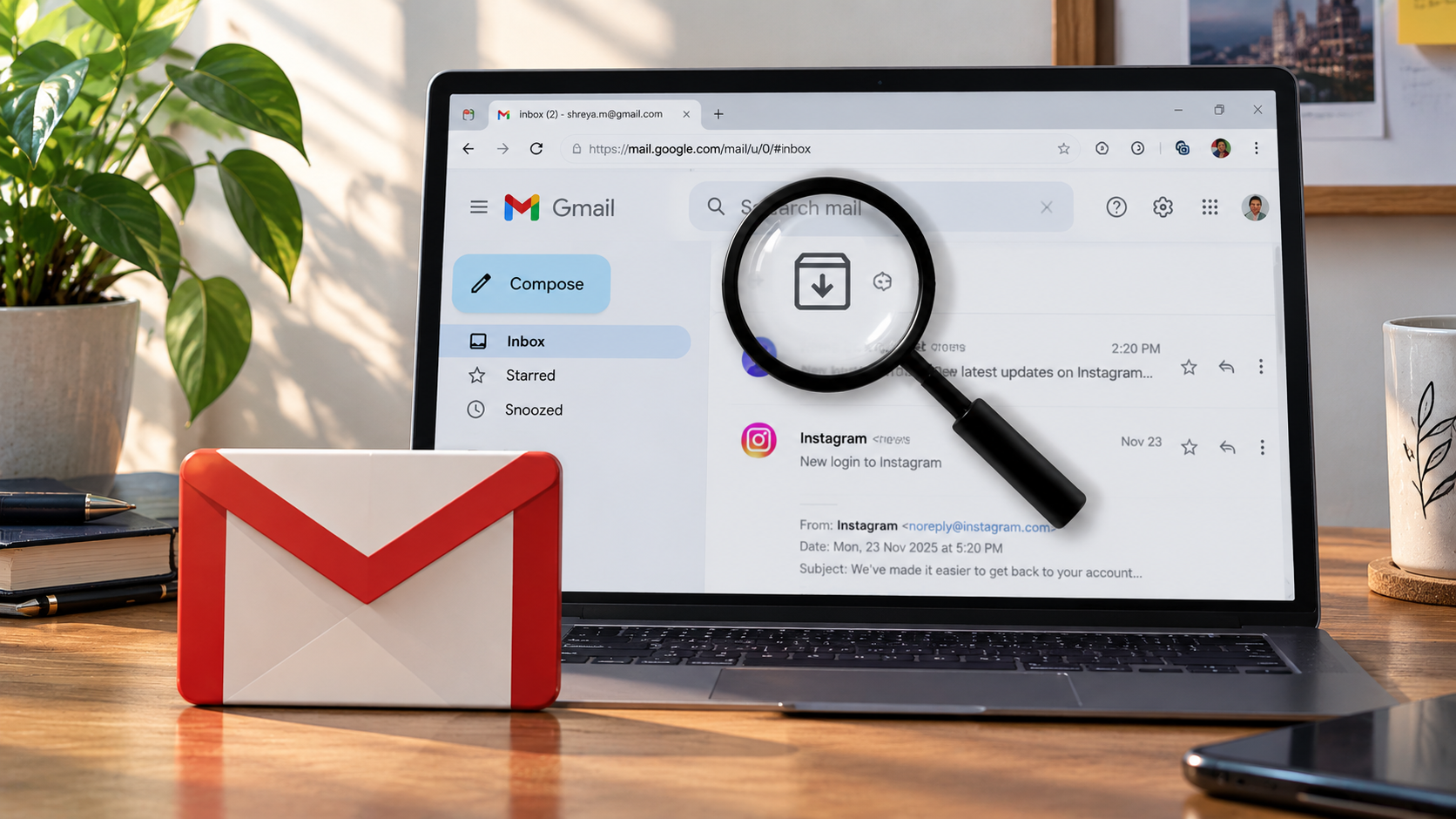
Ever gone looking for an email you know you got, only to find it’s vanished from your inbox? Nine times out of ten, you didn’t lose it. You archived it at some point and forgot. Learning how to find archived emails in Gmail on your phone takes about ten seconds once you know where to look.
Here’s exactly how to do it on both iPhone and Android, plus what to do once you find what you’re after.
Where Archived Emails Actually Go
Archiving in Gmail doesn’t delete anything. It just removes the email from your inbox and moves it into the “All Mail” folder. It’s still there, just off your desk.
Unlike Spam or Trash, which Gmail automatically clears out after 30 days, archived emails stay put indefinitely. Nothing gets removed unless you delete it yourself.
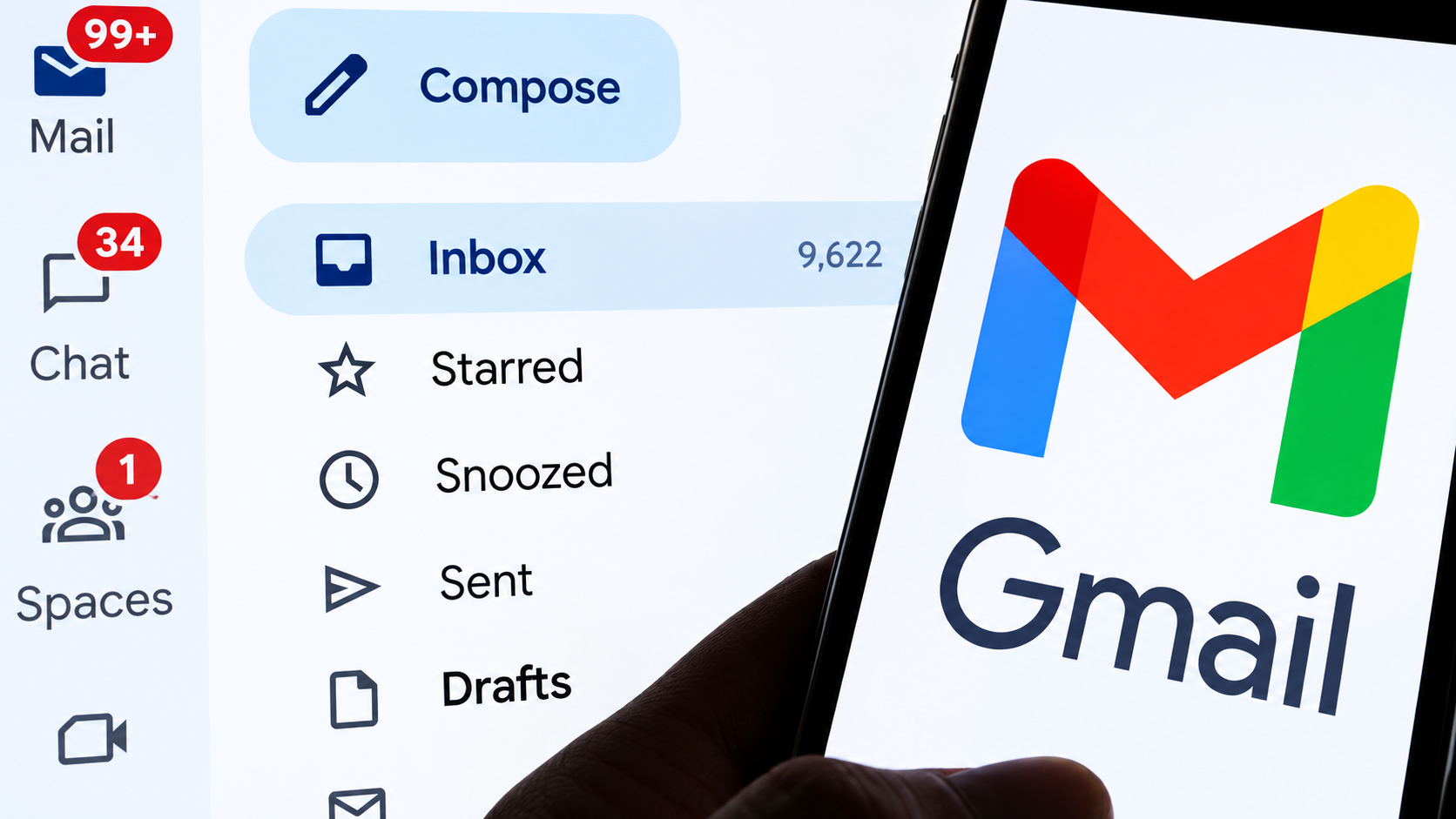
This trips people up constantly. An archived email won’t show up under Primary or Promotions, since those are inbox categories, and archived mail has technically left the inbox.
That’s exactly why you can’t find your archived email in Primary or Promotions.
Find Archived Emails in Gmail on iPhone
Here’s how to find that missing email using the Gmail archive folder on iPhone.
Step 1: Open the Gmail app and sign in using the right account.
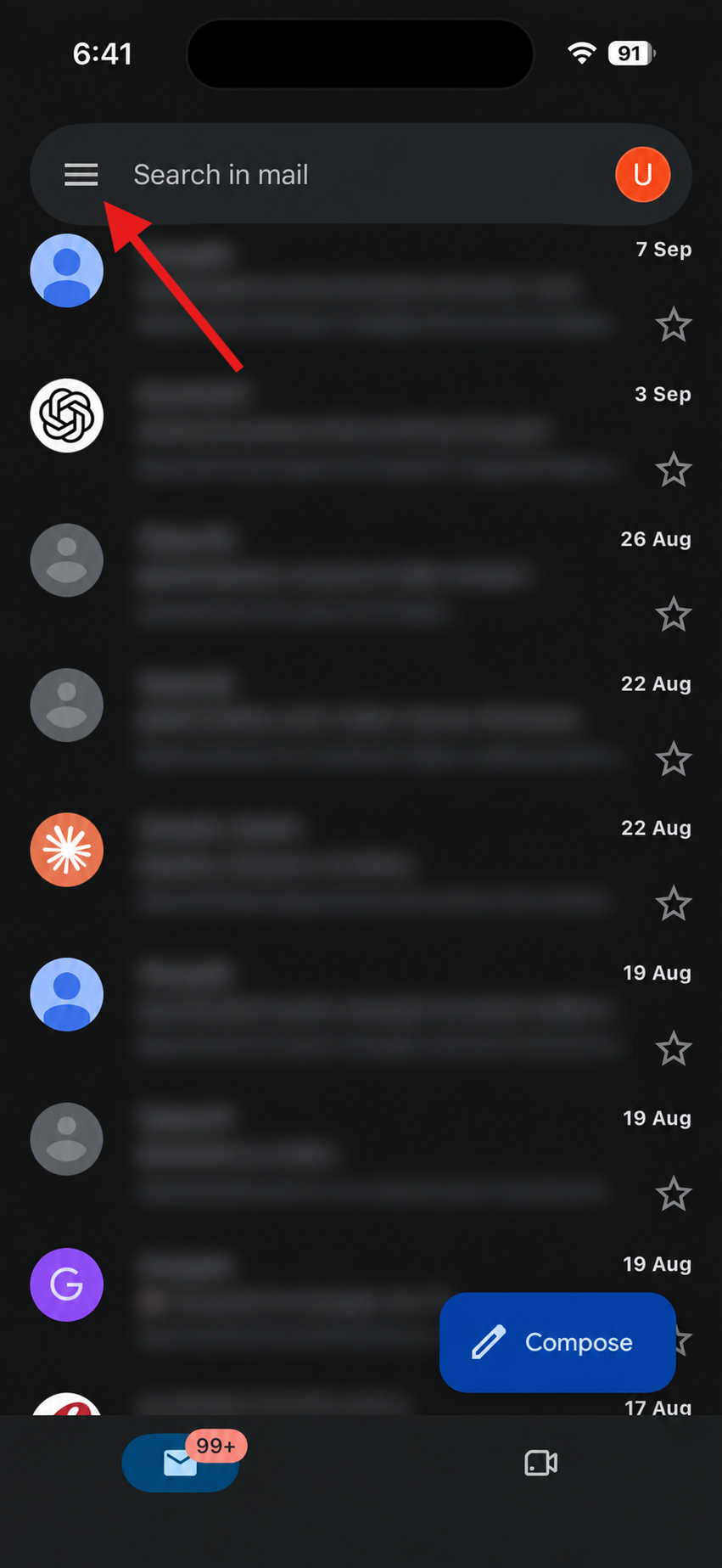
Step 2: Tap the menu icon (three horizontal lines) in the top-left corner.
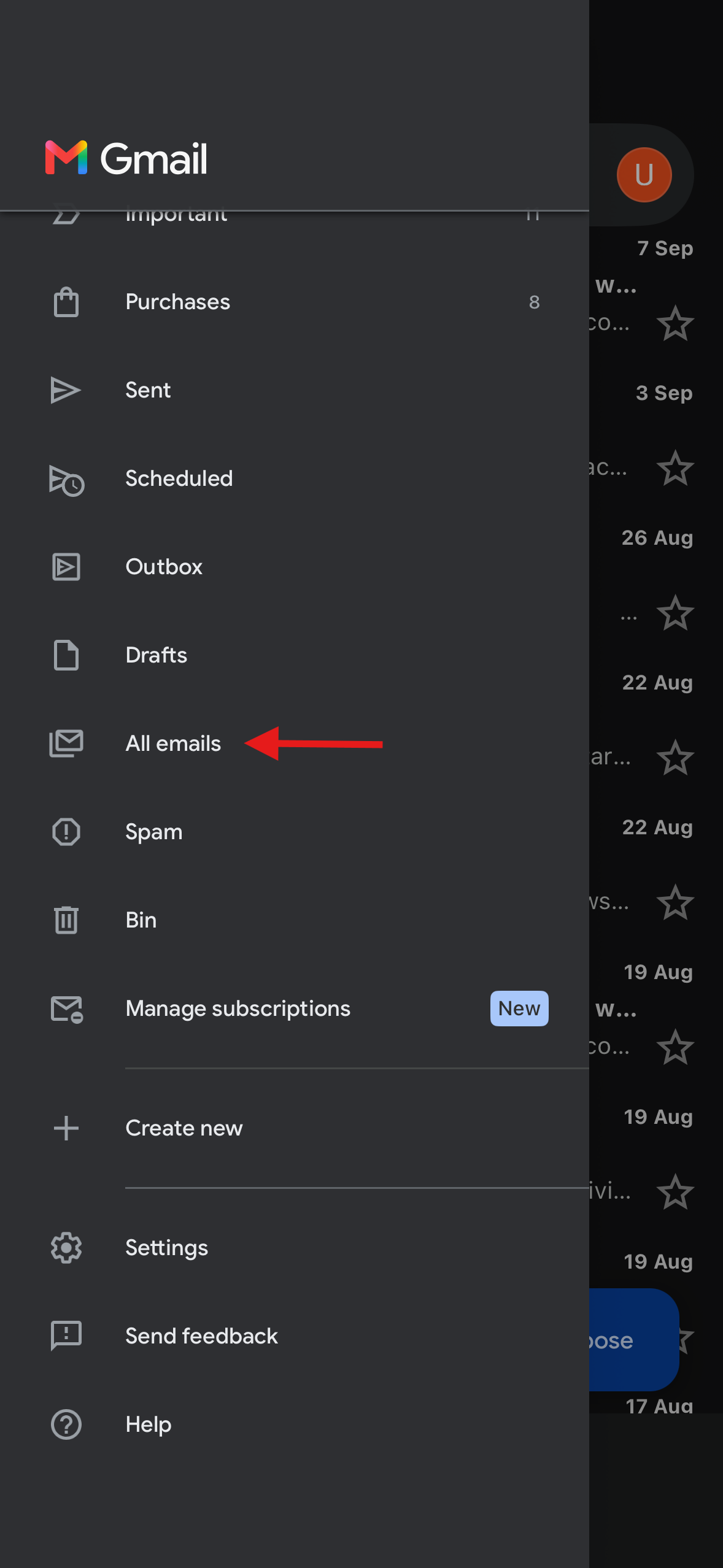
Step 3: Scroll down and tap All Mail.
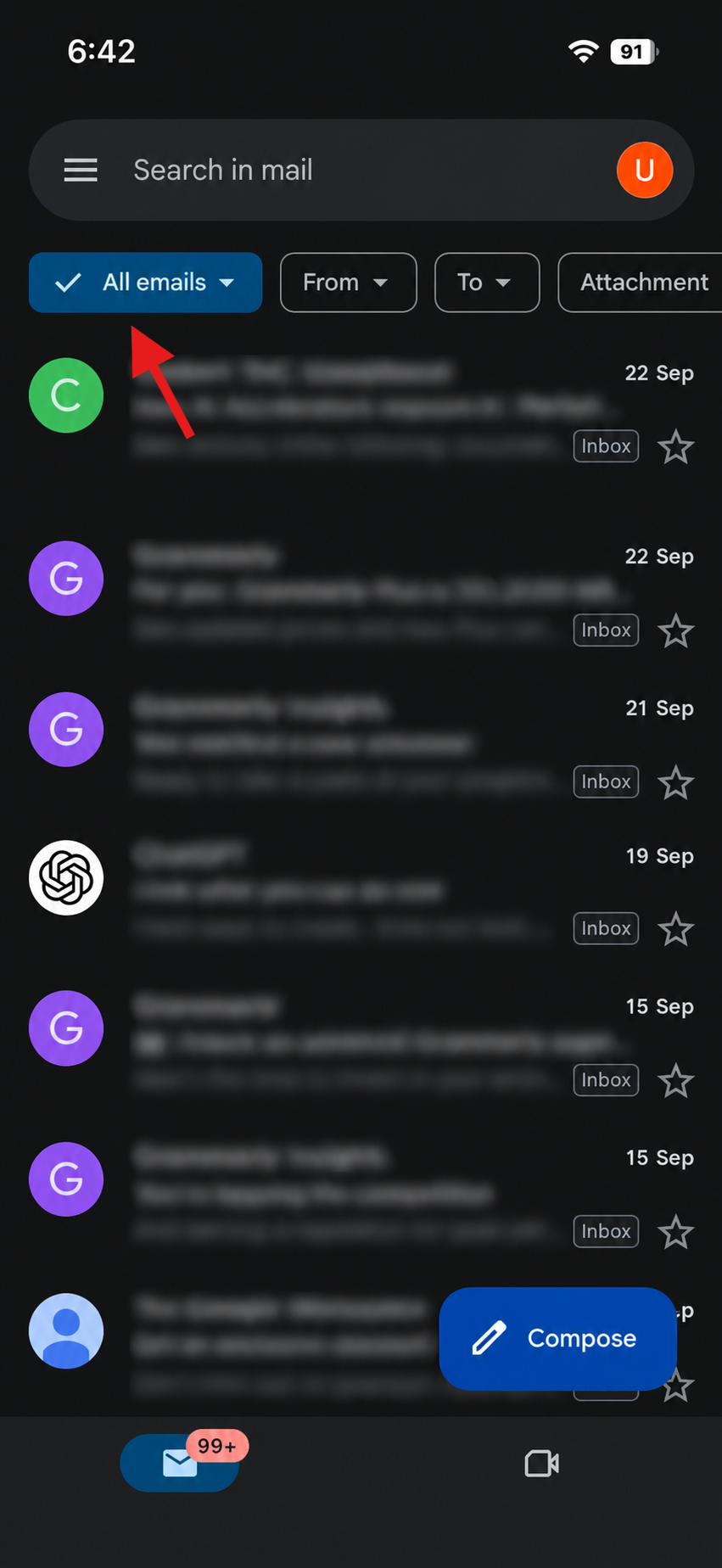
Step 4: Browse the list, or use the search bar if you’re after something specific.
Step 5: For a faster way, tap the search bar and type in:anywhere followed by a keyword or sender name.

This searches every folder at once, including Spam and Trash, making it the quickest way to search archived emails in Gmail without scrolling forever.
Find Archived Emails in Gmail on Android
The steps are almost the same when using the Gmail archive folder on Android.
Step 1: Open the Gmail app and confirm you’re on the correct account.
Step 2: Tap the menu icon in the top-left corner.
Step 3: Tap All Mail from the folder list.
Step 4: Scroll or search to find your email.
Step 5: Just like on iPhone, in:anywhere works here too.
If you only want archived messages and nothing else, try in:archive instead. It filters out everything currently there in your inbox.
Why Archived Messages Might Not Be Showing Up
If you’ve tried all that and you’re still stuck, don’t panic just yet. Most of the time it’s just a sync issue, especially if you recently switched phones or haven’t opened Gmail in a while. Pulling down on your inbox to force a refresh usually clears this up in a few seconds.
Moreover, it’s also worth checking that you’re logged into the right account. If you juggle a personal and a work Gmail, it’s pretty easy to search the wrong one and assume the email vanished. And make sure you’re searching All Mail itself rather than scrolling your regular inbox, since archived mail won’t appear there no matter how far you scroll.
One more thing worth knowing: if a thread you archived keeps popping back into your inbox on its own, that’s not a bug. It usually means someone replied to it, and Gmail automatically pulls replied-to conversations back into your inbox even after you’ve archived them.
Still nothing? The email might’ve been deleted rather than archived. Those are two completely different actions in Gmail, and mixing them up happens more often than you’d think.
Read More: How to Disable Gemini from Google Spreadsheets
How to Move an Archived Email Back to Your Inbox
Found it? Now let’s get it back where it belongs. To move an archived email back to your inbox, open the message and tap the move icon (a small folder with an arrow) near the top. Then select Move to Inbox.
That’s it. The email lands right back in your regular inbox as if it never left. This unarchive email Gmail mobile trick works the same way on both iPhone and Android.
Wrapping Up
So, that’s how you find archived emails in Gmail. At the end of the day, archiving isn’t losing an email. It’s just tucking it out of sight for later. With the steps above, tracking one down on either iPhone or Android takes barely a minute.
A little more mindful archiving now can save you the occasional search down the road, but when you do need to look, you know exactly where to start.
FAQs
Where do archived emails go in Gmail?
They move to the All Mail folder. Nothing gets deleted, it just leaves your inbox and stays there indefinitely.
How do I find only archived emails in Gmail on mobile?
Open All Mail and search using in:anywhere to pull up everything, archived included.
How do I move an archived email back to my inbox?
Open the email, tap the move icon, then choose Move to Inbox.
Why can’t I find my archived email in Primary or Promotions?
Those are inbox categories. Archived messages will be removed from your inbox so you won’t see them there.