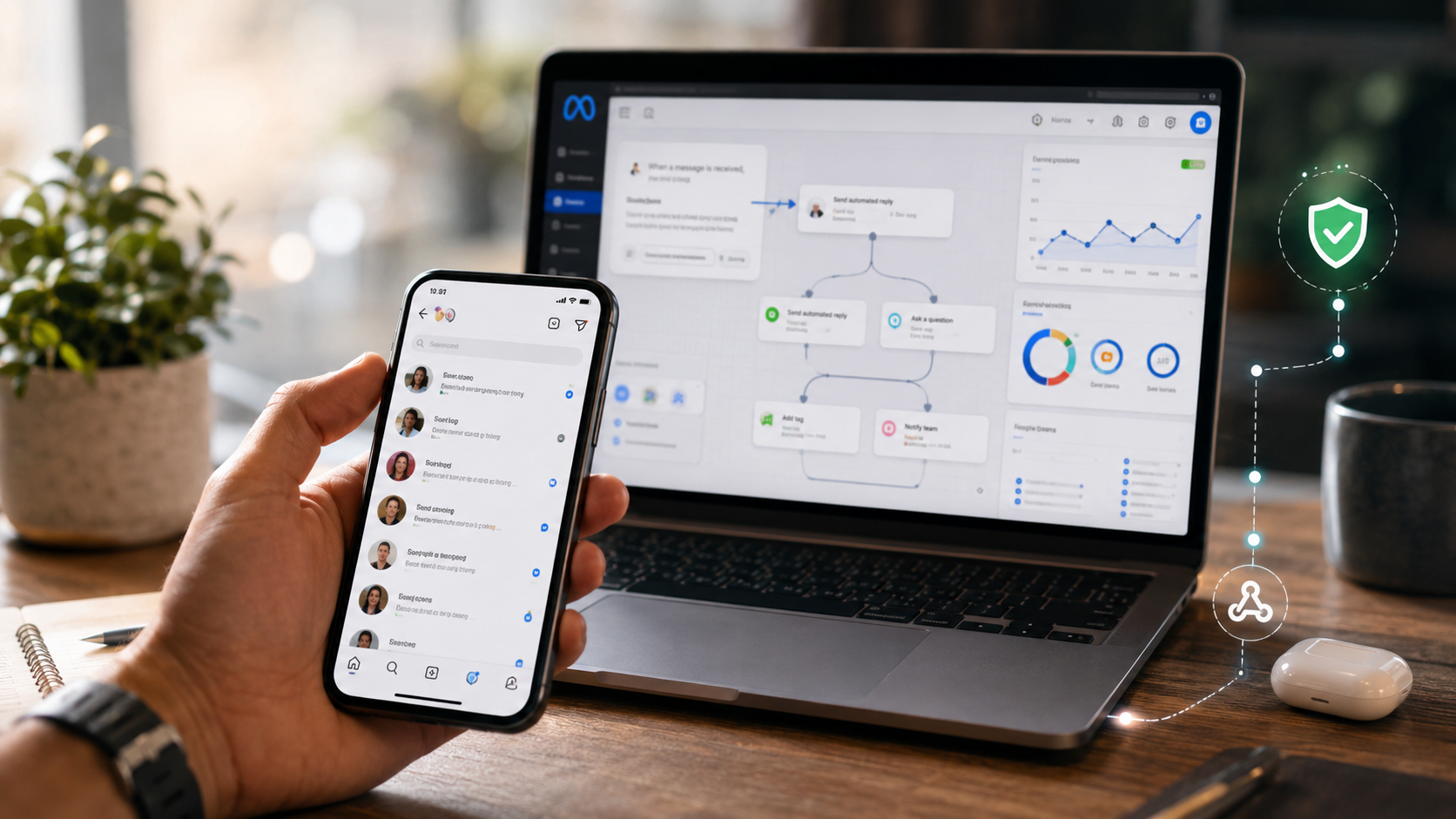
Instagram DM automation can save hours every week. But it can also get your account restricted if you do it the wrong way.
In 2026, Meta has tightened its rules, and the gap between safe automation and banned account comes down to a few clear technical choices.
Use the Official API, Not Third-Party Bots
The single biggest safety rule is this: automate only through Meta’s official Instagram Graph API. The rule is not “no automation.” The rule is “automation only through the official API, only for user-initiated interactions, within rate limits.” Tools built this way are supported by Meta, not punished by it.
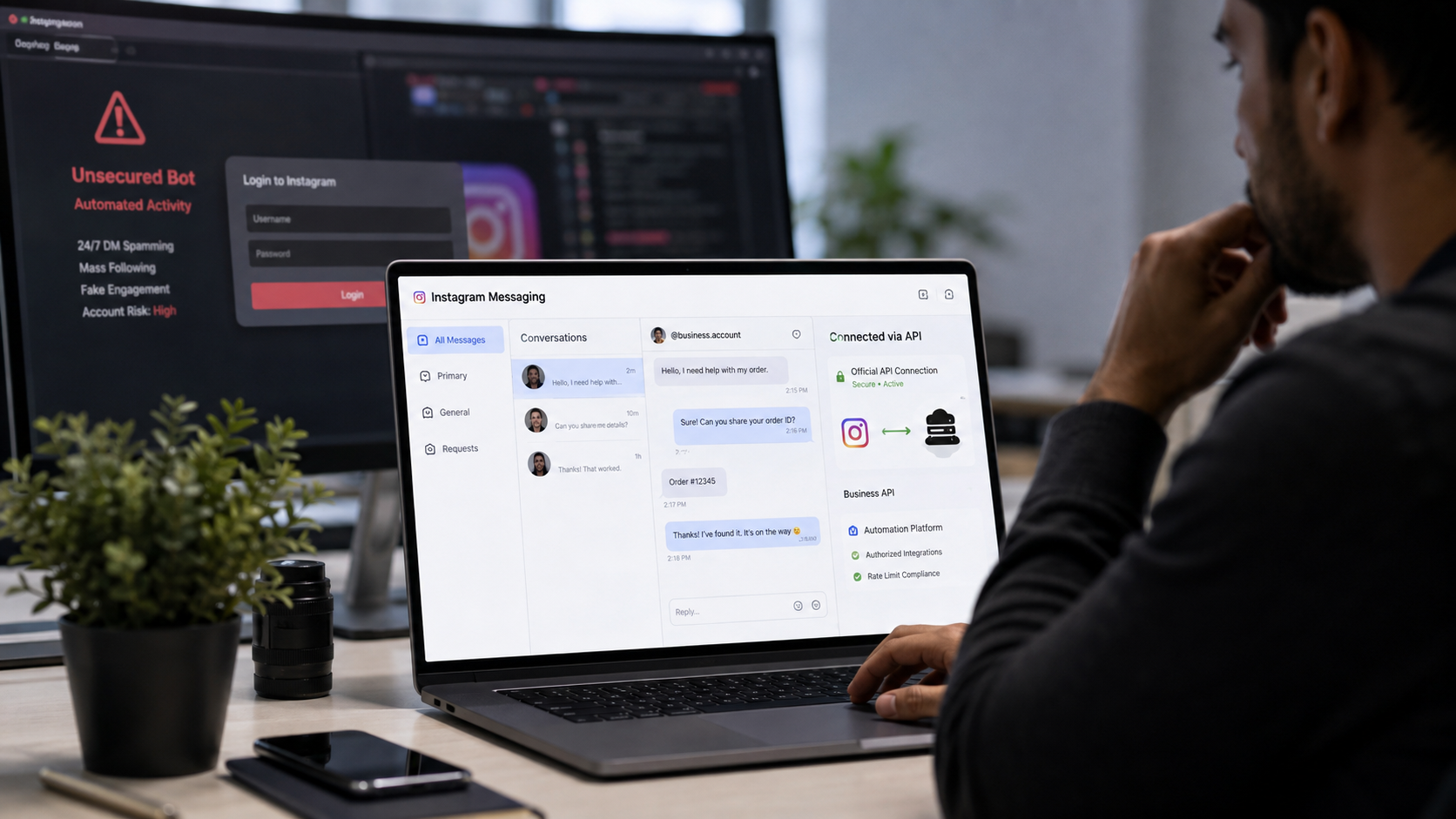
Browser bots, scraping tools, or anything that asks for your Instagram password should be avoided completely.
Sharing your Instagram password with any third-party software is one of the fastest ways to get flagged, along with any automation that bypasses the official Instagram API.
Only Certain Accounts Qualify
Not every profile can even use automation legally. Personal accounts cannot use DM automation.
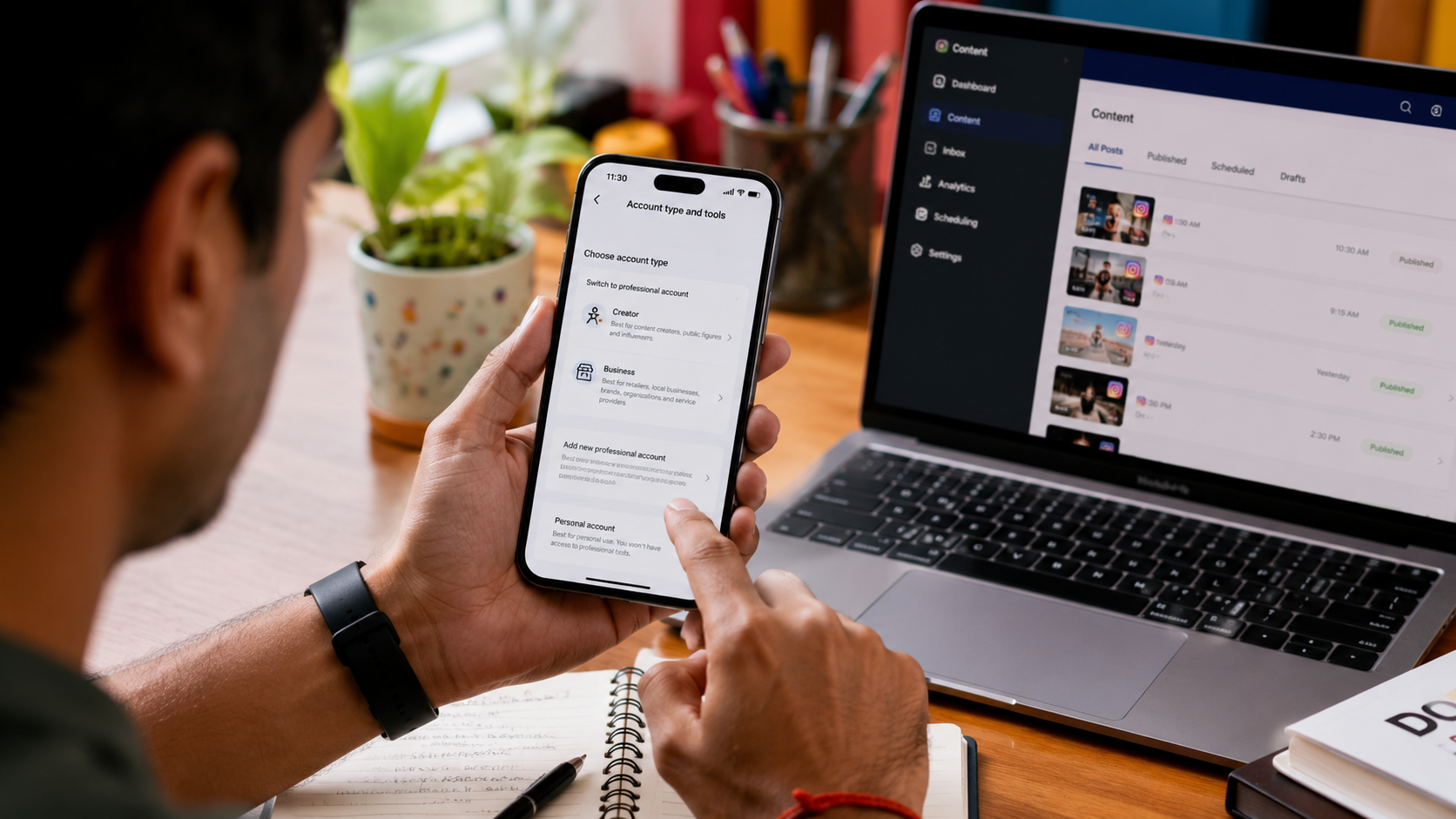
Only Creator or Business accounts connected to a Facebook Page get Graph API access. If you are still on a personal profile, switching to a professional account is step one.
Automation Must Start With the User
This is the rule most people get wrong. You cannot cold-message strangers. Via the official API, a conversation generally has to be initiated by the person first.
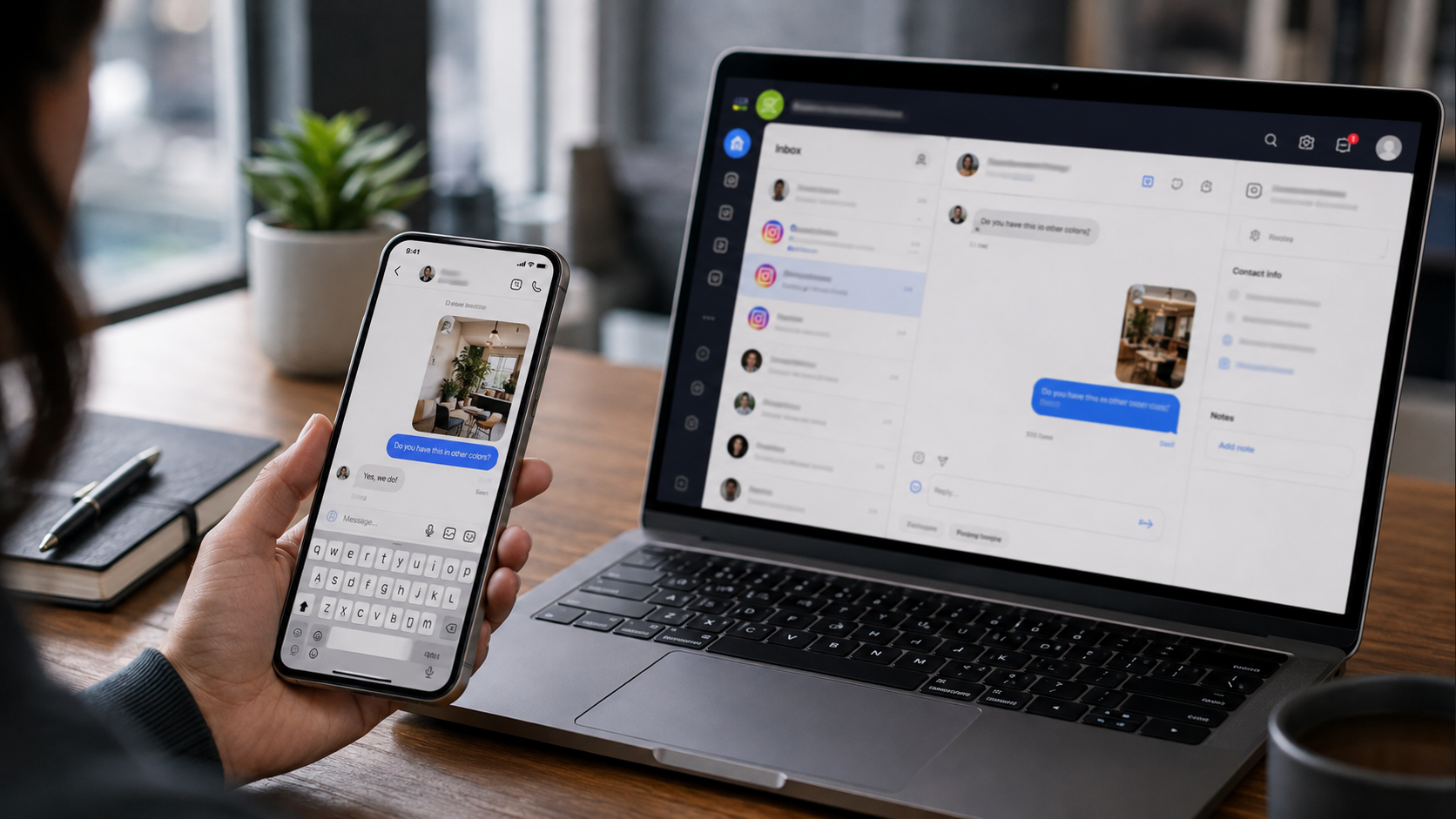
Your flows begin from inbound DMs, Story replies, comment-to-DM Private Replies, mentions, or click-to-message ads. Auto-DMing every new follower still is not a real, approved feature.
Respect the 24-Hour Messaging Window
Once someone engages with you, a clock starts. Businesses can typically send automated messages only within 24 hours of a user’s most recent interaction. Each new interaction resets the timer and opens a new messaging window.
To keep conversations alive longer, design your flows to invite replies. Ask questions, use quick reply buttons, and create opportunities for users to respond to keep the messaging window open. Once the window closes, you generally cannot send promotional content until the user messages you again.
Read more: https://sparknherd.com/how-to/how-to-increase-watch-time-on-instagram/
Stay Inside Rate Limits
Speed and volume matter just as much as timing. The Instagram Graph API officially caps automated DMs at 200 messages per hour per account. This is a hard limit designed to prevent mass spamming bursts.
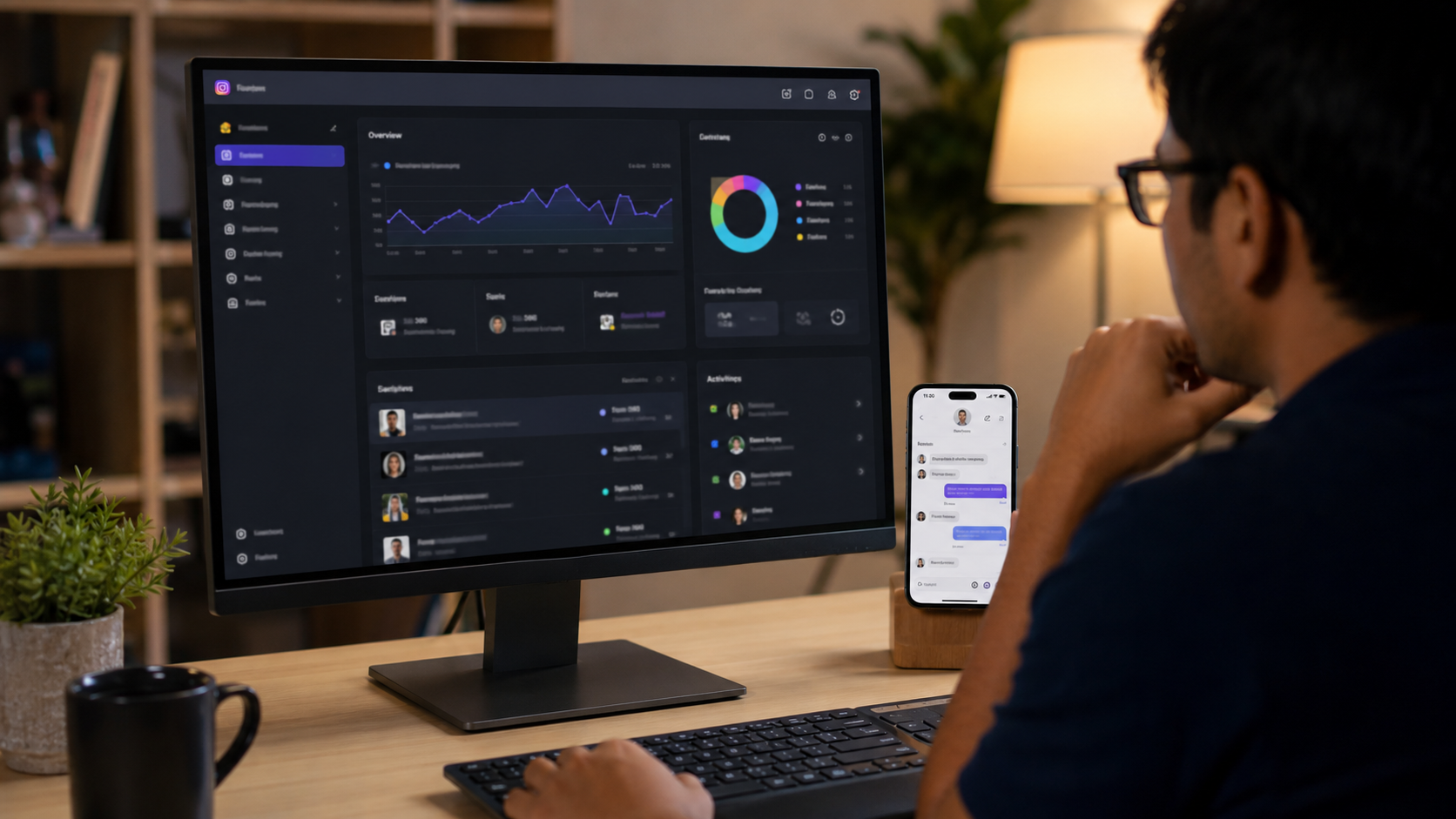
There is also a limit on repetition. For every unique user action, like a comment, the API typically allows only one automated private reply. Sending the same message twice for one trigger is a red flag to Meta’s spam systems.
Disclose That It Is Automation
Transparency protects you legally and keeps trust with your audience. Most jurisdictions require you to tell customers they are talking to AI. A simple opening line naming your business as the AI assistant satisfies this and builds trust.
Also make opt-outs immediate. If a customer says stop or unsubscribe, the AI must cease messaging. Build this as a hard rule, not a suggestion.
Know What Changed in 2026
Meta updated several technical details this year. On April 27, 2026, message tags CONFIRMED_EVENT_UPDATE, ACCOUNT_UPDATE, and POST_PURCHASE_UPDATE were deprecated and now return error 100. Tools still using them will fail silently or trigger errors.
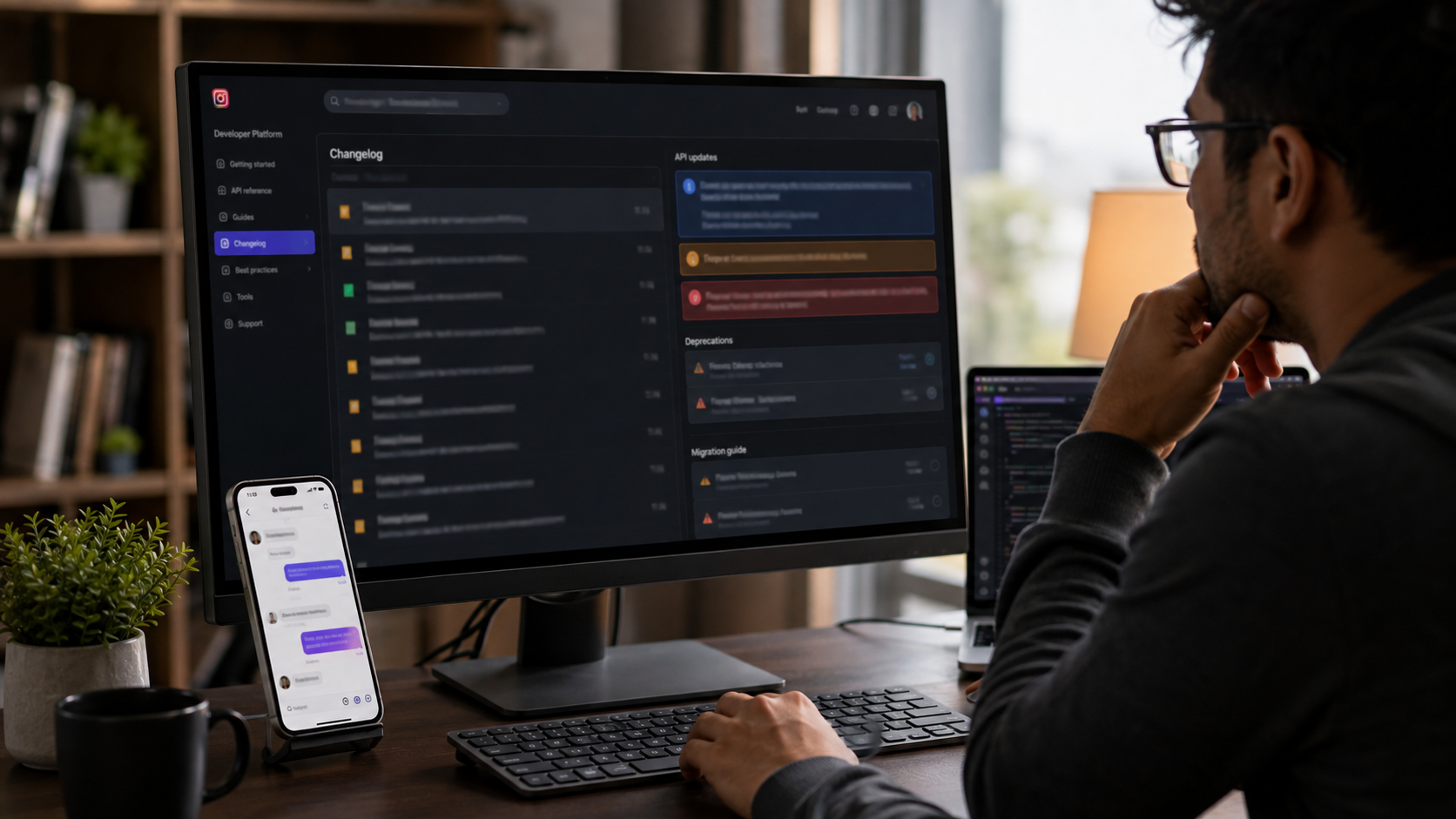
Reporting also shifted. Several Insights API metrics were deprecated in January 2025, including video views for non-Reels, profile views, website clicks, phone call clicks, and text message clicks. If your dashboard tracks these, expect broken numbers.
Know the Penalty Ladder
Violations do not always mean an instant ban. Meta usually escalates gradually.
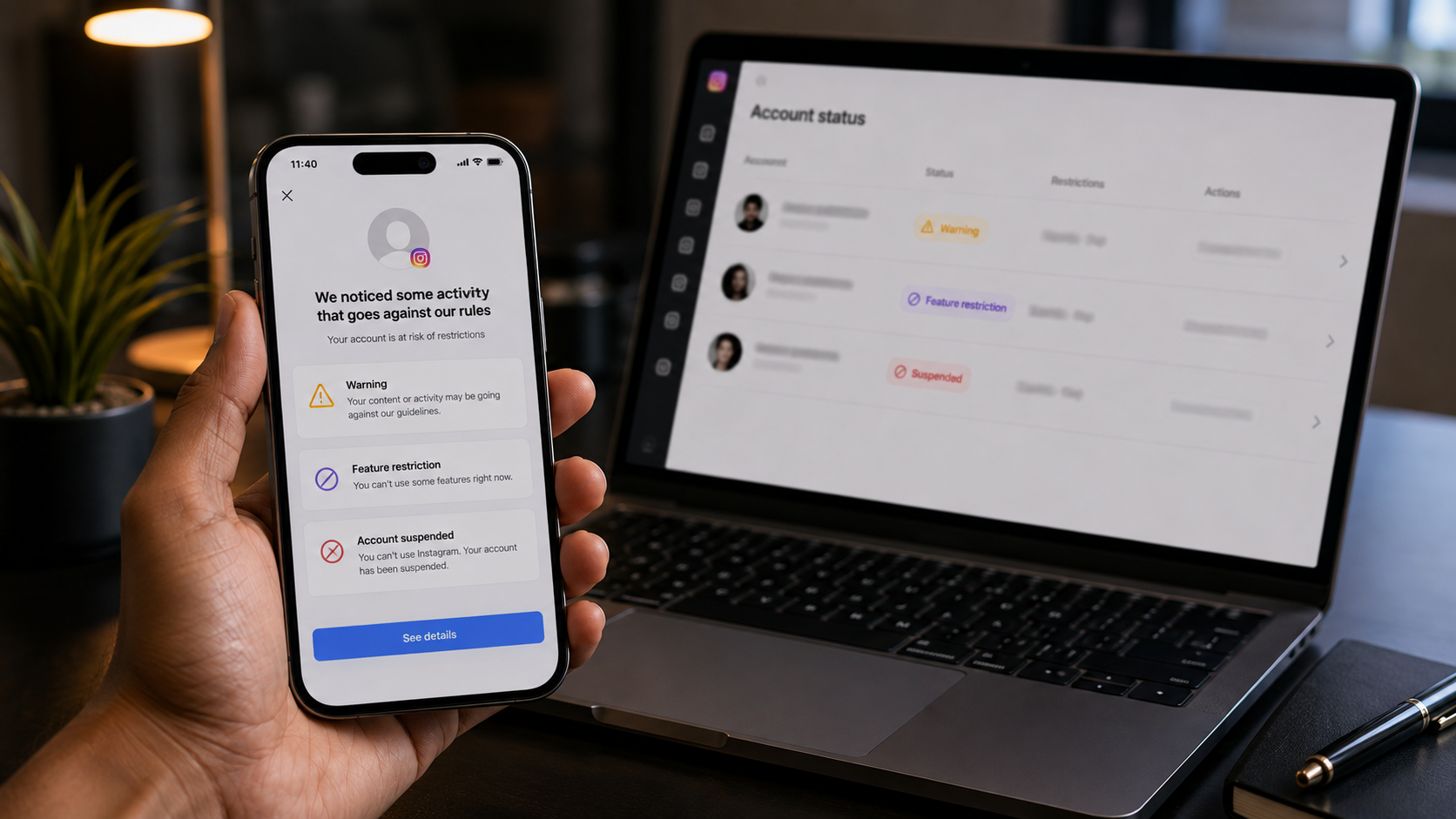
The typical sequence is feature restriction, then a 24-hour to 30-day temporary ban, then up to an 180-day account suspension with an appeal window, and finally permanent disable.
Pick the Right Kind of Partner
When choosing an automation tool, check its official standing. Tools require Meta Tech Provider status, not just Business Partner status.
Tech Provider status authorizes data processing on behalf of others, while Business Partner is only an ads and marketing badge.
Final Checklist
Before you turn on any automation, confirm five things: you are on a Creator or Business account, your tool uses the official Graph API, every message starts from a real user action, your flows respect the 24-hour window and 200-message hourly cap, and your bot clearly discloses itself as automated.
Get these right, and Instagram automation becomes a genuine growth tool instead of a risk.
FAQs
Can Instagram ban you for using DM automation?
Yes, but only if you use unofficial bots or break Meta’s rules, since using the official API the right way keeps risk low.
How do I automate Instagram DMs without getting banned?
Use a tool built on Meta’s official Instagram Graph API, only message people who engaged with you first, stay within the 24-hour reply window, and disclose that it’s automated.
How many DMs can I send on Instagram per day?
Meta’s official API caps automated messages at 200 per hour per account, so your daily total depends on how many hours you actively send, not a fixed daily number.