AI-generated images have become so realistic that it’s getting harder to tell what’s real and what’s not. From viral social media posts to misleading news images, convincing AI creations are everywhere. The good news is that they often leave behind small clues if you know where to look. You don’t need to be a photography expert either. Here are some simple ways to spot an AI-generated photo in 2026 and avoid being fooled by convincing fakes.
AI-Generated Photo Detection
Earlier, AI images had obvious tells like six-fingered hands or melting faces. But with time, most of those big mistakes are gone now. That said, even the best AI models still leave small clues behind.
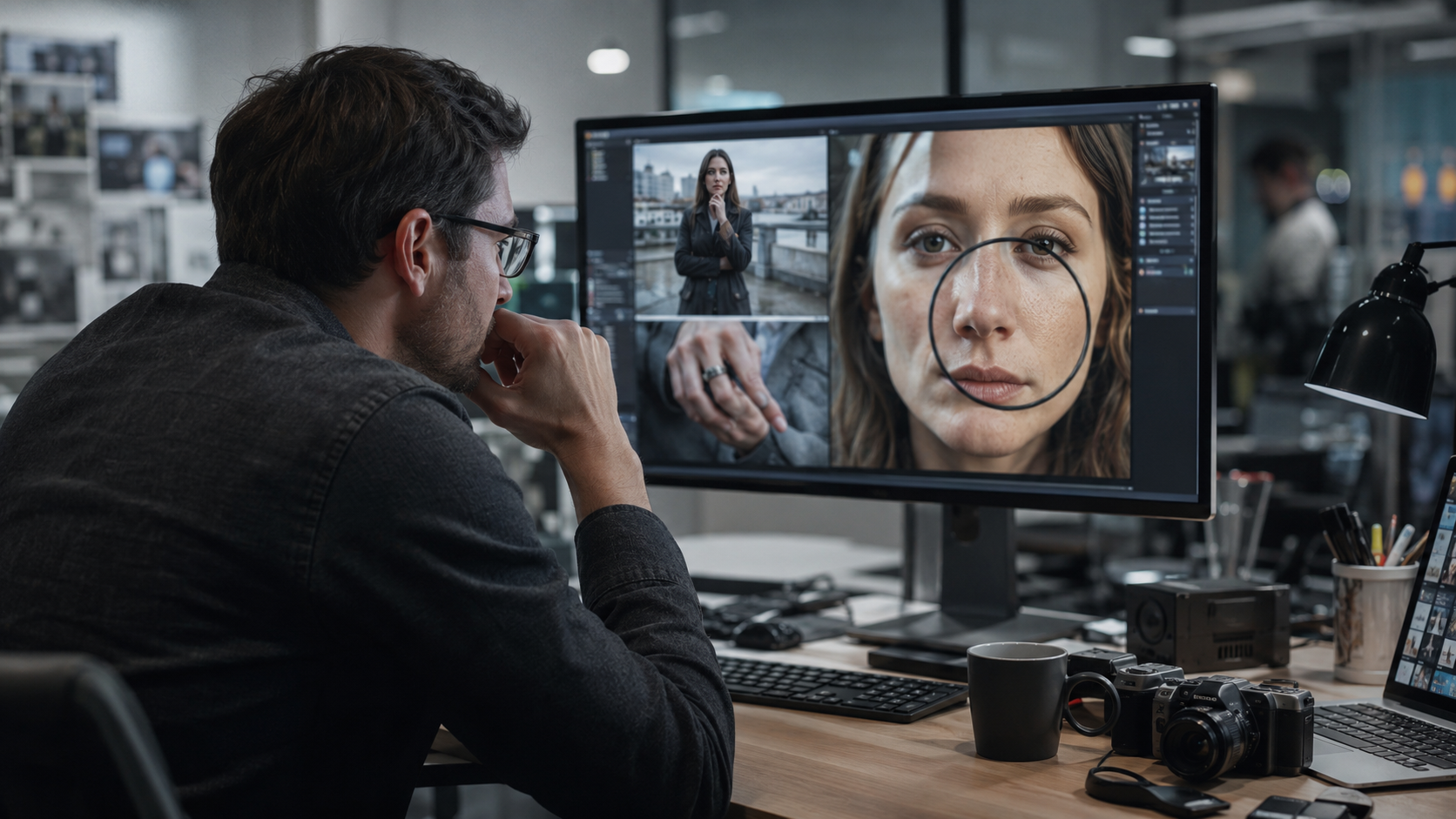
The first step is simple. Zoom into the image. AI photos often look great from far away but fall apart up close. Look at these spots:
- Firstly, look at hands and fingers, since extra or fused fingers still show up sometimes.
- You can also check teeth and eyes, which can look mismatched.
- Another factor to look out for can be the skin texture, which is often too smooth or looks slightly plastic.
- Jewelry like rings and watches, since AI often blends them into the skin or gets the hands on a watch wrong.
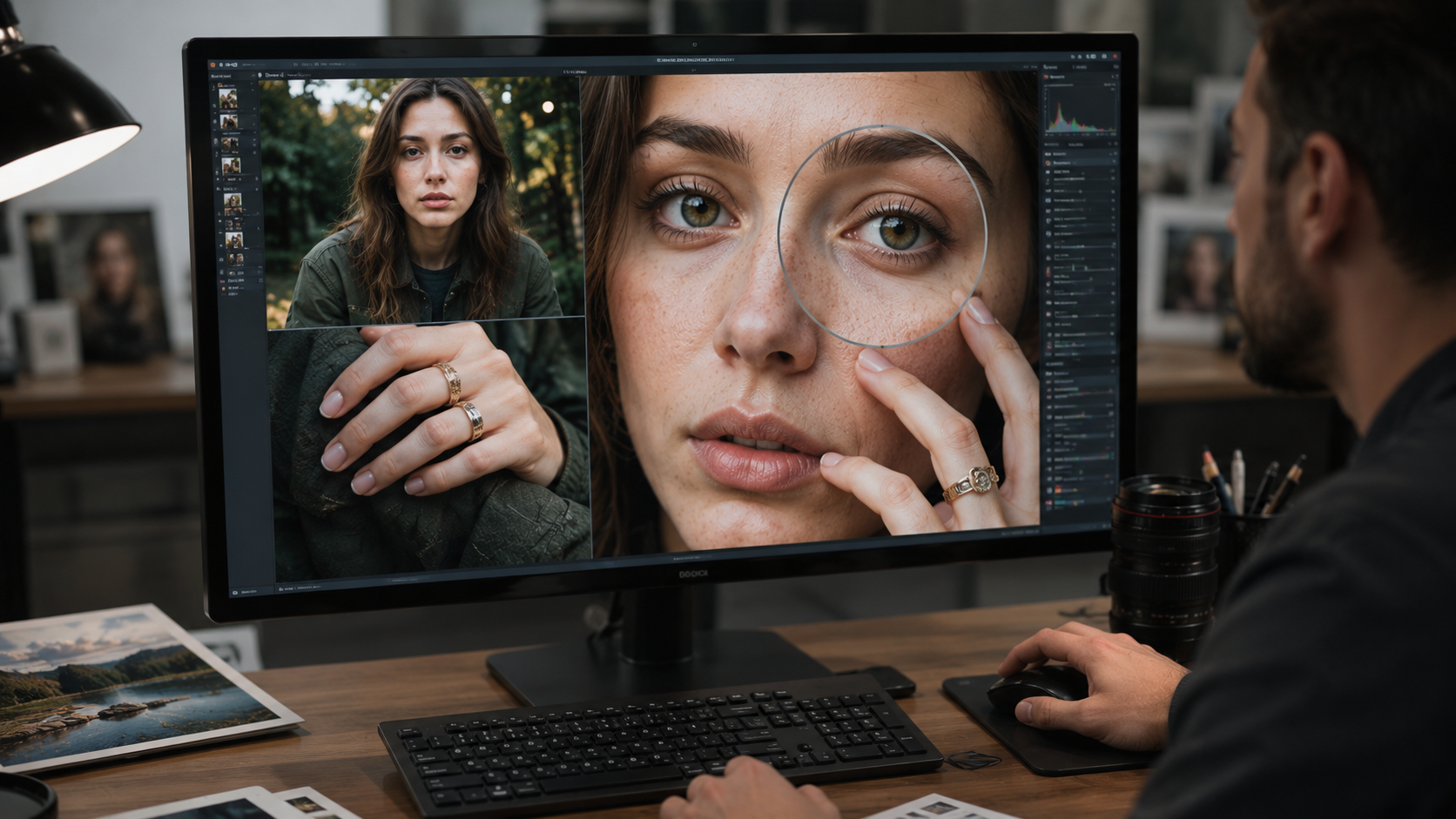
One small wrong detail doesn’t mean that the photo is AI-generated; at least 2-3 things should match from the above list.
Check Any Text in the Image
So, here is one of the easiest tricks to verify an AI-generated image. Look at signs, license plates, labels, or logos in the photo.
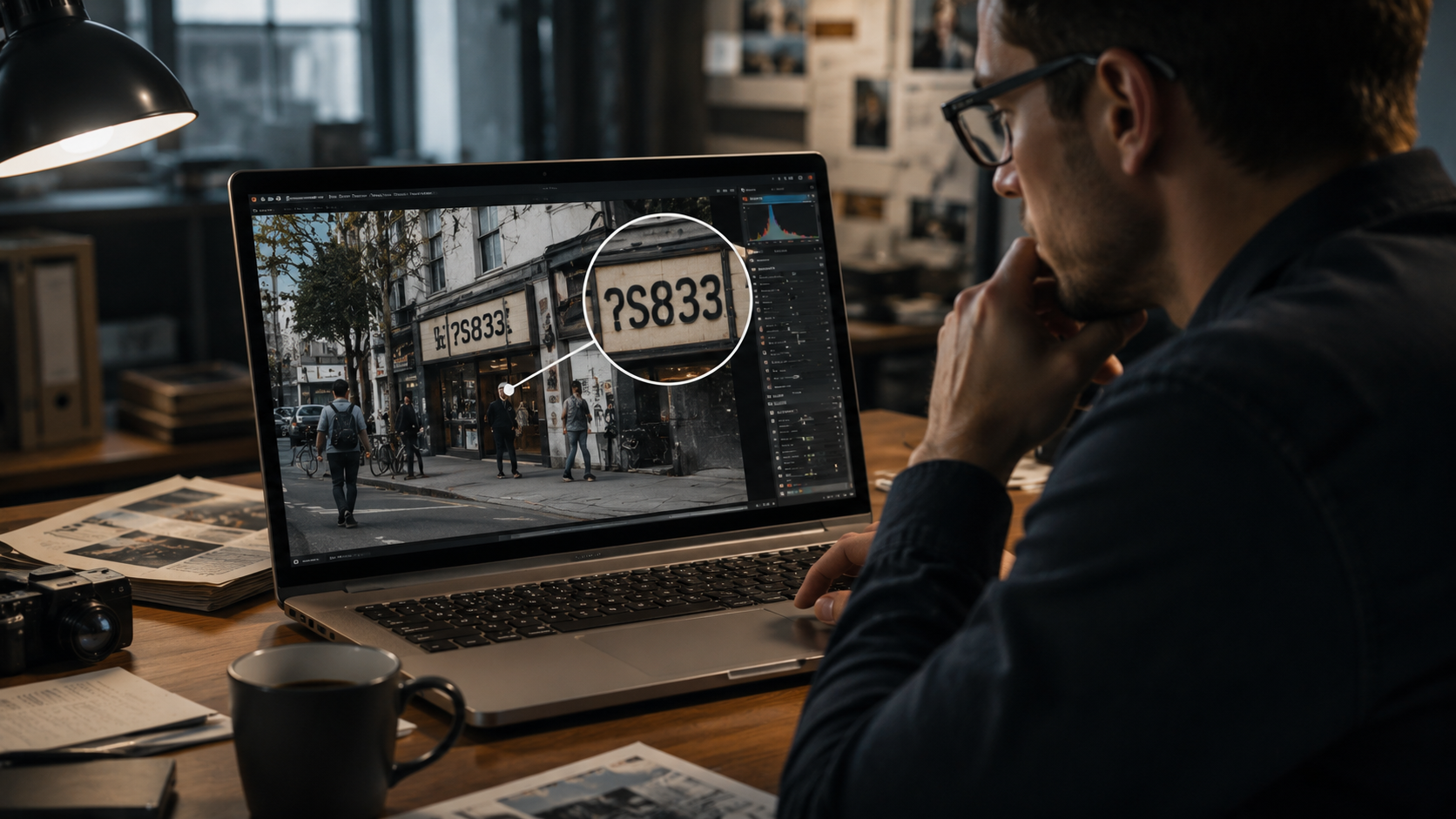
The reason is that AI models still struggle to write real, readable text. While ChatGPT’s new models can generate text effectively and correctly, some of the letters still look twisted. Or on some days, the font looks wrong. Most AI-generated images tend to mix different fonts in the images.
AI Image Detection Techniques
AI images often get small background details wrong. You can look for details like:
- Reflections in mirrors, windows, or water that do not match what is in front of them.
- There can be shadows in the image that can fall in the wrong direction compared to the light source.
- A background that looks blurred or smoothed out, almost like it was painted by a person, can also be a sign of an AI-generated image.
Check the File Metadata
One more important AI detector for images is the metadata of the image. Every real camera photo carries hidden data called EXIF metadata. This information includes the camera brand, model, and often GPS location.
You can check this using any free EXIF viewer online. These are some warning signs:
- No camera make or model is listed at all.
- A software tag naming an AI tool such as Adobe Firefly.
- No GPS data on a photo that claims to be from a specific real event.
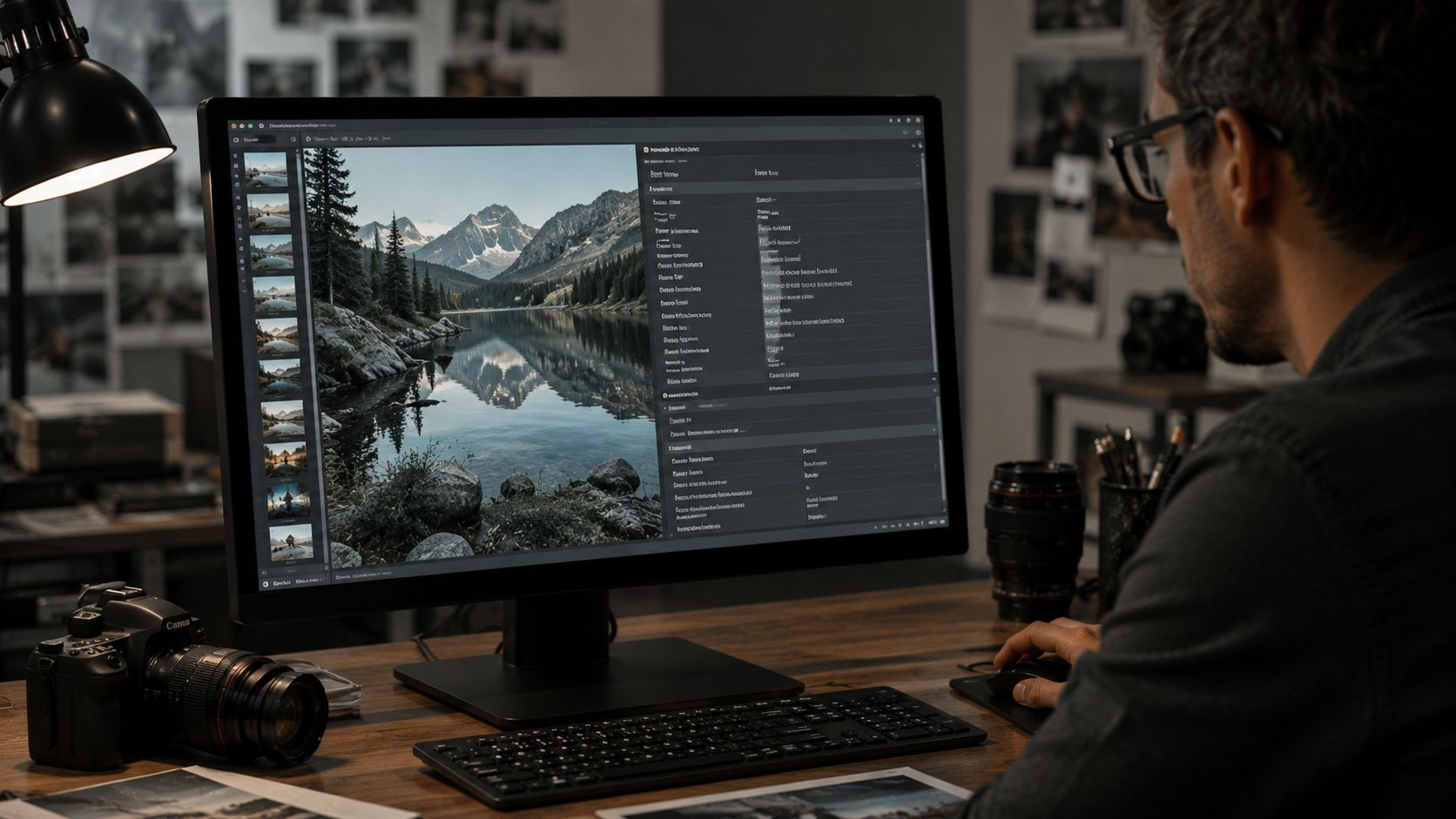
Keep in mind that metadata can be edited or stripped out on purpose, so this check is a clue, not final proof.
Do a Reverse Image Search
You can also confirm the authenticity of the image by using tools like Google Images or Bing Visual Search, which allow you to upload a photo to see where else it appears online.
If the same image, or a very close version of it, shows up on a trusted news site or stock photo site, that helps confirm whether it is real or AI-generated.
Try an AI Detector Tool
Several tools are built just to catch AI images, including Hive Moderation, AI or Not, and Illuminarty. You upload the image and get back a percentage score showing how likely it is to be AI-generated.
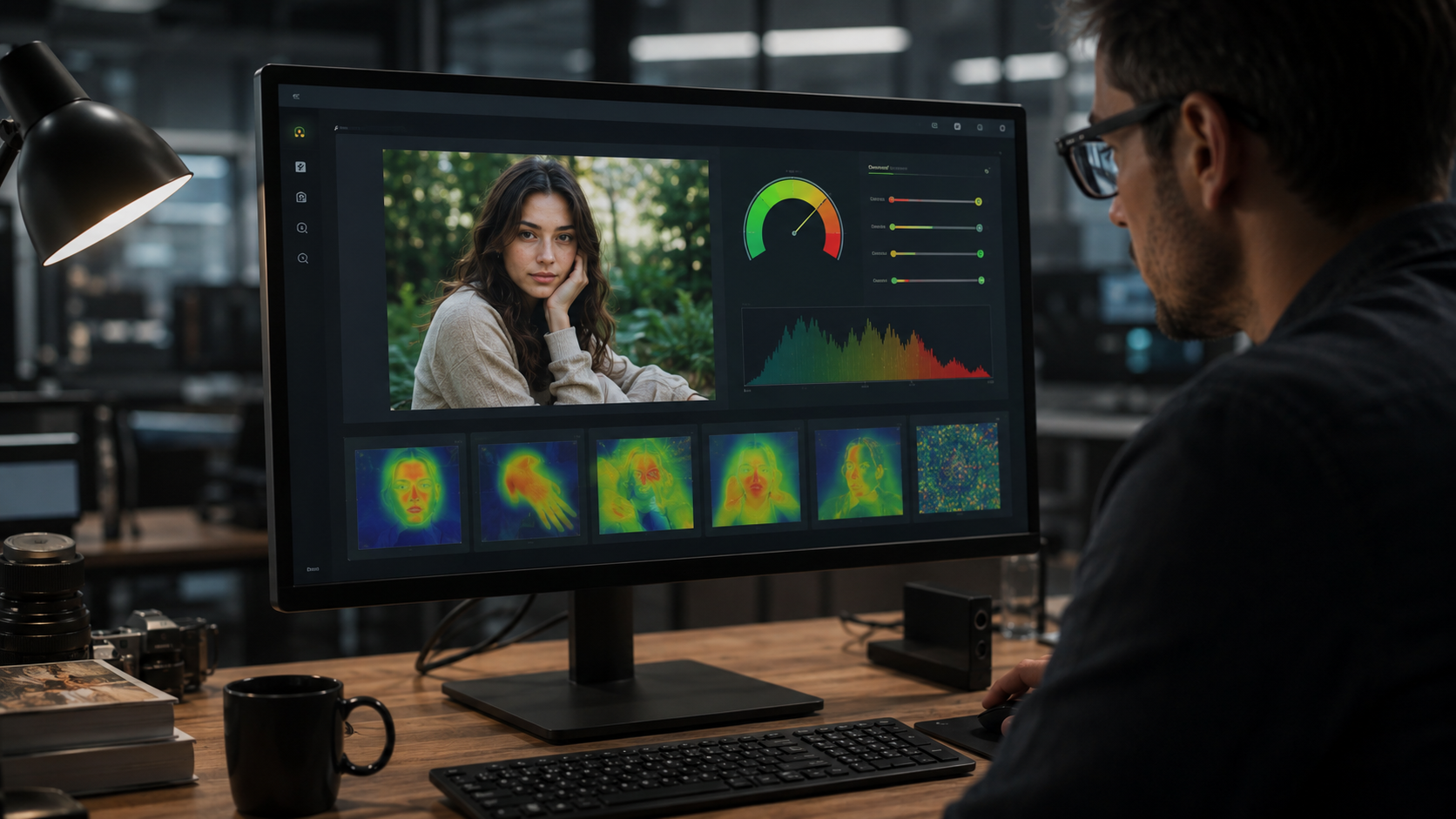
These tools are useful but are not 100% perfect. Free tools average around 60% accuracy, while paid tools can reach 80% or higher. They still make mistakes, especially on edited or low-quality photos, so treat the result as one piece of evidence, not a final verdict.
Look for Official Watermarks
Some companies now add invisible digital watermarks to AI images. Google’s SynthID is one example, and it is built into certain Google and Adobe tools. If a detector finds a SynthID watermark, you know the rest of the story.
There is also a wider standard called C2PA, which tracks content credentials showing how and where an image was created or edited. You can check this at contentcredentials.org.
How Many AI-Generated Photos Did You Spot?
This was how you can spot an AI-generated photo in 2026. Of course, the safest habit is to combine several checks at once. Plus, most of the image generators have a tell, be it the skin texture or the way they are focused, the color combination, or the combination of all three. Plus, the overall image looks too perfect.
That said, AI photos will keep getting better and harder to catch by eye alone. Building this habit of checking multiple signals, rather than trusting a first glance, is the best way to stay ahead of it in 2026.
FAQs
What is the best way to detect AI-generated images in 2026?
Use more than one check, like zooming in, looking at metadata, and running a detector tool. No single method works every time, but together they give a clear answer.
What are the common signs of an AI-generated image?
Watch for strange text, odd hands, too-smooth skin, and backgrounds that look painted. One strange detail may not mean much, but a few together are a red flag.
How can you tell if a photo is AI-generated?
Zoom in on faces, hands, and text, then check the photo’s hidden data for camera details. If it still looks doubtful, search for it online or run it through a detector tool.