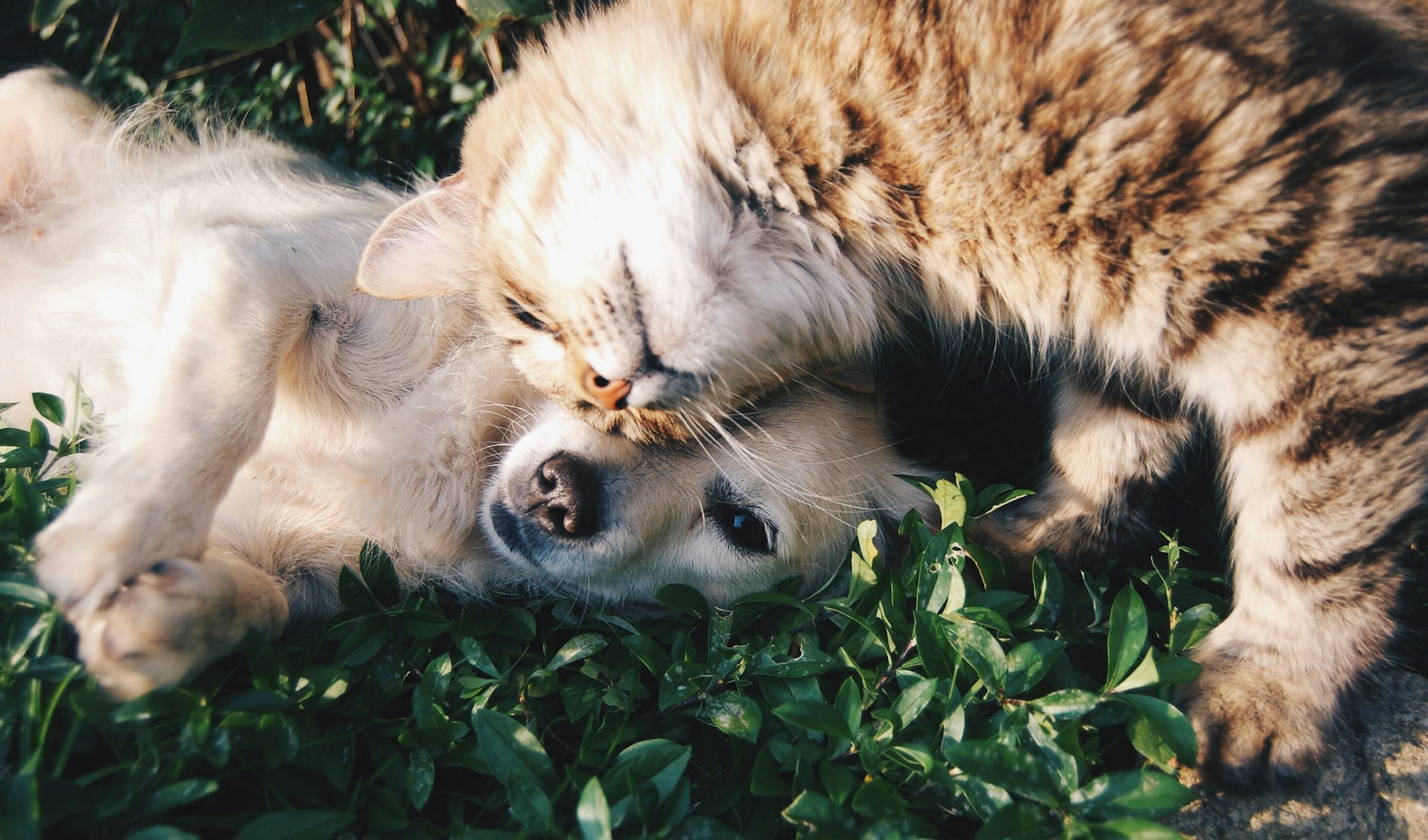
We all have adorable pet photos sitting in our camera roll that deserve more than just a double-tap. What if your cat could roast your Monday, or your dog could wish Grandma a happy birthday in their own voice? With the right iPhone app, making talking animal videos has never been easier or funnier. And the best part? You need zero video editing skills to do it.
What Are Talking Animal Videos & How Do They Work?
Talking animal videos use AI-powered lip-sync technology to animate a still photo of your pet so it appears to speak, sing, or react in real time. The app detects facial landmarks like eyes, mouth, and chin. It maps your recorded voice onto the image frame by frame, creating a realistic animation.
This feature, once reserved for big-budget VFX studios, is now available right on your iPhone. The best app to make animals talk on iPhone right now is My Talking Pet, a free app with over 10 million downloads that delivers smooth lip-sync, voice pitch control, accessories, and one-tap sharing to TikTok and Instagram Reels.
How to Make Talking Animal Videos on iPhone Using My Talking Pet
My Talking Pet is one of the best apps to make animal talking videos on an iPhone. It is a free app with over 10 million downloads that delivers smooth lip-sync, voice controls, accessories, and one-tap sharing to YouTube Shorts and Instagram Reels.
Step 1: Search “My Talking Pet” on the App Store, tap Get, install, and open the app.
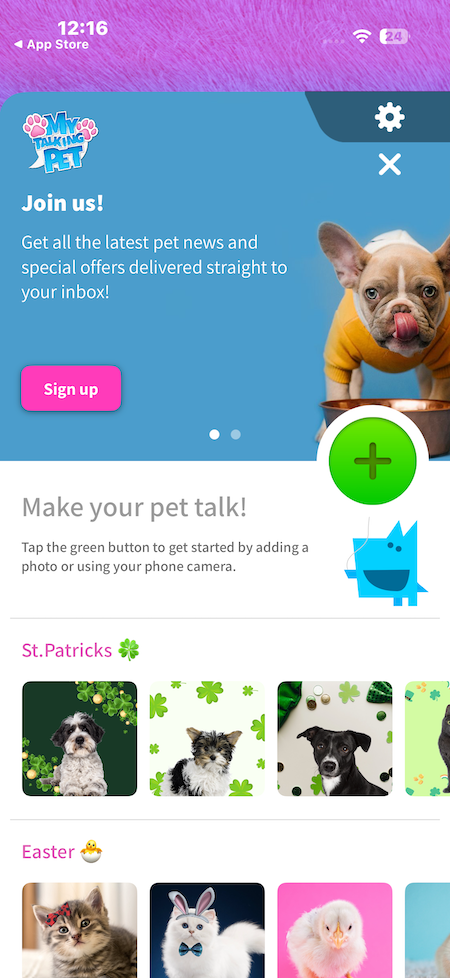
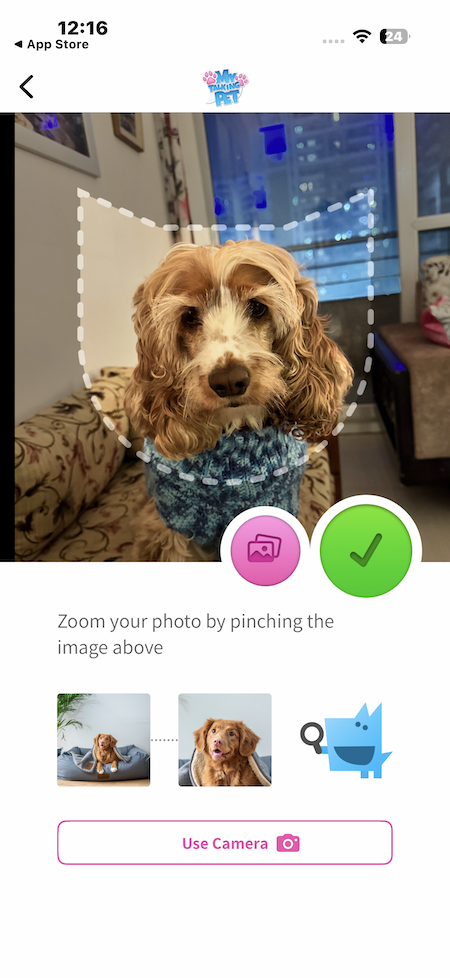
Step 2: Tap “+” and upload a well-lit, front-facing photo where your pet’s mouth is clearly visible.
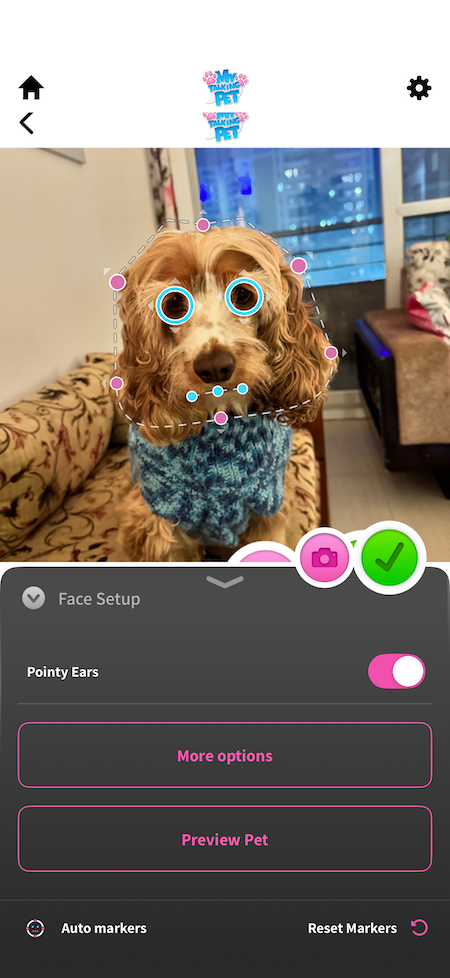
Step 3: Drag the alignment dots to match your pet’s eyes, mouth corners, and chin precisely.
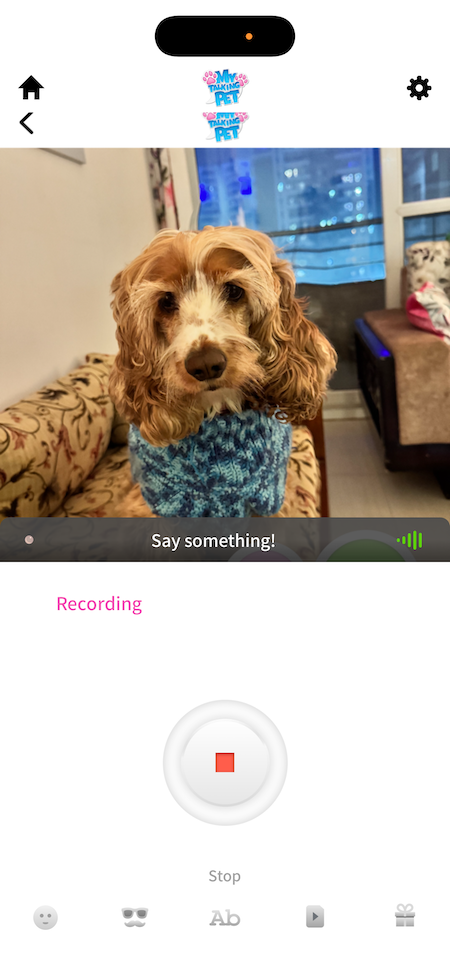
Step 4: Tap the mic, speak slowly, or choose a pre-recorded clip and adjust the voice pitch.
You can also dress up your pet with hats, glasses, backgrounds, stickers, or background music for extra fun.
Lastly, Hit Play, fine-tune the alignment if needed, and then tap Export to save to your iPhone.
Note: The free version has limited features and simpler animations. Premium voices, filters, and smoother movements are available in the paid version.
But if you want a slightly refined version of your talking pet, then you can try Google Veo on your PC/Mac. All it requires is a descriptive prompt and a dialogue and it will give you a video in a few minutes.
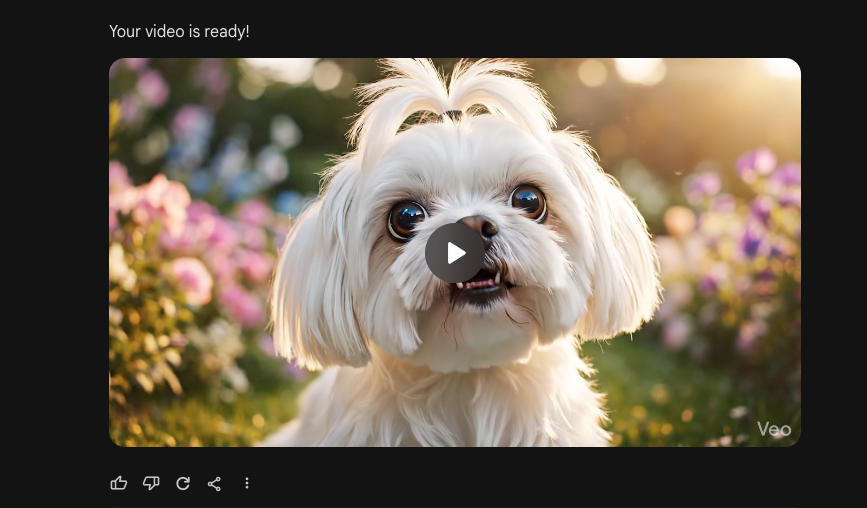
Prompt example:
An image of a cute, fluffy small dog with an oversized head and big expressive eyes sits in a cozy, sunlit garden. The dog looks directly into the camera and speaks naturally like a human, with realistic mouth movements synced to speech. Soft golden-hour lighting, gentle breeze moving the fur slightly. The dog’s tone is friendly, playful, and slightly mischievous.
Camera: medium close-up, shallow depth of field, cinematic framing.
Style: soft, pastel, slightly animated but semi-realistic fur texture.
Audio: clear human-like voice, warm and expressive.Dialogue (example):
“Hey! Yes, you. I know you have snacks. Do not even try to hide them.”
FAQs
What is the best app to make animals talk on an iPhone?
My Talking Pet is one of the most downloaded and well-known apps to make animal talking videos.
Is My Talking Pet free to use on iPhone?
Yes, My Talking Pet is free to download on iPhones. However, some advanced features like premium voices, filters, or accessories may require in-app purchases.
What type of photo works best for talking animal videos?
A clear, front-facing photo with good lighting works best. Make sure your pet’s eyes and mouth are visible for accurate lip-sync animation.