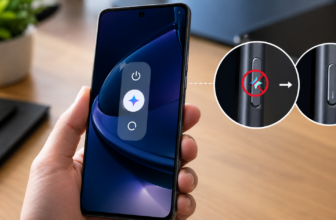
X offers a built-in X Premium video download feature, but it is limited to paid subscribers and only works on eligible public videos. If you’re not paying for Premium, you would not see the native download video on the X app option in most cases.
So what are your alternatives to downloading videos on X? Let’s break it down clearly.
Also See: The Easiest Way to Download YouTube Shorts & Instagram Reels on Android
How to Download Videos on X Without Premium?
If you are searching for how to download videos on X without a Premium subscription, you will need to use third-party tools. These tools work by extracting the video file from a public post link.
Note: Please respect copyright and creator rights. Downloading and sharing content without permission may violate X’s terms or laws.
Method 1: TwitterVideoDownloader on PC/Desktop
For desktop users, using a browser extension is one of the easiest ways to manage and download X (Twitter) videos without going through complicated steps. A popular online tool in this case is the aptly named Twitter Video Downloader online tool.
Once you open this Twitter Video Downloader, simply open X in your browser and find the video you want to save.
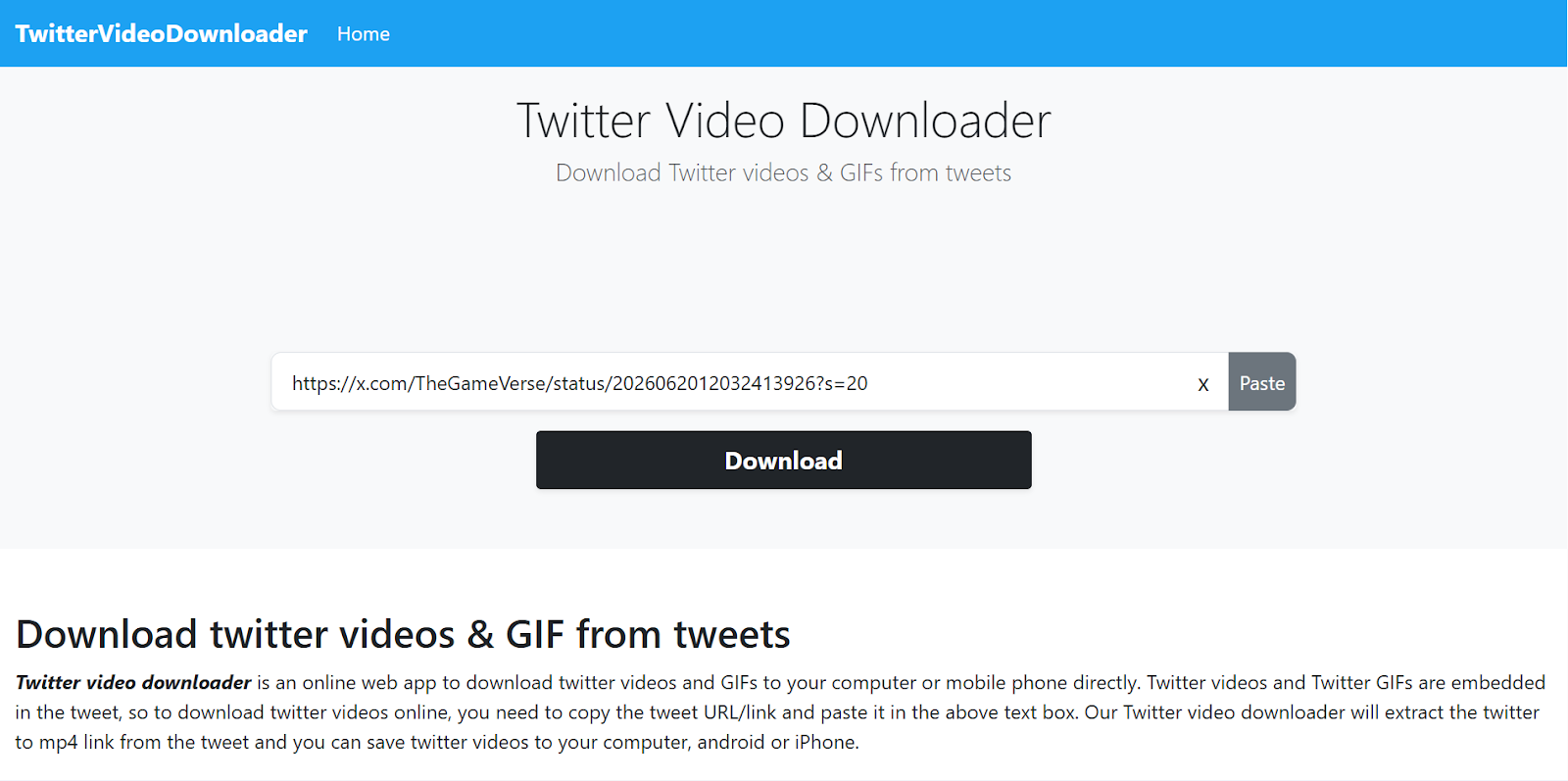
All you need to do is paste the link and choose your preferred option, and save the video in MP4 format directly on your laptop. Simple, see? It remains one of the most user-friendly solutions to download videos from X (Twitter) in 2026, especially if you are using a laptop.
Also See: Can You Recover Deleted Instagram Messages?
Method 2: Download Twitter Videos on Smartphone
If you are looking for ways to download X (Twitter) videos on iPhone or Android, an online downloader is the easiest solution. It is a simple way to download videos directly from your phone without installing extra apps.
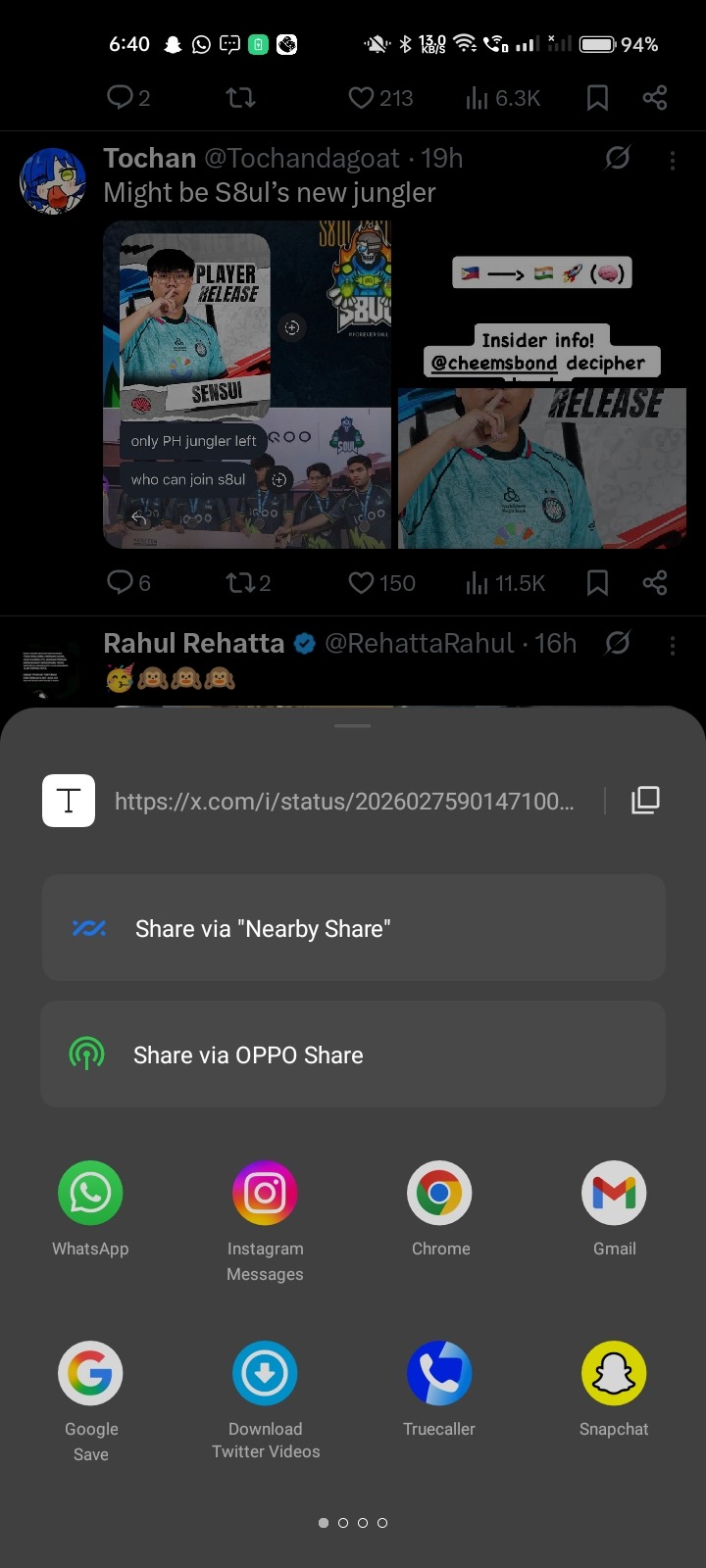
Step 1: Open X and share the post link to the Download Twitter Videos app as shown below. It will take you to the app, where you will see multiple video quality options. All you need to do is select the quality.

Step 3: It will take you to the Home Screen, where you can see the videos being downloaded straight to your phone’s Gallery.
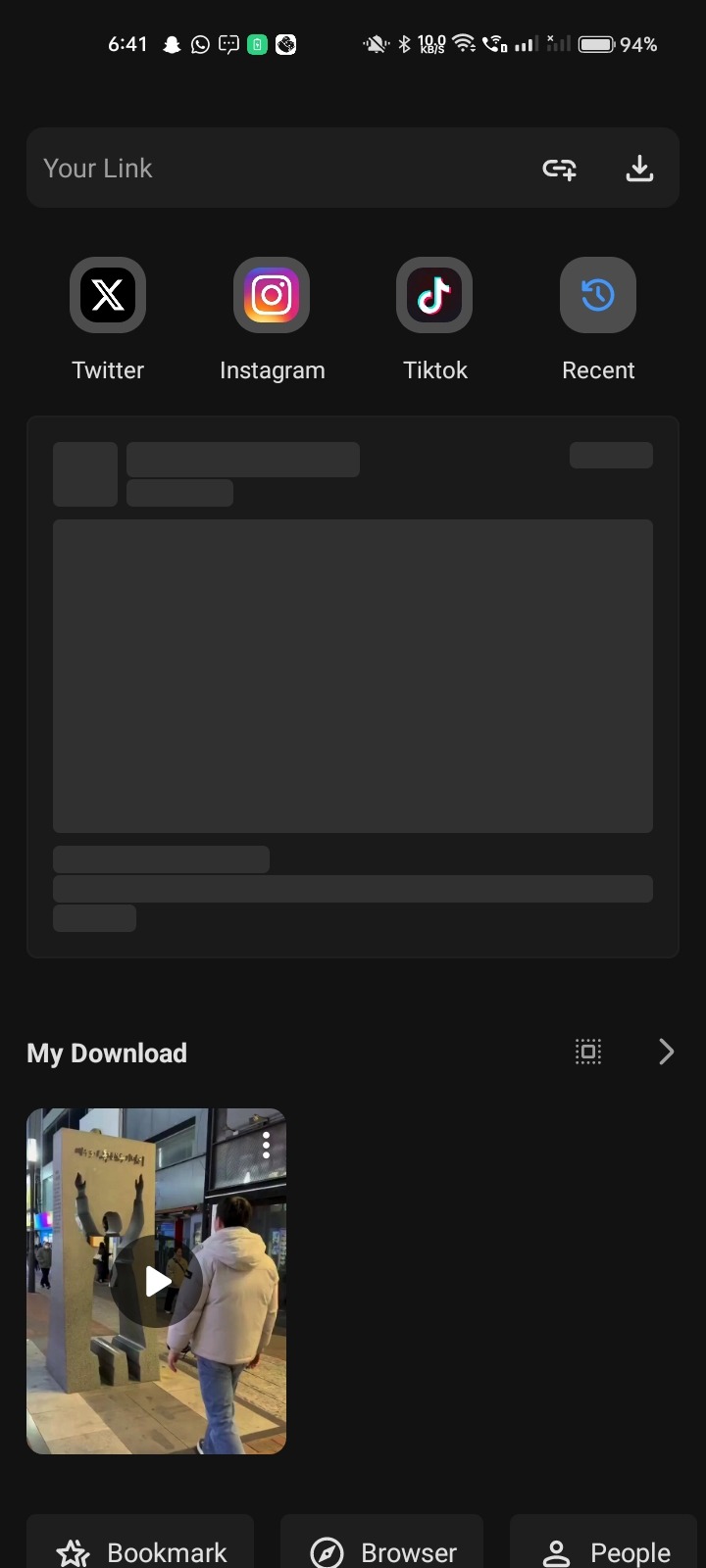
The Download Twitter Videos app also has a built-in video player where you can watch downloaded videos.
For users looking to download x twitter video on iPhone, you must first save the file to Files, and then you can move it to Photos.
Also See: How to Hide Photos & Videos on iPhone and iPad
Lights, Camera, Download
So, can you download videos on X without Premium? Yes, you can but not natively in most cases.
The Twittervideodownload feature offers direct downloads from the website for free and for smartphones directly from the app. If you are seriously looking for how to download X (Twitter) videos, these two tools make the process simple and quick. Just remember to download responsibly and respect content ownership. In 2026, downloading videos from X is easier than ever; you just need the right method.