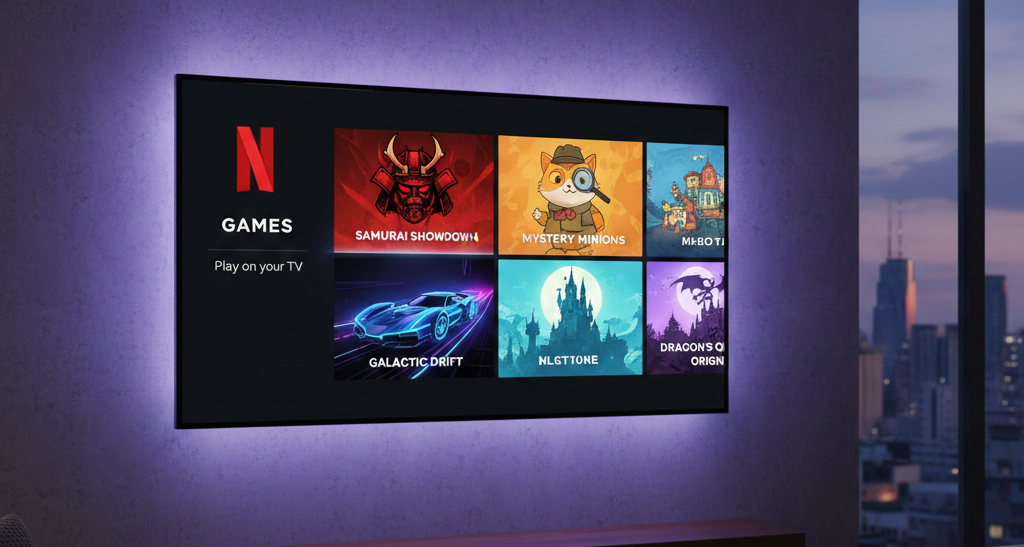
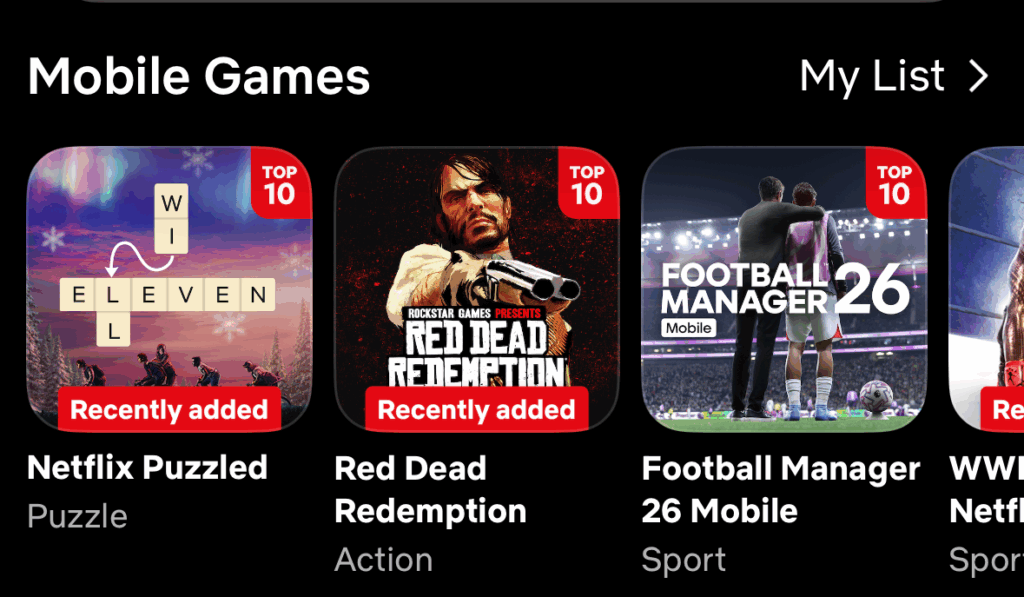
Netflix is known more for its content than for games. However, over the last few years, this OTT giant has subtly but steadily pushed its games across. From games based on Stranger Things to the popular Red Dead Redemption to puzzle games, you can find a horde of games on this OTT platform. However, Netflix Games may not show on everyone’s TV, and the reason could be anything, like device incompatibility, feature rollout limits, etc. And well, for most users in India, there is an added catch. Netflix TV gaming is still in a gradual rollout phase.
Well, worry not. If it is missing on your TV, here are some common reasons behind the Netflix games smart TV issue. Let us take a look.
Also See: 7 Ultimate Netflix Shows You Must Not Miss This September
Netflix Games on TV
For starters, Netflix’s cloud-style gaming is available only on select smart TVs and streaming devices. So, it is available for devices that meet Netflix’s hardware requirements and are included in the current beta version.
Users on these supported Netflix games devices are the only ones who see the “Games” row in the TV app.
Device and Account Limitations
Secondly, not all new smart TVs let you play games via Netflix. For now, it is only supported for specific platforms like LG, Samsung, Sony, Vizio, Roku, Amazon Fire TV, Chromecast with Google TV, and a few others.
So, popular smart TV brands like Panasonic, Phillips, some Hisense/TCL models, Apple TV, and gaming consoles currently miss out on the race.
See Also: Lumio Vision 7 Smart TV Long-term Review
Did you Check Your Profile?
If the above rule out and yet you are not able to see Netflix games, then the next thing to check is your profile’s maturity rating. So if your profile maturity rating is lower than the game’s age rating, then the Netflix Games row may not appear. In such cases, switching to an adult profile or adjusting the maturity settings often fixes this.
At the same time, do note that some games on Netflix are temporarily disabled during updates, which can trigger messages like “We can’t play games right now” or make titles disappear from the row. As such, a simple app restart or TV reboot can be a solution worth trying in such situations.
What this Means for Users in India
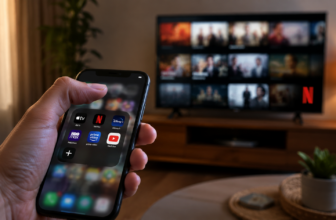
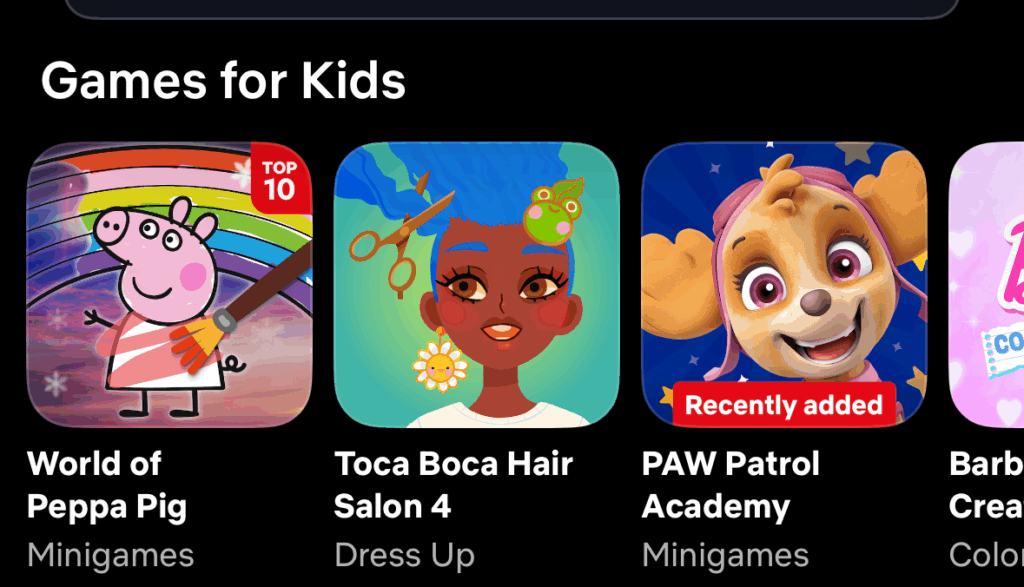
These were some of the common reasons for Netflix smart TV issues, which is why playing these games on a smartphone or tablet using your existing subscription is the solution.
For the future, you can check if your TV model is on Netflix’s supported list and keep the app updated while waiting for the wider TV rollout.