Brief Overview
- New Aadhaar app turns your phone into a secure digital ID.
- It offers safer login, QR-based verification, and basic self-service updates.
- Users can set it up in a few simple steps using their Aadhaar and OTP.
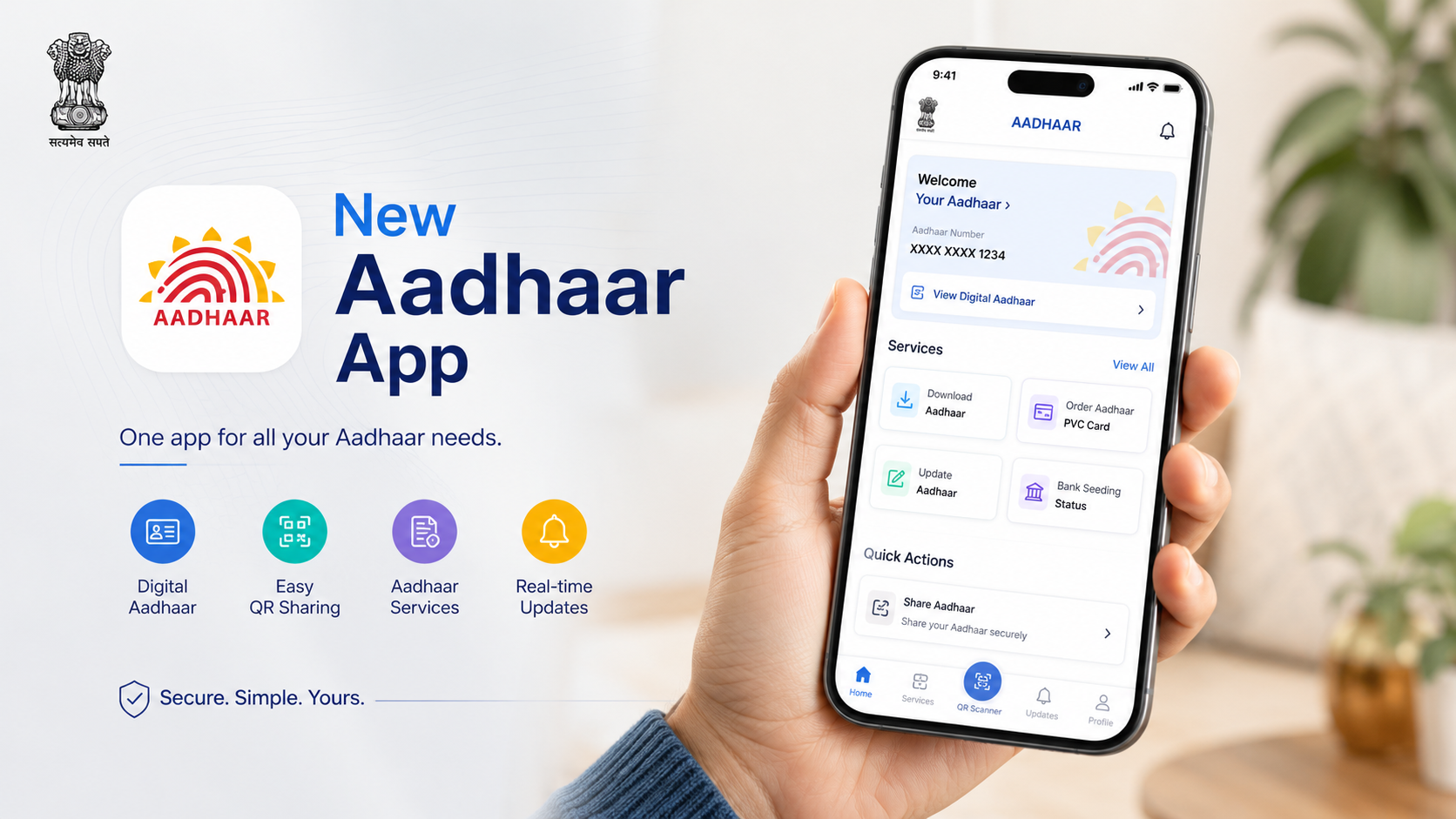
Recently, UIDAI (Unique Identification Authority of India) launched a new Aadhar mobile app that replaces the previous mAadhar app. This app has been designed to make digital identity simpler, safer, and widely usable.
As we all know, Aadhaar is a key document for verifying everything from opening a bank account to buying a new SIM or applying for government schemes.
This app aims to turn your smartphone into a secure Aadhar wallet, which means no need to carry the physical card everywhere.
What Is the New Aadhaar App and How Is It Different from mAadhaar?
The new app focuses on providing stronger security, easier online verification, and more self‑service options for regular users without needing to visit Aadhaar centres for basic tasks. People can now have them directly from their phones.
mAadhaar was often flagged for a cluttered interface and inconsistent OTP delivery, the new app ships with a clean menu structure, plain-language prompts, and a more reliable authentication backend.
What’s New in the UIDAI Aadhaar App Update?
Earlier, a lot of users have criticised the mAadhar app for being confusing and unreliable. The new app fixes these issues with a fresh interface, a clear menu, and step-by-step prompts written in simple language.
Other than that, it also supports multiple Indian languages, which is crucial in a country where not everyone is comfortable with English.
Security has also improved in the new Aadhaar app. The new app goes beyond just an OTP. It uses a combination of device binding, which links your profile to a specific phone, a 6‑digit app PIN, and, on many devices, Aadhaar face authentication or biometric checks.
This level of security ensures that even if someone sees your Aadhaar number, they won’t be able to easily access your digital ID inside the app.
Where can you download the new Aadhaar app?
The new Aadhar App is available on the Apple App Store for iOS users, and for Android users, it is available on the Google Play Store.
How Do You Set Up the New Aadhaar App? A Step-by-Step Guide
Here is a guide if you are new to the Aadhaar app.
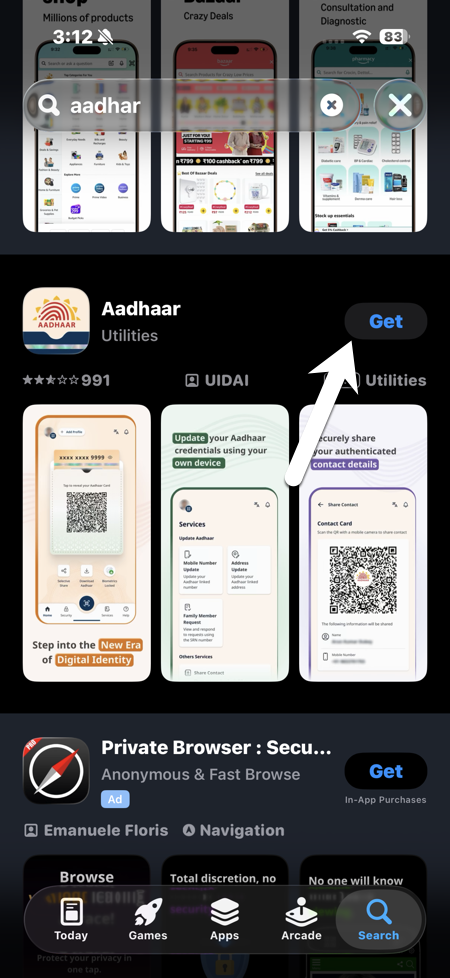
Step 1: Firstly, download the official Aadhaar app from your phone’s app store and verify that the publisher is UIDAI.
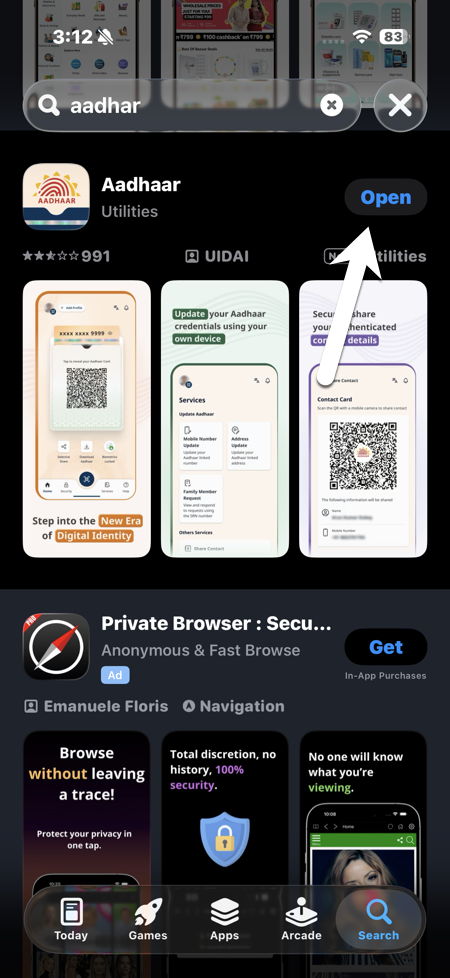
Step 2: Open the app, choose your language, and agree to the terms and conditions. Then add your 12‑digit Aadhaar number carefully.
Step 3: Enter the OTP received on your Aadhaar-linked mobile number. If asked by the app, complete face and biometric authentication.
Lastly, set a 6‑digit PIN, which will be your app password whenever you open it.
Is the New Aadhaar App Safe to Use for Identity Verification?
The short answer is yes. With the new app, the chances of fraud will become minimal as people can show a digital Aadhar that is directly fetched from the server of UIDAI.
It also accepts masked Aadhar and secure QR codes, which will reveal only the information you want to be displayed and will keep the rest of the information hidden. This will help in fighting fraud and reducing the risk of identity theft.
For the users, the new Aadhaar app is not just a copy of the physical card, it is slowly becoming a gateway to many identity-based services in India.
If the users understand the real benefits of this app, it allows you to use it confidently in place of paper photocopies.
FAQs
How to use Aadhaar face authentication?
Download the UIDAI Aadhaar Authentication app, then scan the service provider’s QR code. Allow the camera, then capture your face, and the Identity will be verified instantly.
How to complete KYC using the Aadhaar app?
Firstly, enter your Aadhaar number, check e-KYC consent, then get OTP on the linked mobile. Enter the 6-digit OTP, and KYC completes in under 2 minutes.