Brief Overview
- Subtitle delay on JioHotstar is usually caused by weak internet, an outdated app, or too much cached data, and it’s a pretty common issue.
- Most fixes are quick and simple, like restarting the app, clearing cache, etc..
Watching something on JioHotstar and the subtitles don’t match the dialogue? They either show up too early or come in late, which can be really annoying. So, if you are wondering how to fix subtitle delay in JioHotstar on your phone, the good thing is that it’s not a serious issue and can be fixed in a couple of minutes without doing anything complicated.
Why Is JioHotstar Showing Subtitle Delay?
Before jumping into fixes, let’s understand what is actually causing it. Subtitle sync issues on JioHotstar usually come down to a few simple things:
Buffering or Weak Internet
If your connection is not stable, the video and subtitles can fall out of sync. The video might skip ahead or pause to buffer, while the subtitles keep playing at their own pace.
How to check internet speed: Open Fast.com on your phone and check. Usually, the standard speed for seamless streaming should be around 100 Mbps – 200 Mbps.
Outdated App Version
Using an older version of the JioHotstar app can also lead to small bugs, including subtitle issues. Updates usually fix these problems, so running the latest version makes a difference.
Too Much Cached Data
Over time, the app stores temporary data (cache). When this builds up, it can mess with playback timing and cause subtitles to slowly drift out of sync.
Most of the time, it’s one of these things causing the issue, and thankfully, they are all pretty easy to fix.
How to Fix Subtitle Delay in JioHotstar on Android and iPhone
Step 1: Pause the video and close the JioHotstar app completely. Don’t just minimize but remove it from your recent apps so it fully shuts down.
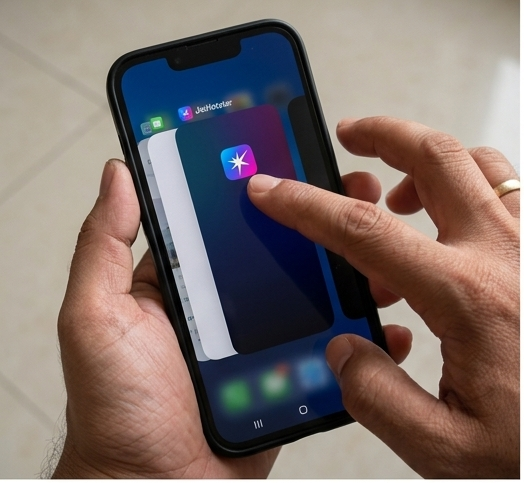
Step 2: Open the app again and play the video. A lot of the time, this simple restart is enough to fix the subtitle timing.
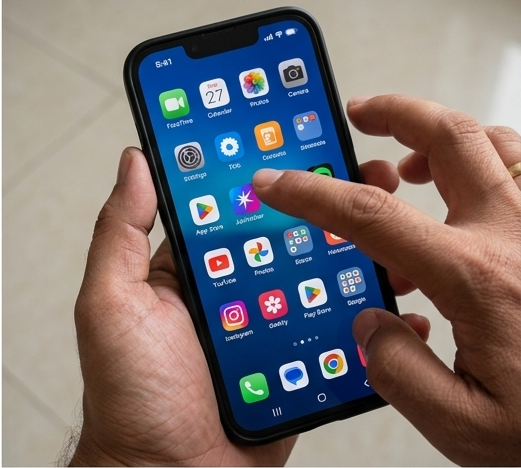
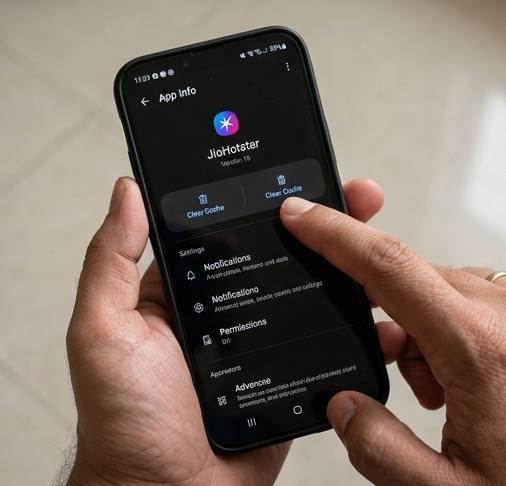
Step 3: If it’s still not fixed, go to your phone’s Settings > Apps > JioHotstar > Storage and tap on Clear Cache. This won’t delete your data, it just removes temporary files that can cause playback issues.
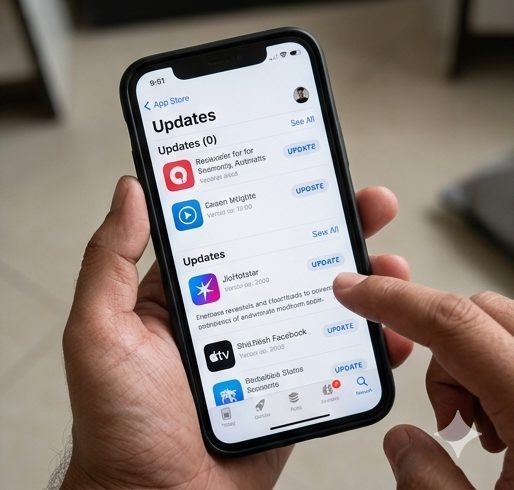
Step 4: Check if the app is updated. Go to the Play Store or App Store and install any pending updates. Older versions of the app can sometimes cause subtitle delays.
Note: If subtitles are consistently early or late on JioHotstar, try toggling subtitles off and back on mid-playback using the subtitle icon on the player screen. This forces a fresh subtitle load.
Final Thoughts
Subtitle delay on Hotstar can definitely ruin the moment, but it’s usually not a serious issue. Most of the time, something as simple as restarting the app or clearing the cache is enough to bring the subtitles back in sync.
If you notice it happening again and again, it’s worth keeping the app updated and making sure your internet connection is stable while streaming. These small things go a long way in avoiding subtitle sync problems in the future and keeping your watching experience smooth.
FAQs
Why do subtitles on JioHotstar go out of sync on some shows?
It usually happens with dubbed or licensed content. Turning subtitles off, waiting a few seconds, and turning them back on can quickly fix it.
Does clearing the app cache delete my watchlist or downloads?
No, it does not. It only clears temporary files. Your watchlist and account data stay safe.
Will restarting my router help fix JioHotstar subtitles?
Yes, sometimes. If your internet is unstable, video and subtitles can fall out of sync. A quick router restart can help fix that.