
If you spend a lot of time with data in Google Spreadsheets, you must know how tedious it is to clean, structure, and analyze information. Fortunately, it’s 2026, and now AI tools — even the free ones — can become powerful allies in helping you work smarter. So, in case you are looking for the best AI tools for Google Sheets, you have come to the right place. These cool AI tools can save you hours of work.
Note: Do not add sensitive or company-related data into any publicly available AI tool. Always keep sensitive data private and work with anonymized samples whenever possible.
Now, moving back, over the past year, I have used ChatGPT, Claude, and Copilot for spreadsheet work. And well, each AI tool brings something different to the table, and understanding their strengths can save hours of frustration and help you get cleaner, faster results.
Also See: 6 Best Tools to Make AI Videos
ChatGPT
ChatGPT is the perfect tool for you if you want help with formulas in Google Sheets. For example, add this prompt,“I need a formula that pulls sales data from column A when the region in column B matches ‘West.’“
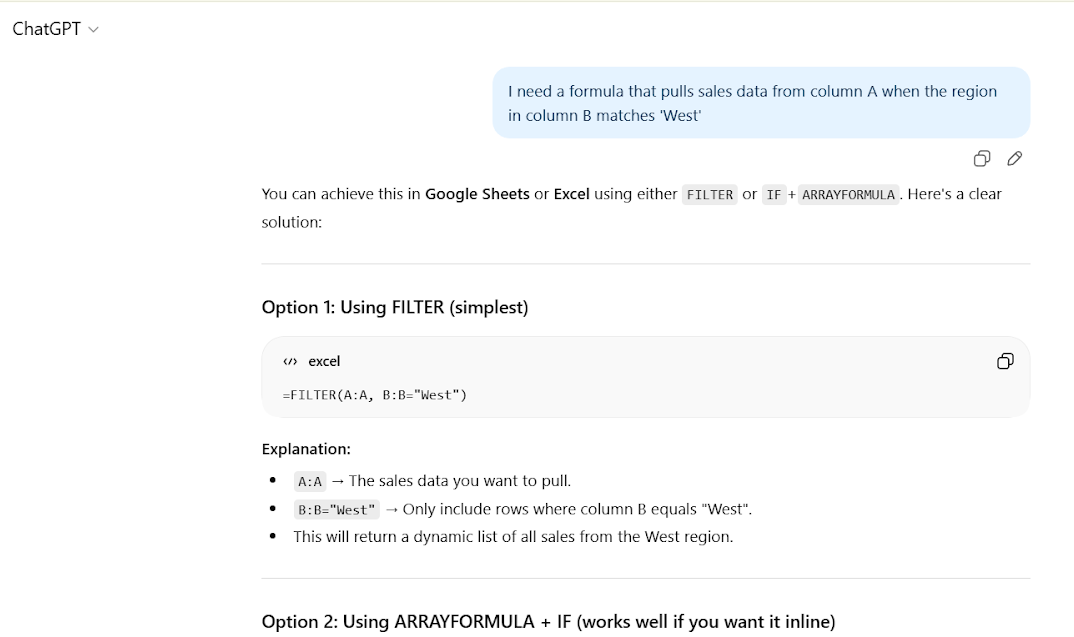
It will generate a SUMIFS or other relevant formula. Now, you will need to modify the formula a bit, especially with complex data sets. That said, it eases the process of creating complex functions and formulas.
Naturally, this makes it ideal for one-off formula problems or quick fixes without searching through documentation. In fact, in my case, I found this process easier compared to Google searches or searching through forums for formulas.
Pro Tip: To get the best results, break your tasks into smaller and specific problems rather than expecting to handle the entire sheet at once.
Claude
If you have a messy data set, then Claude is your go-to guy. Its longer context window lets you paste chunks of your actual data and ask,“What is the best way to structure this?”
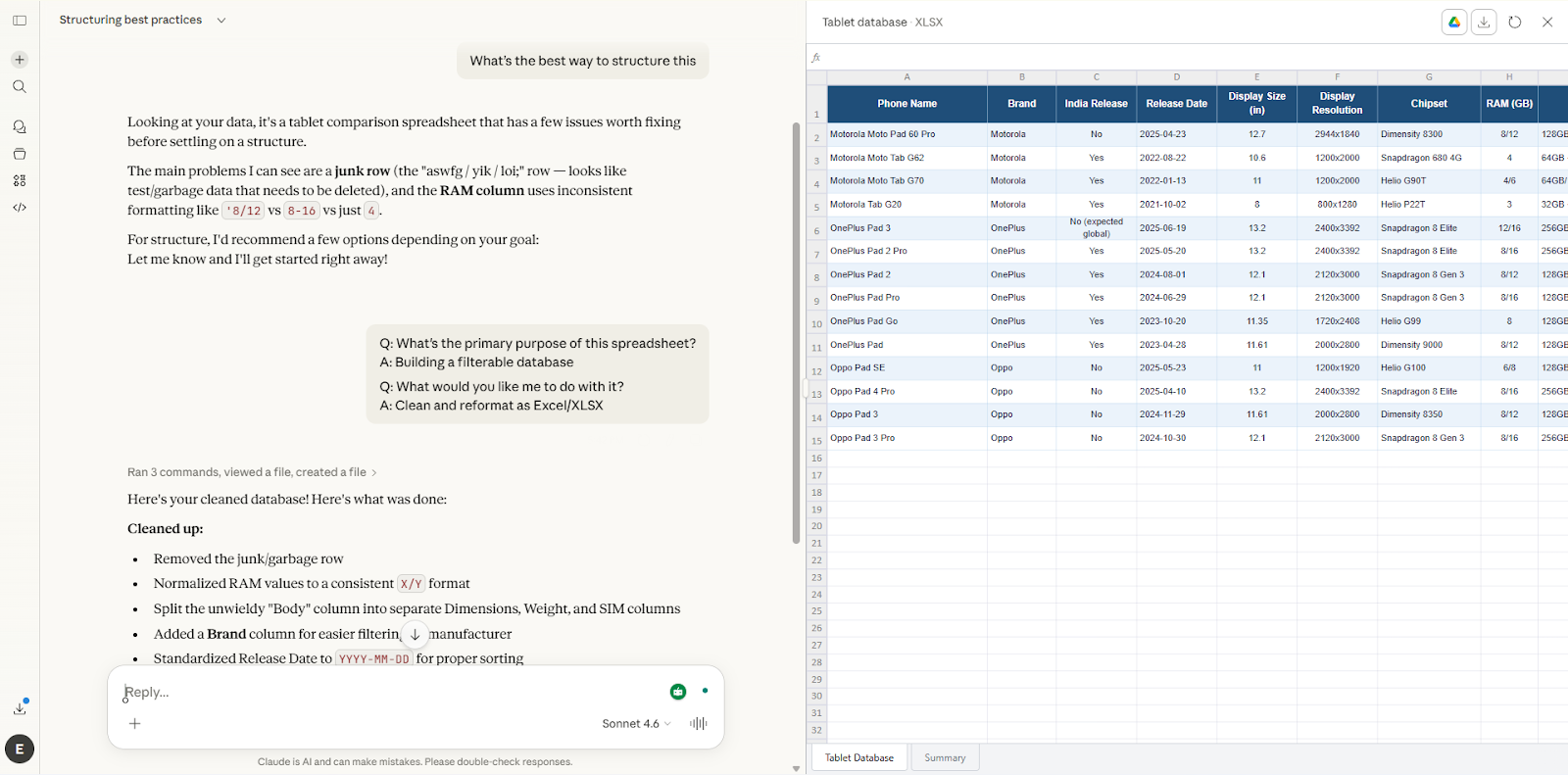
It is especially useful for multi-step cleanup, asking for improvement tips, or explaining complex nested formulas.
As a matter of fact, Claude also outlines steps to structure your spreadsheet efficiently for scrambled datasets or different formats. This is a huge time saver for those learning how to use AI in Google Sheets for real-world automation.
Copilot
Now, if you have a Windows PC, Copilot works directly in Excel or Google Sheets (with the right subscription), which makes it convenient for instant analysis without copy-pasting.
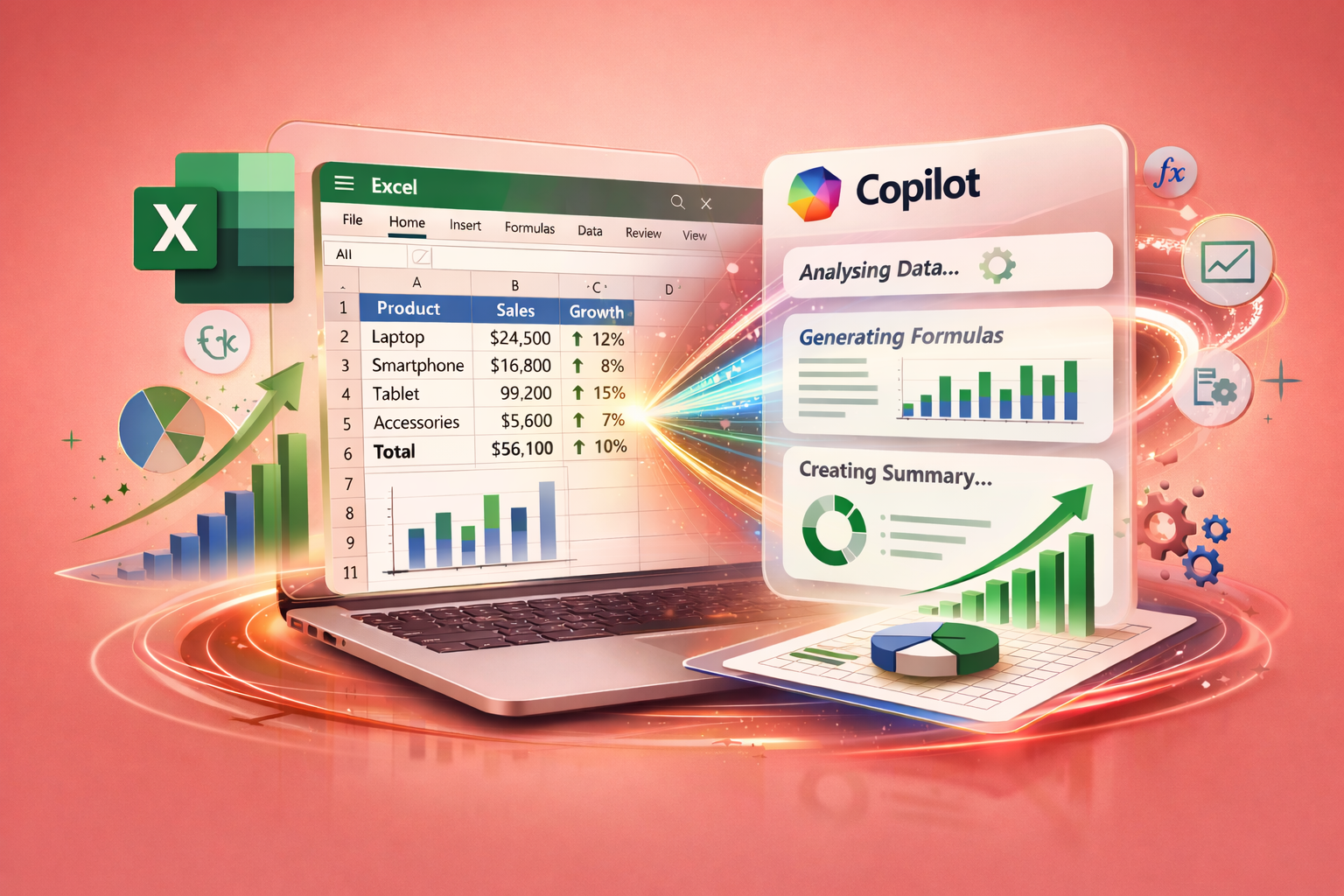
It is great for straightforward formula generation or summarizing data. That said, complex scenarios and functions may still require you take the help of Claude or ChatGPT. If you are exploring top AI tools for Google Sheets automation, Copilot is worth checking out.
My Workflow With AI+ Google Sheet
Here is what works best in my experience:
- Start with Claude: Paste a sample dataset and describe your goal. It helps plan, structure, and clean up.
- Use ChatGPT or Copilot: For specific formulas or small tasks, these tools are faster. ChatGPT is ideal for formula writing, and Copilot for in-sheet convenience.
- Be specific and iterative: Precise, step-by-step queries produce the best results.
Also, learning how to use Google Spreadsheet date format correctly ensures AI-generated formulas work flawlessly, especially with automated reports and analysis.
Apart from the above, there are a couple of free AI add-ons for Google Sheets that handle tasks like data cleanup, generating content, and creating automatic summaries. However, directly giving tools access to confidential company data is not something I am comfortable with. As mentioned above, always work with anonymized samples whenever possible.
Also See: 5 Best YouTube Extensions That You Must Have
Final Thoughts
These were some of the best AI tools for Google Sheets. Needless to say, they can turn tedious data tasks into a simple and easy-to-understand format. So, instead of spending hours on manual work, you can now focus on analyzing results and making decisions.
Best AI Tools for Google Spreadsheets: FAQs
What are the best AI tools for Google Sheets?
Claude, ChatGPT, and Copilot are my top picks, and each serves different purposes, such as formula writing, data cleanup, or in-sheet analysis.
Are AI tools for Google Sheets safe to use?
Yes, you are safe as long as you never input sensitive company data into public AI tools. Always anonymize data or work with samples.