When it comes to video editing on your Android device, one name that stands out is CapCut, particularly for its super quick edits. In fact, this app was a go-to for all the video editors and content creators. However, CapCut has been banned in India since June 2020 due to security and privacy concerns. However, if you are looking for cool CapCut alternatives in India, worry not, there are some pretty good options.
Also See: CapCut Blocked? How to Download and Install CapCut in India (Android)
Why Was CapCut Banned in India?
Back in June 2020, the Indian government banned CapCut along with 58 other Chinese-origin apps under the Information Technology Act, 2000. Since CapCut is owned by ByteDance, it was banned with apps like TikTok, UC Browser, and Shein.
CapCut app blocking reasons include the following,
- Concern over user data privacy
- Allegations of excessive data collection
- Security and censorship issues
- CapCut was removed from the Google Play Store in India after the ban was imposed.
Here are some CapCut alternatives that you can try in India.
VN Video Editor
Video Editor is a great app for beginners who want a simple interface that can be handled without prior knowledge. This free CapCut alternative allows users to access the app with a clean timeline where they can drag clips, zoom into 0.05-second frames, and layer photos, videos, text, or stickers easily.
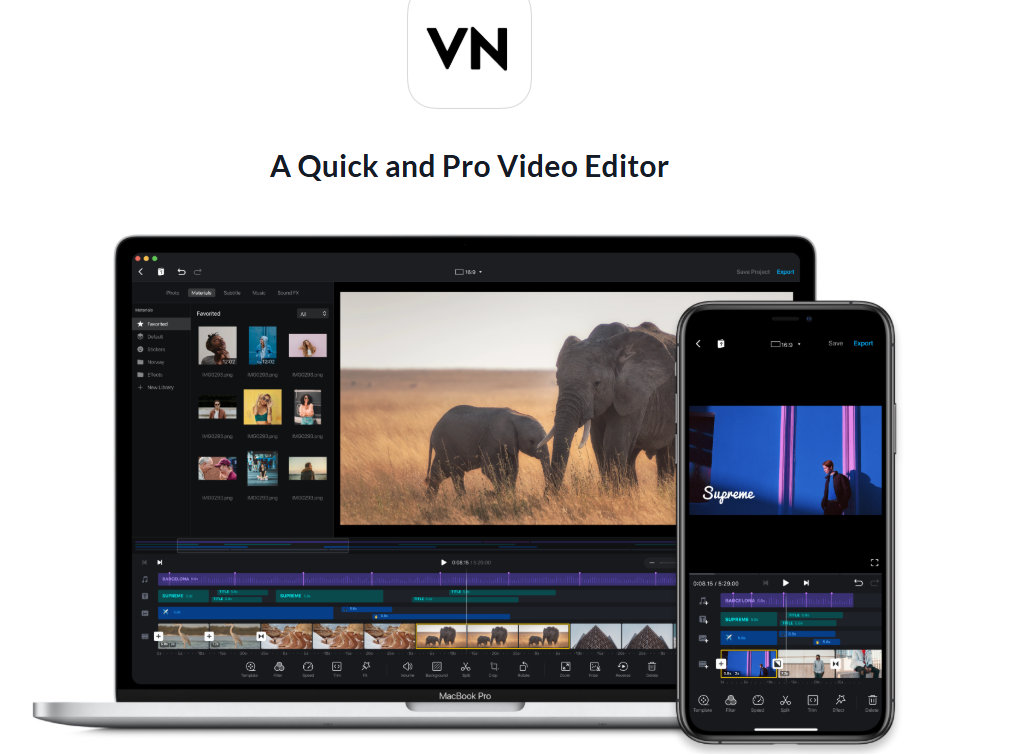
Other than that, you can add music beats that sync automatically and speed curves for smooth ramps (slow-mo). Users can also import their own LUT filters for movie-like colors.
At the same time, this CapCut alternative enables users to reverse clips, freeze frames, or use keyframes to animate anything. It saves drafts anytime, so you won’t lose work.
Filmora
The interesting thing about Filmora is that it includes AI into the interface and enables users to type ideas to turn photos into videos. It also lets you swap elements in clips and auto-sync beats to highlight.
For beginners, there are options like one-tap templates, trimming the video, tweaking the speed, and also adding music or voice-overs from its free library.

The Pro version of this video editing app unlocks keyframes for animations, masking to blend clips, picture-in-picture, and smart tracking for moving stickers.
Adobe Firefly
Adobe Firefly is a cloud-focused generative AI tool that feels more like an AI video creator than a traditional mobile editor. While it is not a direct replacement for CapCut, it can help you quickly generate video concepts and visual content using simple text prompts.
You can edit videos with the Generative Fill feature to erase distractions or change the background. Other than that, you can also tweak colours or add cinematic transitions to your videos with this cool CapCut alternative.
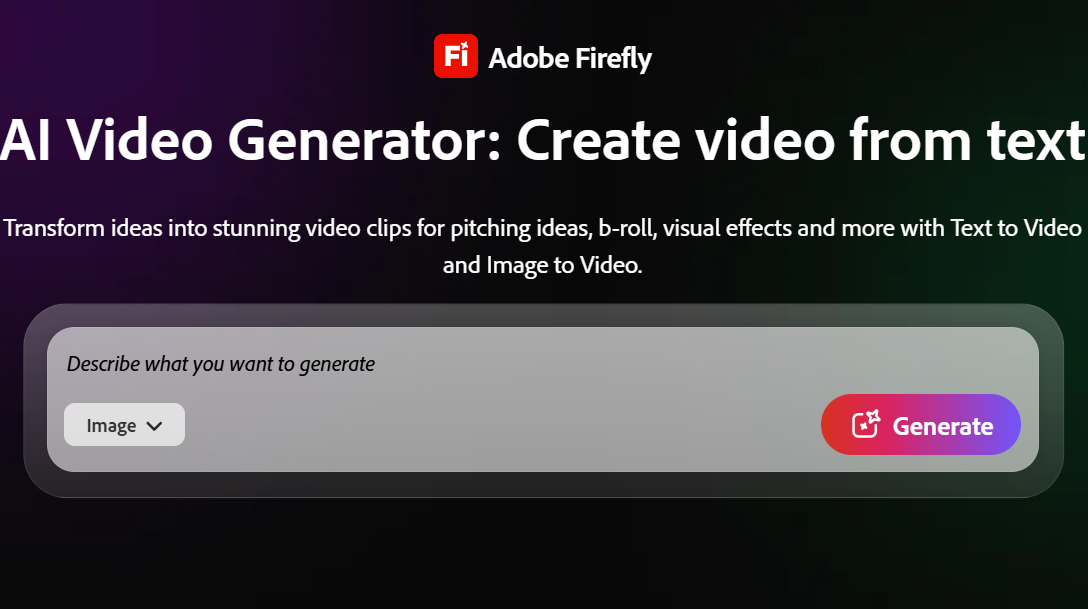
Basically, it is an app built for quick ideas, syncing to Creative Cloud for desktop handoff, and it uses safe, licensed AI training.
Find the Video Editing Apps
These were some of the best CapCut alternatives you can try on Android today. While they may not fully replicate every feature or workflow that CapCut offers, many of them come surprisingly close and can easily handle most everyday editing needs.
FAQs
What are the best alternatives to CapCut on Android?
Some cool alternatives include Vn Video Editor, Filmora, and Adobe Firefly.
What is the best CapCut alternative for reels and YouTube Shorts?
What is the best CapCut alternative for reels and YouTube Shorts?
Filmora can be a good choice for reels and YouTube Shorts.