Brief Overview
- Discover 5 prompts that create nostalgic, film-style photos with the warmth and character of analog photography.
- See how details like grain, soft focus, imperfect framing, and natural lighting bring that authentic, lived-in film look to AI images.
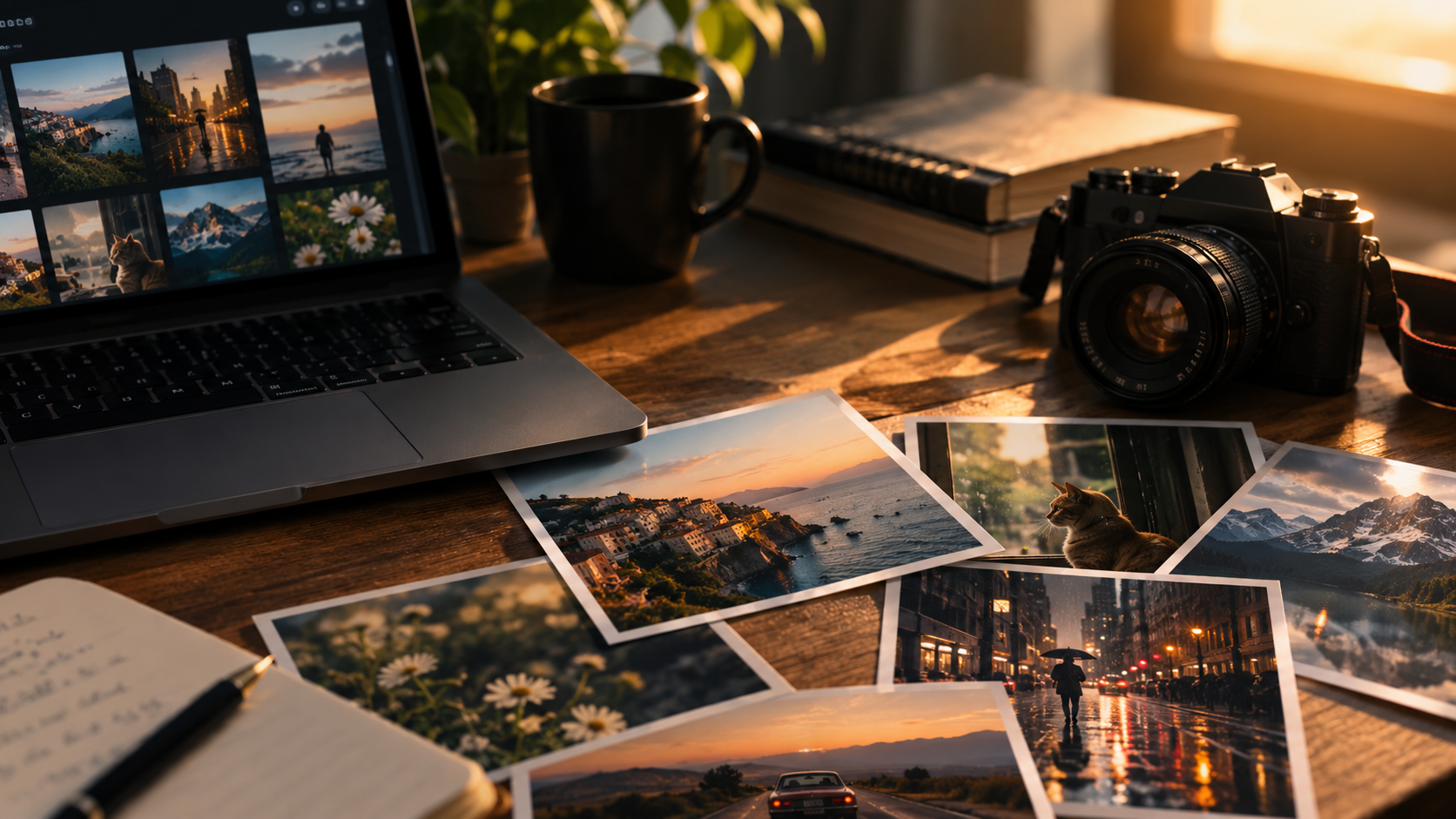
Okay, real talk. My camera roll used to be full of AI images that looked way too perfect. Too smooth, too shiny, like a robot took them (because, well, one did). Then this whole ChatGPT photo trend blew up. And now everyone’s chasing the opposite vibe. Grainy, slightly messed-up, nostalgic photos that look like they came out of an old shoebox.
I got a little obsessed with figuring out how to create authentic film-style photos myself. Turns out, it’s less about the tool and way more about the directions you give it.
So, based on my research, here are the top 5 prompts that genuinely give you film-style photos.
1. The 35mm Street Photography Prompt
“A candid street photo shot on 35mm film, natural window light, slight grain, muted colors, shallow depth of field, imperfect framing like a real photographer caught the moment.”
This one’s a workhorse. Most film-style photo prompts just say “make it look like film.” That doesn’t tell the AI much on its own. Naming an actual format like 35mm gives the model a real reference point instead of a vague mood.
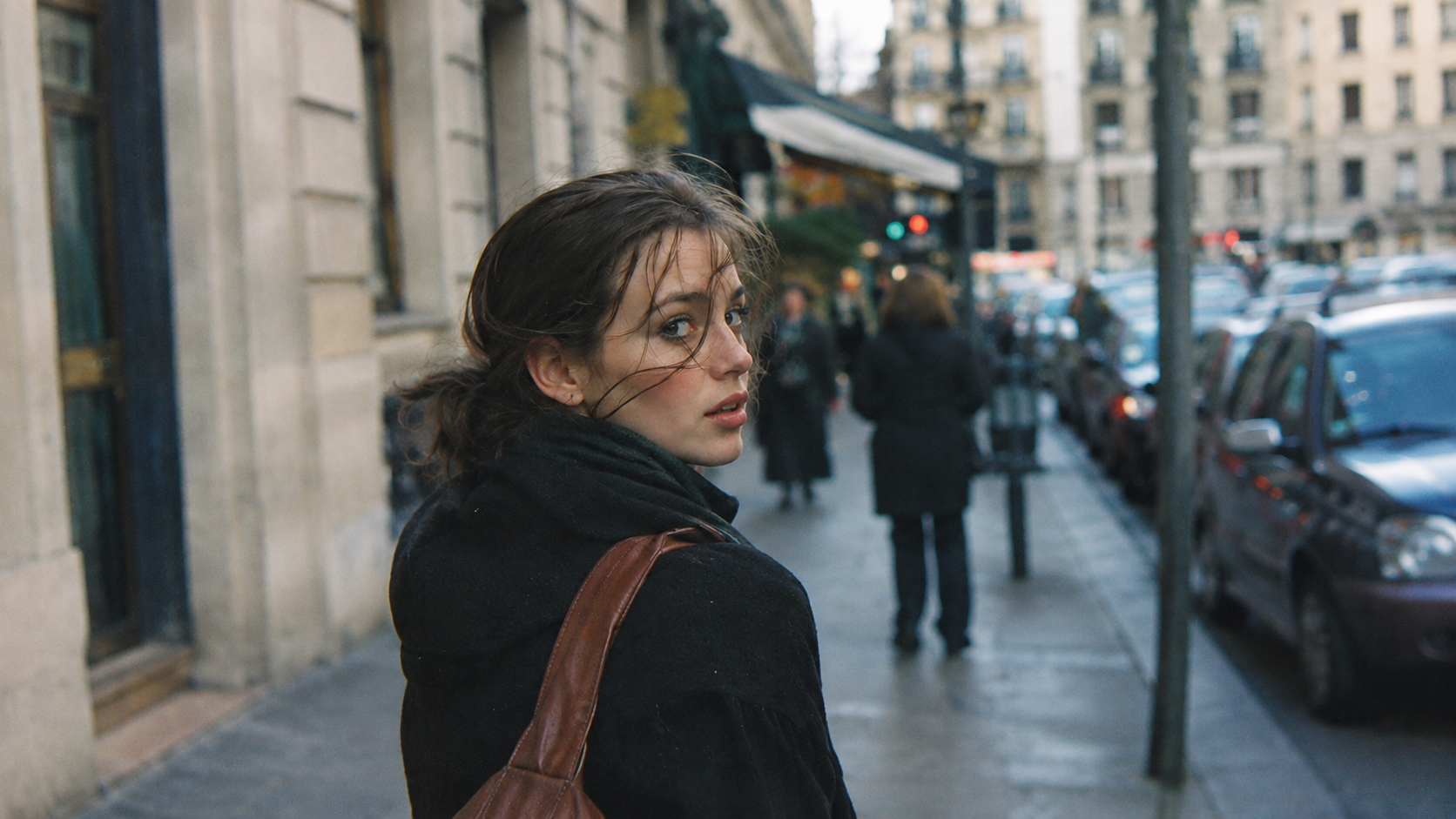
35mm film has a distinct grain pattern and slightly desaturated color, which is exactly why photographers still shoot it today. Mentioning it by name urges the AI toward that specific texture instead of generic “vintage filter” output.
2. The Golden Hour Portrait Prompt
“Portrait photo, shot on Kodak Portra 400, golden hour lighting, soft film grain, warm color cast, subject slightly off-center, natural skin texture, no digital sharpness.”
Portra 400 is basically a cheat code among photographers to create authentic film-style photos. It renders skin tones warm and human, never orange or fake. Pairing it with golden hour is a classic combo in real photography, and it translates surprisingly well into AI output too.
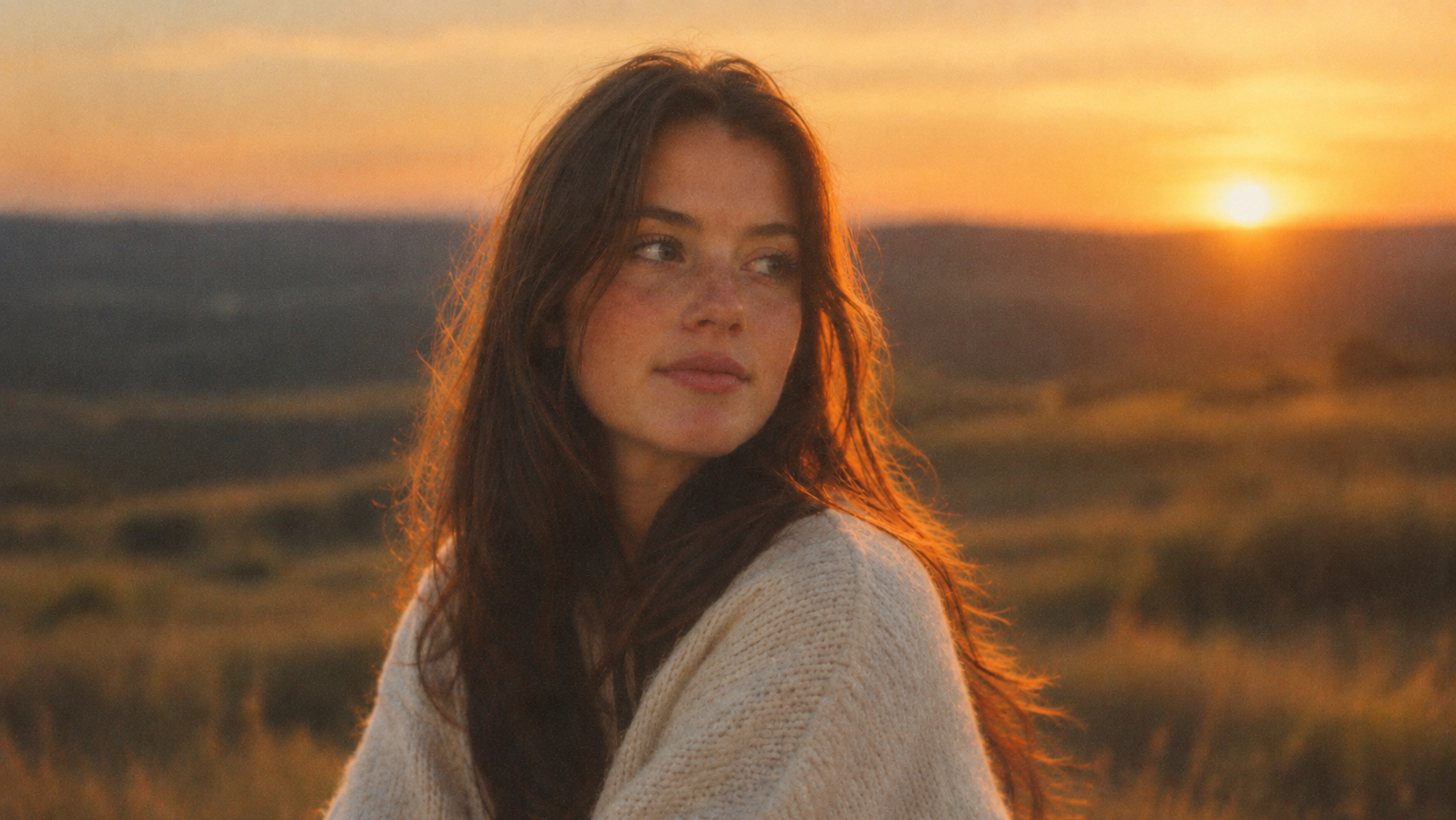
Naming a real film stock like this is a small detail. But it’s one of the easiest ways to get realistic AI photo prompts to actually cooperate, since the model has likely seen thousands of real Portra 400 shots during training.
3. The Disposable Camera Prompt
“Photo taken on a disposable camera, flash-lit, slightly overexposed, visible film grain, candid pose, date stamp in the corner, early 2000s aesthetic.”
This is hands-down my favorite to mess with. There’s something about a blown-out flash photo with a date stamp. It stops looking like AI art and starts looking like a real memory pulled from someone’s childhood album.
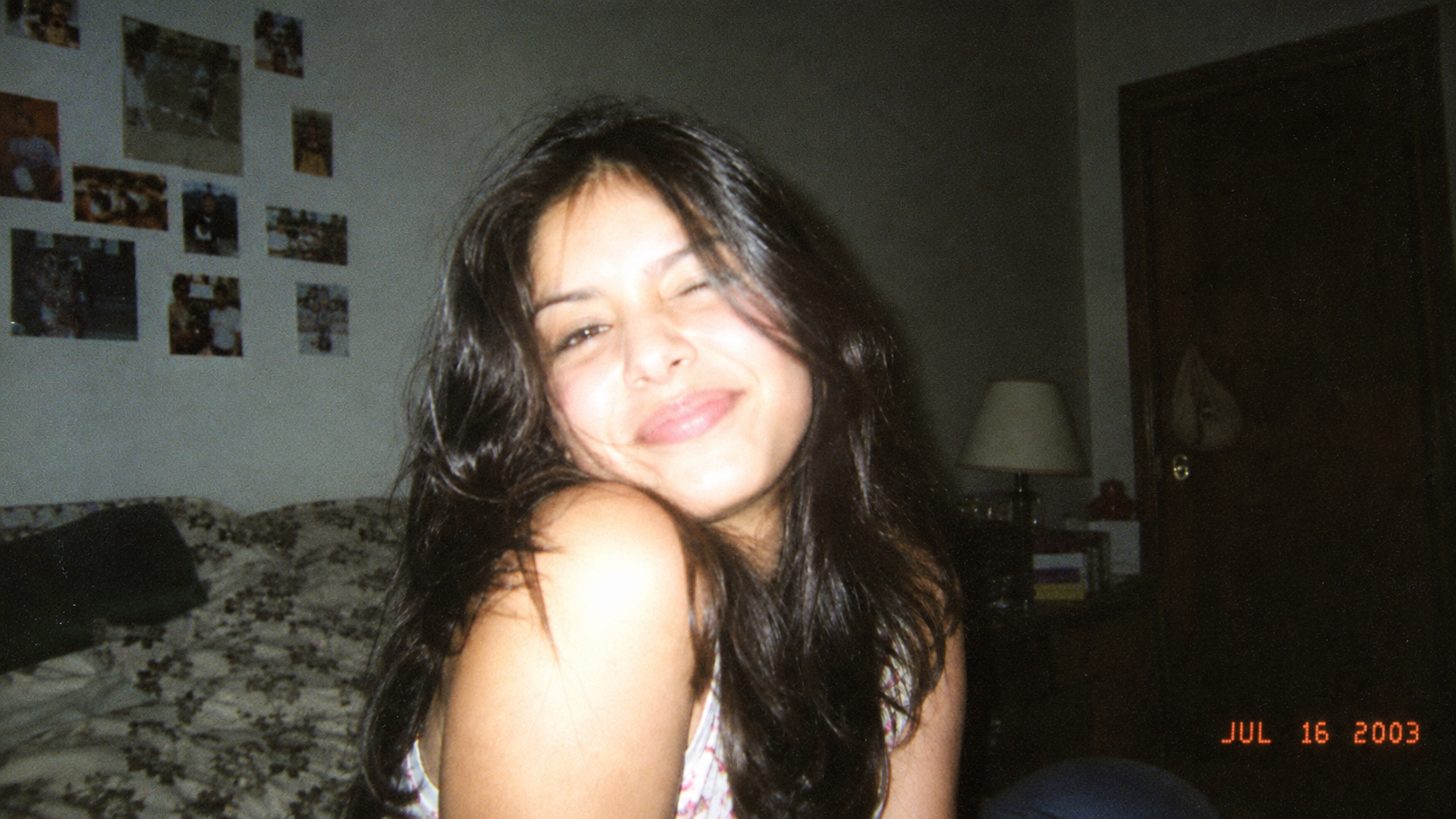
Disposable cameras were never about perfect lighting. They were cheap, unpredictable, and honest. That’s the whole appeal behind film-look AI photos right now, people are tired of perfection and want something that feels lived-in.
4. The Cinematic Wide-Shot Prompt
“Wide cinematic shot, shot on 16mm film, moody lighting, teal and orange color grade, subtle grain, anamorphic lens flare, atmospheric haze.”
This one’s chasing a different feeling entirely. You’re not going for “candid snapshot” here. You’re going for “movie still.” Teal and orange grading is a Hollywood staple. It’s why so many blockbuster posters look similar, and anamorphic lens flare adds that stretched, dreamy glow.
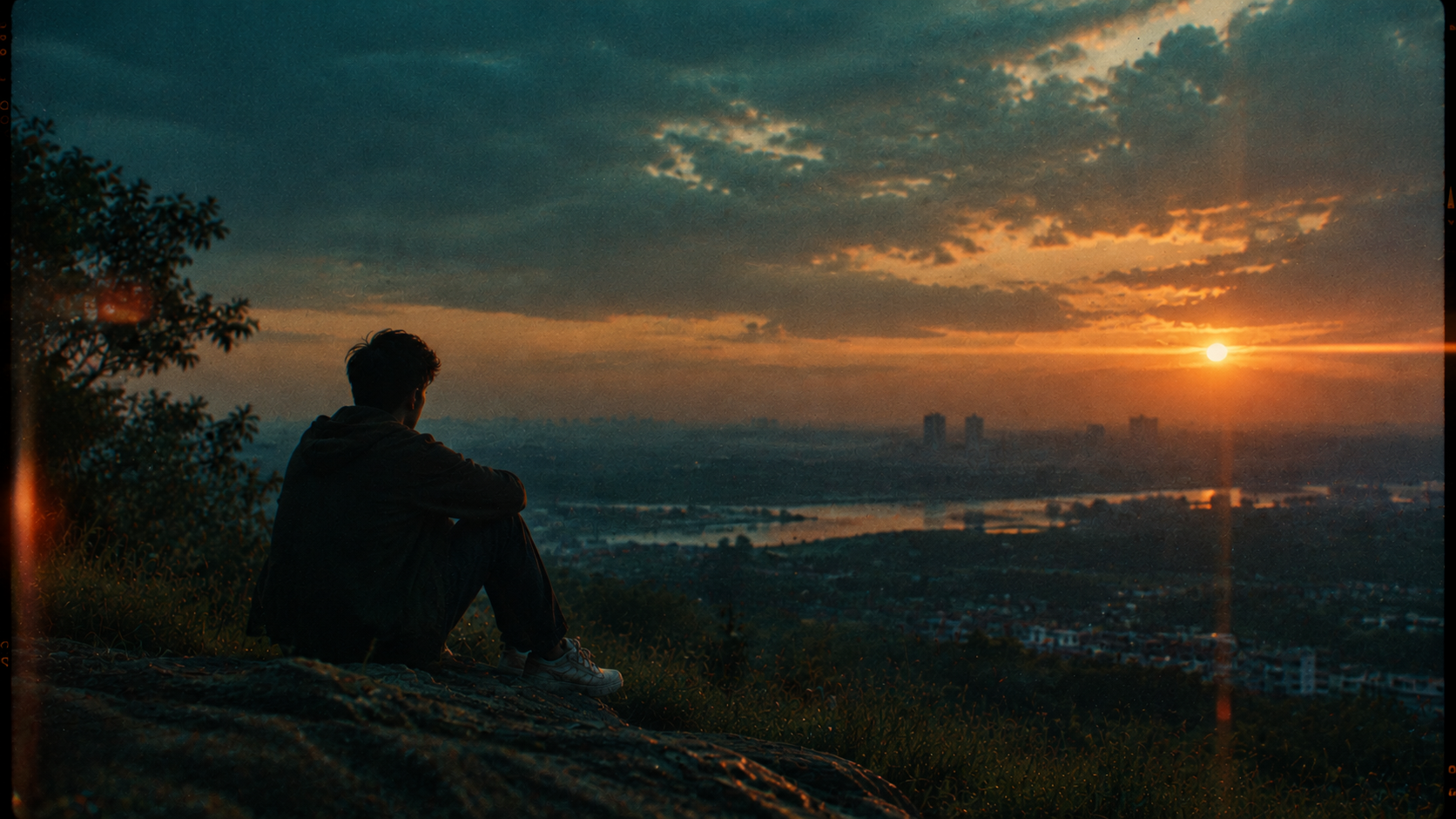
This one is the most technical way to create authentic film-style photos. But if you’re into cinematic AI photography, these details do most of the job for you.
Read More: How to Turn Your Family Photo into a 1980s Portrait
5. The Vintage Instant Photo Prompt
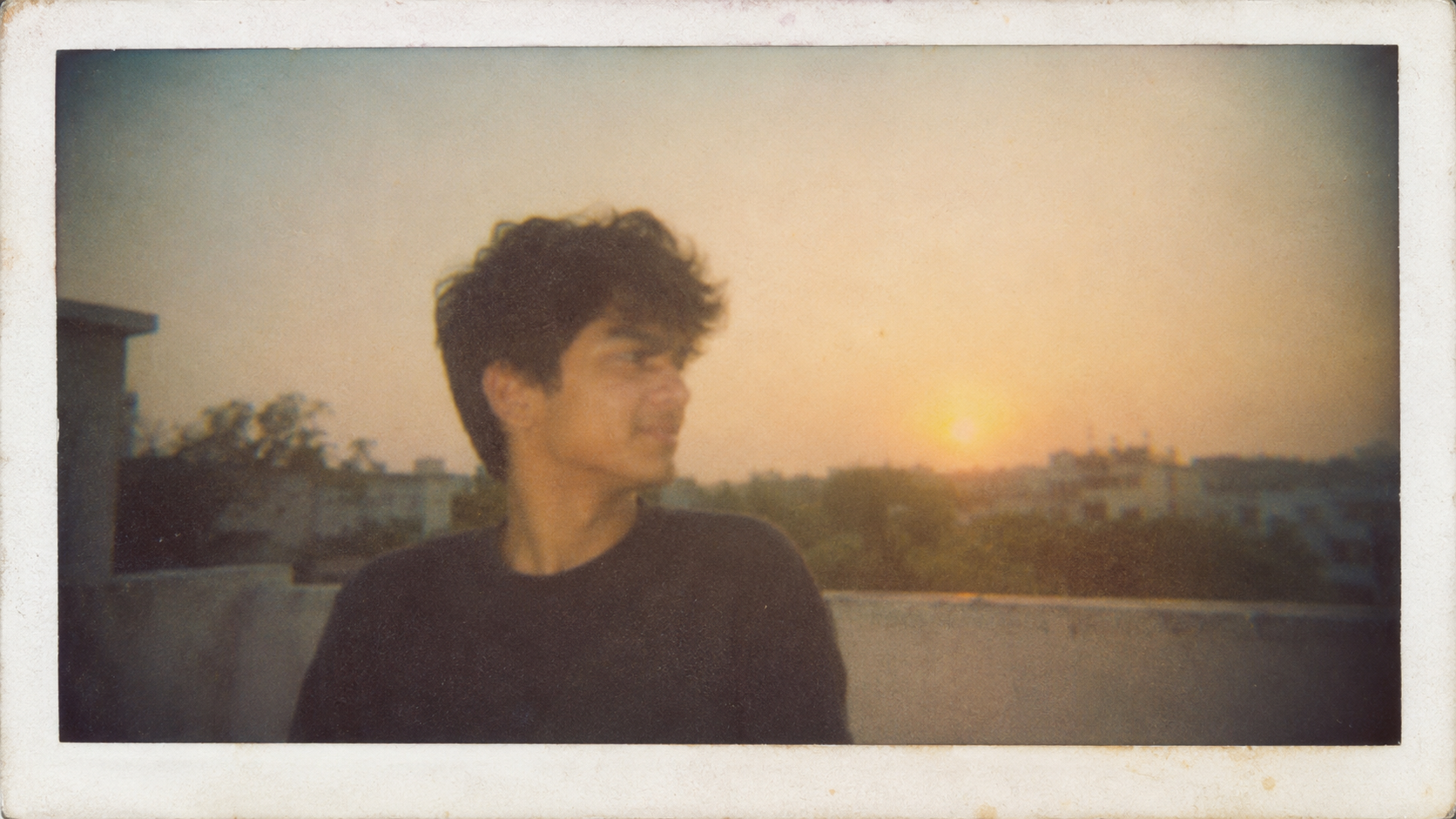
“Instant film photo, faded colors, soft focus, visible film border, slight vignette, warm nostalgic tone, casual unposed subject.”
This prompt is great for travel pics or anything sentimental. Basically Polaroid nostalgia in prompt form. The visible border and slight vignette are what really sell this one. They’re details most people forget to mention.
What’s Actually Doing the Work Here
Here’s the thing most guides won’t tell you. It’s never the film names alone doing the magic, it’s the flaws. Grain, overexposure, soft focus, awkward framing, that’s what real cameras give you by accident.
Moreover, AI models are trained on massive datasets that skew toward clean, sharp, well-lit images. So they smooth flaws away by default. Asking for imperfection on purpose fights that instinct.
One more tip from trial and error – run the same prompt through two different tools before giving up on it. I’ve typed identical words into Midjourney and ChatGPT’s image generator. I got totally different results back. One warm and grainy, the other cool and clean.
Each model interprets “grain” and “film” a bit differently, so testing saves you frustration.
It’s Not the Prompt, It’s What You Choose to Keep
At the end of the day, learning to create authentic film-style photos means letting go of the urge to ask for “high quality.”
Grain, light leaks, and imperfect framing aren’t flaws to erase. They’re the whole point.
Once you prompt for imperfection instead of polish, your photos stop looking like AI output. They start looking like something worth printing and sticking on a fridge.
FAQs
How do I create film-style photos with AI?
Name a real film format or camera, like 35mm or a disposable camera. Then throw in some grain, light leaks, and slightly off framing.
How do you create an authentic film look with AI?
Ask for flaws, not polish. Grain, warm colors, a bit of vignette. Skip words like “high quality,” they push the AI the wrong way.
Can AI create realistic analog film photography?
Pretty much, yeah. The more specific you get about the film stock or camera, the more real it looks.