
Most of us are drowning in tasks. Emails pile up, meetings eat your day, and somewhere in the middle of all that, you’re supposed to remember the ten other things you told yourself you’d do.
It’s a lot. The good news is, AI can actually take some of that weight off your shoulders if you use it right. Here’s how.
Just Dump Everything Out First
Before you can organize anything, you need to get it all out of your head. Open up ChatGPT or Claude or whatever you use, and just type out everything you’re supposed to do.
Don’t try to make it neat. Don’t worry about the order. Just write it like you’re complaining to a friend about how much you have on your plate.
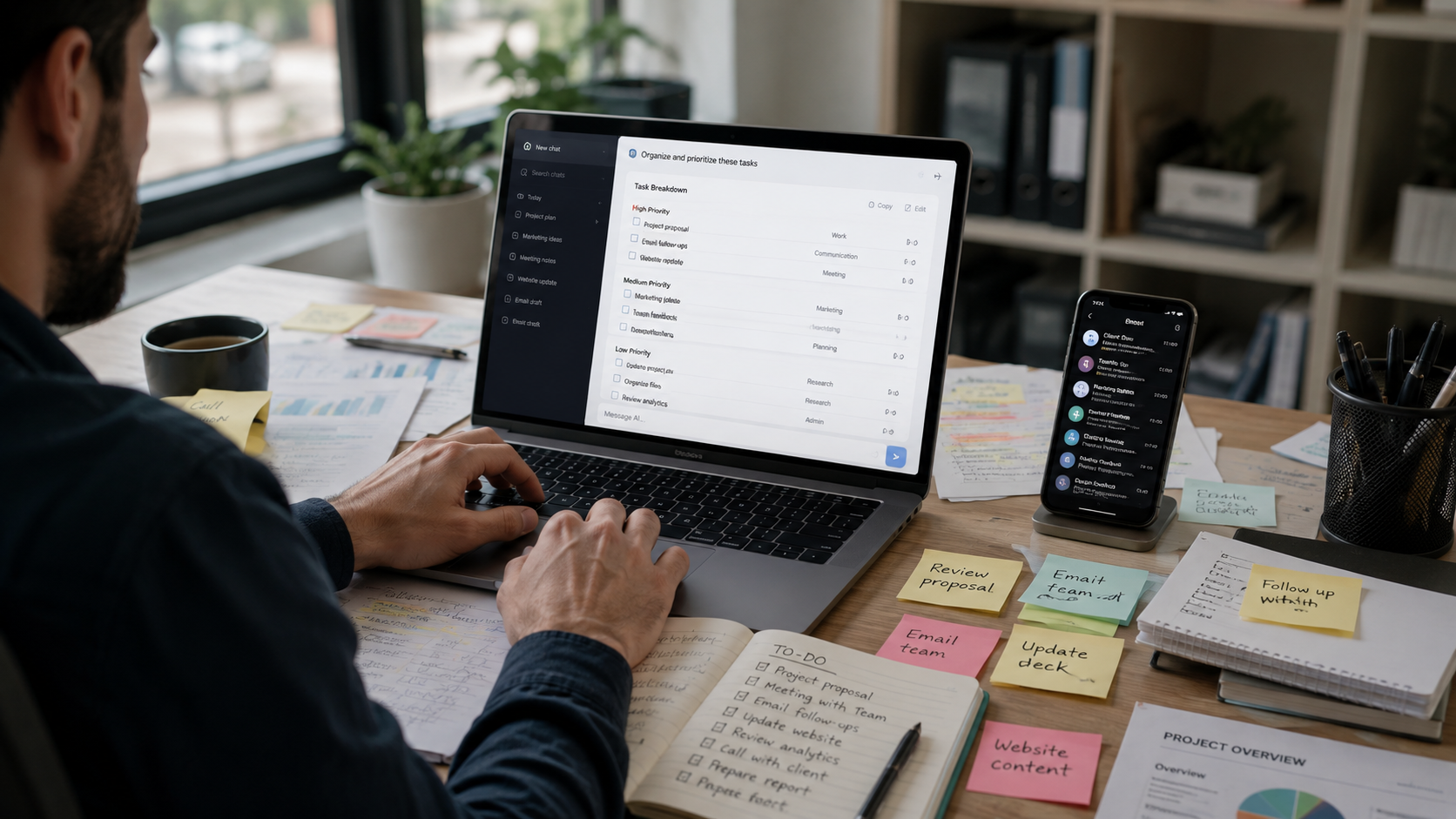
Once it’s all there in front of you, ask the AI to sort it out. Something like “put these in order based on what’s urgent” works fine. You’ll be surprised how much lighter your head feels once the mess is out of it and organized on screen instead.
Ask It to Plan Your Day
A lot of people waste the first hour of their day just deciding what to do first. Skip that. Tell the AI your work hours, when you feel most focused, and anything you already have scheduled. Then ask it to build you a plan for the day.

Say something like, “I focus best before noon, and I have a call at 3. Plan my day around that.” You’ll get a schedule that actually fits how you work, instead of some generic list you have to force yourself into.
Break Big Tasks Into Smaller Ones
Big projects are scary mostly because they feel too big to even start. “Redesign the website” sounds like a nightmare until you break it down. Ask AI to split it into smaller steps you can actually do one at a time.
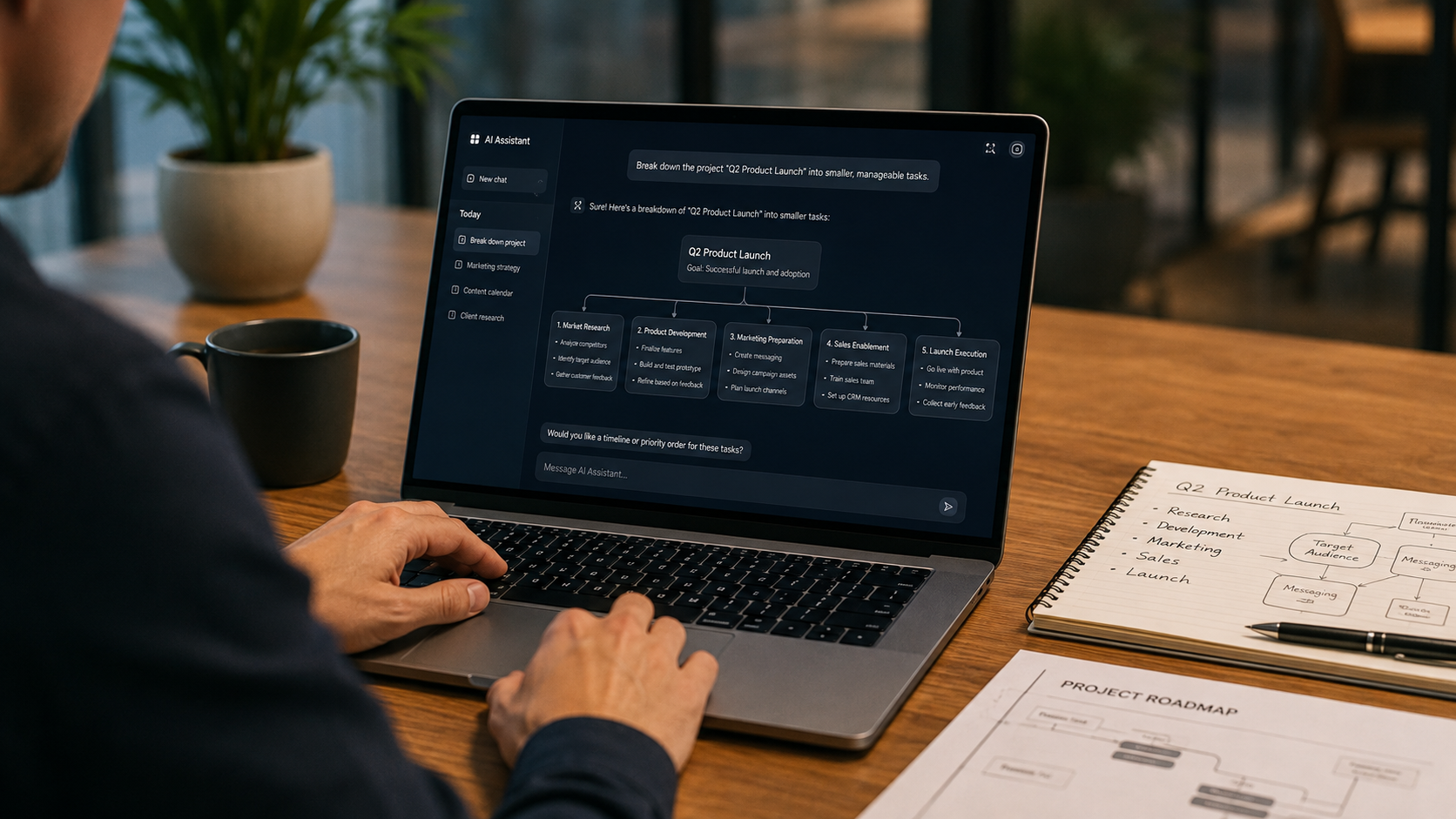
Suddenly it’s not one giant task anymore. It’s ten small ones, and ticking each off feels good. That little progress keeps you moving instead of freezing up staring at a huge to-do item.
Let It Handle Reminders and Follow-Ups
Half the time things fall apart not because you didn’t plan, but because you forgot to follow up. If your AI tool connects to your calendar or task app, it can nudge you at the right moment instead of just some random time. Some tools will even write the follow-up message for you so you’re not sitting there trying to figure out what to say.

That’s one less thing sitting in the back of your mind. Your brain can finally stop trying to remember everything and just focus on doing the work.
Use It to Organize Notes Too
Work isn’t only tasks. It’s also meeting notes, random ideas, half-written documents. This stuff piles up just as fast as your to-do list. Paste your meeting notes into AI and ask it to pull out the key points and action items.
You can also dump a bunch of scattered notes and ask it to sort them into simple groups, like ideas, decisions, and questions you still need answers to. It saves you from digging through pages later trying to find that one thing someone said.
Read More: https://sparknherd.com/explainer/netflix-password-sharing-explained/
Check In and Adjust Every Week
Don’t just set this up once and forget it. Your work changes, so your system needs to change with it. Spend a few minutes each week looking back at what worked.

Ask the AI something like “Which tasks keep getting pushed back and why?” Sometimes the answer surprises you.
Final Thoughts
AI won’t do the actual work for you; let’s be clear about that. But it can take the mental clutter off your hands.
Planning your day, breaking down big projects, organizing your notes- all of it gets easier. The trick is sticking with it.
Use it daily, not just once when you’re overwhelmed, and your whole workday starts to feel a lot less chaotic.
FAQs
Can AI actually help me organize my work?
Yes, AI can sort your tasks, build your schedule, and break big projects into smaller steps so your day feels less overwhelming.
What is the best AI tool for organizing work?
Tools like ChatGPT, Claude, and Notion AI all work well, so it really comes down to which one fits your workflow best.
How do I start organizing my tasks with AI?
Just write out everything on your plate in plain language and ask the AI to sort it by priority or deadline.