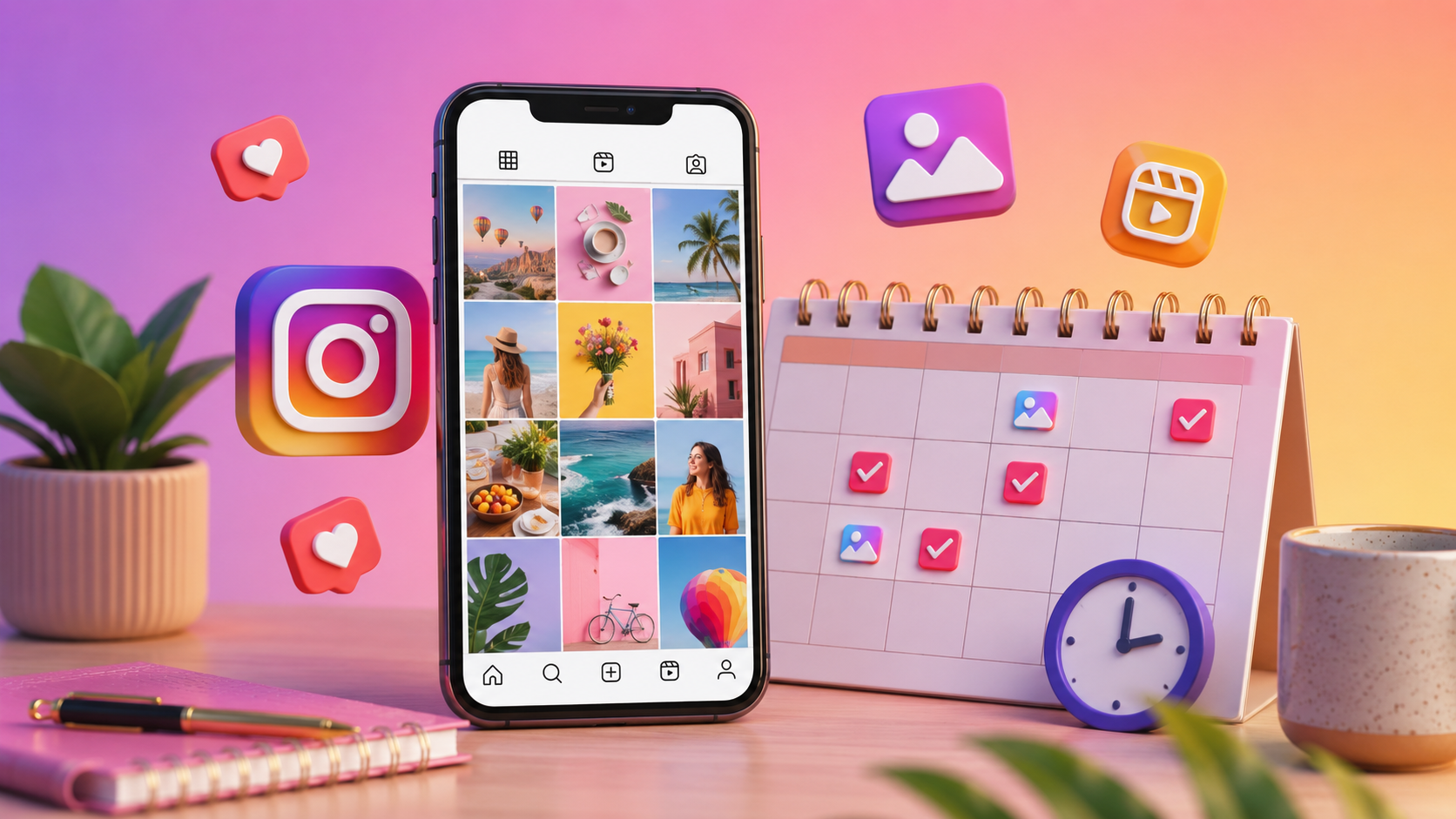
Let’s face it, trying to post on Instagram consistently can feel like a really big job. I know because I used to do it manually until I discovered that you could schedule posts in advance. You sit down once, organise your posts for the week, and let them post automatically.
The real challenge, though, is finding an Instagram scheduling app free of super high paywalls and hidden charges. If you are also searching for how to schedule Instagram posts for free, you are at the right place.
Below are the top 4 Instagram scheduling tools that stand out for their useful features, transparent pricing, and generous free plans.
Does Instagram Have a Built-in Post Scheduler?
Yes, and this changed recently. Since March 2026, any public Instagram account can schedule posts directly inside the app. You do not need a Business or Creator account anymore, just a public profile.
To use it, create your post as usual, add your photo, video, or carousel, write your caption, and tag people if you want. Right before you hit share, scroll to Advanced settings on iPhone, or More options on Android.
Toggle on “Schedule this post,” pick your date and time, and Instagram publishes it automatically.
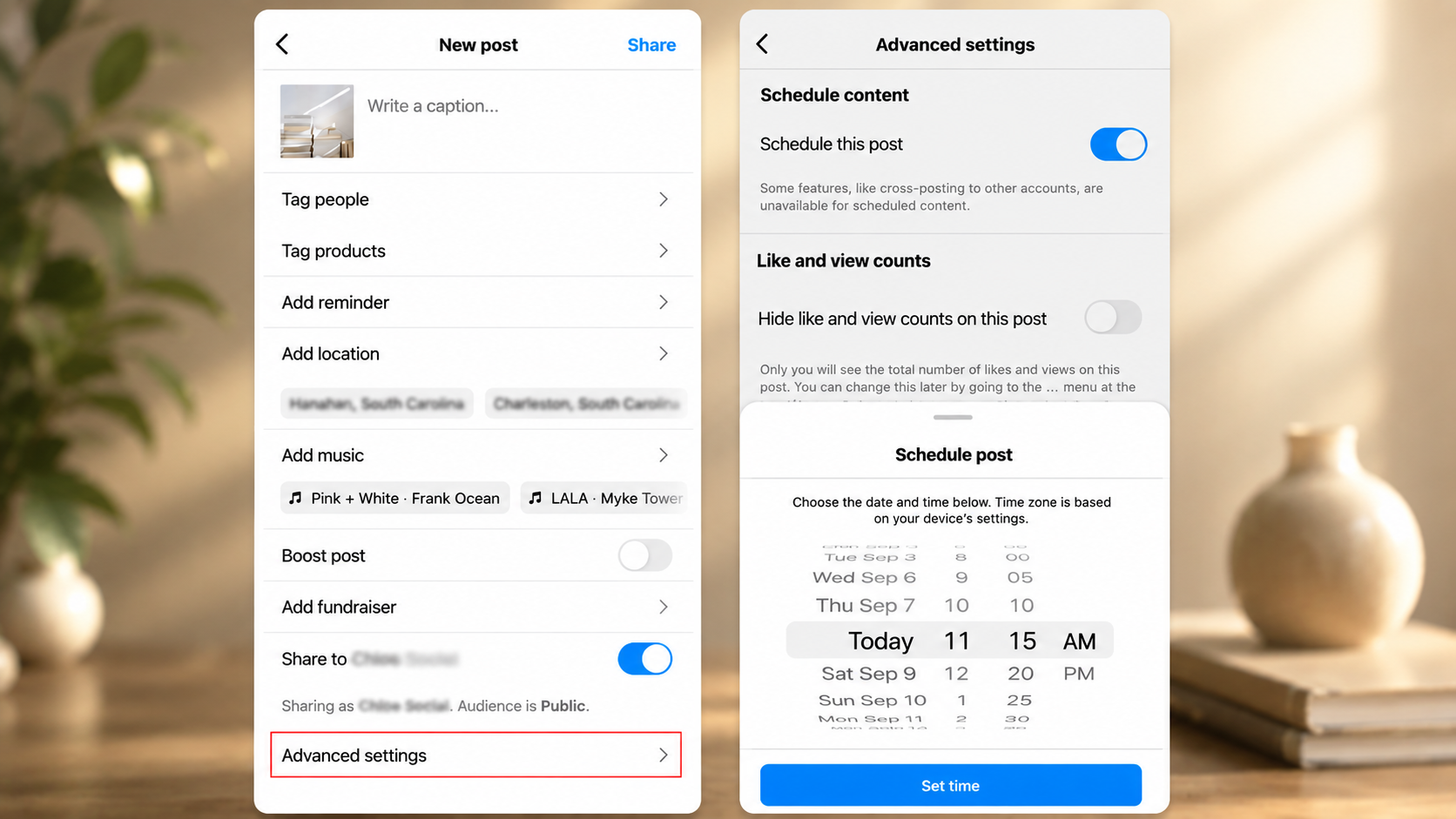
You get up to 25 scheduled posts a day, and you can plan up to 75 days, which is more than enough room to schedule Instagram content in advance for a couple of months at a time.
However, Instagram’s built-in scheduler does not support Stories yet, only feed posts, carousels, and Reels. For Stories, you still need Meta Business Suite or a third-party tool.
If all you need is a simple way to schedule Instagram posts for free, this one is a great place to start.
The 4 Best Free Instagram Post Schedulers
1. Meta Business Suite
Meta Business Suite is Meta’s official scheduling tool, and I still use it along with Instagram’s native scheduler, as it also supports Stories, which the built-in tool does not.
Setting it up is easy, with a very easy-to-understand interface.
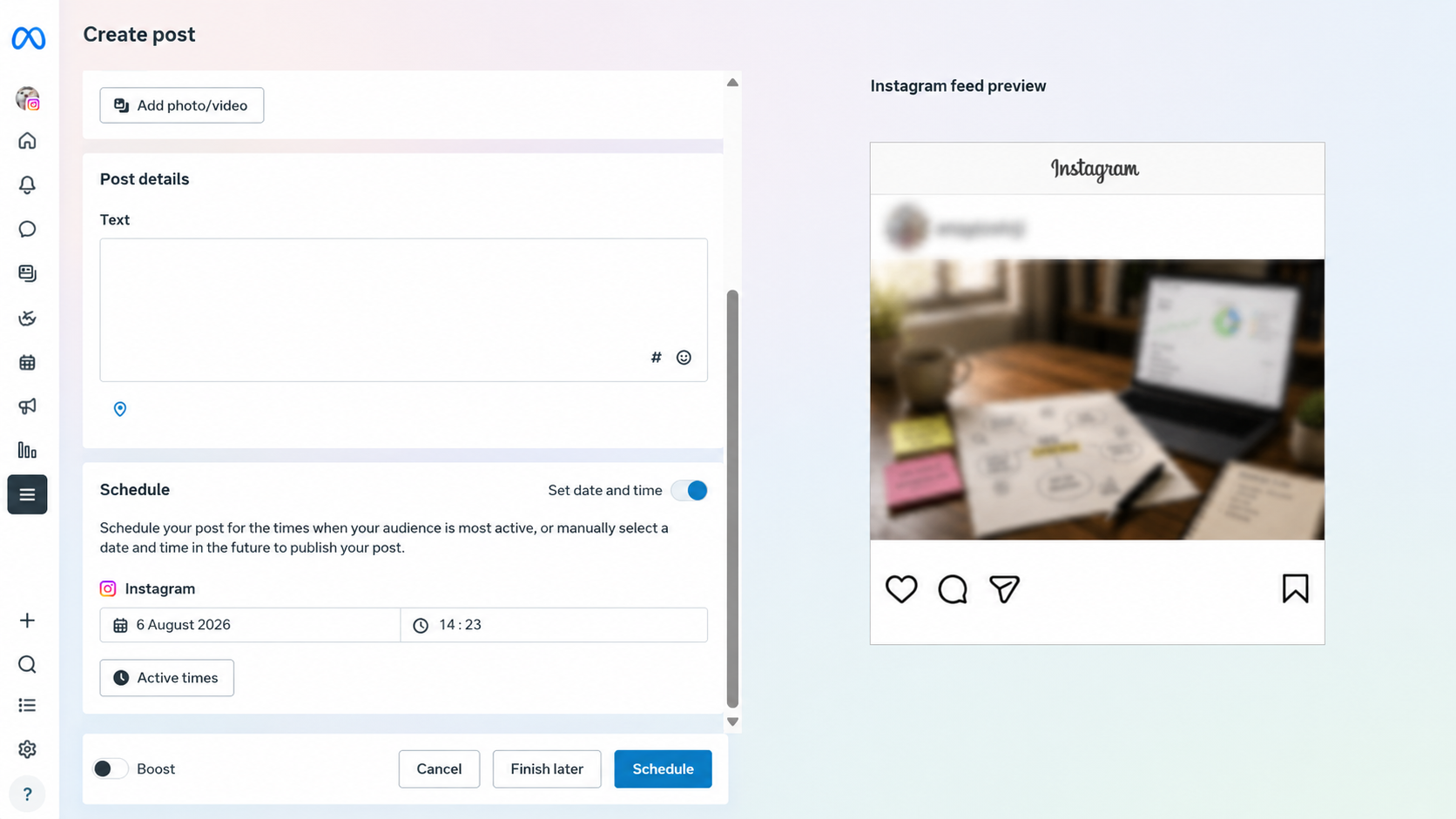
Just sign in, connect your Instagram account, go to the Planner tab, upload your content, write your caption, choose a time, and schedule it. The built-in calendar also gives you a clear overview of your posting schedule.
Moreover, there is no cap on how many posts you can schedule, unlike most tools below. The only real limitation is that it sticks to Meta platforms, so TikTok or LinkedIn will need something else. And it is completely free too, with no hidden costs later on.
2. Buffer
Buffer is, in my opinion, the most beginner-friendly tool here. If you’re looking to schedule Instagram posts for free across multiple social platforms, this one is worth trying.
It runs on a simple queue system, so you line up your posts, and it publishes them at the times you picked.
Getting started takes a few minutes. Create a free account, connect your Instagram profile, then add posts with your images and captions ready.
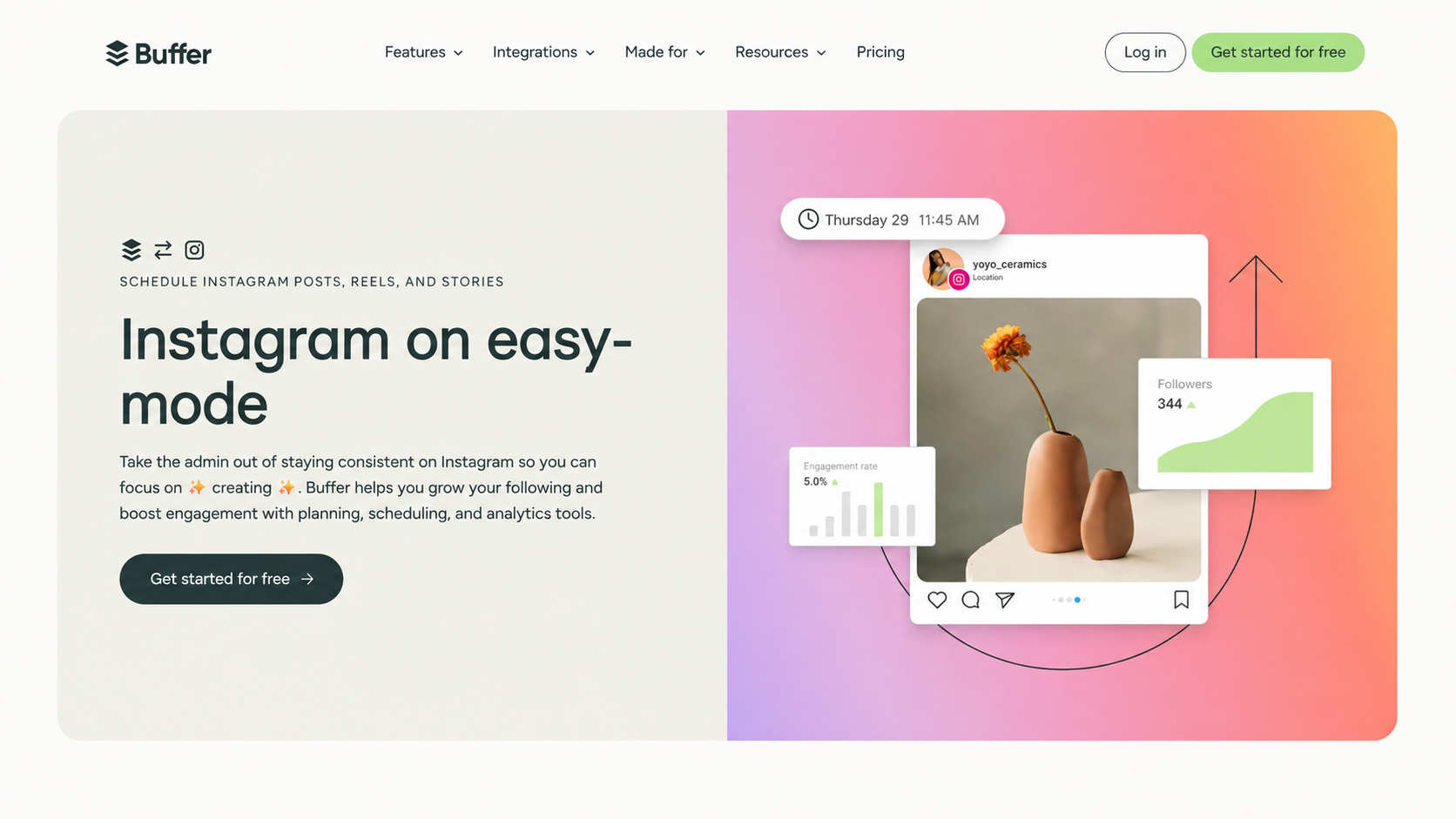
The free plan gives you 3 connected channels (one Instagram Business account, one LinkedIn profile, and one Facebook Page), and each one holds up to 10 scheduled posts at a time.
This is not a monthly limit. As soon as a post is published, that slot becomes available again, letting you add another post to the queue.
If you need more channels or extra scheduling features, Buffer’s paid plans start at $5 per channel per month when billed annually (~INR 475/month). If you prefer monthly billing, the price increases to $6 per channel per month (~INR 570/month).
Since Buffer charges in US dollars, Indian users should also consider currency conversion and any foreign transaction fees charged by their bank.
3. Metricool
Metricool is my go-to recommendation for anyone who wants scheduling and analytics in one place. It works well as an Instagram post planning tool, and unlike most free schedulers, it includes real analytics from the start, making it one of the most useful free Instagram automation tools if data matters to you.
To use it, sign up, link your Instagram account, and use the built-in planner to drop in your content and pick posting times. Once posts go live, you can check basic performance numbers right inside the same dashboard.
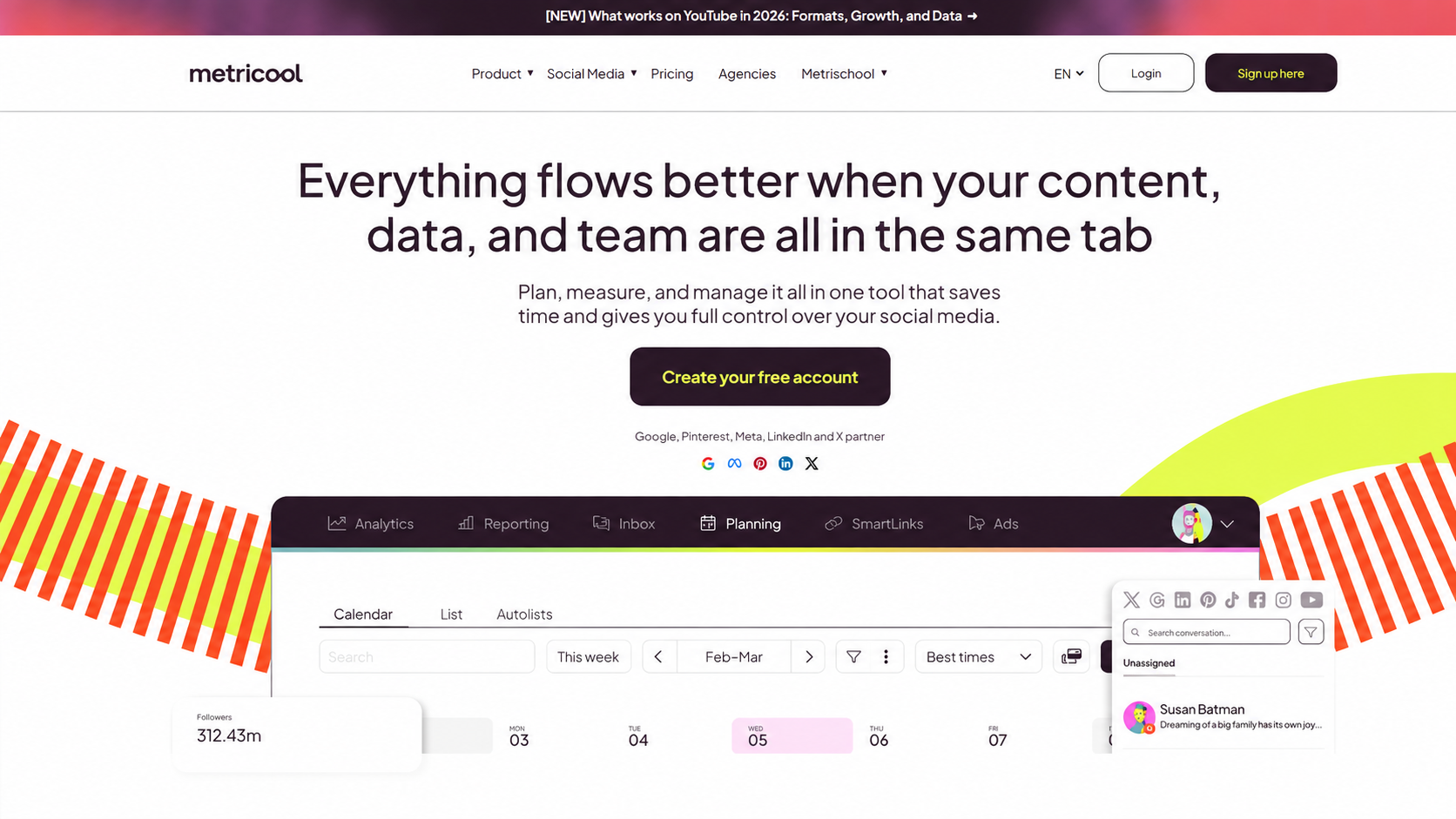
The free plan covers 1 brand (1 business or creator workspace) and up to 20 posts a month, across Instagram, Facebook, and a few others, though LinkedIn and X are left out on the free tier.
Paid plans start somewhere between $18 and $25 a month, roughly INR 1,700 to 2,300, depending on the billing cycle and how many brands you manage.
4. Publer
Publer is a nice one to fall back on if you want a real free plan with no trial clock and no card needed. It schedules posts automatically, which not every free tool actually does.
To use it, sign up, connect your Instagram account, and add posts through its composer, where you write captions per platform and set your publish time. On top of that, it comes with a link-in-bio page for your Instagram profile, which is a nice bonus you do not get with most of the tools above.
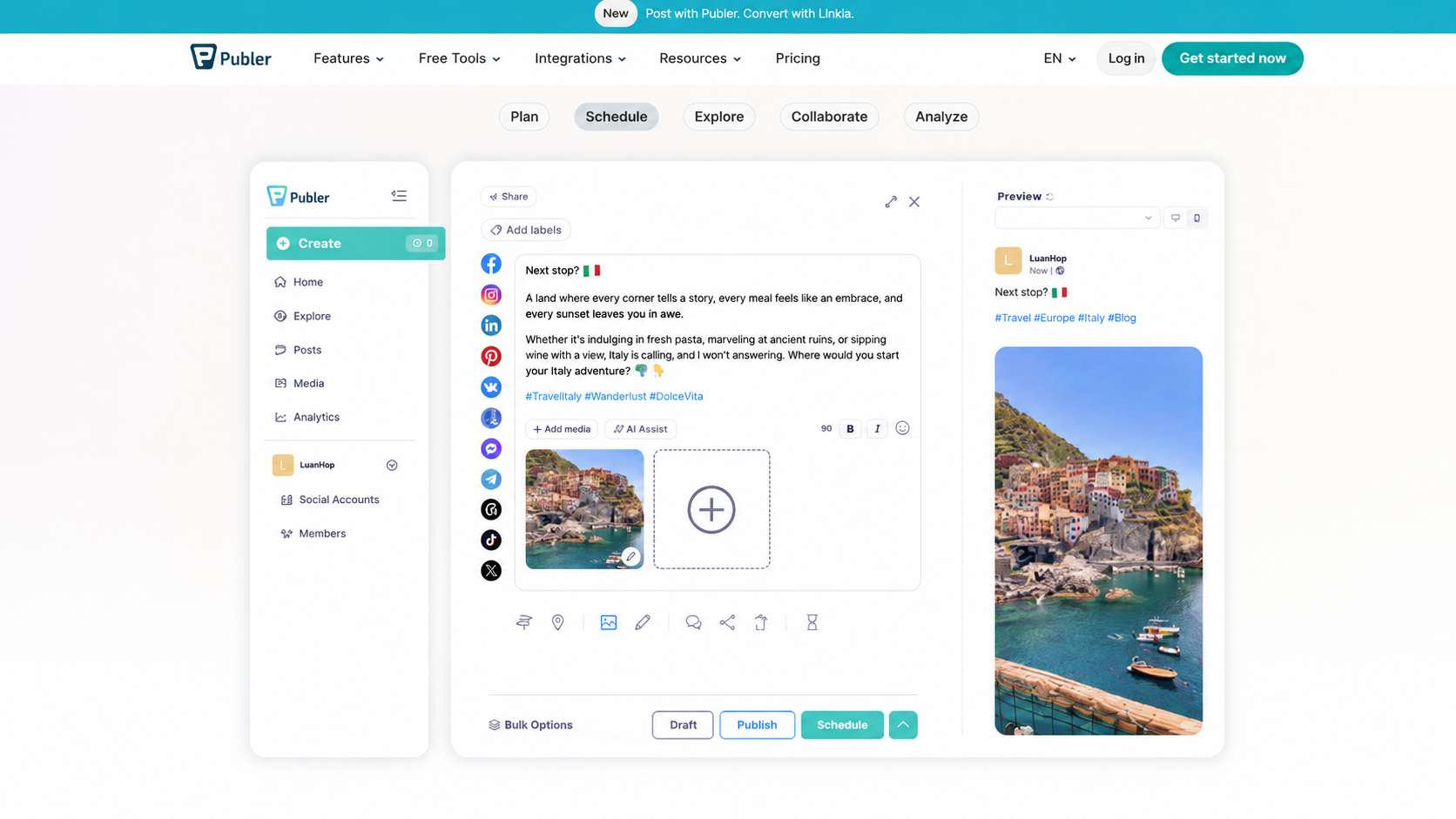
The free plan gives you 3 connected social accounts and up to 10 scheduled posts per account, along with 25 saved drafts. The one missing app is X, formerly Twitter, which is left out of the free tier entirely.
If you need more advanced features, its paid plans start around $5 a month, close to INR 475, and scale up depending on how many accounts and team members you add.
No More “Oops I Forgot to Post”
If there’s one thing I’ve learned, it’s that staying consistent on Instagram is much easier when you stop relying on memory. Scheduling your posts in advance takes away that daily trauma of forgetting to post on time.
The good news is that you don’t need an expensive tool to schedule Instagram posts for free. Every option on this list has a reliable free plan, so you can try them out and see which one feels the most natural to use.
The best Instagram content scheduler is the one that fits your workflow so well that you actually continue using it. Once you find that, forgetting to post becomes one less thing to worry about.
FAQs
Can I schedule Instagram posts for free?
Yes, using Instagram’s native scheduler, Meta Business Suite, or the free plans of Buffer, Metricool and Publer.
Which are the best free tools to schedule Instagram posts?
Meta Business Suite, Buffer, Metricool, and Publer all let you schedule for free, each with different limits.
Does Instagram have a built-in post scheduler?
Yes. Since March 2026, any public account can schedule posts, carousels, and Reels natively, up to 25 a day and 75 days ahead. Stories are not supported yet.