You might have noticed that browsers are changing fast. For years, browsers like Chrome, Safari, and Firefox mainly did one thing well — open web pages. Now a new kind of browser wants to do more by reading pages for you, answering questions, filling forms, and even completing tasks on your behalf. This is the AI-native browser. But what are AI-native browsers? In this post, we answer all the questions related to AI-native browsers.
What Is An AI Native Browser?
An AI native browser is built around an AI assistant from the start. So, instead of adding AI as an extra feature later. The AI usually appears in a side panel or chat window and can see what is on your screen.
You can ask it to summarize an article, compare products across tabs, or draft a reply without leaving the page. The newer versions are called agentic browsers because they can also act, not just answer.
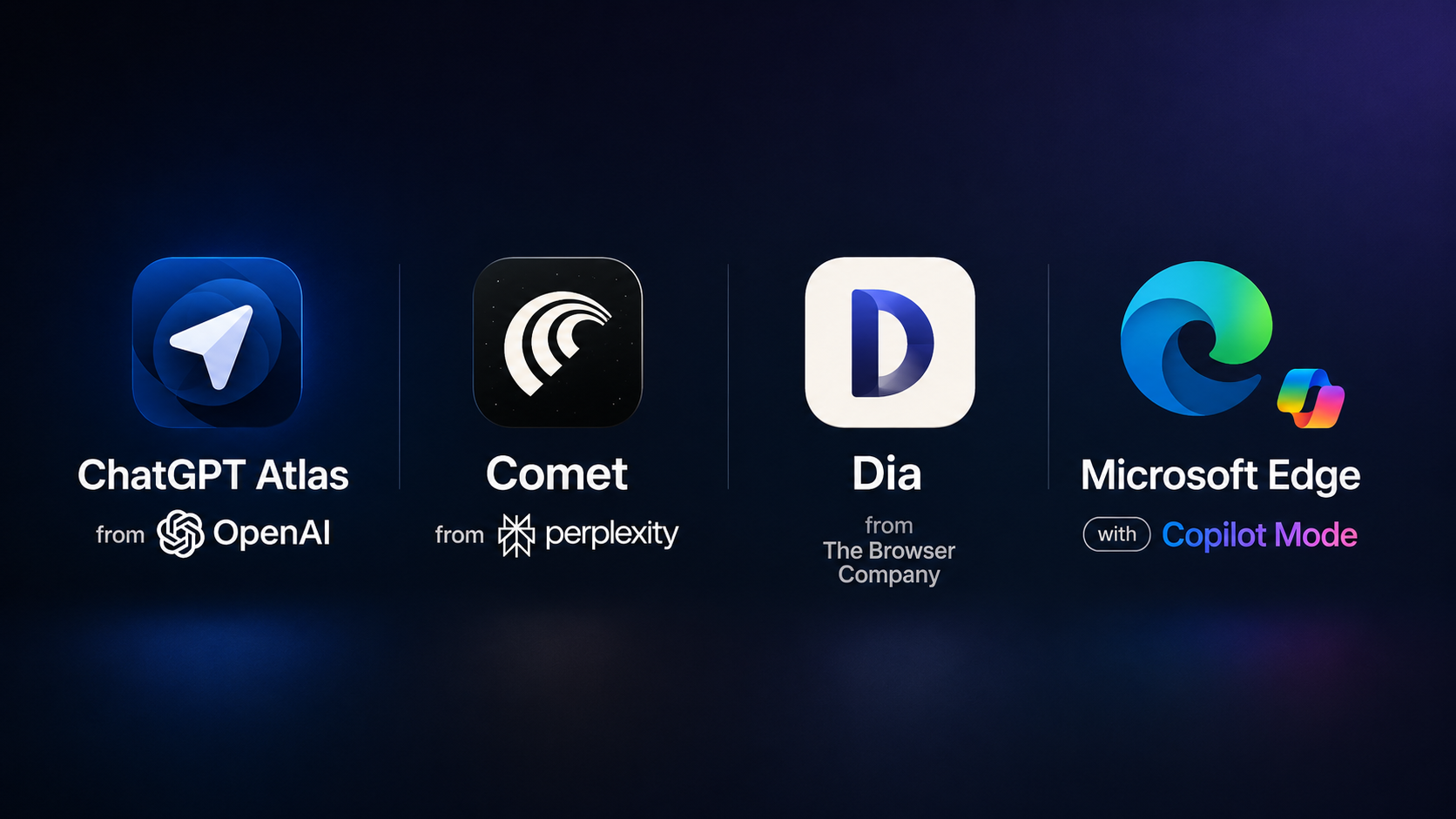
In simple terms, it works like a digital assistant inside your browser. Some well-known names in 2026 include,
Other than that, Google has also added Gemini features directly into Chrome, so even regular browsers are becoming more AI-driven.
How AI-Native Browsers Are Different From Chrome
Chrome is no longer just a plain browser either. Google has been adding Gemini features to it, including tools that can browse and complete small tasks automatically. So the main difference in 2026 is not just AI versus no AI. It is how deeply the AI is built into the browser and how much control it has. More importantly, how much of your work can it ease up.

Fully AI native browsers like Atlas, Comet, and Dia are designed so the assistant can work closely with your open tabs, browsing history, and sometimes even saved logins.
Microsoft Edge takes a different approach. It adds Copilot on top of a familiar browser layout and connects deeply with Microsoft apps like Outlook, Word, Excel, and Teams. This makes it especially useful for office and enterprise users.
The Real Benefits of AI Browsers
The biggest benefit is time-saving. Instead of opening many tabs to research one topic, you can ask the AI to read them and give you one simple summary.

As a matter of fact, Comet has been praised for being smooth on Mac and free to use for its main features. Dia offers a clean design and a feature called Skills that lets users create small automations.
The Downsides of AI Browsers
The question at this hour is: Should you give an AI direct control over your browser? Because at the end of the day, the level of access and control it has over your open tabs can be dangerous if something goes wrong.

In simple words, a website can secretly trick the AI — through prompt injection — into doing something malicious. Security researchers have already shown this kind of attack against major AI browsers, leading to leaked passwords.
There have also been real security bugs in these systems. For example, Chrome’s Gemini panel had a serious issue in 2026 that could have let a bad extension take over some of the AI’s permissions. While Google fixed it quickly, it showed how much more can go wrong when AI gets deep browser access.
Should You Switch From Chrome In 2026
The honest answer is: it depends on how you use your browser. If you spend a lot of time researching, comparing products, or doing repetitive online tasks, trying an AI native browser like Comet or Atlas could save you time.
But if you deal with passwords or sensitive data, it is smarter to be careful and wait until these tools become more mature. At the same time, Chrome already gives you some AI features through Gemini.
FAQs
What is an AI native browser?
An AI native browser is a browser built with an AI assistant at its core. It can summarize pages, answer questions, compare tabs, and help complete tasks without leaving the browser.
How are AI Native browsers different from Chrome?
Chrome is mainly a regular browser with AI added on top. AI native browsers are designed around AI first, so the assistant has deeper access to your tabs, page content, and browsing context.
Are AI browsers safe?
They can be useful, but they are not fully risk-free yet. Issues like prompt injection and too much AI access can create security problems, especially with sensitive data.