OpenAI recently revealed a major upgrade to its visual AI capabilities with a revamped images feature inside ChatGPT, powered by the new GPT Image 1.5 model. ChatGPT Images is set to be a direct competitor to Google’s Nano Banana Pro and is directly built into the ChatGPT app and the web interface.
It’s simple to access via a dedicated images tab in the sidebar. Users can create visuals with simple text prompts, upload photos to edit them precisely, or browse for ideas via presets and trending ideas.
See Also: How to Schedule Tasks and Set Reminders on ChatGPT
What’s New With ChatGPT Images
The new OpenAI image generation tool introduces several improvements that are aimed at both casual users and professionals.
- Improved Instruction Adherence: The new ChatGPT image generation tool claims to better understand and follow user instructions, especially when editing existing images, changing only specific elements while preserving lighting, composition, and facial likeness in the rest of the image.
- Creative Space and Presets: A dedicated space for Images with preset prompts and style filters will help users jumpstart their ideas without having to write detailed prompts from scratch.
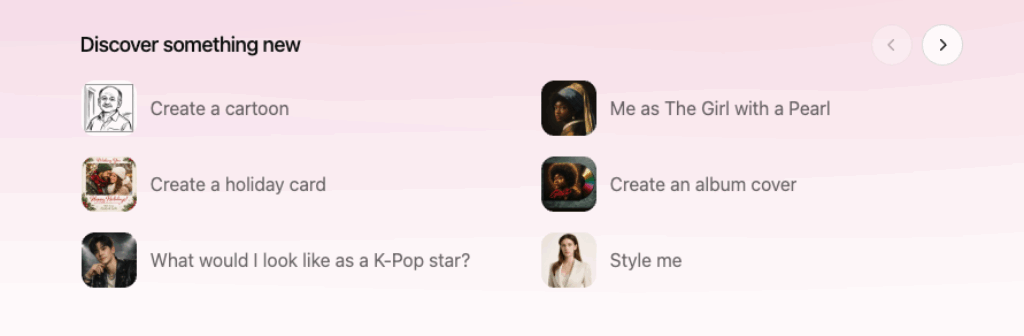
- Versatile Editing Tools: Functions like adding, subtracting, blending, or transforming visual elements will further enable refined edits, photo fixes, and imaginative reimaginings.
How to Use ChatGPT’s New Images Feature
Unlike Nano Banana Pro, ChatGPT’s new image feature has a dedicated space and is like its counterpart, its easy to use. All you need to do is open ChatGPT (either the app or web interface) and look for the new Images tab in the sidebar.
- Create an image from text: Type a description of what you want to see, for example, “a watercolor landscape of the Himalayas at sunset,” and hit Enter.
- Upload a Photo to Edit: Drag and drop or tap the Plus icon to upload a picture. Then tell ChatGPT what to change, like “make the sky color to grey” or “turn the building into a classical temple.”
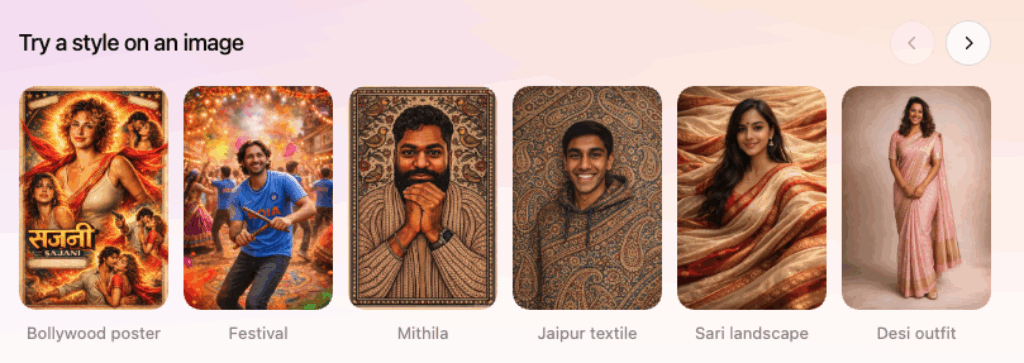
- Explore Presets: For now, you can choose from built-in filters or trending prompts to quickly apply creative styles without crafting long instructions.
- Iterate and Refine: Generate multiple versions, refine details, or combine elements, all within the Images interface.
See Also: I Used ChatGPT as My Travel Agent and Here’s My Experience
A New Rival to Nano Banana Pro
OpenAI’s image creation tool launched at a time when there is high competition in AI image generation models, and there are competitors in the market like Google’s Nano Banana Pro, which for now, has aced its game pretty well.
While it is too early to judge which app is the better one or which one is the faster one, one thing is clear: AI image generation is becoming a battleground for next-generation creative AI tools. More developers are expected to jump into the race moving forward.