A Brief Overview
- Windows users can now pause updates for 35 days at a time and reset that period as often as needed.
- Microsoft is bundling drivers, firmware, and system updates into a single monthly package.
- Clearer Notifications to tell you exactly which parts of your system, like audio or display, are being improved.
Microsoft has finally addressed user complaints and is rolling out a significant update. The new Microsoft update will now allow users to pause automatic Windows updates. This means users have far greater control over when and how their computers and laptops update. This ensures essential work or gaming sessions are no longer interrupted by mandatory installation processes.
Windows Update: Indefinite Pause Capability
The most notable change praised by the users is the ability to pause Windows updates for up to 35 days at a time. It’s worth noting that previous versions of Windiows used to force users to install new updates.
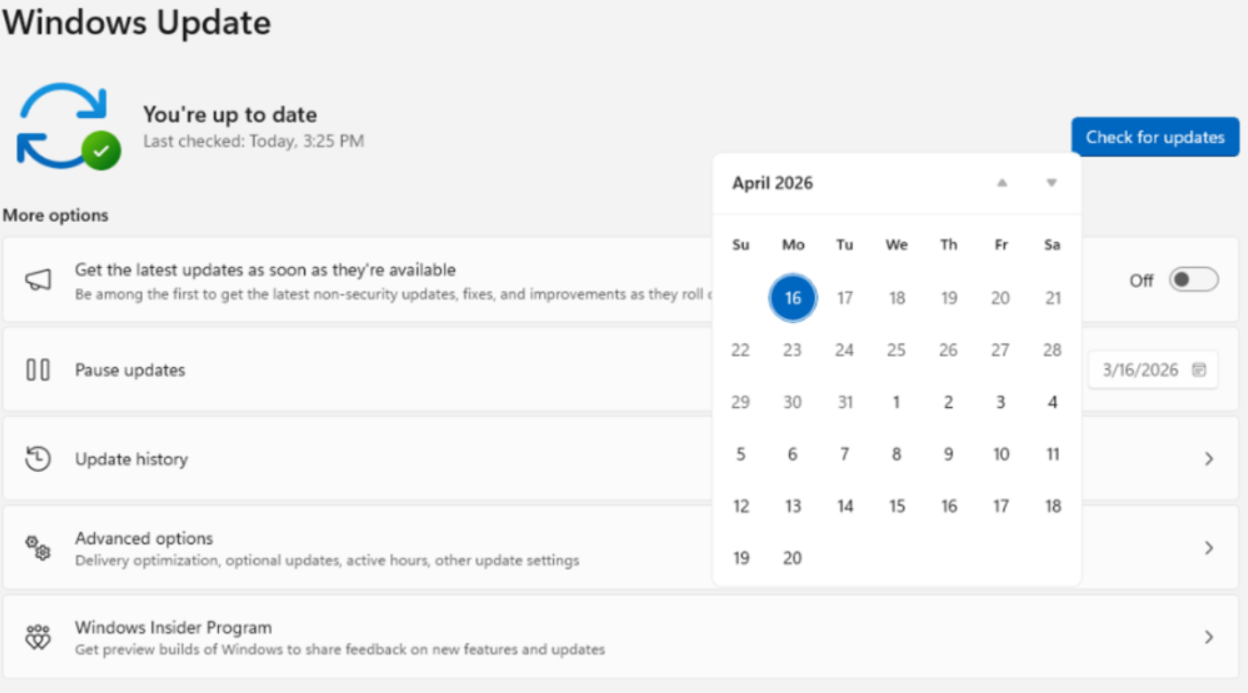
On top of that, users can also choose a date with the new calendar-style interface, which makes it easy to specify a future date for updates to resume.
Uninterrupted Power Controls
Other than that, Microsoft is also removing the pressure to install updates during routine power operations.
Previously, the Start menu’s power options often changed to Update and restart or Update and shut down when an update was waiting, which led to forcing the user to install it.
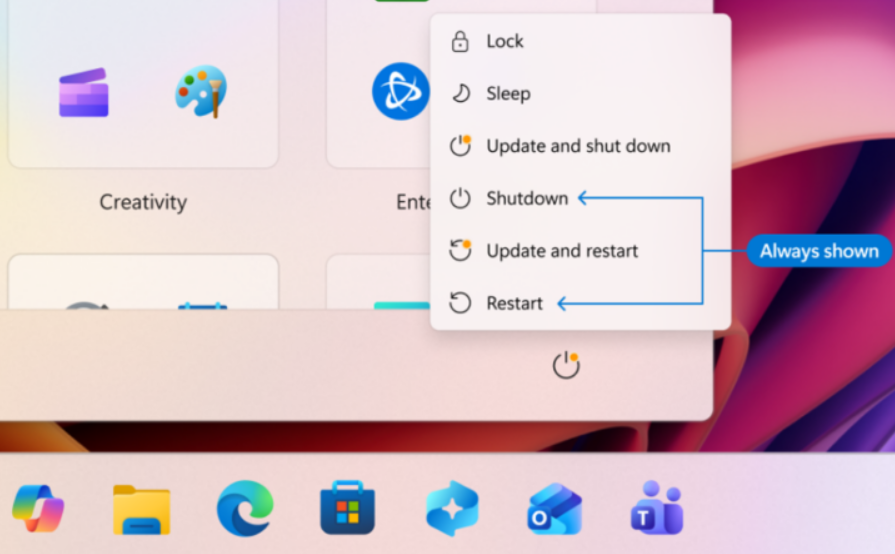
Under the new system, users will see standard Restart and Shut down options regardless of whether updates are pending.
This is to ensure that when you are in a hurry, you can power off your device instantly without an unexpected and time-consuming installation process.
Faster Device Setup
For new users, this update introduces an easier way of setting up new laptops and computers. You can now choose to skip the immediate download of updates and proceed directly to the desktop.
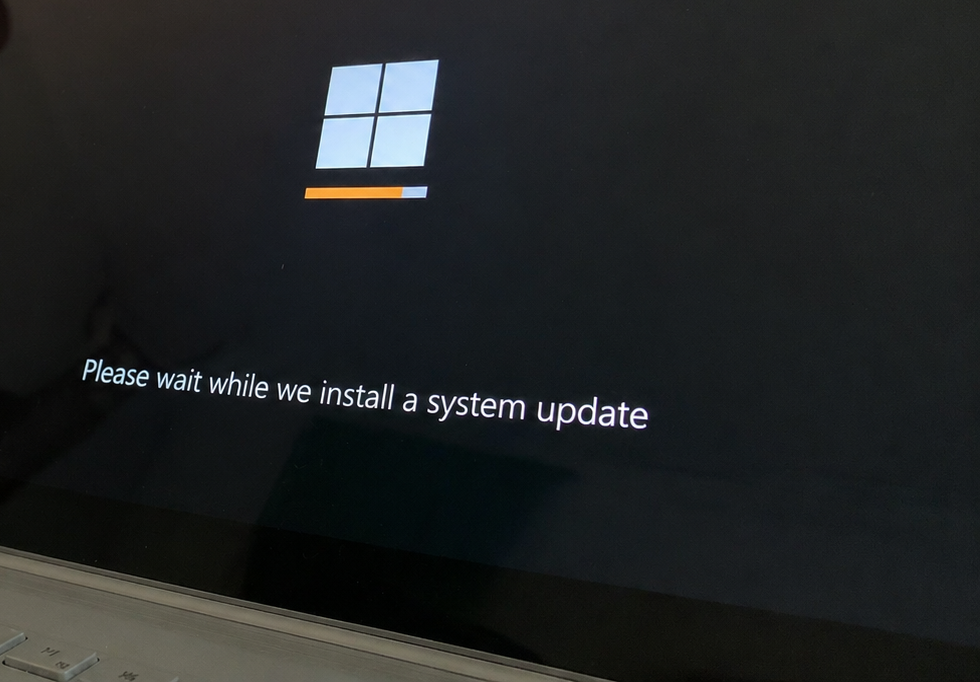
This allows you to get your computer running quickly, with the option to manage and install those updates at a more convenient time later on.
Reduced Update Frequency
Microsoft is also changing how it handles Windows updates to stop your computer from restarting so often.
Fewer Restarts: Previously, your computer might have asked you to restart multiple times a month for different types of updates. Now, Microsoft is bundling these together, which means driver, software, and system updates will all arrive in one big package.
Better Descriptions: In the past, update notices were often confusing or vague. From now on, the update screen will clearly label what is being changed. For example, instead of a cryptic code, a notification like Update for your Audio will actually tell you which parts of your system are being improved.
Conclusion
This latest Windows update has been a long-awaited one for Windows users. Now, it allows you better control and lets you set up the schedule.
FAQs
How many days can users pause Windows updates now?
Users will be able to pause Microsoft Windows updates for up to 35 days, after the new update.
How do I set my own restart time after a Windows update?
You can set your date of update and time using the calendar-style feature provided, which allows you to schedule your update.