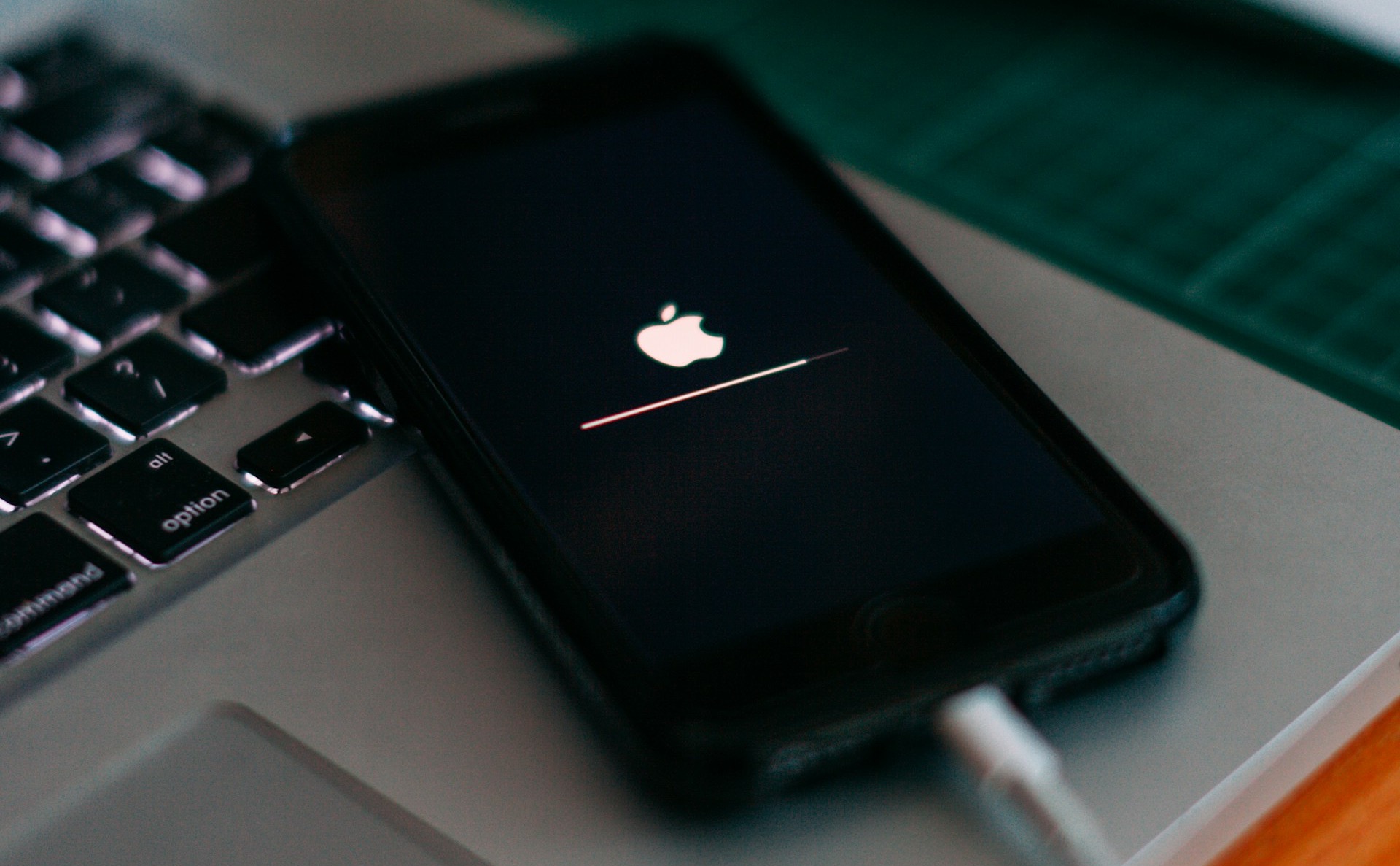
Apple recently rolled out iOS 26.2, and is pushing users hard to update their iPhones as the update includes critical security patches that address active exploits targeting iPhones. The iOS 26.2, released on December 12, 2025, fixes over 20 vulnerabilities and includes fixes for two key WebKit flaws that had already used in real-world spyware attacks against specific users.
As per Apple, delaying the update could leave your device exposed, as older versions like iOS 18.7.2 lack these protections, and Apple’s Background Security Improvements feature, which is enabled since iOS 26.1, now funnels users toward this build for full coverage.
Also See: iPhone 18 Pro Max Rumors: Bigger Battery, Better Cameras…So What?
iOS 26.2: Critical Security Fixes
The main reason to upgrade to iOS 26.2 is security. Apple has warned users that the new security update is a necessary one since it fixes WebKit bugs that let malicious web content execute code or corrupt memory, with Apple confirming that these flaws were actively exploited before the update was released.
Other than that, a kernel flaw (CVE-202-462) also gets a fix. This iOS update/fix prevents apps from gaining root access, thus preventing potential attackers from taking control of your iPhone and stealing messages or hijacking banking sessions.
So, we can say that the new update is focusing on stopping potential cyber attacks on your iPhones, which is particularly important as threats and cyber attack methods are continuously evolving as we talk.
iOS 26.2: Handy New Features
Other than the patches, iOS 26.2 brings some practical tweaks for enhancing daily use. The reminder now supports “Urgent” alarms that will sound like traditional alerts instead of silent notifications. Other small changes, like the Liquid Glass Lock Screen clock, get a slider for finer transparency control, from fully frosted to nearly see-through.
Additionally, Apple Music adds offline lyrics for downloaded songs, while the News app offers quicker category jumps like sports or puzzles. “Flash for Alerts”, part of Accessibility, now flashes the screen alongside (or instead of) the LED for notifications, with options for both.
At the same time, Podcasts also gain AI-generated chapter art, and AirPods Live Translation will now expand to the EU. Sleep scores in the Health app have refined thresholds, and CarPlay lets you pin messages for easy access.
See Also: Can Your iPhone Really Catch a Virus
Performance and Compatibility
This update smooths out iOS 26 quirks with better stability, refined animations, and efficiency gains across apps like Safari, Photos, and Freeform (now with editable tables).
The iPhone models eligible for the iOS 26.2 update are iPhone 11 and later.
How to Update Your iPhone to iOS 26
On your iPhone, open the Settings app and head over to General > Software Update. If you see the update, download and install.
This update guarantees a fresh look and updated security patches for a much more secure experience and is aimed at protecting the safety of iPhone users.
iOS 26.2: FAQs
What is iOS 26.2?
iOS 26.2 is the latest iPhone update that brings important security fixes along with useful new features for iPhone 11 and newer models.
Why should I update to iOS 26.2 immediately?
It is recommended to update to iOS 26.2 for security reasons.
How do I update my iPhone to iOS 26.2?
On your iPhone, head to Settings > General > Software Update and install.