Brief Overview
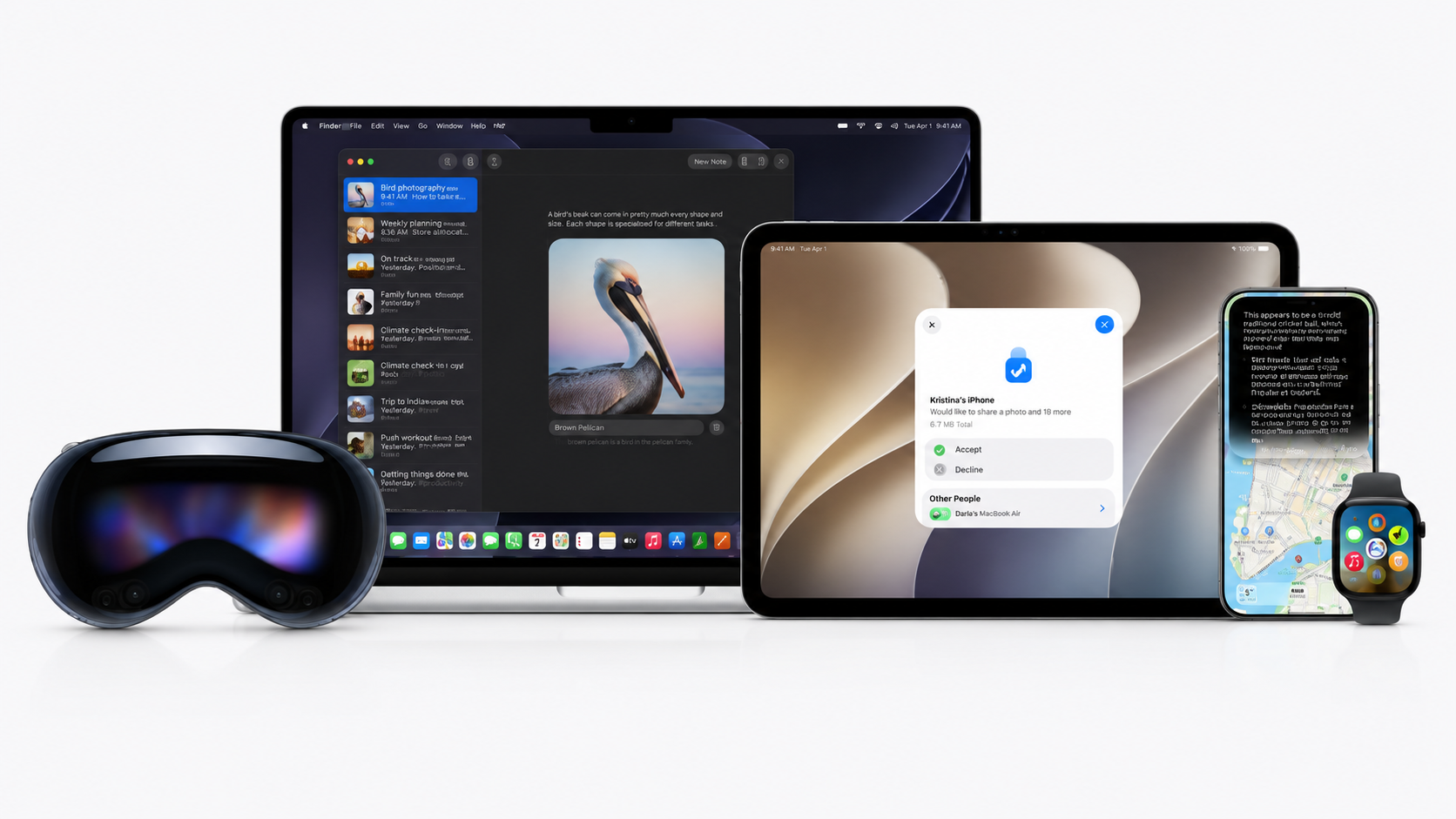
- Apple unveiled iOS 27 and iPad OS 27 at WWDC 2026 on June 8, 2026.
- It will come with an AI-powered Siri, with its own dedicated app.
- The developers’ beta has been released with a full update expected to be released in September 2026.
Apple recently unveiled iOS 27 and iPadOS 27 at WWDC 2026 on June 8, 2026, along with some other huge announcements. As per reports, developer betas are now available, with public beta coming next month before the full release scheduled for September 2026.
Let us take a look at the new features in iOS 27 and iPadOS 27 and what they bring to the table.
iOS 27 Siri AI Features
The major highlight that gained widespread attention is a new AI-powered Siri. It now has its own app and is deeply integrated into the system.
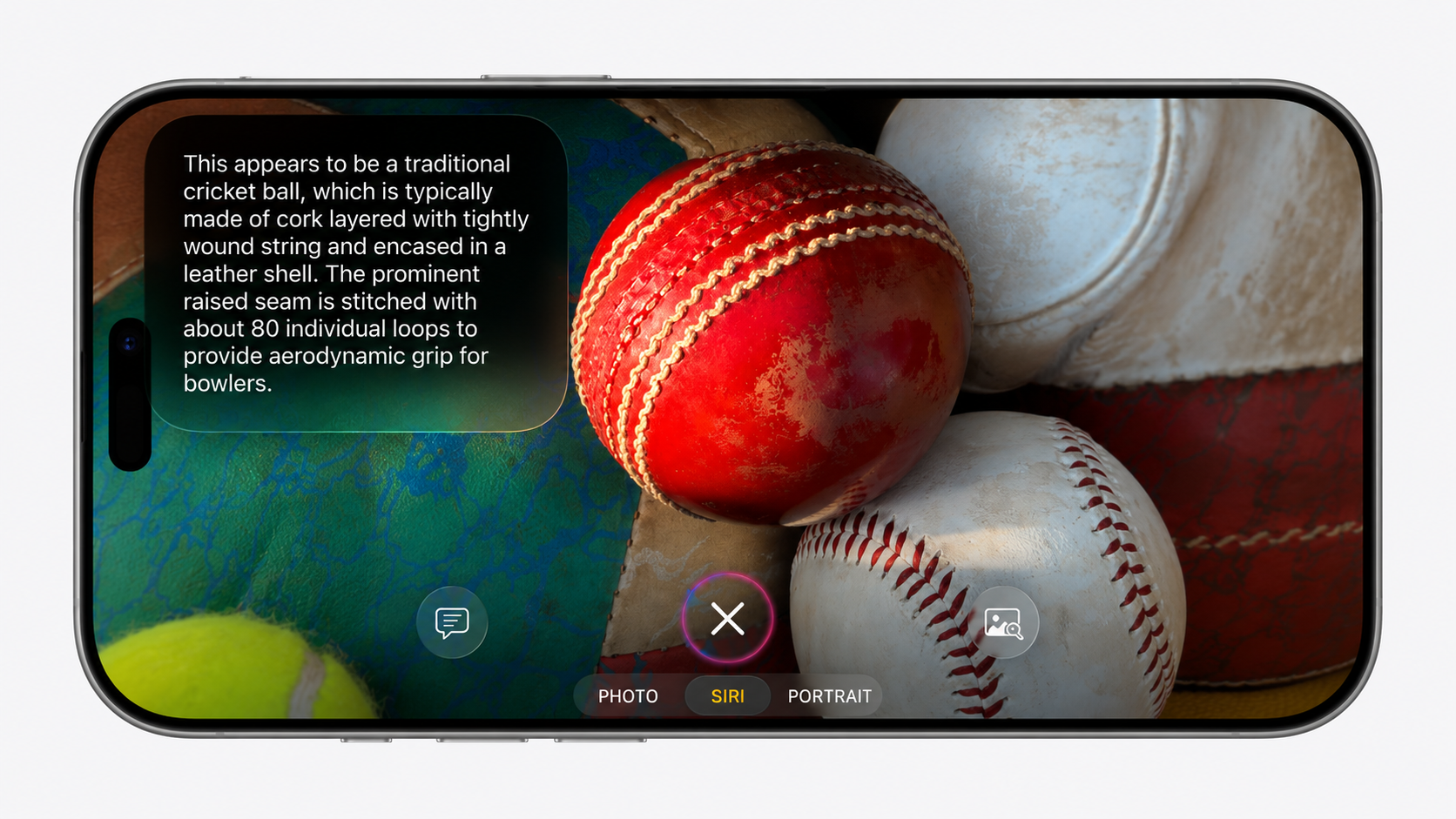
This means you can now ask Siri questions right in the Spotlight search interface, where you find suggested apps and search for files. Siri will know whether you want help from the assistant or just want to find something.
Both operating systems include next-gen Apple Intelligence with many new enhanced AI features.
iPadOS 27 Productivity Features
For iPad users, the iPadOS 27 update brings a systemwide grammar checker that works like Grammarly and helps in fixing your writing across the entire device.
The Shortcuts app now lets you create new shortcuts easily by using simple natural language requests instead of complicated setups.
On the iPhone, iOS 27 will support 5G satellite internet connectivity. Though this feature might only work on the upcoming iPhone 18 Pro models with Apple’s new C2 modem.
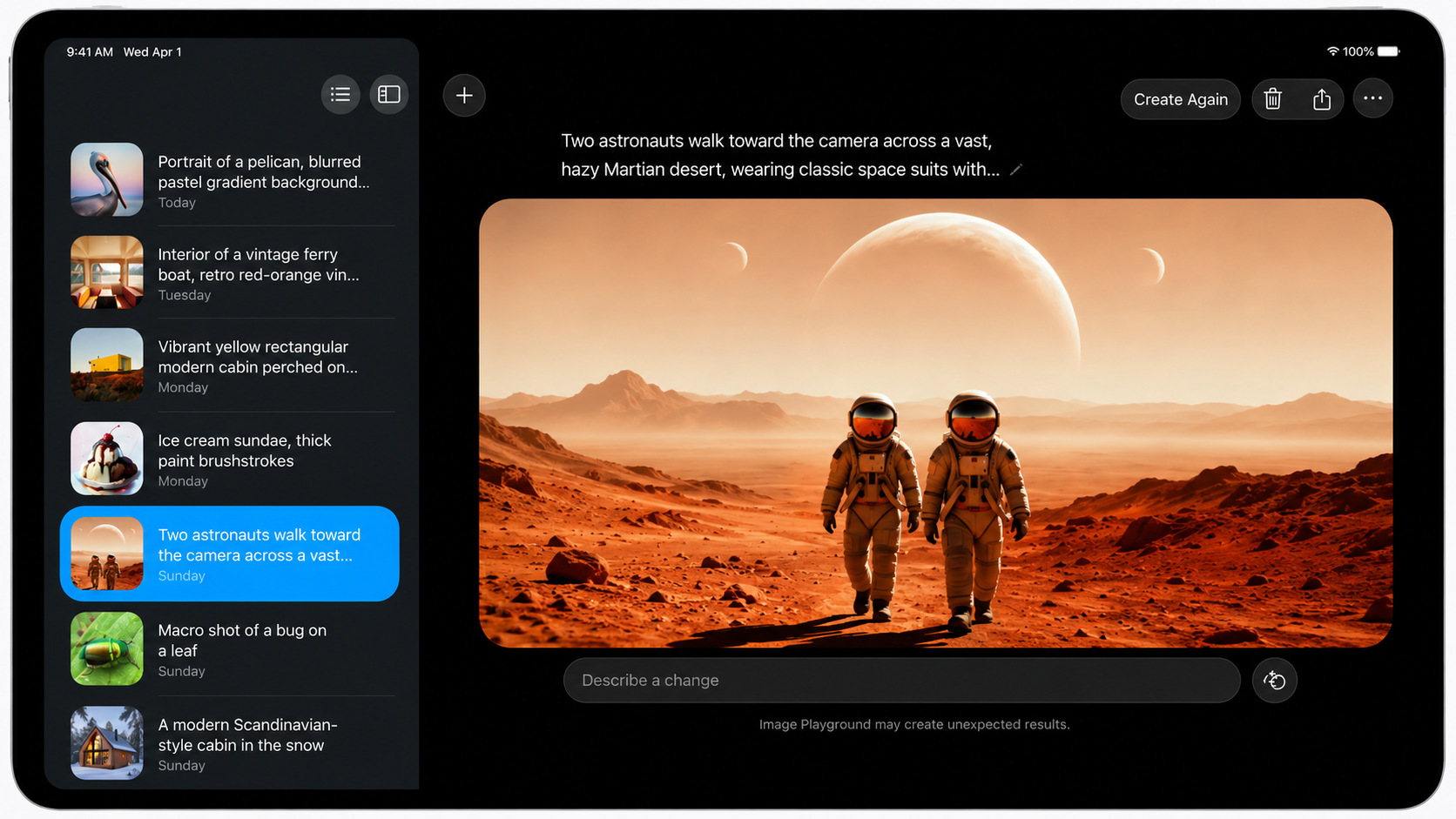
Additionally, the update also brings new AI photo editing tools, enhanced text generation features, and improvements to Image Playground and Genmoji.
Faster Performance and Speed Improvements
As per Apple, performance improvements are a major focus this year. App launches are expected to be up to 30% faster, and new photos will load in your library up to 70% faster, while AirDrop transfers are expected to be fast by 80%.
Whereas browsing and transferring files from an iPad to an external drive is up to five times faster on iPadOS 27.
There will also be smoother network transitions between Wi-Fi and cellular data, and a newly optimised CPU scheduler to make everything feel smoother.
Updated Design with Customizable Transparency
With the OS upgrade, designs get refinements too. The Liquid Glass look becomes more customizable, including a slider to select how much transparency you want.
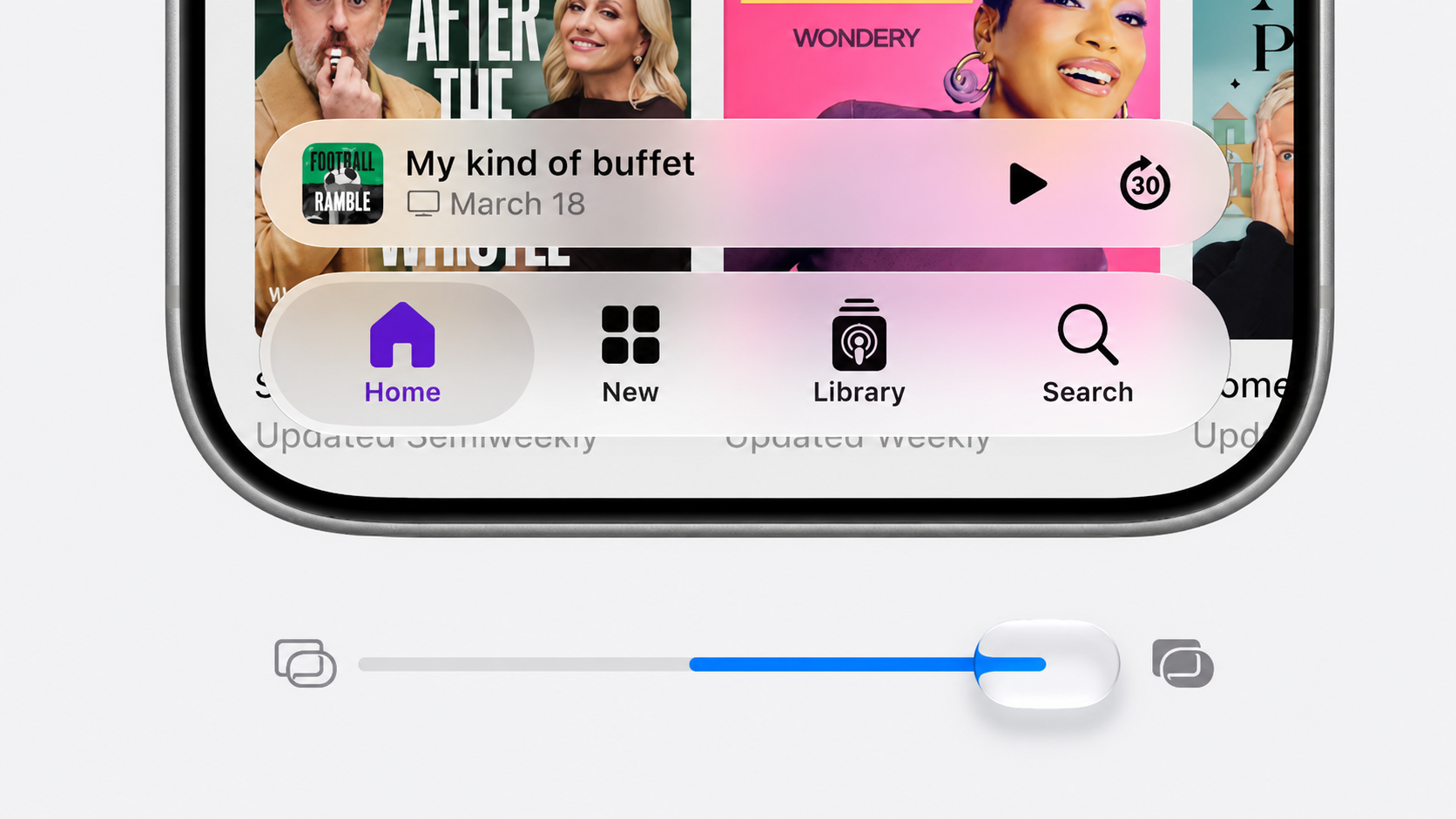
On iPad, the Menu Bar can now optionally stay always on screen, iPhone apps can be resized, and the active app name now displays in the status bar.
Photos, Mail, and Shared Albums Improvements
Another major upgrade will be seen in Apple’s Photos app. The improvements include custom slideshow options, where you have the liberty to set duration, transition style, and music, and then save it as a video in your library.
Additionally, iCloud Shared Albums will allow friends and family using Android and Windows to join and contribute their own photos. These albums also support full-resolution sharing.
The Mail app’s search has a new ranking system that brings the most relevant results to the top, which can be time-saving for users.
New Safari, Maps, and Screen Time Features
For iPad users, the rumoured Organise Tabs feature could make Safari more intuitive by letting users group tabs by topics.
The Maps app gets an enhanced Flyover mode. For fitness enthusiasts, a feature named GymKit comes to the iPhone and AirPods Pro 3, which you can connect to compatible gym equipment.
iPadOS 27 will also let you add and edit events to your calendar by just describing them in natural language.
Enhanced Parental Controls and Health Features
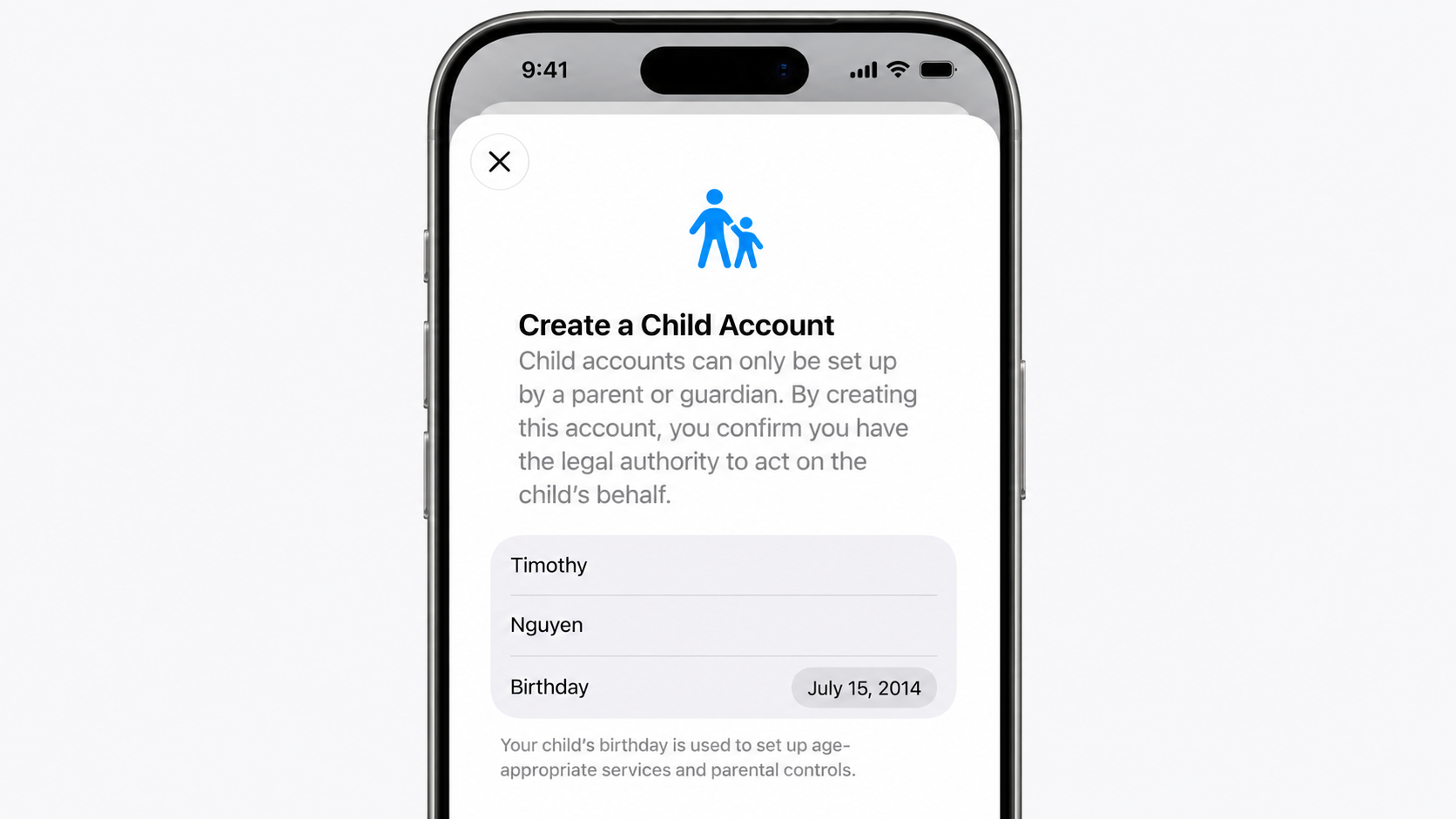
Screen Time has also been substantially revamped for managing children’s device use. It now offers new schedules for app access and new APIs for parental controls.
The upgrade includes a Declared Age Range API and a safety feature requiring children under 13 to seek permission before accessing websites.
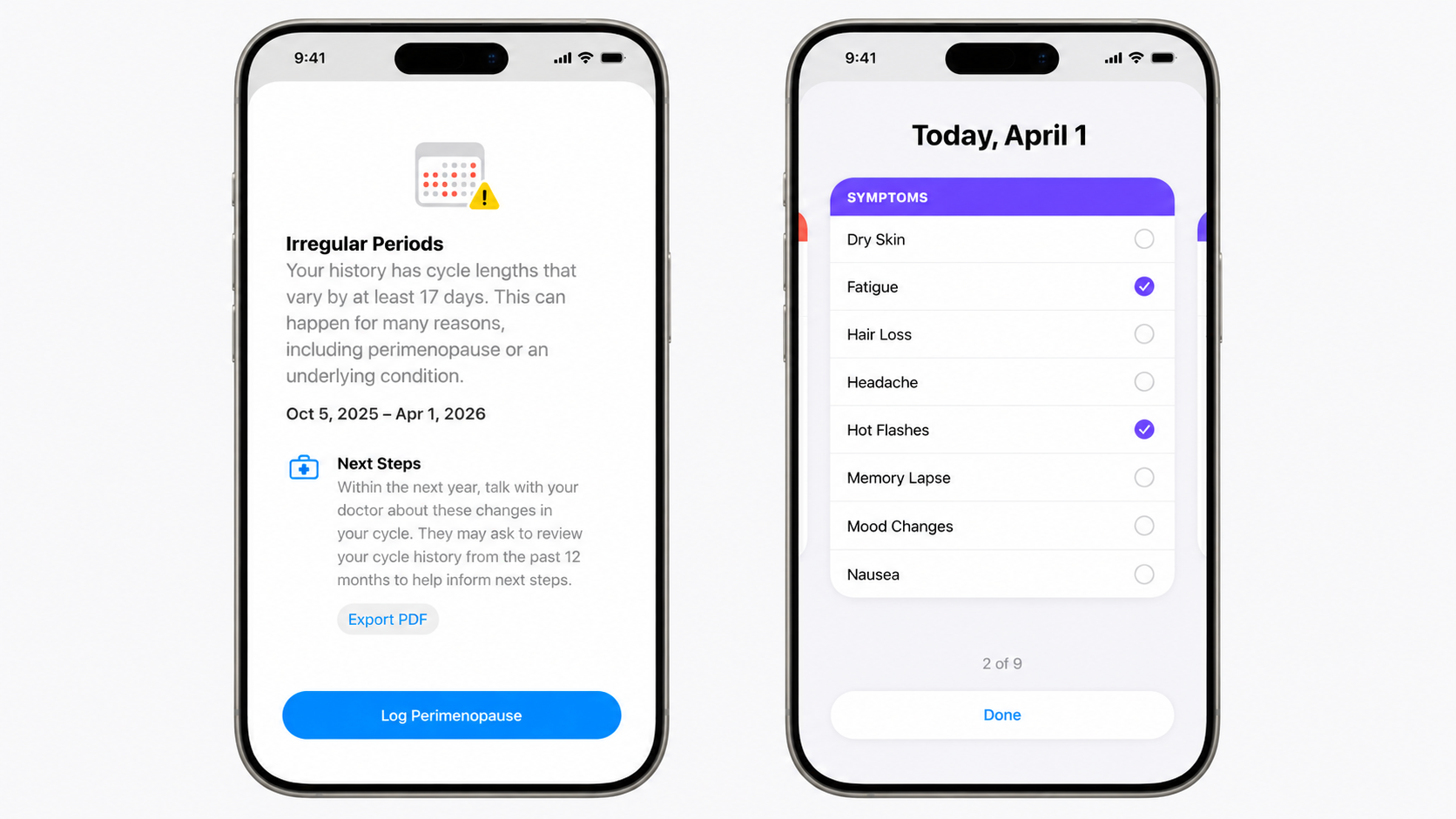
iOS 27 also comes with health features like perimenopause and menopause support.
Additional features include an enhanced Conditions panel in the Weather app, easier bill splitting in Apple Wallet, and support for third-party AI models within Apple Intelligence.
Conclusion
iOS 27 looks like a major step by Apple after a long time. The company’s main vision was to bring Apple Intelligence to all the Operating Systems, without much success in the past.
This time, Google Gemini’s partnership with Apple is set to bring on-device AI with a dedicated Siri app. The move brings the company close to its long-term AI vision.
FAQs
What are the biggest new features in iOS 27?
iOS 27’s biggest features include a fully AI-overhauled Siri with its own standalone app and chatbot-style interface, plus new AI-powered Photos editing tools.
What is Apple Intelligence in iOS 27 and iPadOS 27?
Apple Intelligence in iOS 27 and iPadOS 27 is basically an AI-powered Siri, which will enable grammar checking, natural-language Shortcuts creation, and AI-generated custom wallpapers.
How can I install iOS 27 or iPadOS 27?
iOS 27 and iPadOS 27 developer beta 1 are currently available to developers. While the public beta will launch next month via the Beta Updates option in Settings.