Long gone are the days when Netflix was just about movies and shows. However, things have changed now, and Netflix now smartly advertises a growing library of bundled games. Aptly called Netflix Games, these games are available on both Android and smart TVs and are included with your Netflix subscription.
So, if you are wondering how to play and what to play, here is a complete guide to Netflix Games on Android.
See Also: Here’s Why Netflix Games is Missing on Your Smart TV
What are Netflix Games for Android
Netflix games are ad-free, full-version mobile games that come included with a Netflix subscription. Unlike some Android games, there are no in-app purchases, no extra fees, and no hidden costs. All you need is an active Netflix account to download, and you can play these games on supported devices.

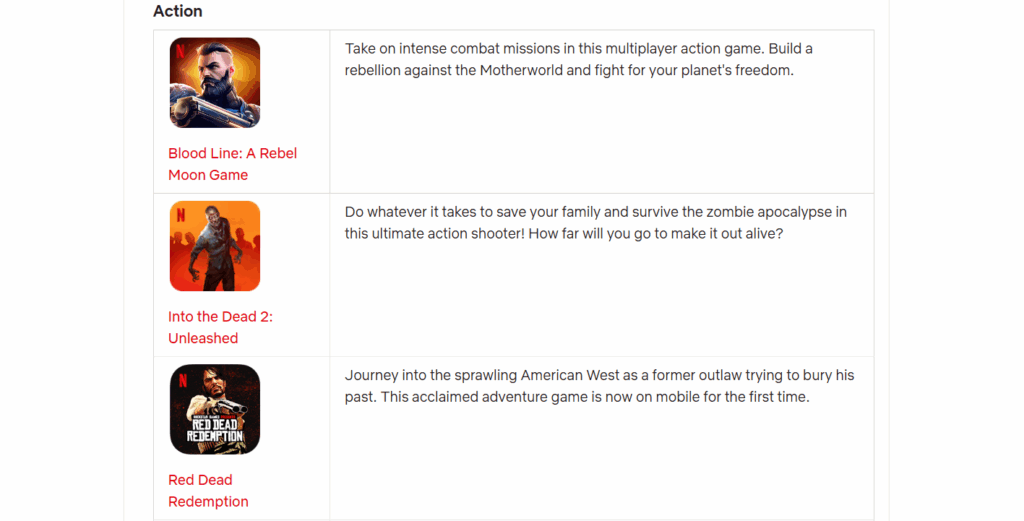
If you are a gamer who has played premium titles like Grand Theft Auto: San Andreas, Dead Cells, Monument Valley, and Football Manager 2024 on PC or phones, it would be hard for you to ignore the Netflix game library. Here, you would find most of these games available on Netflix for free. It is worth noting that many of these popular games are generally not free on the Play Store.
In fact, some of the games are a tad different and are based on Netflix shows like Stranger Things, Squid Game, and Too Hot to Handle. Naturally, these games explore and extend the storytelling of popular shows and give the audience a more immersive way to engage with their favourite Netflix content.
How to Download Netflix Games on Android
You can follow these steps for installing from Google Play Store.
Step 1: Open the Play Store and search for the game by name.
Step 2: Select the game from the search results and tap Install. Once done, you can open it from the Mobile Games tab inside your Netflix app.
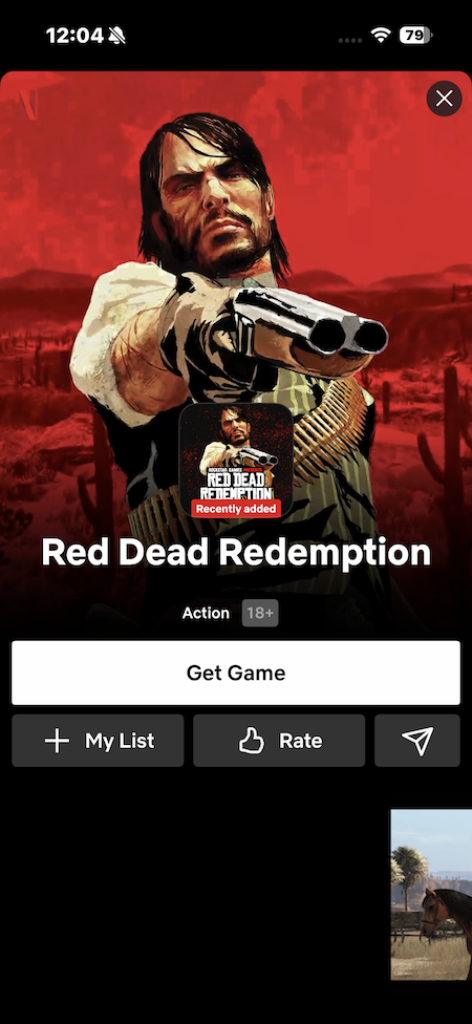
Alternatively, you can open Netflix on your phone, search for a particular game title and hit the Get button
Can You Play Netflix Games Without Subscription?
Unfortunately, you cannot play Netflix Games without a subscription. You will need a Netflix subscription to access and play these games, since they are directly linked to your Netflix account. And if you cancel your subscription, you will not be able to download or continue playing these games.

That said, note that Netflix provides a grace period of storing your game’s progress for 10 months. So even if your subscription is cancelled or expires, you can still recover your previous game progress if you renew your subscription.
Can the Same Netflix Game Be Played on TV and Android?
No, most games are exclusive to phones and tablets and cannot be played directly on TV. Most of these Games are designed exclusively for mobile platforms, and as such, they can only be played on Android phones, tablets, and even Apple products like iPhones and iPads.
So, these mobile-only games are not available on the Netflix TV app, and as such, they cannot be launched or continued on your smart TV.
At the same time, some games are limited to TVs as they offer a separate cloud gaming experience. Note that games with Cloud Save allow you to maintain progress across multiple devices using the same profile. However, progress from mobile-only games will not transfer to TV-exclusive titles.
Do You Need a Gaming Controller?
On Android, games are played by touch, just like you’d play any other game on your smartphone. Do note that some titles support external Bluetooth gamepads for a more console-like experience.
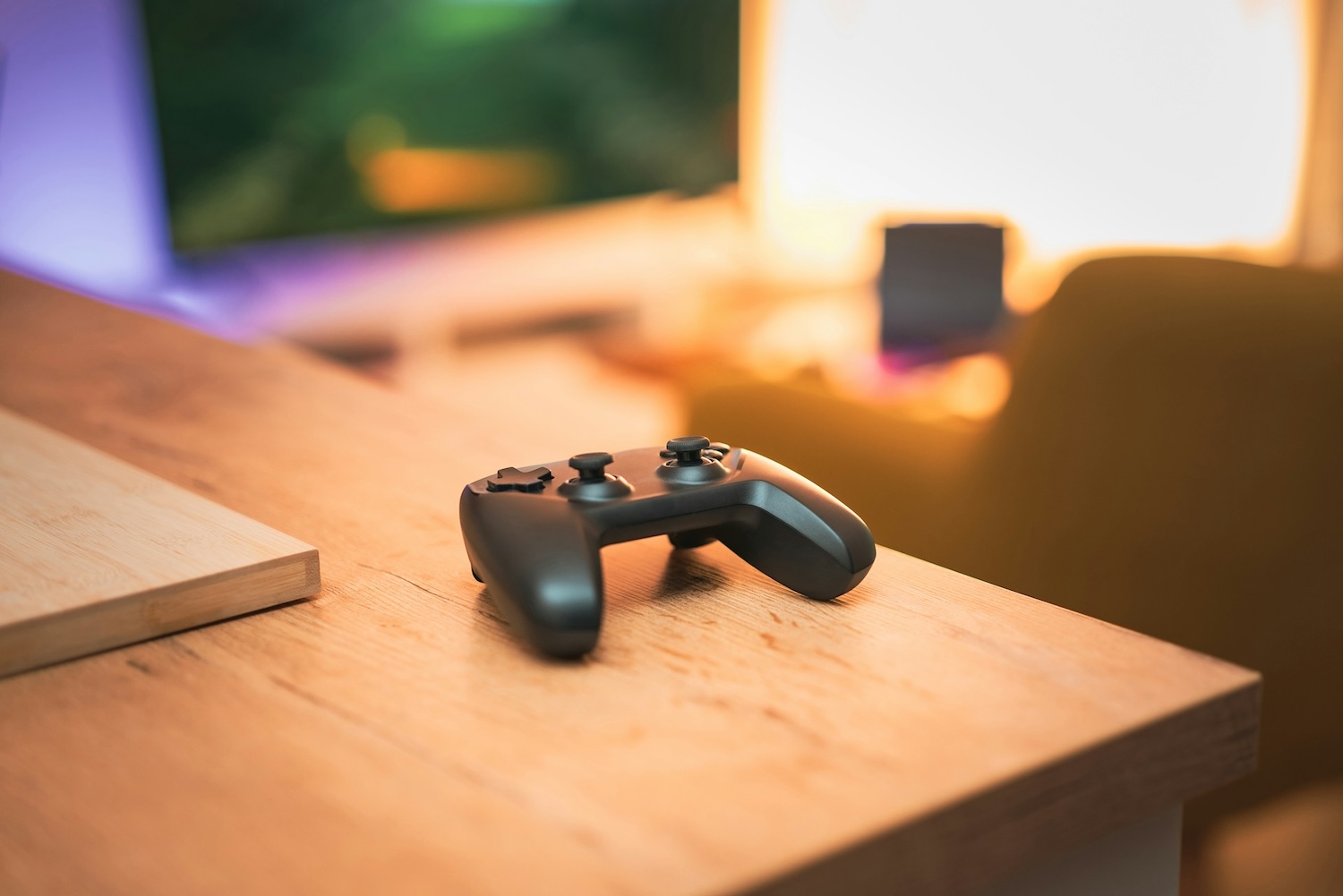
On TVs, though, physical gamepads are not yet supported. In fact, your Android phone will act as a controller for TV games. All you need to do is scan a QR code displayed on the screen.
Best Netflix Games on Android
Some of the Best Netflix Games on Android are Stranger Things: 1984, Squid Game: Unleashed, and Asphalt Xtreme.
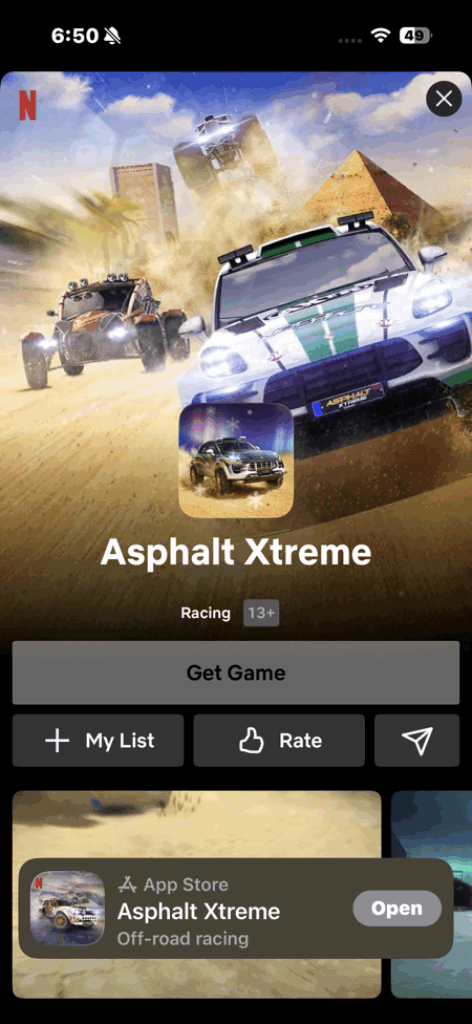
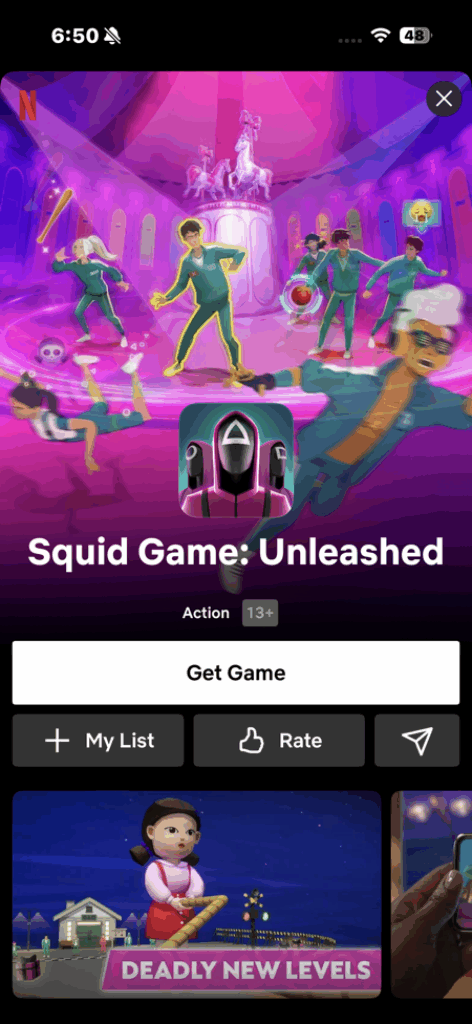
Just last year, the platform released a game related to the famous Red Dead Redemption game.
What are the Device Requirements for Netflix Games on Android
To play Netflix Games on your Android phone or tablet, your device needs to be running Android 8.0 (Oreo) or later and have enough free storage to download the game.
And depending on some games, these requirements might change, but most will work on any Android device that meets the basics requirement.
How Does How Netflix Games Compare to Apple Arcade
Apple Arcade is a standalone subscription that offers a horde of premium games, which can be played on iPhone, iPad, Mac, and even Apple TV. Interestingly, quite a few games support external controllers and offline play.
So if you want a premium gaming experience on both your phone and Apple TV, then Apple Arcade is an idea pick. The library is more diverse.
Also See: What Is Vapor Chamber (VC) Cooling in Smartphones
Game On
Netflix Games has achieved significant success ever since its launch in 2021. It offers a vast library of games, from casual puzzles to everyone’s favourite Grand Theft Auto. The fact that there are no in-app purchases ups the appeal even further.
All things considered, Netflix Games enhance the value of a Netflix subscription by fusing gaming and entertainment into a single package, attracting more consumers who enjoy playing games on mobile devices or compatible platforms.
Netflix Games on Android: FAQs
How to download Netflix games on Android?
Netflix games on Android can be downloaded via the Netflix app (Mobile Games row) or through the Play Store.
How to play Netflix games on Android?
To play Netflix games on Android, open the Netflix app and choose a game from the Games section. Download it to start playing.
Why is Netflix Games not working on my TV?
Netflix games may not show on your TV because TV gaming is still in limited beta and is available only on select devices and in certain countries.