If you’ve been feeling a bit let down by the default media player on your Google TV, you’re not alone. Whether it’s missing features, clunky navigation, or the lack of codec support, the built-in players just don’t cut it.
Luckily, Google TV gives you access to the Google Play Store, where you can find plenty of third-party video players that offer smoother playback, broader file compatibility, and modern interfaces.
With cool features like subtitles, Dolby Vision, hardware acceleration, and advanced settings, you can easily enhance your home viewing.
So, in this list, we are highlighting the five best video player apps for Google TV.
Also See: How to Loop YouTube Videos and Playlists on Desktop, SmartPhone and TV
Why a Third-Party Video Player Matters on Google TV
Why should you install a separate app on your Google TV?
That’s a fair question, but here’s the thing. Most built-in players on Google TVs offer minimal features and poor compatibility, with support for fewer video formats. They often feel outdated and do not have enough customizabilty and flexibility.
One of the biggest advantages of Google TV is that it allows you to install apps via the Play Store, which opens your TV to a world of better video players that support:
- More video/audio codecs
- Subtitle syncing
- Cleaner, more intuitive user interfaces
- Features like Dolby Vision, HDR10+, and media organization
So if your default media player isn’t meeting your expectations, trying out a third-party one can make a world of difference.
VLC Media Player: The Classic
VLC has been around for years, and yet this media player is a fan favorite, and it’s not hard to see why. It offers rock-solid playback across nearly every platform, including Google TV.
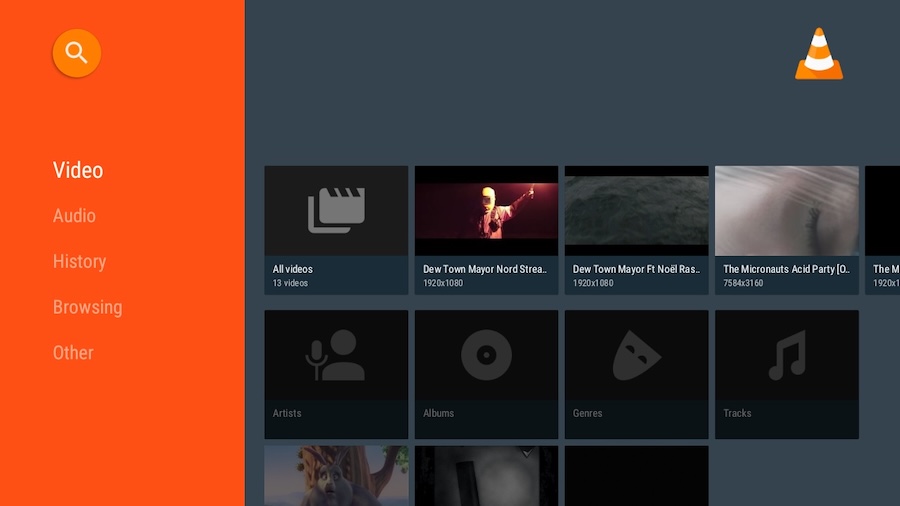
While its interface might not win design awards, it makes up for it with performance and features. VLC supports a massive range of file types and codecs. Plus, it includes,
- Voice command compatibility
- Hardware acceleration
- Remote-friendly controls
From switching audio tracks and subtitles to controlling playback speed, VLC gets a lot right. Yes, it can occasionally act up, but it’s free, constantly updated, and a great all-around option for most users.
Kodi: A Full-Blown Entertainment Hub
If you’re after more than just a video player, Kodi could be exactly what you need. It’s not just an app, it’s a full media center. Kodi can handle TV shows, movies, music, photos, live TV (PVR), and even games, turning your Google TV into a full-blown entertainment hub.
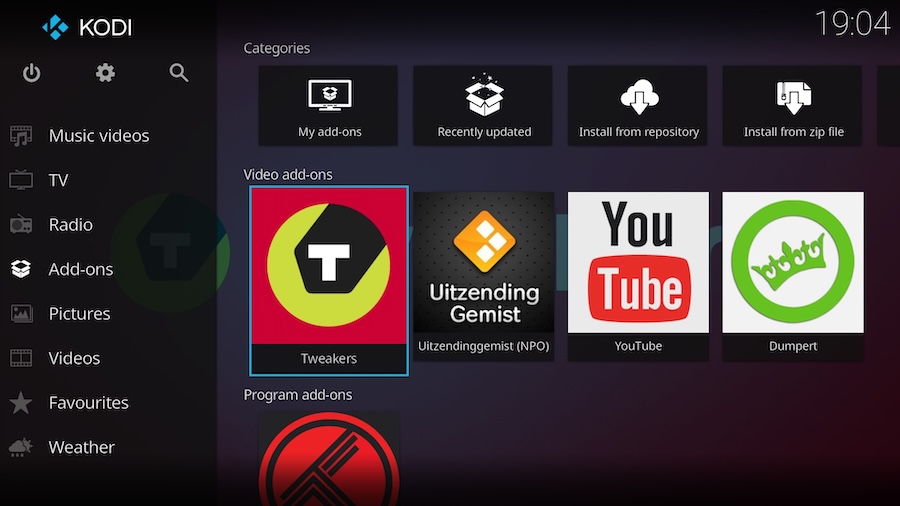
As a player, Kodi supports a massive range of file formats like MP4, MKV, WMV, AVI, FLV, and MOV, and that’s just scratching the surface. You can stream local content or integrate third-party add-ons for extra features.
That said, Kodi’s interface feels dated. Its icons, layout, and menus look like they haven’t aged well, and new users might find it a bit confusing at first. However, if looks do not matter much to you and if you’re willing to invest a little time, you will love what Kodi has to offer. It is incredibly powerful and flexible, and is completely free and open-source.
Just Player: Simple, Fast, and Totally Ad-Free
Just Player is the app for you if you like your apps clean and straightforward. It’s completely open-source, free of ads, and incredibly snappy.
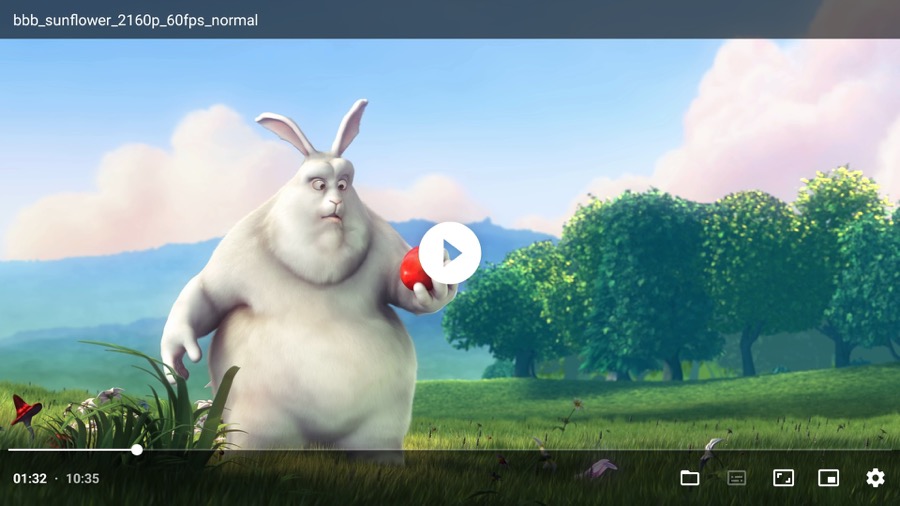
The name says it all — it’s just a video player and handles standard formats like WebM and HEVC. There are no complicated menus or bloated features. When you open the app, it jumps right to the file browser so you can start watching immediately. As mentioned before, the UI is ultra-minimal, and the playback support is the opposite of minimal.
This Google TV video player is light, fast, and doesn’t cost a thing. These features make it an excellent pick if you just want something that works well without bells and whistles.
Nova Video Player: The All-Rounder
Nova Video Player is easily one of the best-rated players on the Play Store for Google TV, and for all the good reasons. For one, it’s open-source and ad-free. More importantly, it provides a clean, modern interface that’s easy to navigate.
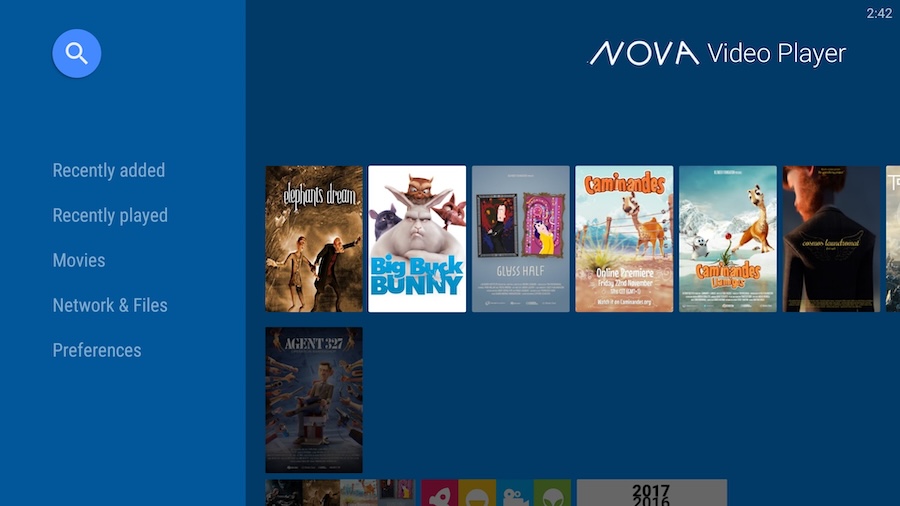
At a glance, Nova may remind you of VLC since both video players share some common looks. But dig a little deeper, and you will find that it’s built for performance and organization. Nova makes it easy to play videos from sources like USB drives or external hard disks, NAS, media servers, apart from local storage.
At the same time, it supports all the usual formats (MP4, AVI, MKV, FLV, WMV), as well as a wide range of subtitle types like SRT, SUB, and ASS. Nova also supports Dolby Vision and even adjusts for variable refresh rates, making it one of the most complete packages out there.
And that’s not all. Nova also automatically sorts your files into categories like Movies, Animation, and Shows, which makes way for easy browsing. This also makes it easy to use if you stream content from a home server.
Take Control of Your Google TV Playback
Apart from the above, you can also check out MX Player. It brings a visually polished interface, solid format support, and supports a wide array of files, including MP4, MKV, MOV, AVI, FLV, 3GP, and more. However, MX Player is not open-source and comes with ads. That said, if a sleek player with a modern UI is your priority, it’s worth a shot.
With the above video players, the humble Google TV setup becomes more than just a streaming box. It turns into a fully customizable home theater system. So, which one of these will you choose?