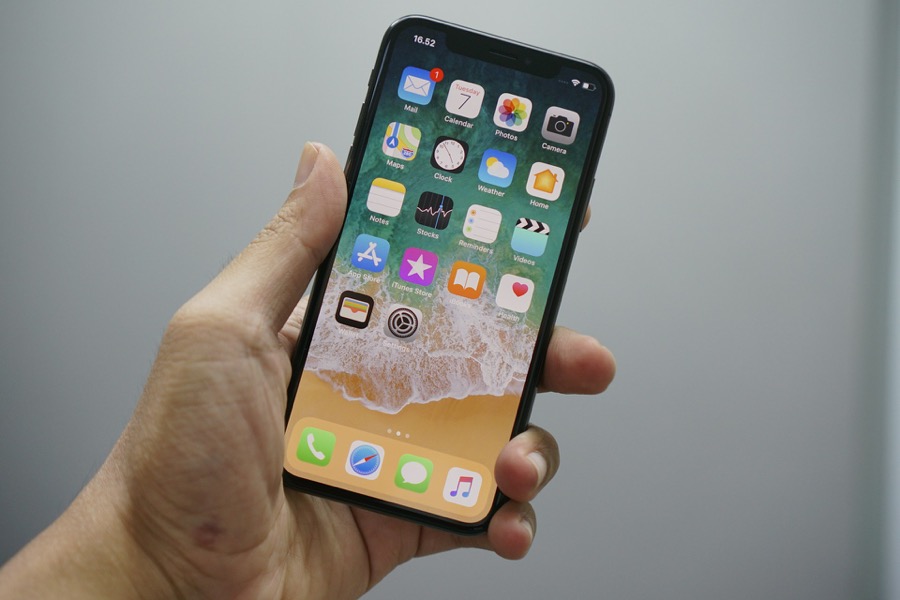
If your iPhone feels like both a lifeline and a time-sink, you are not alone. The same device that brings messages, meetings, and reminders can also pull focus away from real work. The trick here is to pick a few apps that cut the noise and smooth the daily grind — not collect digital clutter.
Below are six iOS apps that genuinely help people get more done in less time. They are practical, polished, and built to slot into real routines.
Also See: How to Clear Cache on iPhone for Better Speed and Privacy
Notion
Notion blends notes, docs, databases, and simple project management into a single workspace. It’s the app to use when work needs structure, whether they are meeting notes linked to tasks, a searchable wiki, or project trackers that actually map to how you work.
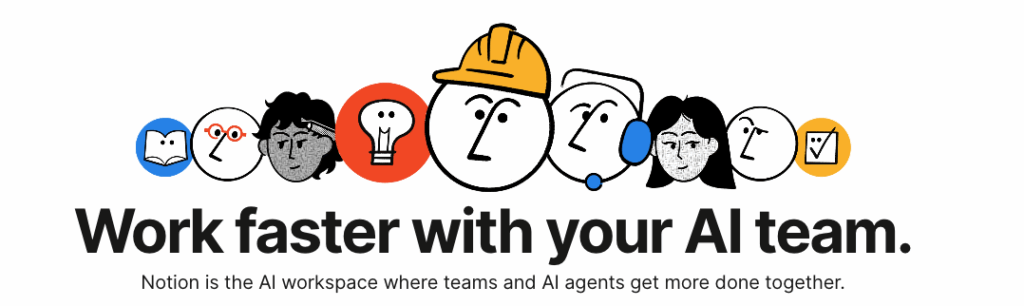
The good thing is that the recent updates have added automation and provide intuitive offline behaviour, which means your notes and trackers stay useful even without a perfect connection.
Why should you pick it: If you like everything in one place and want the ability to customize layouts and templates, Notion scales from quick notes to full project hubs.
Things 3
Things 3 keeps the focus on what matters — your day. It uses a clean, distraction-free interface and sensible defaults that make organising your tasks effortless. It’s especially good for people who prefer chopping work into manageable daily chunks without wrestling with too many options.
Note that this one is a paid app.
Why should you pick it: It’s fast to use, looks pleasant, and reduces the friction of getting things into and out of your list.
TickTick
TickTick is a sweet spot between simplicity and helpful extras. Like any solid task manager, it handles lists, projects, and recurring tasks. Where it adds value is with built-in extras — a Pomodoro timer for focused sprints, a habit tracker to build consistency, and a calendar view so tasks and events live in the same sightline.
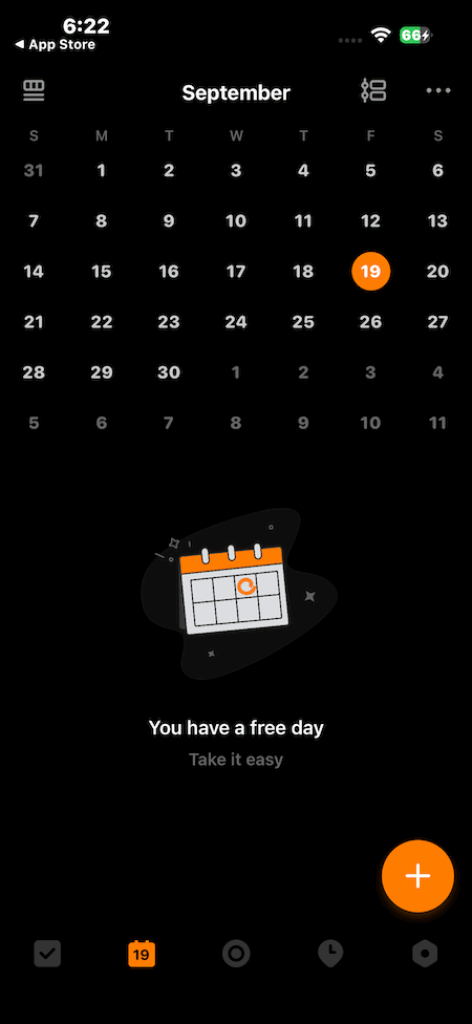
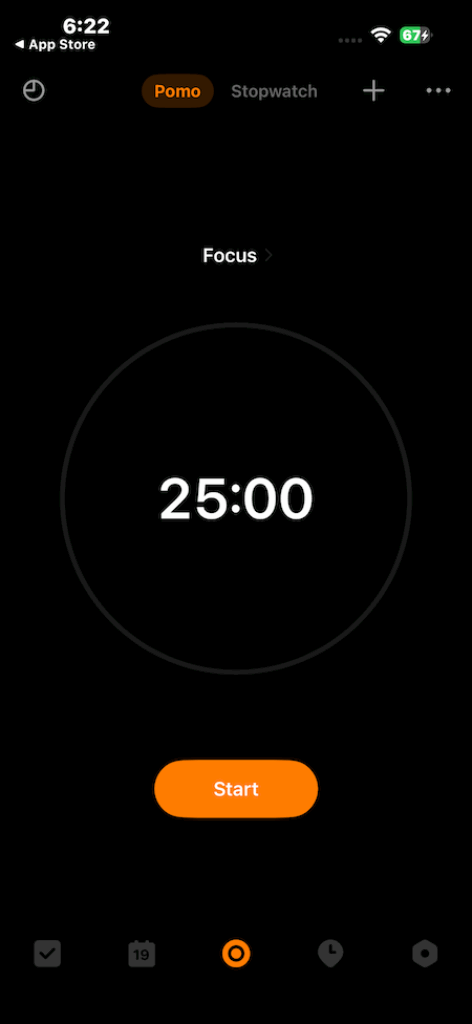
It’s available across platforms, syncs reliably, and offers powerful smart lists and natural-language task entry for quick capture.
Why should you pick it: If you want a single app that handles to-dos, timeboxing, and habit tracking, TickTick saves you from juggling multiple tools. It’s especially useful when staying focused (Pomodoro) matters as much as planning.
Apple Calendar
Default apps get a bad rap, but Apple Calendar quietly gets the essentials right. It’s snappy, integrates with Siri, and plays nicely with other services you already use. For most people, the combination of speed, cross-device sync, and zero setup outweighs the bells and whistles of third-party calendars.
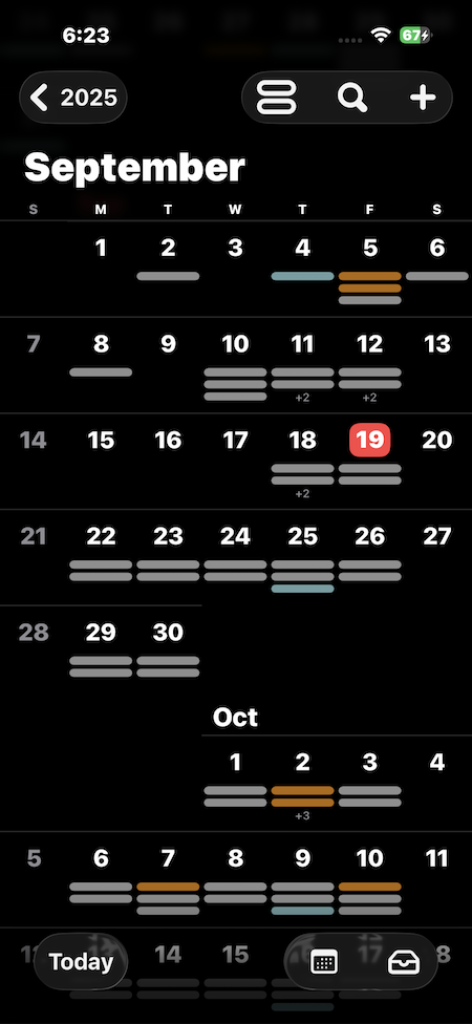
Why should you pick it: When reliability and low friction matter, the built-in calendar usually does the job without extra subscriptions or fiddly settings.
Spark Mail
Email remains a productivity sink unless treated carefully. Spark trims that overhead with smart sorting, easy snoozing, and collaborative features for teams.
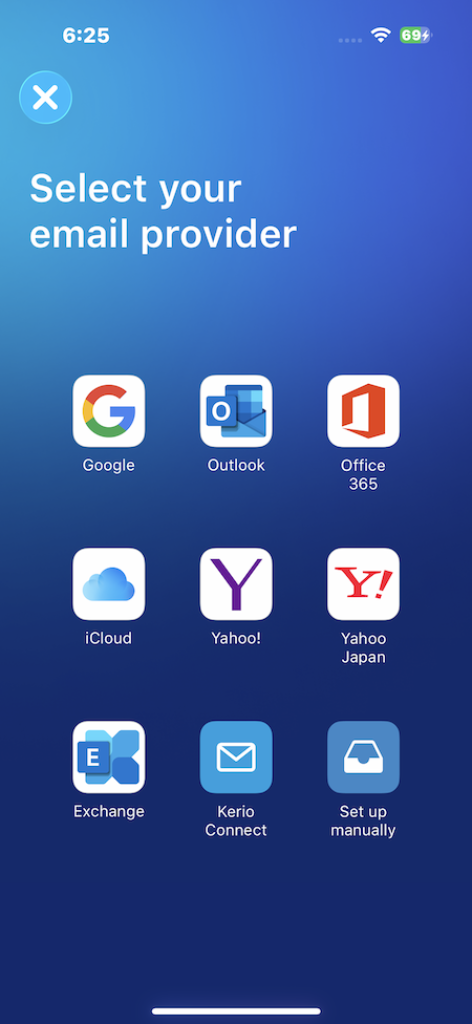
The app’s AI summaries and suggested replies make long threads easier to scan, and shared inboxes let small teams route messages without turning every email into a meeting.
Why should you pick it: If email eats your focus, Spark helps triage, delegate, and reply faster — and that’s half the battle.
Shortcuts
The Shortcuts app is where tiny efficiencies add up. Create one-tap routines like “start work” that open a playlist, create a meeting note, enable Do Not Disturb, and start a Pomodoro timer. Once a few helpful shortcuts are in place, the day flows smoothly because repetitive steps vanish.
Why should you pick it: It’s free, built into iOS, and connects apps in ways that save small increments of time repeatedly, which becomes big savings over weeks.
Wrapping Up
At the end of the day, apps won’t make you productive on their own — they are just enablers. What really matters is building small, repeatable habits and sticking to them. Choose one task manager, commit to using it for a week, and layer in a simple automation that trims some daily friction.