Canva is perhaps one of the most popular design tools out there, all thanks to its intuitive interface and freemium features. It is easy and convenient to learn and use. But its popularity also meant that the glazy design vibes were pretty much everywhere. In my experience, Canva is great for easier designs.
But if you want something more ambitious, refined, and customised, the platform just doesn’t have it all. Plus, when I tried to experiment with video editing or creating social media assets, the limitations on the platform became obvious.
And that led me to search for and try some of the other popular design tools. Some were great and others not so. With that in mind, here are some of the best online graphic design tools you can use according to your needs and budget.
See Also: Best iPhone Apps for Instagram Creators
Inkscape – Free Canva Alternatives for Designers
Inkscape is an open-source platform that goes above and beyond Canva. Here, you can create and edit vector graphics. I would highly recommend this platform if you enjoy making logos, sketching, or require vector controls and precision.
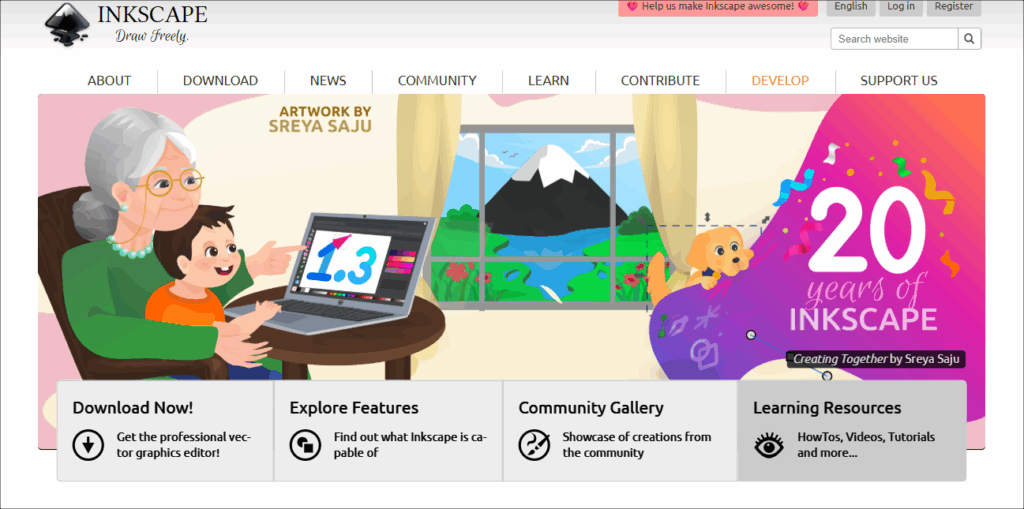
It has a steeper learning curve I would say, but it is one of the most popular platforms in its design niche.
GIMP – Open Source Platform for Design
GIMP (GNU Image Manipulation Program) is another open-source platform and is frequently compared to Photoshop. Not kidding.
Now, a fair bit of warning — the UI is outdated. However, if you can look past that it comes with a horde of features. So from photo manipulation to artwork creation, you can do them all here. It’s just that you have to learn how to use it.
Apart from the above, you can mask, use complex filters, and do full raster manipulation. Naturally, this makes it way more flexible than Canva. That said, it’s not without its fair share of drawbacks. For one, the platform includes unnecessary steps when designing and a slightly longer learning journey than you might expect.
However, with a bit of dedication and patience, you will get there. And trust me, the results will be worth it, all for free.
Kittl – Social Media Creatives
If you are into making designs for apparels, mugs, and book covers, and want to check out how the final product will look, I would recommend Kittl for you.
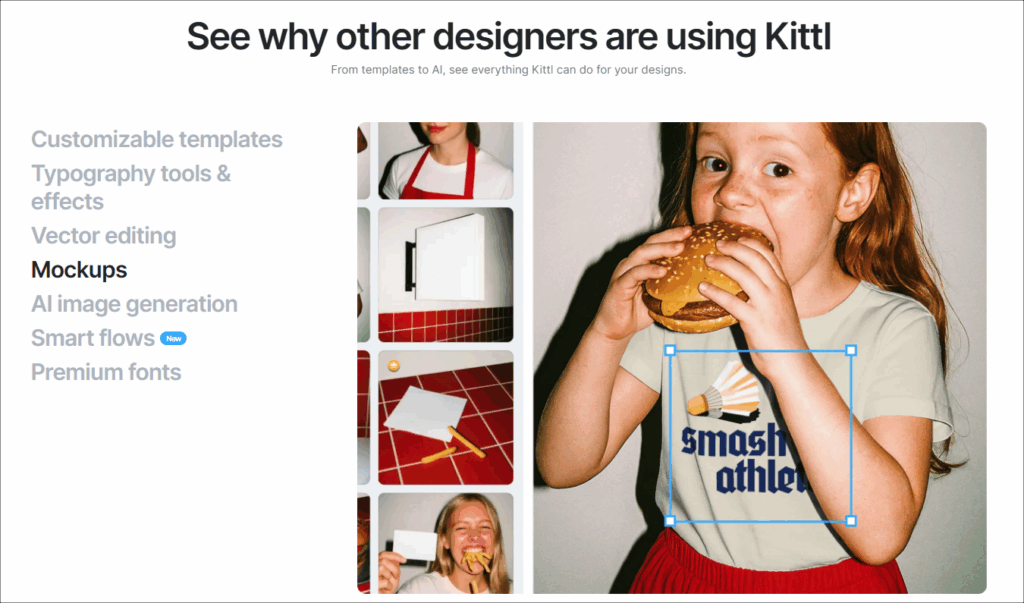
If you have worked on Canva you will find this tool familiar, and better. All you need to do is open a template, add your magic with Typography and Vector editing, and that’s it! Kittle is smooth, easy, fast, and is a time saver.
VistaCreate – For AI Enthusiasts
VistaCreate is one for the AI enthusiasts, if you are willing to monetarily invest in it. It’s a very close alternative to Canva with the same features, yet more intuitive, with a more seamless output.
It is a capable and affordable design tool and is a nice space to create your social media artwork.
Butter – For Video Editing
Have you ever wanted to create videos on Canva because it’s quite simple, but need more than what Canva has to offer? If yes, this is the one for you.
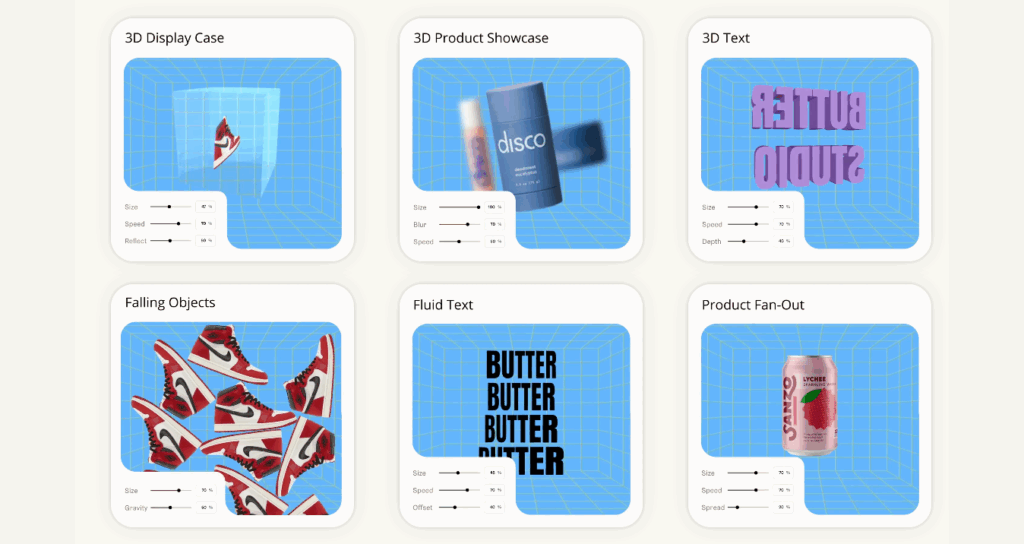
An ‘all-in-one video platform’, it has everything you need to satisfy your needs, whether it’s for reels/shorts for social media, or more long-form content like vlogs, short films, and even animated content (with AI subtitles). In fact, I would go on to say that it is one of the best Canva alternatives for content creators available right now. I personally found the process of putting the images and audio smoother and more to my comfort, rather than having to be restricted to Canva’s rules.
Unrelated to performance – they even have a chatbot, which I find quite interesting. But then, here’s what you can get,
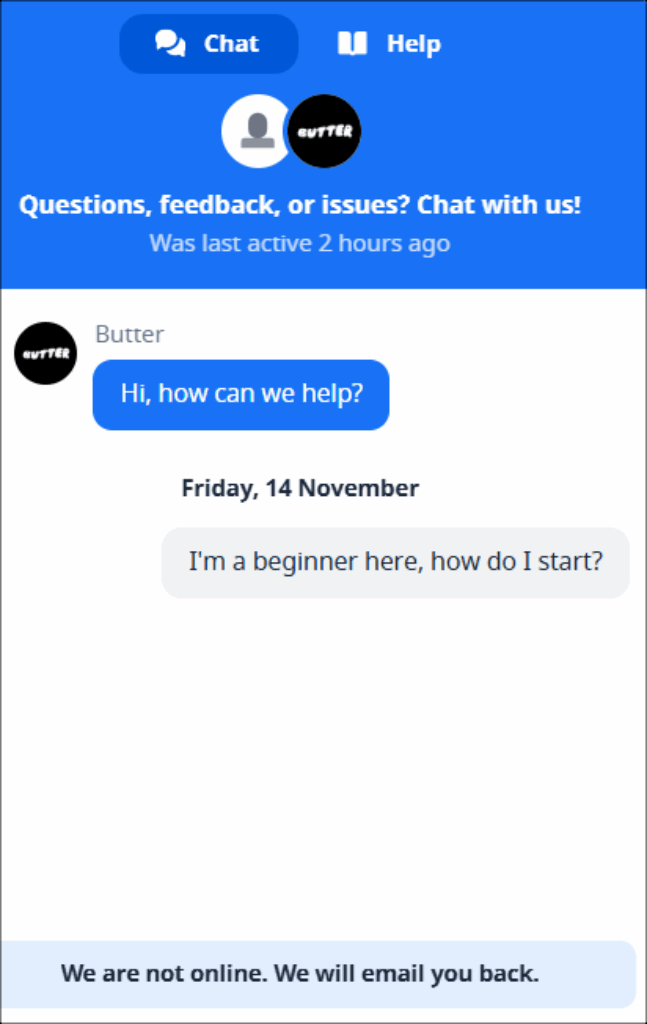
And no, I haven’t received an email. Yes, I checked my Spam.
DaVinci Resolve – For Short & Long Videos
‘Everything Everywhere All at Once’ was a great movie (that’s an understatement). But the visuals and VFX were absolute bonkers, with bright, shiny, chaotic kaleidoscope of colours just zooming across your eyes, but not overwhelming or straining them.
This output was, in part, thanks to the DaVinci Resolve Studio being used on-set for colour grading.
DaVinci Resolve is a heavy-duty, professional-grade platform, one of the best you can get for video editing. But don’t be too intimidated, you can find several tutorials online to master the platform, and even if you stick with the Free version, you get a lot of freedom in terms of the colour grading and important features, and the basic and advanced editing you want to play around with.
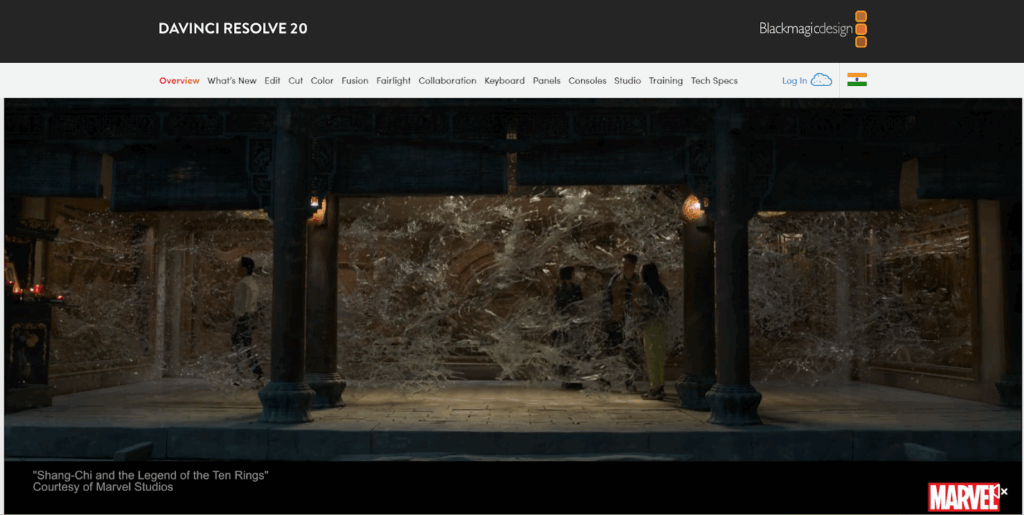
DaVinci Resolve is not entirely free, and naturally, some of its features are locked behind a paywall. However, unlike Canva, most of the free and basic features let you work your magic on long-form content like movies and videos.
Hello, Accessible & Creative Explorations
If you are tired of the same-old Canva ‘design vibe’ and would like to dabble in something new, these are some of the best online graphic design tools you can try to create your own distinct style. They’re great tools for designers at all levels, whether you are a beginner, a professional, or someone in-between. Most of these platforms follow a freemium model, so you can try them, see what works, and stick with the one that makes your work easier and more enjoyable.