Instagram content has seen users like never before, with each post and story vying for attention. As such, you would want your Instagram content to stand out in the crowd. So, if you are in the market looking for ways to make scroll-stopping content, here’s how to create engaging Instagram carousels quickly and easily.
Also See: 9 Best iPhone Apps for Instagram Creators: Best Editing, Scheduling & Analytics Apps
ContentDrips
ContentDrips is an app that feels like having a personal content wizard. Say you want to create a carousel post on the latest smartphone with its specifications. Then the AI-powered Instagram carousel tool will present a full carousel. And that is not all. The carousel will come complete with hooks, slides, and calls to action.
In short, no design skills are needed for the app. It researches the topic by itself and adds your branding. And this gets you an Instagram-ready post in minutes.
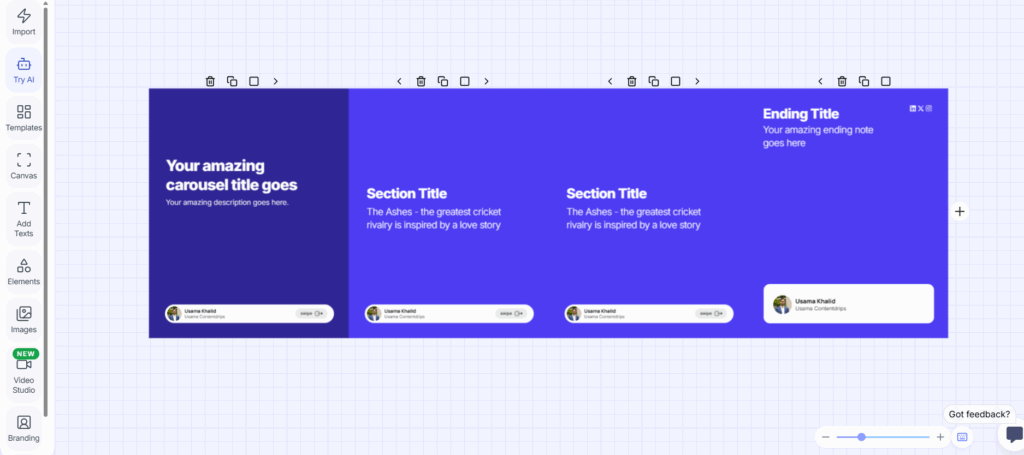
This app can be a good option for busy creators because it turns long reads into swipeable content. You just have to separate sections with hyphens, and it will give you a slide.
ContentDrips’s free version lets you tweak the basics, and for more options, you can check out the Pro version, which unlocks custom fonts and Zapier integration.
This Instagram carousel maker app is a bit complicated for first-time users; however, you should be able to get used to the interface after some time.
Canva
Canva is perhaps one of the most popular names in the list, known as a trustworthy toolbox that everyone grabs. You can create a massive custom canvas, add guides every 1080px, and design seamless transitions.
Other than that, there are thousands of templates and animations, and Magic Studio AI auto-generates layouts from prompts. You can export the files as JPGs or videos.
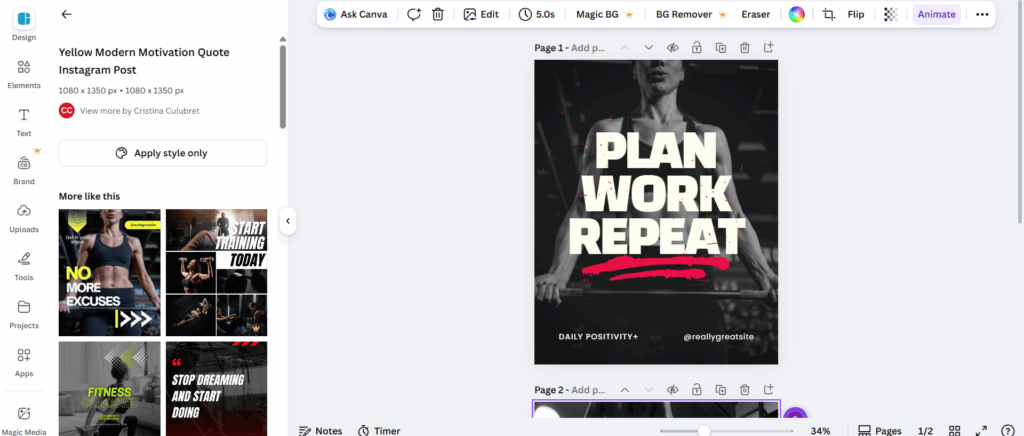
Canva’s free version has quite a few features that easily let you create dynamic carousels and IG-ready posts. But if you want some premium assets, you can buy the Pro version too. The interface is really easy to understand, even if you are a first-time user.
Read Also: How to Repost Instagram Stories in Your Story
aiCarousels
aiCarousels keeps it sweet and simple with zero upfront cost. This one helps you input your ideas or upload images/videos (up to 20), and it provides a polished Instagram-ready carousel. All you need to do is simply drag to rearrange, preview the feed grid, and export the files in a hassle-free manner.
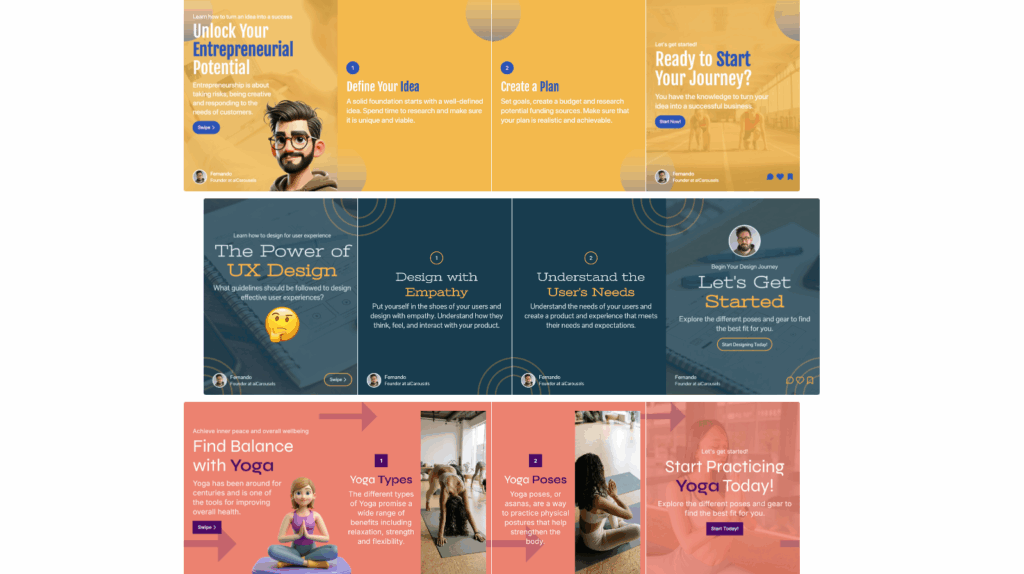
aiCarousels is great for spontaneous posts, like a quick roundup of UFC highlights or cricket stats. It focuses on ease, so you can select multiple posts or edit the order. Interestingly, you can also add captions and hashtags.
If you ask me, aiCarousels has one of the simplest interfaces and is the easiest among all the apps and tools in this list.
PostNitro
PostNitro has the needed nitro boost to up your Instagram game. All you need to do is give it a topic and upload your assets like logos, fonts, or colors, and the AI builds custom carousels for Instagram.
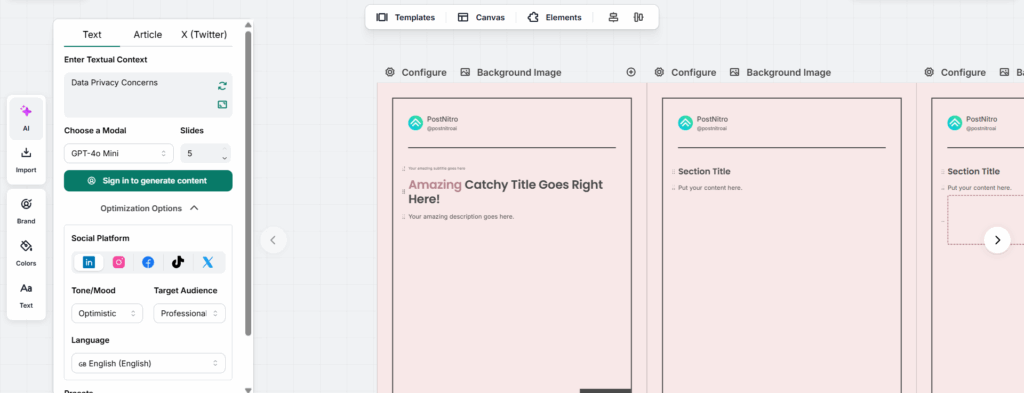
Additionally, the intuitive editor lets you tweak layouts, images, and text, so no expertise is required.
Interestingly, this Instagram carousel tool is perfect for scaling. You can generate batches that match your style, perfect for weekly tech threads. Other than that, optimized sizes ensure full-screen pops, driving engagement. Users say it cuts creation time to minutes, elevating feeds without Canva-level fuss. One if its drawbacks is that it is more web-focused, but exports seamlessly to mobile posting.
The thing that is easiest from PostNitro is the detailed interface; even if you are a first-time user, you won’t be confused.
PanoSlice – Android App
At the end of the day, if you prefer to create carousels on your smartphone, your search for the best Instagram carousel app ends with PanoSlice. This cool Android app for Instagram content lets you create panoramas. At the same time, it slices photos into 10-slide carousels with storytelling templates.
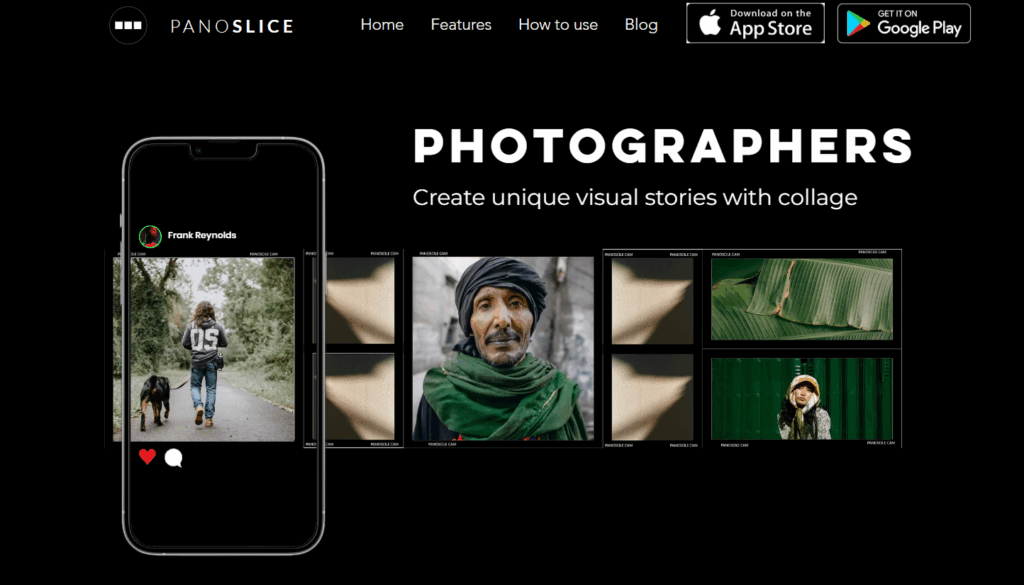
PanoSlice app is free to use, but some features are locked away behind a paywall.
SCRL
SCRL is a lightweight panorama splitter for Insta collages. Here, you can start with ready-made templates or create your own from scratch. It supports photos, text, and graphics, and as such, comes in handy when you are posting a travel story, a product showcase, or your creative work.
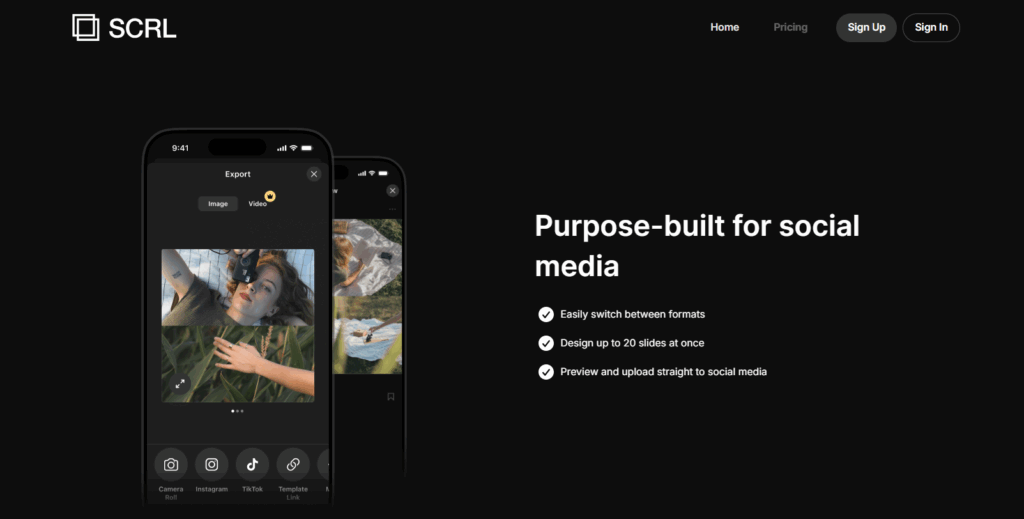
SCRL also includes simple drag-and-drop tools and a built-in layout grid. As a result, it is a good option for content creators, photographers, and small businesses without needing graphic design skills
How They Help in Engagement
These were some of the best apps to create Instagram carousels, and as is the case every time, each app has its own importance and benefits. ContentDrips and PostNitro lead with AI-powered power, thus saving you time and energy. On the other hand, Canva offers unmatched flexibility for custom seamless effects. aiCarousels is popular for instant and free previews.
Instagram Carousels: FAQs
What are Instagram carousel posts?
Instagram carousel posts let you share up to 20 photos or videos in a single post that users swipe through like a slideshow.
Which are the best apps to create Instagram carousels?
Canva and aiCarousels are two good apps. Canva has a lot of templates, and aiCarousel is free and easy to use.
Which app is best for beginners to create Instagram carousels?
For beginners, aiCarousel is an easy and effective app.