Brief Overview
- Apple is simplifying AirPods controls inside iOS, iPadOS, and macOS.
- No additional app.
- Touch controls will stay simple.
Apple is overhauling how you manage AirPods controls. After years of user complaints about settings buried across Bluetooth, Accessibility, and Control Centre, the company is reportedly rebuilding the AirPods settings panel from the ground up. The changes are expected to roll out with the next-gen iOS upgrade, which is expected to land in iOS 27, iPadOS 27, and macOS 27 later this year.
It will focus on a cleaner, more organized settings layout rather than a separate AirPods app. Let us take a look at how Apple simplifies AirPods controls.
Why Are AirPods Controls So Hard to Find Right Now?
AirPods have accumulated over half a dozen feature layers since the original model launched in 2016. Features such as Active Noise Cancellation and Transparency Mode rub shoulders with Adaptive Audio and Spatial Audio. Not to mention the customizable press-and-hold gestures. The only issue is that all of these cool features are spread across Settings, Bluetooth, Accessibility, and Control Centre.
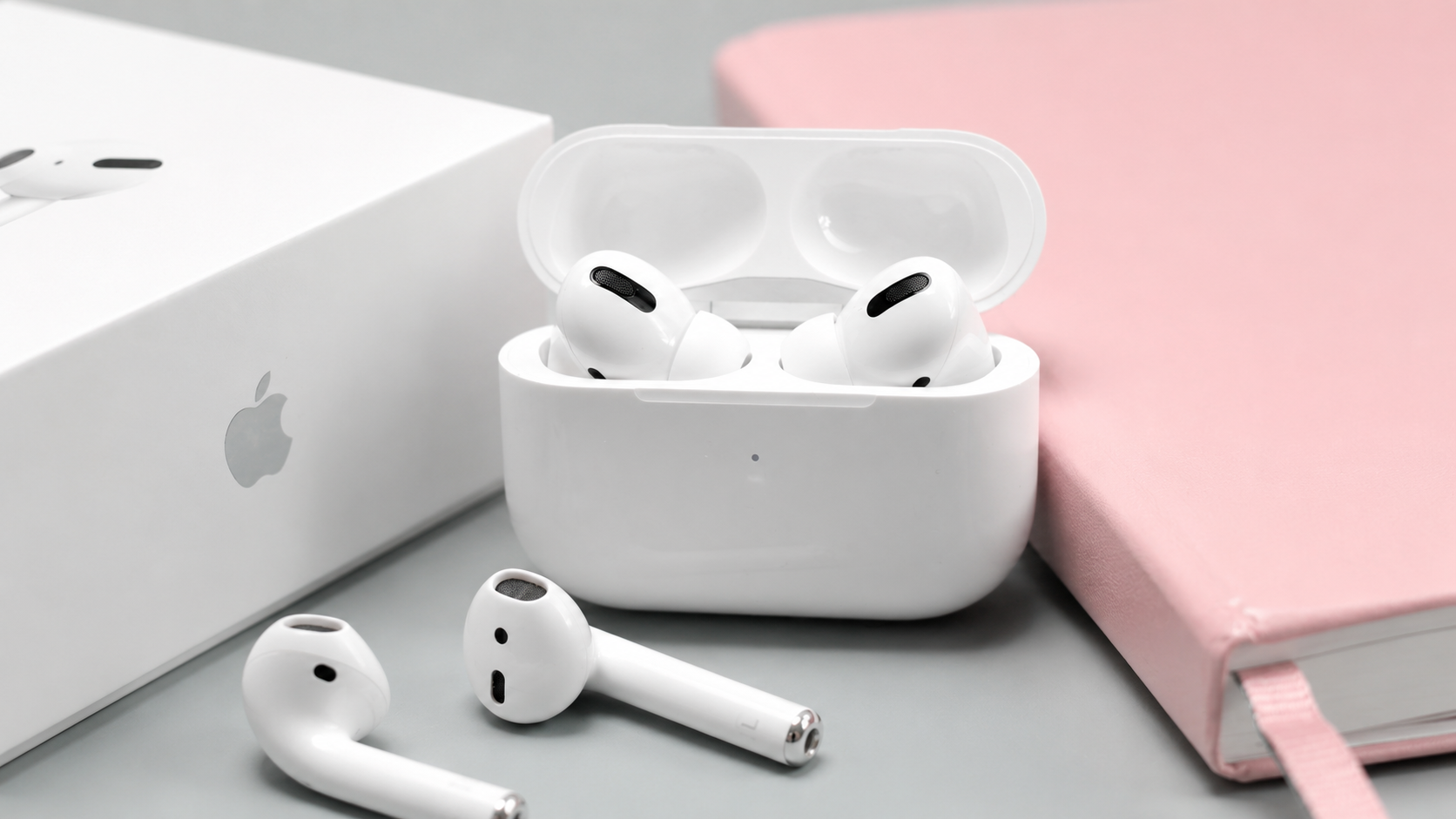
With the settings UI barely able to keep up, these can be confusing for casual users who just want to tweak volume, switch modes, or reassign a tap.
Apple’s own support forums and Reddit communities like r/airpods have surfaced this frustration repeatedly. The redesign is a direct response to that feedback.
How Will Apple Simplify AirPods Controls in iOS 27?
Reports and leaks suggest that Apple is re-architecting the AirPods settings interface with a cleaner information hierarchy and visual feature grouping. These will be within a single, modular screen rather than a standalone app.
Other than that, there may also be clearer visual feedback for things like which AirPod is assigned to which action, and how noise‑cancellation levels behave in different environments.
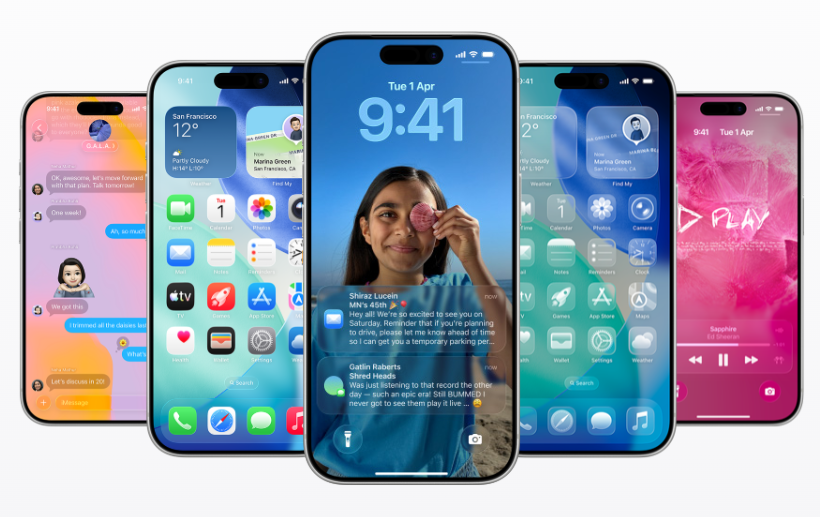
Apple is not building a separate AirPods app. Instead, everything syncs within the existing Settings.
What New AirPods Features Are Coming Beyond the UI Redesign?
The settings overhaul isn’t the only AirPods update expected in 2026. Separate reports point to upcoming software features such as studio-quality voice recording, using AirPods as a camera remote, and auto-pausing when you fall asleep, among others.
Though Apple has not officially confirmed the exact timeline or all features, multiple reports point to iOS 27 making its debut at WWDC 2026 in June for a developer preview. We can then expect the public beta in July and a full release in September 2026.
If we look at the long‑term vision, this redesign could also make it easier for Apple to introduce future AI‑driven features, such as adaptive sound that learns your routines or environment‑aware controls.
FAQs
What new features are coming to AirPods?
Apple is adding studio‑quality recording, using AirPods as a camera remote, auto‑pause when you fall asleep, CarPlay hand‑off, and better audio‑routing options on newer AirPods via software updates.
How do AirPods touch controls work?
On most models, you can tap once to play/pause, double‑tap to skip forward, triple‑tap to skip back, press and hold to switch noise‑cancellation/Transparency, and swipe up/down on the stem to change volume.
Will there be a separate AirPods app in iOS 27?
No. Apple is integrating the redesigned controls into the existing Settings app as a unified modular panel.
How do AirPods touch controls work?
On most current models: single press to play/pause, double press to skip forward, triple press to skip back, press-and-hold to toggle ANC/Transparency, and stem swipe to adjust volume.