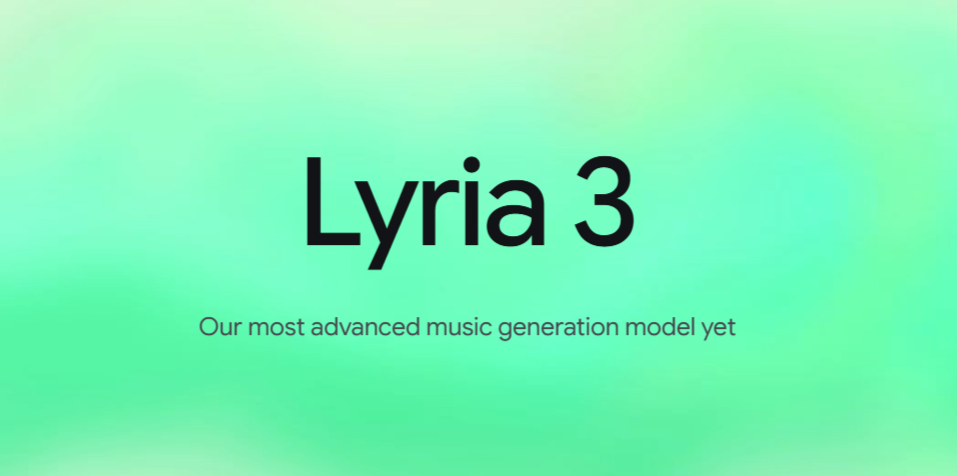
After successfully launching Nano Banana Pro for image creation and Veo 3.1 for AI video creation, Google has yet again surprised everyone with yet another AI tool known as Lyria 3.
Lyria 3 is an AI music generation model available via the Gemini app and allows you to turn simple ideas, text prompts, images, or videos into 30-second tracks. And that’s not all. The tracks are with complete vocals, lyrics, and instrumentals.
Google’s Lyria 3 was announced on February 18, 2026.
Also See: Google AI Plus And Its Benefits: Everything You Need To Know
How to Creat Music With Lyria 3
Lyria 3 lets users create custom 30-second music tracks using single prompts in the Gemini app. Just be clear while providing the prompt, and it will provide you with the result you want. It is free for users and is available in languages like English, Hindi, Spanish, and more.
Here are the steps for creating music with Google’s Lyria 3.
Step 1: Firstly, open the Gemini app at gemini.google.com and look for the Video or Create Music button in the prompt bar.
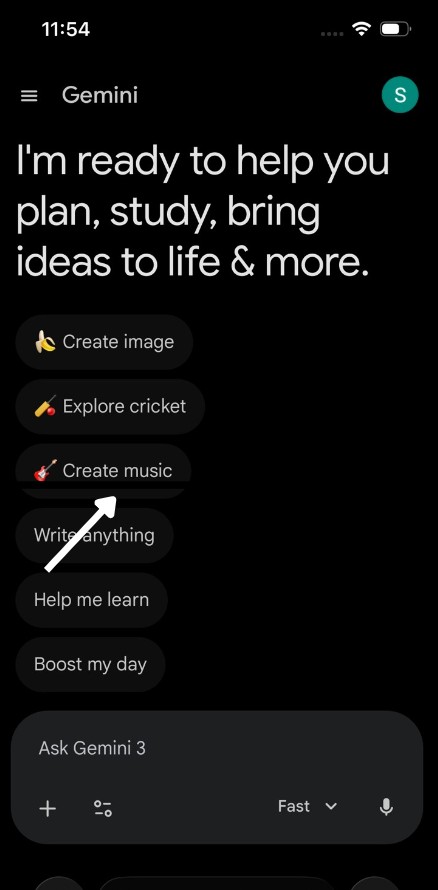
Step 2: Now, type a descriptive prompt about what you want and add details about the genre and mood.
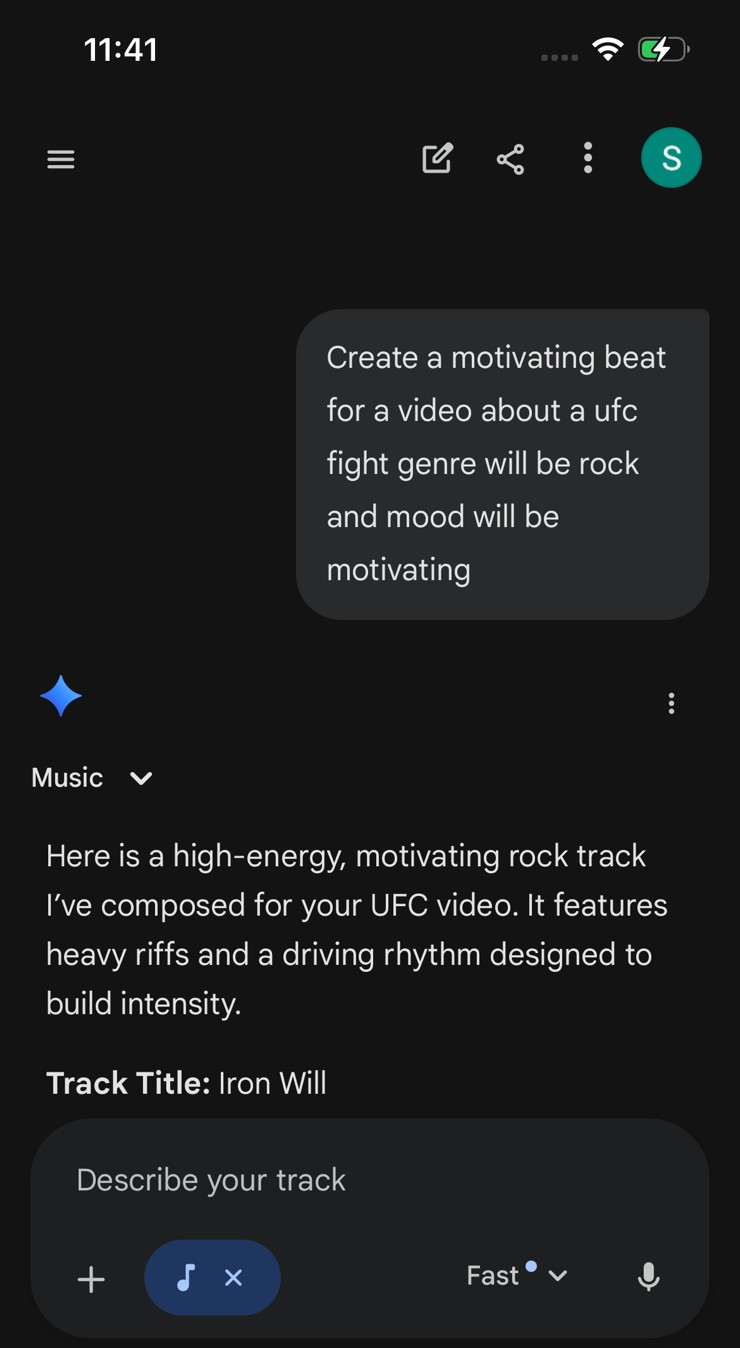
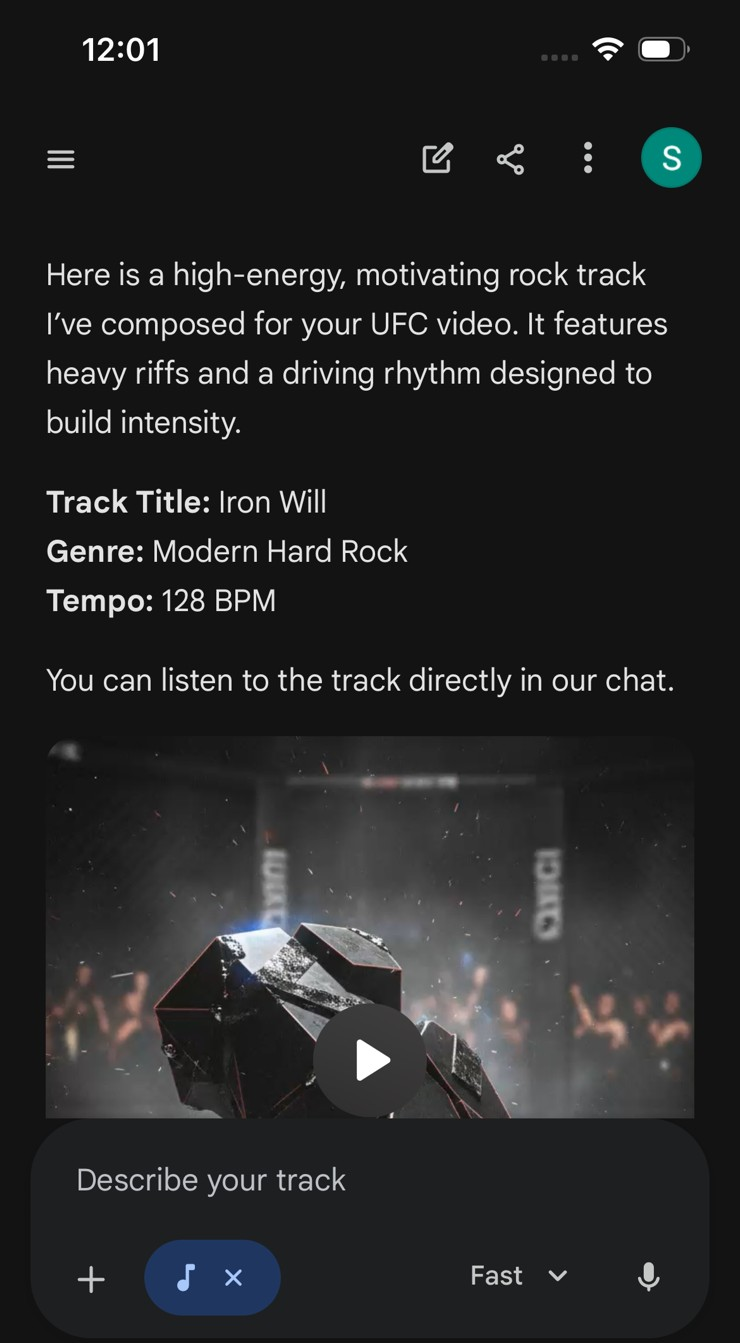
You can also upload a photo or short video to add to the song and accompany it with a matching prompt. For instance, “Create a track about my dog sitting and wearing headphones.”
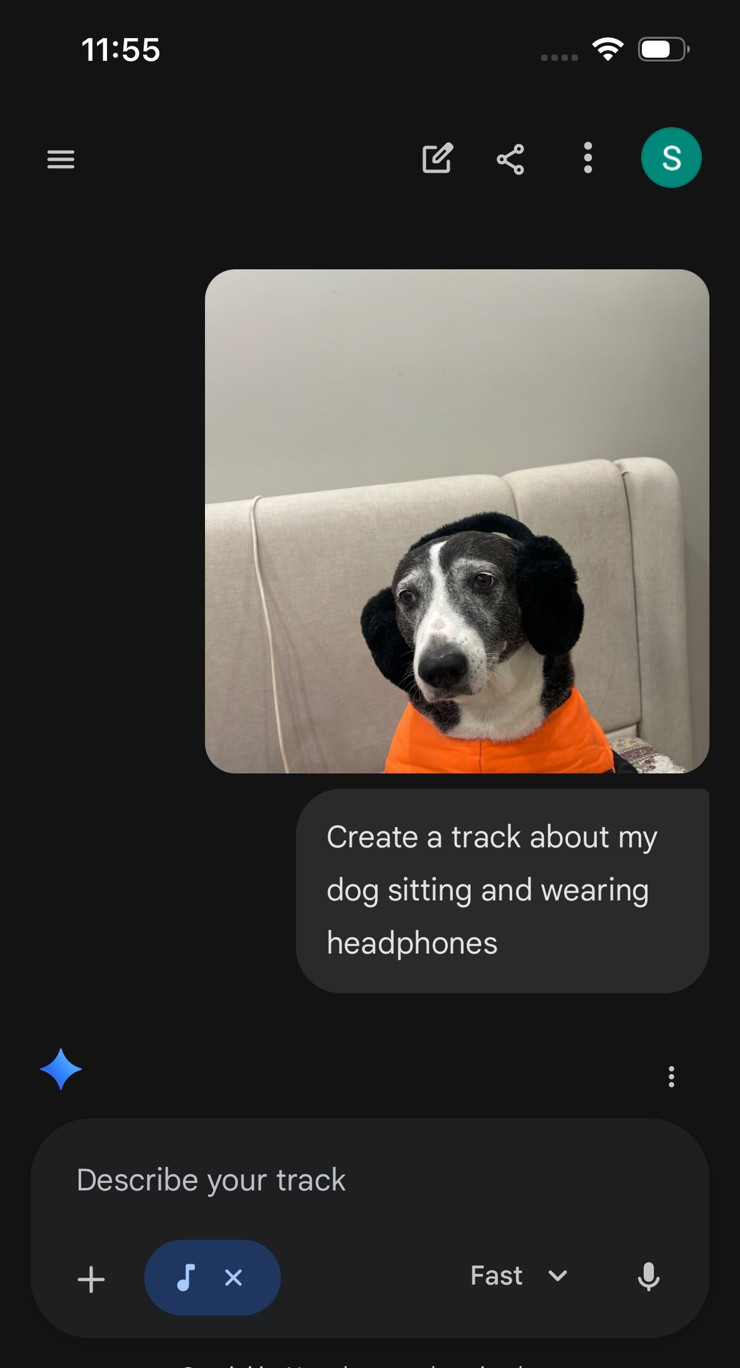
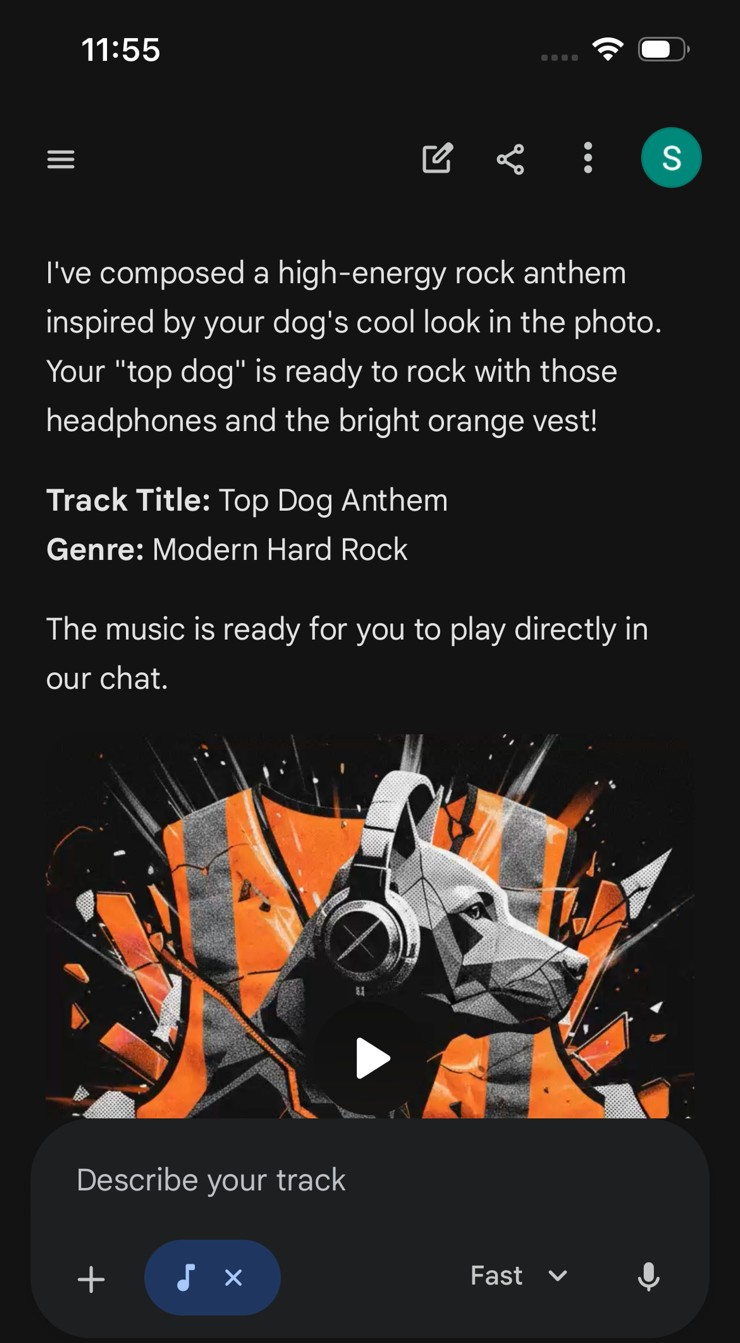
The AI then analyzes visuals for mood and crafts fitting lyrics/music. Now, Gemini Lyria 3 will auto-generate lyrics and instrumentals.
Step 3: All you need to do is hit the Generate button and get a track with custom cover art in seconds. In our test, we used this prompt, “Create a motivating beat for a video about a UFC fight“.
Step 4: You can also refine your tracks and tweak your prompts mid-generation, and you can add a prompt to adjust styles, vocals, or tempo with ease.
For example, you could say, “add harmonica, make it afrobeat”. While tracks remain 30 seconds long but the tracks loop seamlessly. The idea is to regenerate and extend your ideas until it sounds just right.
Step 5: Once the track is up to your taste, you can download an MP3 with a SynthID watermark for AI detection or share via link for social media.
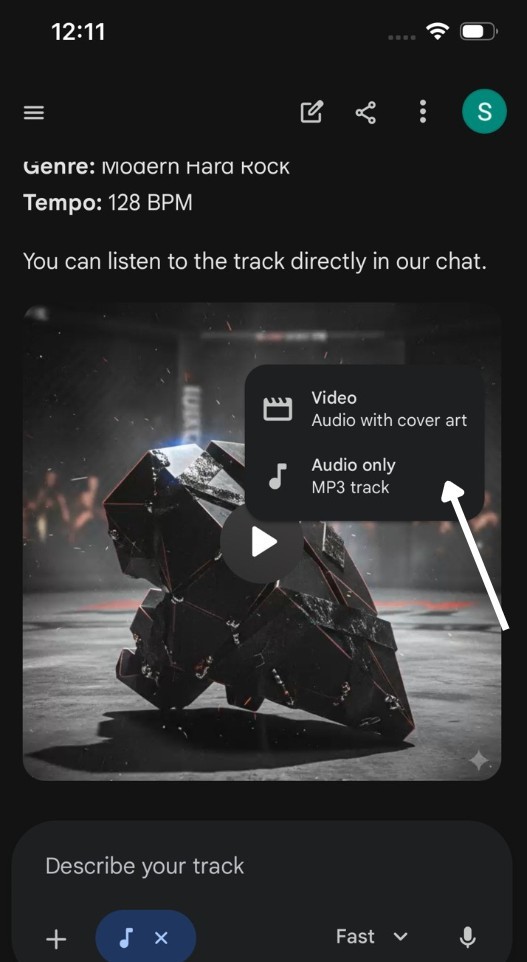
For safety purposes, Lyria 3 filters harmful content, uses data labeling to avoid bad lyrics, and watermarks all outputs with SynthID for AI detection.
These built-in privacy features help ensure safer content generation, thus addressing many of the concerns raised by the music industry.
Best Prompts for Creating Music With Google Gemini
Some of the prompts that can be used for creating music with Google Gemini are as,
1. Generate a 30-second cinematic instrumental with soft piano, rising strings, and subtle percussion. Build emotional tension and end on a smooth loop.
2. Create a 30-second lo-fi chillhop track with mellow beats, warm bass, and light vinyl crackle. Keep it relaxing and perfect for YouTube Shorts background music.
3. Create a 30-second tropical instrumental with light steel drums, soft percussion, and breezy guitar. Make it feel sunny, relaxing, and perfect for beach travel reels. Ensure it loops smoothly.
Also See: YouTube Music Lets You Create AI Playlists: Here’s How
Availability and Future
As AI music keeps evolving, Lyria 3 makes music creation more accessible than ever. You no longer need a full studio to turn an idea into a polished track, giving anyone the freedom to experiment and create.
For content creators, it is a game-changer. These loop-ready 30-second tracks are perfect for Instagram Reels and YouTube Shorts, helping you stand out with original sound instead of recycled audio.
Google Lyria 3: FAQs
How does Google Gemini generate music?
Google Gemini generates music using smart AI models that understand patterns in sound, rhythm, melody, and song structure.
Is Google Gemini free for music creation?
Yes, it is free for the users.