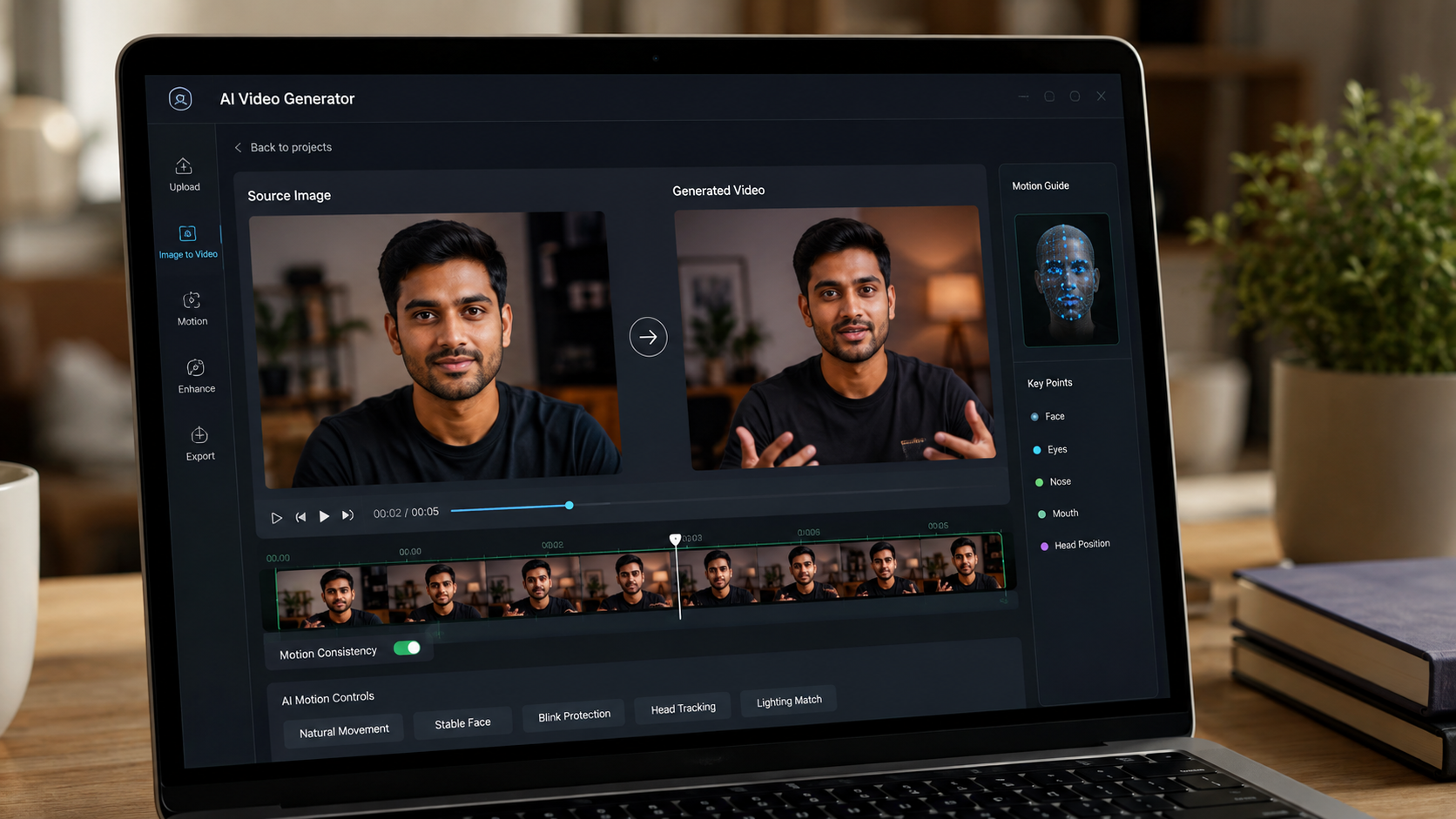
One of the most common issues with creating AI videos is that these tools change the faces. Most of the time, AI tools recreate or modify facial features too much, which actually makes the person look different from the original image. If you are also experiencing the same issue, worry not. I have some nifty workarounds for you. In this post, we will explore how to recreate AI videos without recreating or altering your face.
The trick is to use clear and simple prompts. So let’s get started.
See Also: 6 Best Tools to Make AI Videos
What Does Recreating Face in AI Videos Mean?
Recreating a face means that AI can redesign or edit your facial features. This includes changing the eye shape and color, changing the skin tone or face shape, tweaking expressions, or smoothing the skin texture. Naturally, playing around with these elements ends up making you look like a different person.
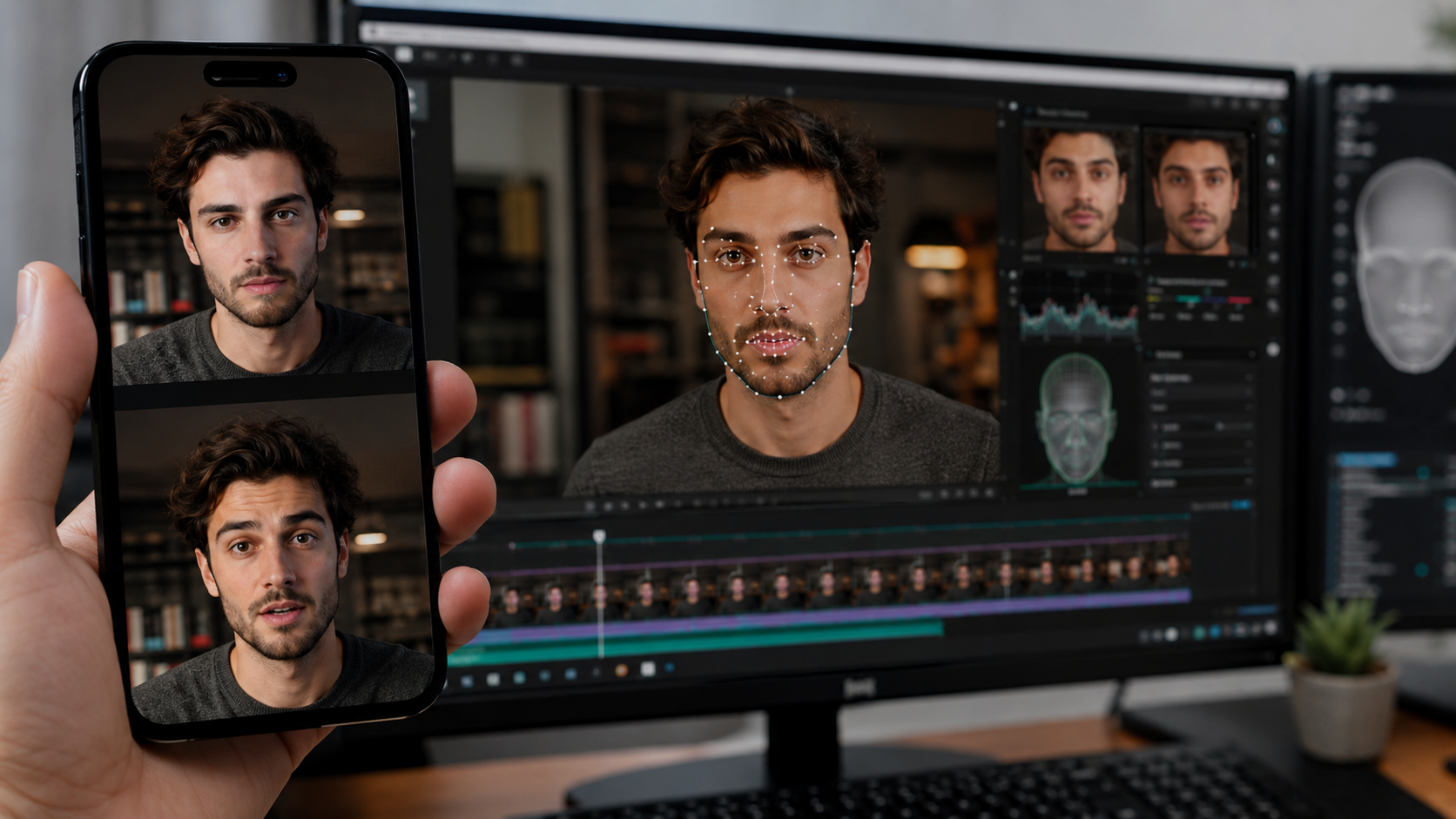
And what we want AI to do is to maintain the same face, same identity, no beautification or changes, just a natural video version of the original image.
Why Is Gemini Good for This?
Gemini works effectively and efficiently with an image-to-video style, especially when it comes to keeping faces unchanged in AI videos/photos. When you guide it and give clear prompts, it can easily animate a still image while keeping the face realistic by providing clear instructions in your prompt, thus resulting in a realistic AI video generation.
The Most Important Rule: Be Very Clear in Your Prompt
The most important part of creating AI videos without face alteration is writing a clear prompt. You must directly tell Gemini that the face should remain the same as the original image. This includes instructing the AI not to beautify, modify, enhance, or recreate facial features.

When these instructions are clearly mentioned, Gemini understands that realism and accuracy are more important than visual enhancement.
Sample Prompt You Can Use for Realistic AI Video Generation
You can use this simple and effective prompt:
“Create a short, realistic video using the uploaded image. Animate only natural head movements and expressions. Keep the face the same as the original image. Do not recreate, modify, beautify, or change facial features. The face must remain real, unchanged, and identical to the image. Only add natural motion and lighting.”
The idea is to add to the prompt — The face must remain real and unchanged, and this tells Gemini what not to do and what to do.
Final Thoughts
Creating AI videos without face alteration in Gemini is all about prompt clarity. As long as you clearly state that the face must stay real, unchanged, and identical to the image, Gemini will follow your instructions. Always remember that AI does exactly what you ask, so ask clearly.