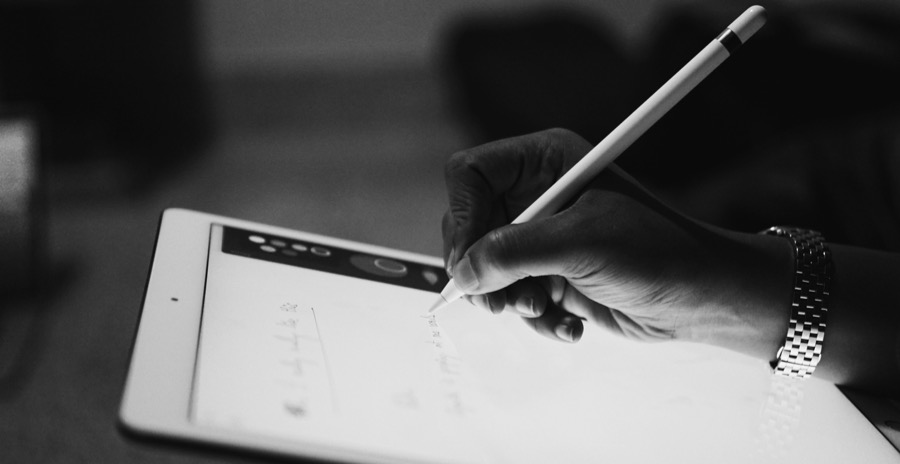
There are times when an idea suddenly pops into your mind, and you feel like you need to jot it down. This is where the note-taking apps on your iPhone and iPad come into the picture to your rescue and help you jot down the idea. In fact, these apps do much more than just scribbling — they help you stay organized, creative, and keep your day running smoothly.
On that note, here are some of the best iOS Apps for note-taking in 2025.
Read More: Best iOS Apps for Productivity
Apple Notes
Let’s start with the default – Apple Notes. Built into your iPhone or iPad, this one is a trusty buddy who is always there without making a fuss. Recently, it has gotten a nice glow-up with the Liquid Glass look, so we can say it is helpful and the interface is pretty to use.
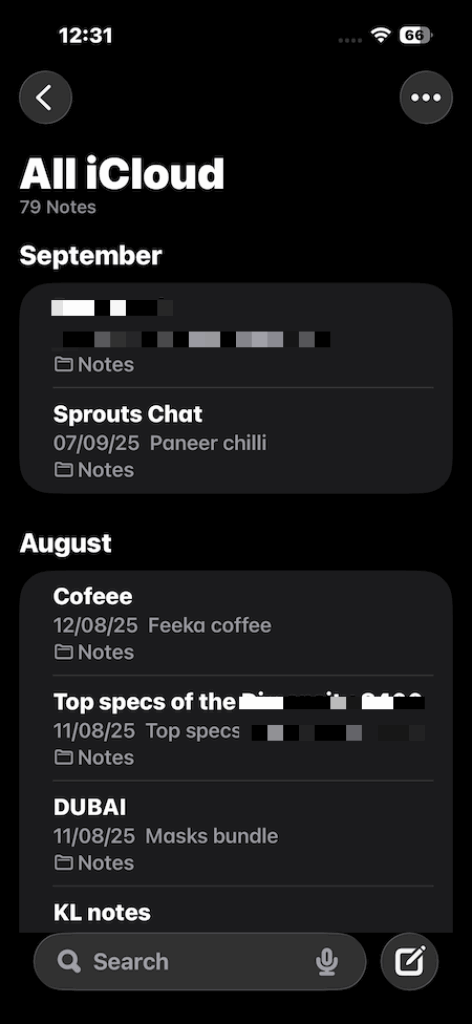
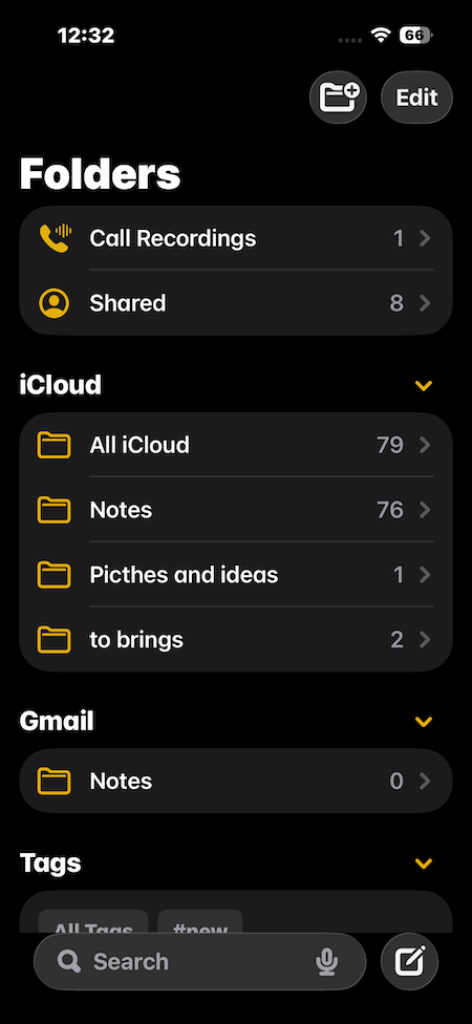
What makes this app stand out is how effortlessly it syncs across all your Apple devices. Dropping a photo, scribbling a quick checklist, or scanning a PDF, all of this done in the blink of an eye. The Notes app is safe, and with the Apple AI magic, it helps in keeping the notes private and feels safe to use.
Notion
Notion is an app for users who want way more than just notes. This app helps in managing projects, to-dos, and databases. It is like an all-in-one toolkit that is powerful, flexible, and lets you create your own digital headquarters in just an app.
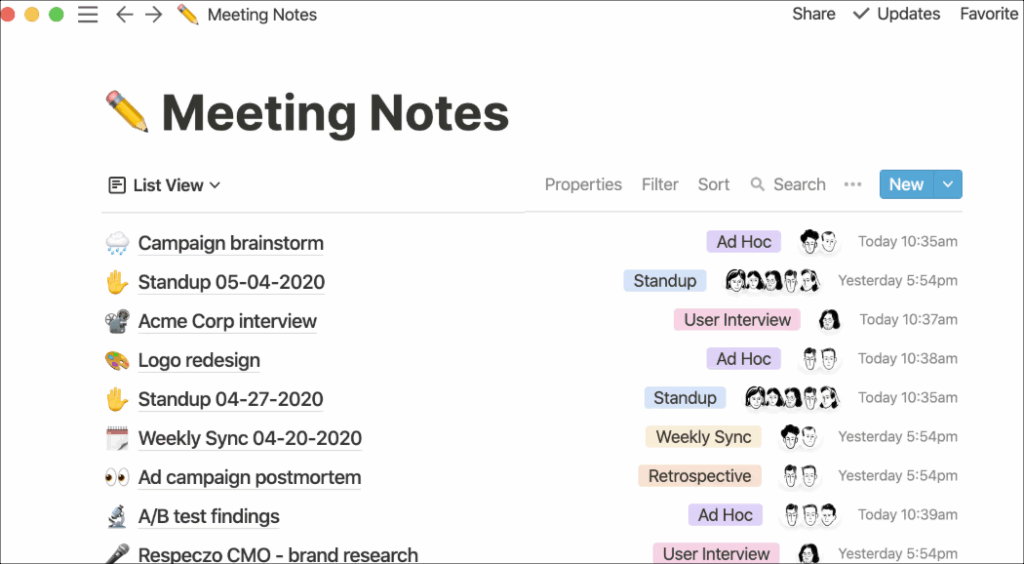
The AI feature in 2025 helps in summarizing stuff or organizing information, and makes it easy for users. This app is perfect for sharing, real-time edits, and commenting, which is the best way to keep your projects tidy.
GoodNotes 6
If you are still an old-school person who likes to jot down their ideas with the feel of a pen, this app is for you. The GoodNotes app makes digital handwriting a joy for users. It feels like having a notebook with unlimited pages to jot down your ideas or thoughts, all pocketed inside your iPad.
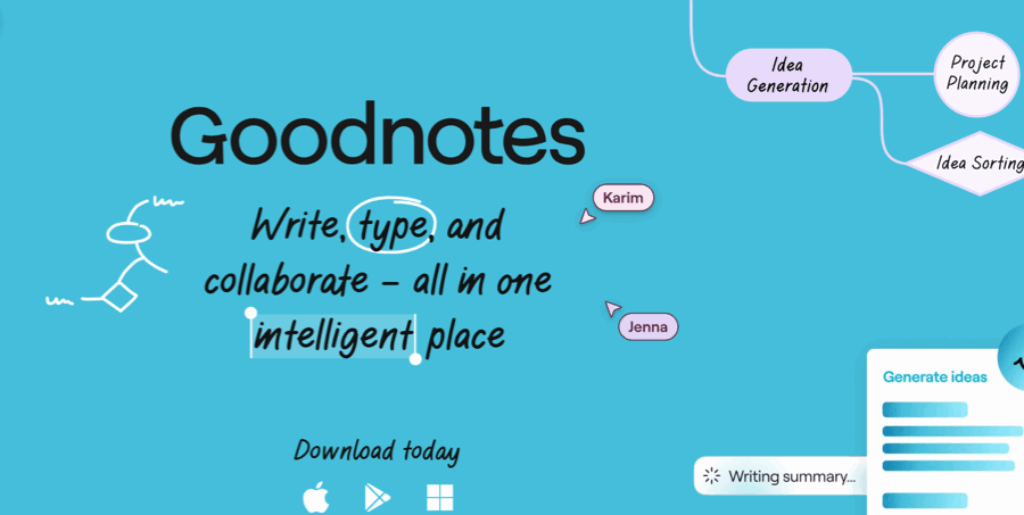
The AI on this app helps in tidying up messy handwriting or summarizing things that I have jotted down. This app allows you to be creative by providing stickers, and at the same time, lets you play around with tons of customizable templates, and allows you to enhance your creativity.
Notability
So this is the most interesting app that needs attention for sure. For instance, if you are attending a lecture or a meeting, the Notability app helps you record it and then transcribes it into words, which you can tap and hear about what was said, that too word for word. Interesting? Right?
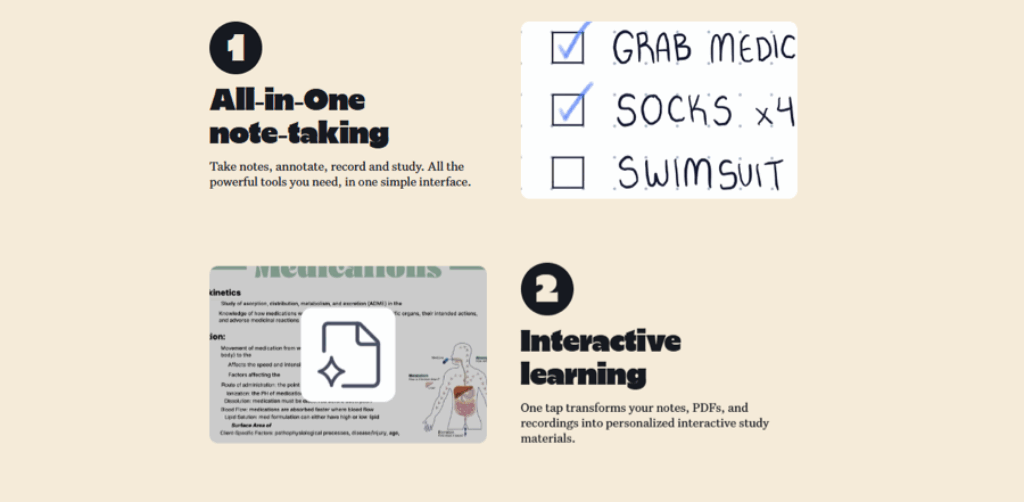
Notability keeps things simple yet effective, like handwriting, typing, and annotating PDFs all work seamlessly. The export options mean sharing your notes is a breeze.
Bear
The Bear app feels like your cozy little writing space. If you love simple, clean designs and using Markdown to format your notes, this app helps you focus on your words without any distractions. It is fast and smooth, perfect for journaling or writing drafts.
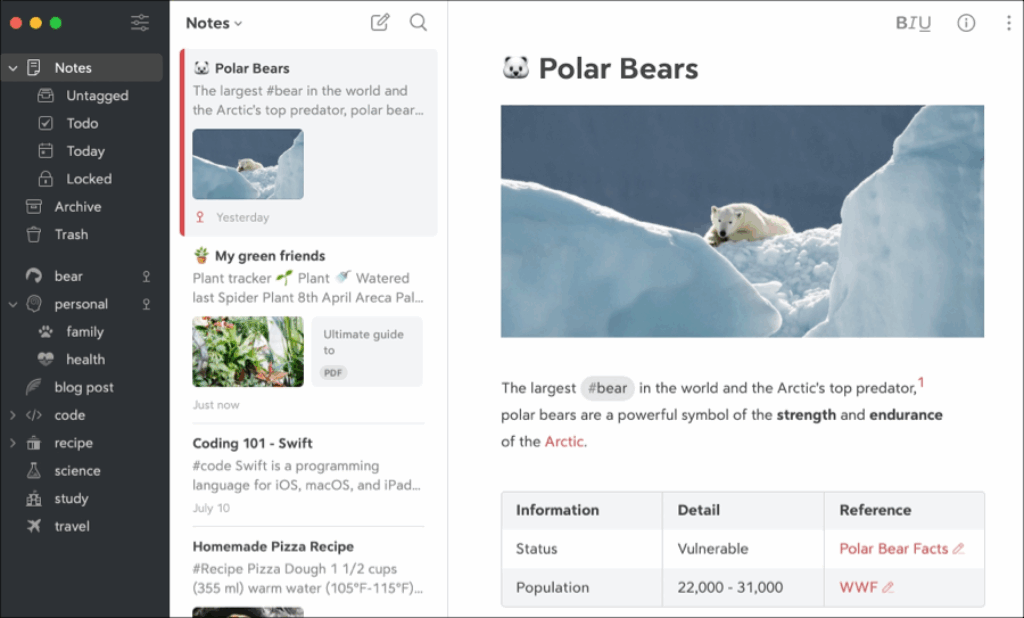
You can use tags to easily organize your thoughts, but Bear is more for writing alone than working with others. The Pro plan offers syncing and extra export options, but you will need to shell out a bit more for them.
Bringing It All Together
These were some of the best iOS apps for note-taking in 2025. It goes without saying that each app has its own strengths and weaknesses. So, it is up to you to find out which one matches your style the most. So, which one will you choose?