Password managers have become essential tools in today’s digital world. With dozens of logins across applications and websites, relying on memory (or worse, reusing the same password repeatedly) is a sure recipe for disaster. Over the years, I have tried several popular password managers, and for the longest time, Dashlane was my trusted aide for managing passwords. It was reliable and intuitive, which made the task surprisingly seamless.
But recently, I decided to switch to Proton Pass. There were a few reasons behind it, which I will get into below. In this post, I want to share why Dashlane stopped working for me and how Proton Pass ended up becoming my go-to choice.
The Cost Problem with Dashlane
Dashlane has always positioned itself as a premium password manager, and for good reason. Its clean interface, helpful dashboards, ease of use, and, most importantly, reliability make it one of the most beginner-friendly options out there. But all that polish comes at a cost.
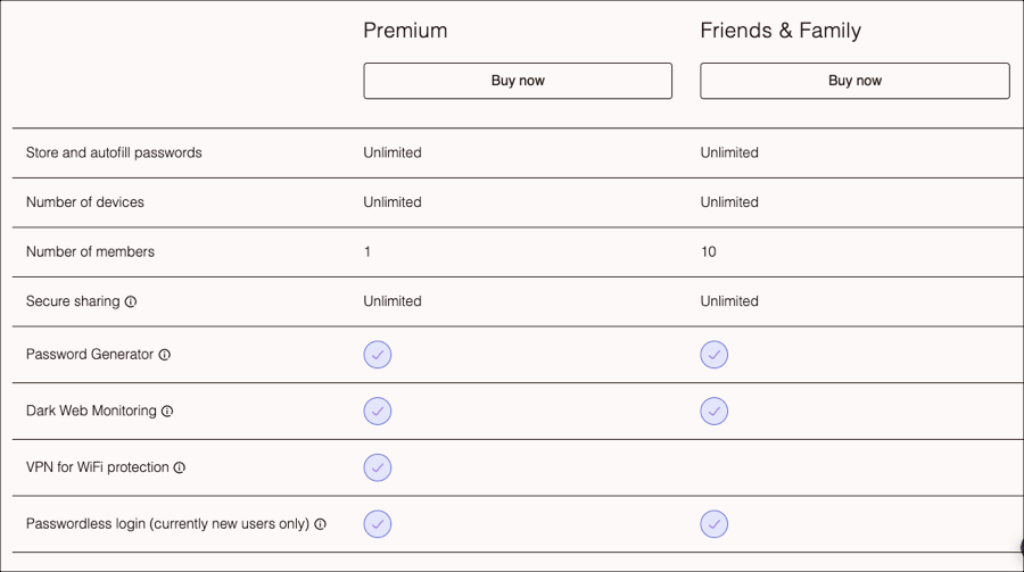
Dashlane Premium, which is now the only way to use it fully, costs around ₹5,900 on the App Store in India. And if you ask me, that is almost the price of a decent smartphone accessory or even a budget phone. Sure, the convenience and security it offers are top-notch. But I still feel that is a steep price to pay.
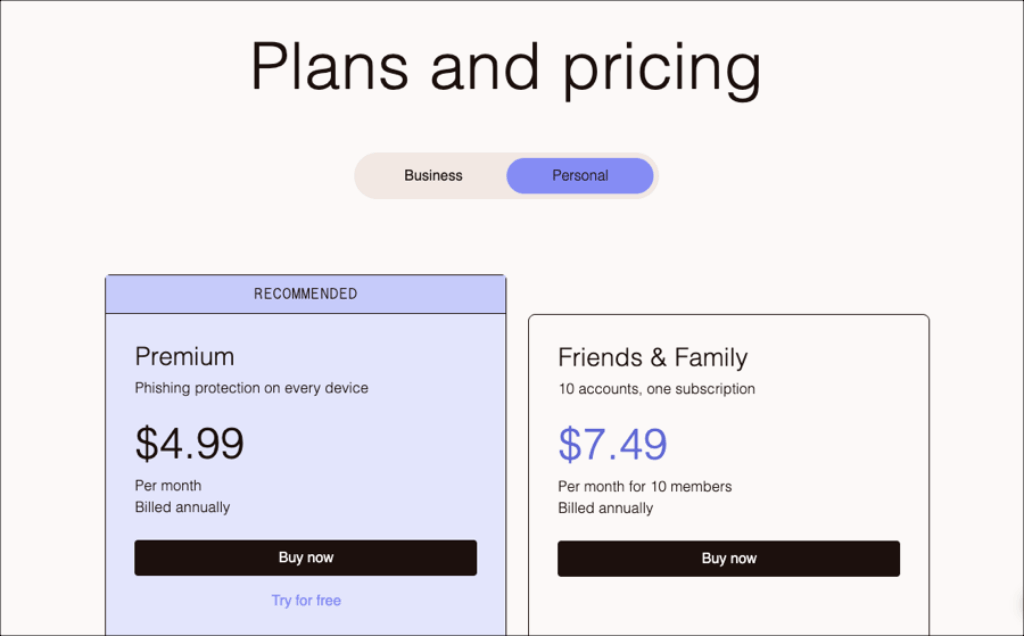
And the thing that really pushed me away was how Dashlane quietly ended monthly billing, thus forcing users like me into annual subscriptions. What started with an INR 499 per year thing slowly and steadily crept up to close to INR 6,000 per year, rendering it almost unaffordable. In fact, last to last month, I got an offer of 60% off on Dashlane. While it was tempting, I figured, the price was still high and it was time I shifted to a new password manager.
Testing the Alternatives
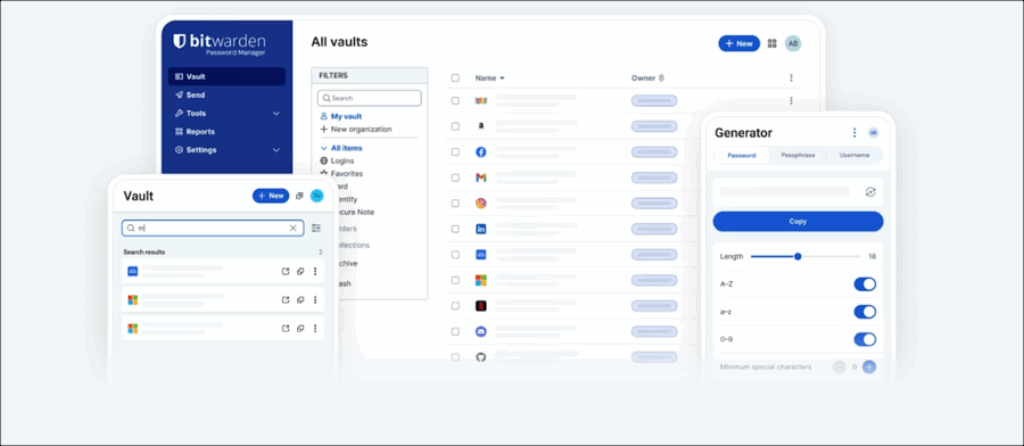
One of the first password managers I tested was Bitwarden, mainly because it is free, open-source, and offers cross-device sync. On paper, it seemed like a perfect fit. But in practice, I found the experience a tad frustrating. The interface felt dated and not as polished as I would have liked. Plus, features like sharing and integrated 2FA were locked behind a paywall.
The next password manager I tried was LastPass. While it did answer a few of my questions, I couldn’t trust it enough to trust it with my passwords. For those unaware, LastPass had suffered a massive data breach way back in 2022, which led to user information being compromised.
Why Proton Pass is Different
Proton Pass is one of the newer players in the space, and comes from the same house that gave us Proton Mail and Proton VPN.
The latter is especially a favorite among many primarily because of its privacy and security features and free plan, and the following features.
1. A Truly Free Plan
Unlike Dashlane, Proton Pass offers a generous free tier with unlimited passwords, unlimited devices, and autofill. I also really like the 10 free “Hide My Email” aliases, which let me mask my real email address when signing up for services.
2. Bloat-free Features
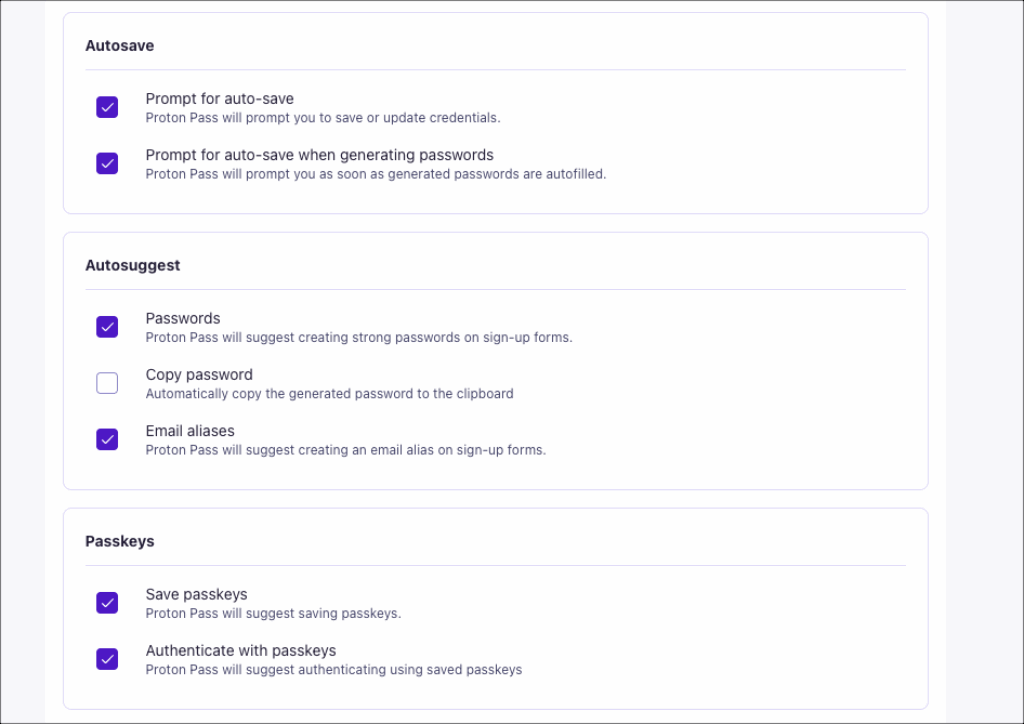
At the same time, Proton Pass covers the most essentials, such as Cross-device sync and Password and vault sharing. However, they are not the only features. Proton Pass also packs in,
- Unlimited logins with autofill
- Two-factor authentication support
- Password health checks (for weak or reused passwords)
It has also added support for passkeys, a step toward a passwordless future. For everyday use, the app is reliable and responsive across desktop and mobile. It may not have Dashlane’s extra bells and whistles, such as dark web monitoring or detailed security reports, but I did not feel like I lost anything important.
3. Easy Migration
The thought of migrating hundreds of logins can be daunting, and to be honest, this task had actually stopped me from migrating earlier. Thankfully, Proton Pass has a straightforward import tool, and I was able to export my passwords and start using them almost immediately. In short, there were no hiccups.
It goes without saying that Proton Pass’s free plan is generous. That said, this password manager also bundles quite a few extra (and interesting) features into its paid plans, such as unlimited aliases, integrated 2FA, and secure vaults.
4. Security
Plus, Proton Pass is end-to-end encrypted and open-source. Your data stays fully protected. Since the code is public, security experts can check it for vulnerabilities. It feels safer and more trustworthy because of that.
Final Thoughts
Dashlane will always be one of the more polished password managers. For some, the slick interface might justify the high price. But for me, the cost became too much, and it was the reason I switched to a different password manager.
For anyone frustrated with Dashlane’s pricing or looking for a reliable alternative, Proton Pass is worth checking out. It is free, secure, and easy to use. In that, it really hits the sweet spot.