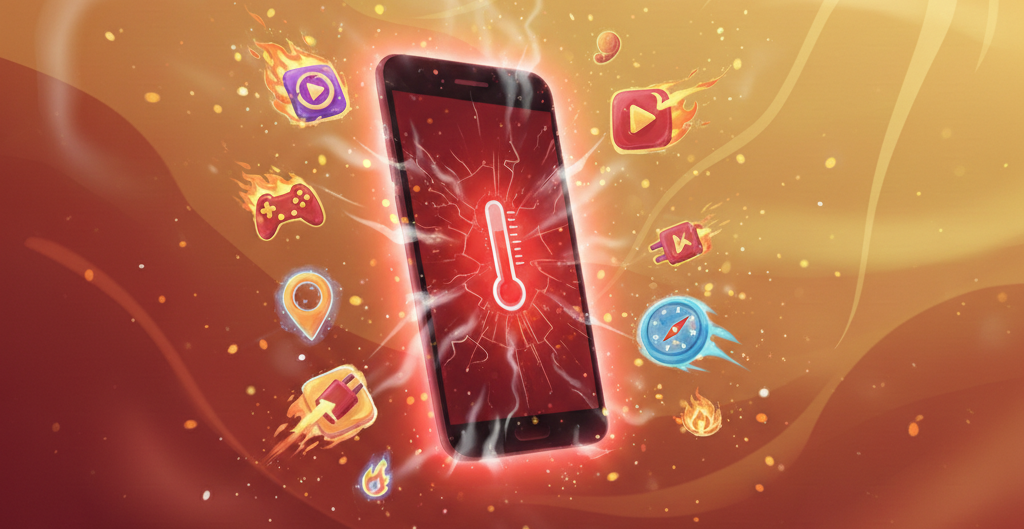
Ever noticed your Android phone overheating more than usual? It happens to all of us. A slight increase in temperature is normal, especially when you are gaming, streaming, charging, or capturing high-res videos. But if your phone is constantly heating up, it’s time you paid a little attention. Frequent smartphone overheating can negatively impact battery health and can hamper overall performance as well as shorten the device’s lifespan.
So if your Android phone is overheating all the time, here’s why it must be happening.
Also See: 5 Signs Your WhatsApp Might Be Hacked (2026)
Heavy Apps and Gaming
Your phone works overtime when running demanding apps. Games like Call of Duty Mobile and Genshin Impact push both the CPU and GPU to their limits. The CPU handles all the processing, making sure everything runs smoothly, while the GPU takes care of graphics, creating sharp and detailed visuals.

Your Android overheating during gaming is normal, especially if you are using a mid-segment phone. Usually, it should subside in a couple of minutes. But if not, it’s a signal that your phone is struggling to dissipate heat, and this may affect performance or damage the battery in the long run.
Solutions
- Lower the graphics settings in your games if you can.
- If you game often, consider a phone built for gaming with better cooling systems
Charging Related Heat
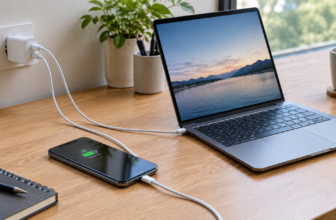
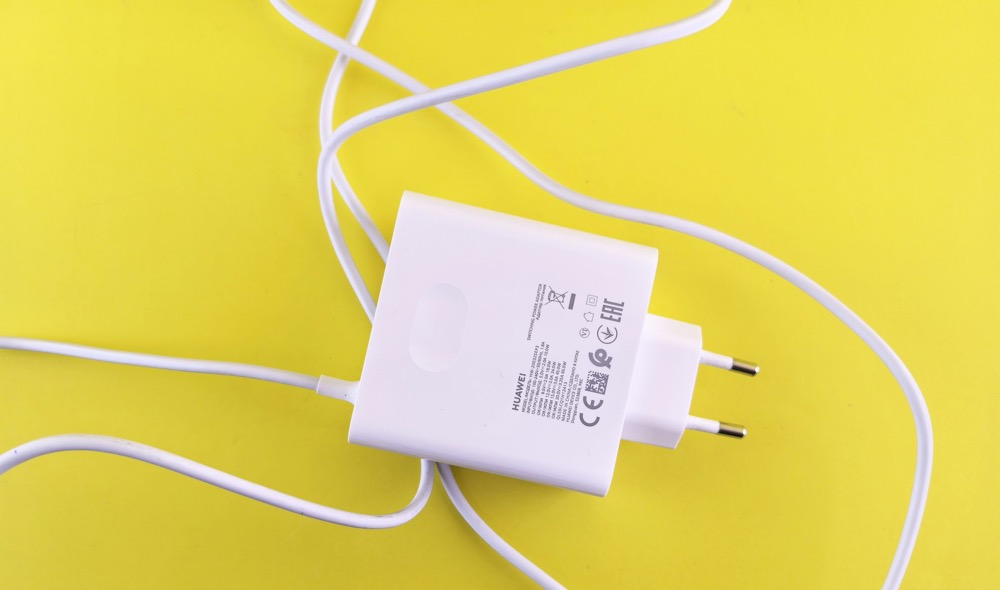
A phone generally heats up when it is being charged. Fast charging pushes too much power in a very short span of time. Another cause of your Android phone overheating is the type of charger you are using. Moreover, cables from unauthorized vendors also raise the risk. Fake chargers and cheap cables heat the device more as they do not keep the voltage steady.
At the same time, using the phone while charging makes it heat as the device has no time to rest.
Solutions
- Use original chargers and cables from trusted brands.
- Avoid using your phone while it is charging.
Background Processes & Bloatware
Many apps run silently in the background, including social media and preinstalled apps (bloatware), even when you are not using them. And at times, they contribute to the heat. That said, it’s not always the case. That said, if you do notice your phone getting hot, do check the background apps.
Solutions
- Free up space on your Android device, look for apps that you do not use.
- Turn off any unnecessary background apps. Plus, disable location for apps that do not require.
Ambient Temperature
While some smartphones feature a vapor cooling mechanism, most everyday phones do not. Therefore, it is important to keep your device cool, and if you use a case, make sure it allows heat to dissipate efficiently.

Generally, Android phones usually warn if the temperature gets too high. Do make it a point to cool the phone down immediately. Move it out of sunlight or ensure that the air around it is cool.
High ambient temperatures and excessive heat from processors may cause the battery to expand. At the same time, if you keep your phone in the sun, its temperature can reach dangerous levels, which may eventually lead to slow performance and battery issues. In the worst-case scenario, it may also cause the battery to swell.
Solution
- Keep the phone out of direct sunlight.
- Do not leave your phone in cars, especially in hot weather.
Navigation & Connectivity Stress
GPS uses a lot of power. When we use hotspots, they share our data with other devices. If the cell signal is weak, our phone has to work harder to stay connected. This is especially true during long drives, as these services often stay on continuously.

Solution
- Load offline maps first. Use hotspot when absolutely necessary.
- Lower screen brightness.
Battery Age and Hardware Limits
Old batteries do not last long because they lose the ability to hold a charge. In summer, this issue worsens, as smartphones tend to trap heat. With already high ambient temperatures, batteries cannot cool down properly, which can cause swelling. And in older phones, batteries generate extra heat with each charge, which makes the problem even more pronounced.
Solution
- When charging or in the summer, get rid of bulky cases.
- Clear the ports of dust.
As Hot as Hades
These were some of the reasons for your Android phone overheating. Following the above tips will not only keep the heat under check but will also protect your phone’s battery and extend its lifespan in the long run.
Android Phone Overheating: FAQs
Why is my Android phone getting hot while charging?
Slight warmth is normal, but if your Android phone heats up excessively during charging, you may need to switch to a certified and new charger.
Can gaming cause my Android phone to overheat?
Yes, high-performance games and apps can cause your Android phone to overheat as they put extra load on the CPU and GPU.
What should I do if my Android phone is overheating constantly?
You can start by switching your phone off, removing the case to ensure proper circulation, and moving it into a cool area.
Does Android send warnings when the phone gets too hot?
Yes, most Android phones display a temperature warning. It is important to cool down the phone immediately to prevent further damage.