Brief Overview
- Online PDF editors lets you edit text, add comments, or convert files on the go.
- Sejda PDF Editor is one of the best online PDF editors.
- iLovePDF is your complete PDF toolkit.
Online PDF editing tools have become essential for anyone who works with documents. Whether you need to sign a form, edit text, add comments, or convert files on the go, these tools make the process remarkably convenient. However, with so many options available, it can be difficult to decide which one fits your workflow the best. That is why we have compiled a list of the best online PDF tools to help you annotate and edit PDFs with ease.
Did you know: Chrome now lets you annotate PDFs on the go?
Smallpdf
If you want a clean and refreshing UI for quick edits without dealing with heavy features, Smallpdf is your answer. The key strength of this online PDF editor is its extremely user-friendly design that keeps processes fast and efficient. So whether you are adding text, signing documents, or making light annotations, you can do it with ease.
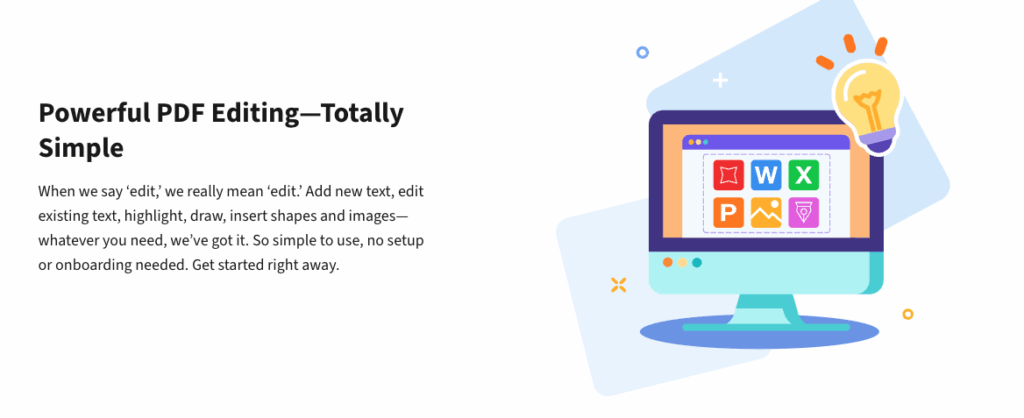
At the same time, you will be able to save or compress the PDF. SmallPDF is a freemium tool, and the advanced tools are accessible through a paid plan. Plus, there are some limitations for free users. On the bright side, you will also find other tools, like converters. And if you have a Microsoft account, you will be able to save the PDF file directly to OneDrive.
2. PDFescape
While PDFescape is not as fast as Smallpdf, it stands out for offering a genuinely free online editor and access to a plethora of tools. Naturally, this makes it an excellent choice for users who need essential tools without installing any software.
The key strength lies in the fact that it allows users to edit, annotate, and fill forms for free while remaining lightweight enough to run smoothly even on older devices.
That said, it has a dated interface and feels less intuitive compared to modern editors. Plus, you can only upload file sizes up to 10 MB. So while you won’t be able to graphics-heavy documents, you can easily do away with editing CVs, resumes, or letters, and the like.
3. Sejda PDF Editor
Sejda is perhaps one of the most popular online PDF tools, and all for the right reasons. One, the UI is polished and modern, and gives the impression of using a complete desktop application. Secondly, it has a vast array of tools that let you go about the PDF editing like a pro.
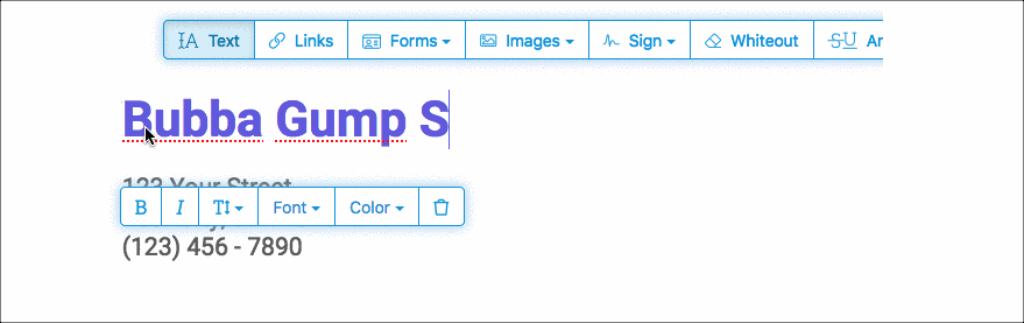
I have been using Sejda for about 6 years now, and I can say that I have rarely found any issues with it. The combination of text editing, annotation tools, and form creation features makes it one of the best online PDF editing tools for casual and professional users.
However, it is not a bed of roses either. Since it is a freemium tool, free users are restricted to only three tasks per day. Plus, if you have particularly large PDF files, the performance can slow down when dealing with large PDFs, and certain advanced font or formatting options remain locked behind the paid version.
4. DocHub
DocHub has become extremely popular among students and remote professionals due to its simplicity and strong collaboration features.
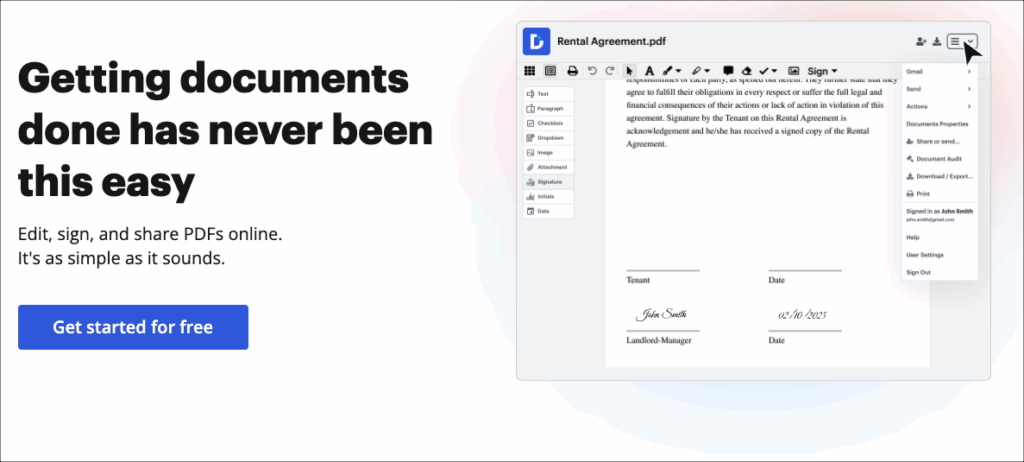
Its biggest strength is its smooth integration with Google Drive, Gmail, and Dropbox, which makes document importing, signing, and sharing very convenient for users who work across multiple platforms.
Its weakness is that the editing tools are fairly basic compared to more advanced editors, which limits its usefulness for complex document modifications. The main limitation is that it struggles with very large PDFs and is not built for heavy or professional-level document editing.
5. iLovePDF
If you want a user-friendly PDF editor, then iLovePDF is your complete PDF toolkit. Unlike the ones above, it lets you connect your Google account and acts as the all-in-one solution for multiple utilities under a single roof.
The major strength of iLovePDF is its broad range of tools that let you switch effortlessly between editing, converting, merging, and compressing. Plus, you can also share and collaborate. That said, the UI is not as fancy as some of its counterparts.
Again, it’s a freemium tool, and as such, you will see restrictions and ads.
Final Thoughts
These were some of the best online PDF editors with unique features and toolsets. If you prefer speed and simplicity, Sejda and iLovePDF offer clean and fast workflows that are often suitable for everyday tasks.